Bloom Image Editor 1.0.773
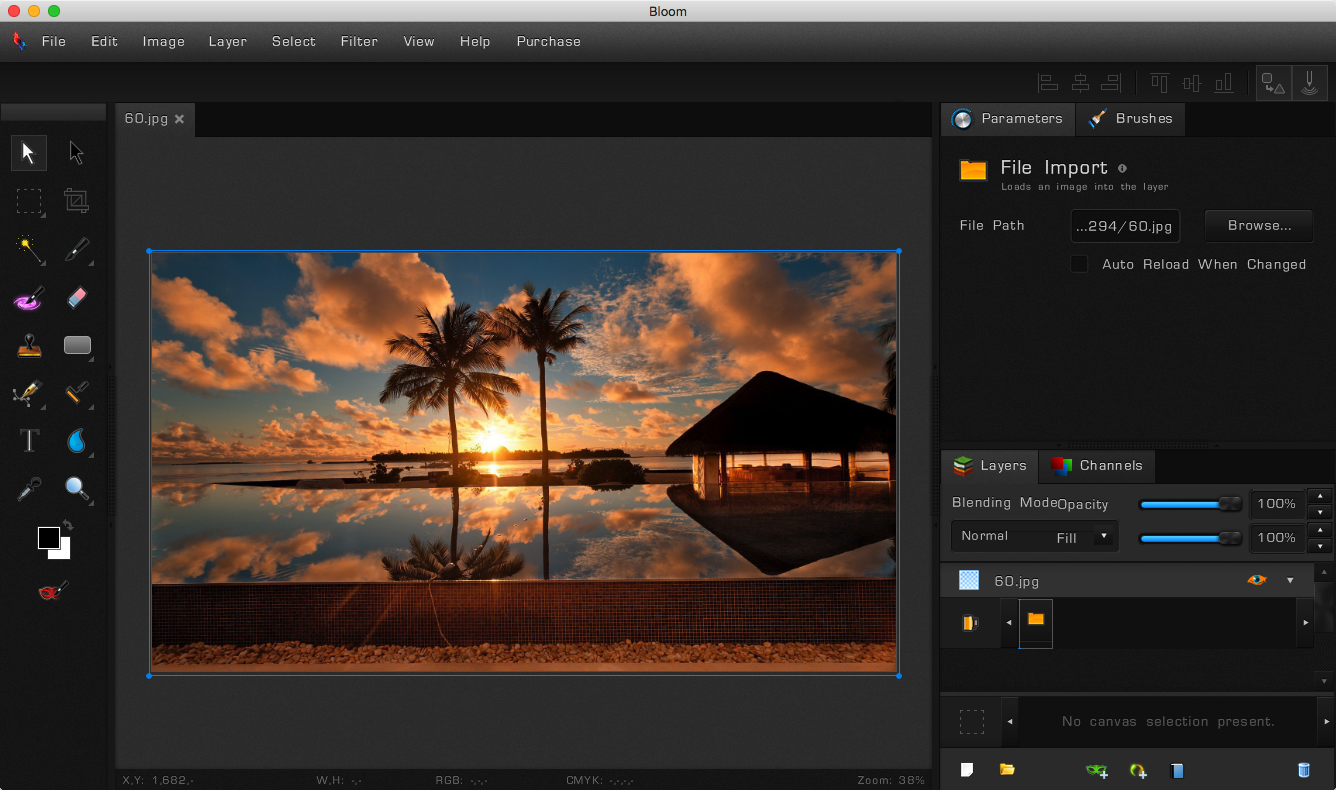
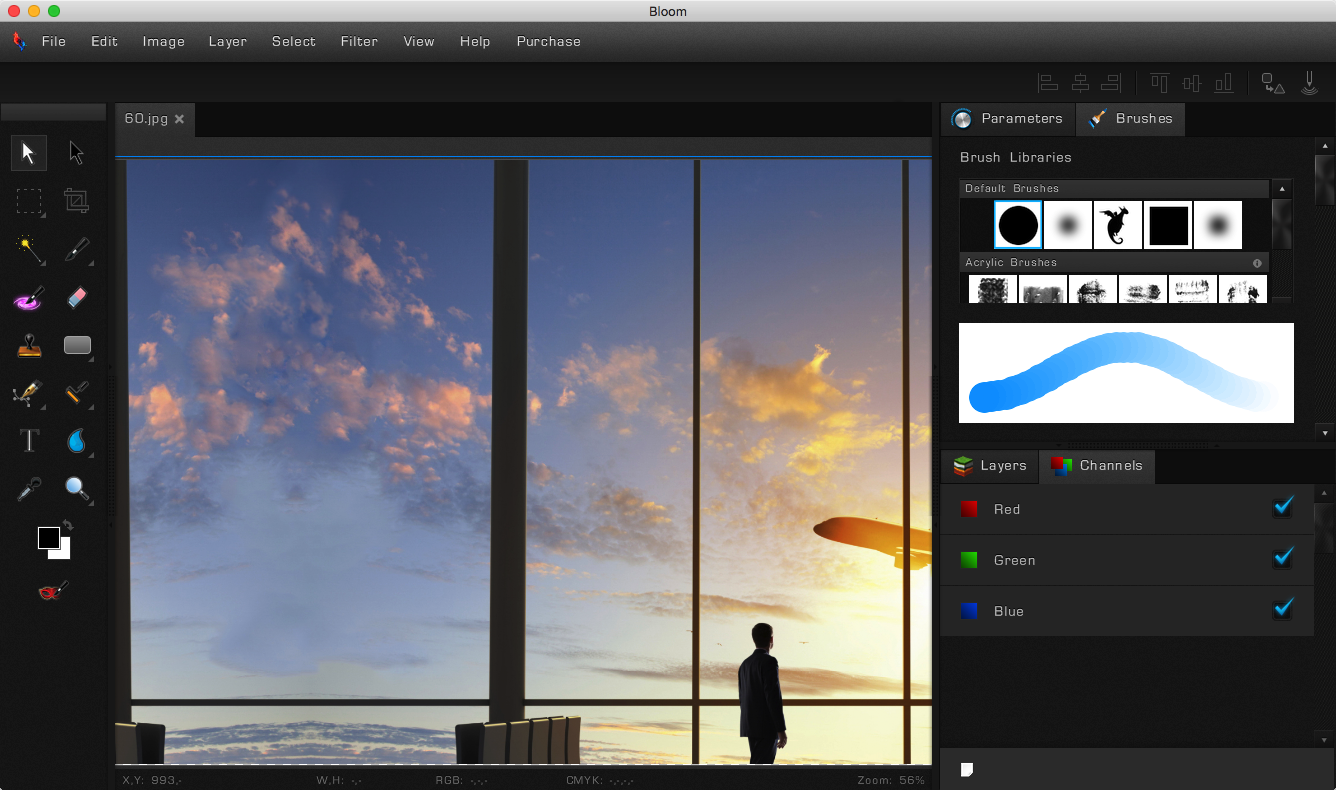
Bloom is a fast, light-weight, cross-platform procedural graphics editor that lets you tweak any action you have ever performed - organized by layer.
Bloom is the first editor to allow true non-destructive editing. Every filter, effect, brush stroke or vector edit you apply is stored separately, and nothing is baked in. This allows you to come back to anything you've done in the past and adjust it - without redoing all of the subsequent work. Even brush strokes are editable after you've drawn them!
Bloom is a purely 16-bit per channel application. Everything, including images, shape colors, masks, and any other color data is stored with 16 bits per channel. This means you never lose precision and color accuracy, allowing for the most vibrant and precise images to be created.
In Bloom, everything is numerically adjustable - all the time, long after the initial effect has been applied. You can tweak and adjust every detail to your heart's delight until your creation is absolutely perfect.
FEATURES
- Completely Non-Destructive Editing Workflow
- Vector Shapes & Editing
- Raster Image Editing
- Universal 16 bits Per Channel Support
- Best-in-Class Adobe Photoshop™ PSD File Importer with Layers, Groups, Masks, and Layer Blending Styles
- Group and Layer Blending Styles
- Optimized for Large Files
- Digital Drawing Tablet Support
- Editable Liquify and Brush Strokes
- Multitude of import and export formats, including all camera RAW files
SCREENSHOTS

Frequently asked questions
How do I install the app?
Mount the image, drag the app into the "Applications" folder and launch it. If the system blocks the launch, allow it in "System Settings → Privacy & Security".
The app is damaged or won't launch
Reinstalling from a fresh image usually helps. Make sure your macOS version matches the one listed in the compatibility specs.
How do I update?
Download the new version from the site and install it over the current one — your settings will be preserved.
The download link doesn't work
Try a mirror or a download manager. For large files the browser often drops the connection.
How do I completely remove the app?
Use an uninstaller utility — it cleans up the service files that remain after moving the app to the trash.
VersionBloom Image Editor 1.0.773
DeveloperSad Cat Software
CompatibilityOS X 10.6.6 or later, 64-bit processor
LanguageEnglish
IncludesSerial
Information
Visitors in the group Guests cannot leave comments on this publication.
Choose a download source
Bloom Image Editor 1.0.773 · 129.24 MB