

Avalanche For Lightroom 1.1.2
Screenshots
Click to enlarge
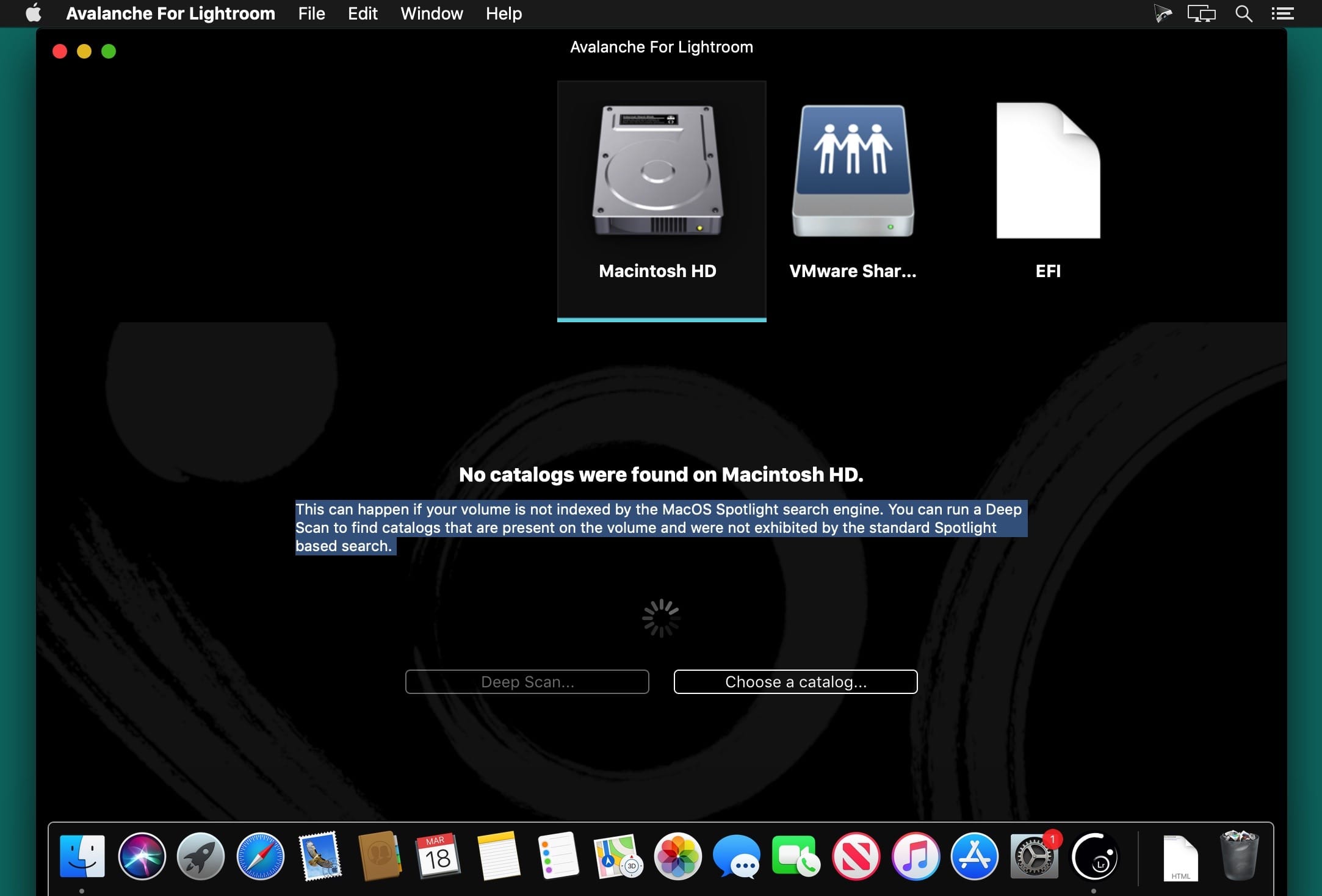
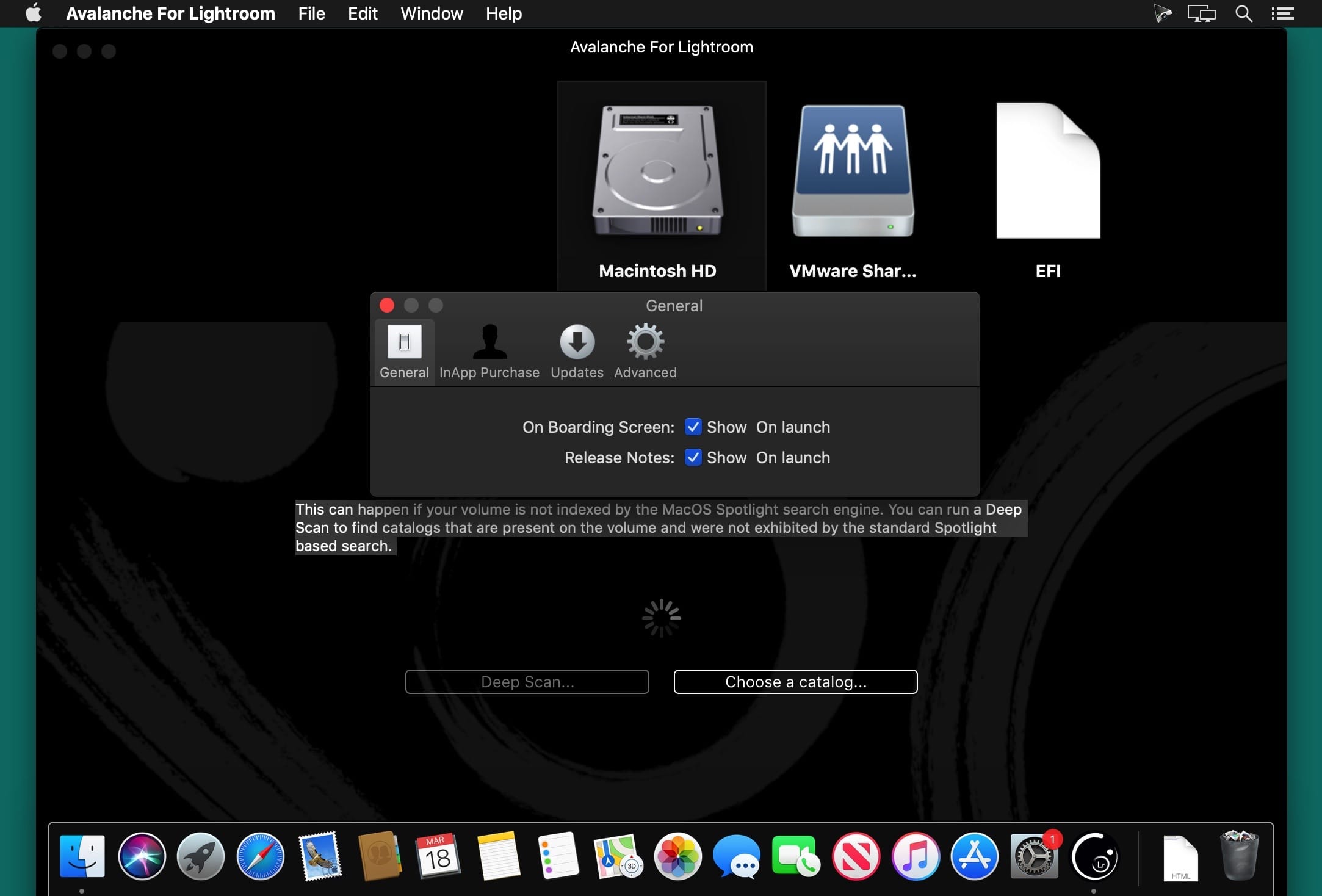
Avalanche allows you to migrate your Aperture or Lightroom libraries without loosing your settings, manage all your library migrations on your Mac in a few clicks. From Apple Aperture to Adobe Lightroom, Avalanche makes it easy to move your pictures between apps without ever losing your organization structure and image settings.
Version 1.1.2:
This version of Avalanche is a maintenance release for v1.1/v1.1.2 and introduces the following changes and fixes a number of issues. It is recommended to all our users:
Added:
This version of Avalanche is a maintenance release for v1.1/v1.1.2 and introduces the following changes and fixes a number of issues. It is recommended to all our users:
Added:
- A new folder layout option : **Project**. This option lets you organize all your copied master images and videos into folders labelled with the source catalog projects when the source catalog supports this notion (e.g Aperture does)
- The drag and drop experience and animations
- The filter on catalogs in the Browse screen works as expected and lets your properly filter between projects needing a conversion and those that were already converted
- Small bug fixes and performance improvements
- FIXED(1.1.2): potential crash situation when creating a new destination folder
Comments
No comments yet. Be the first.
Information
Visitors in the group Guests cannot leave comments on this publication.