ChronoSync 12.0.0
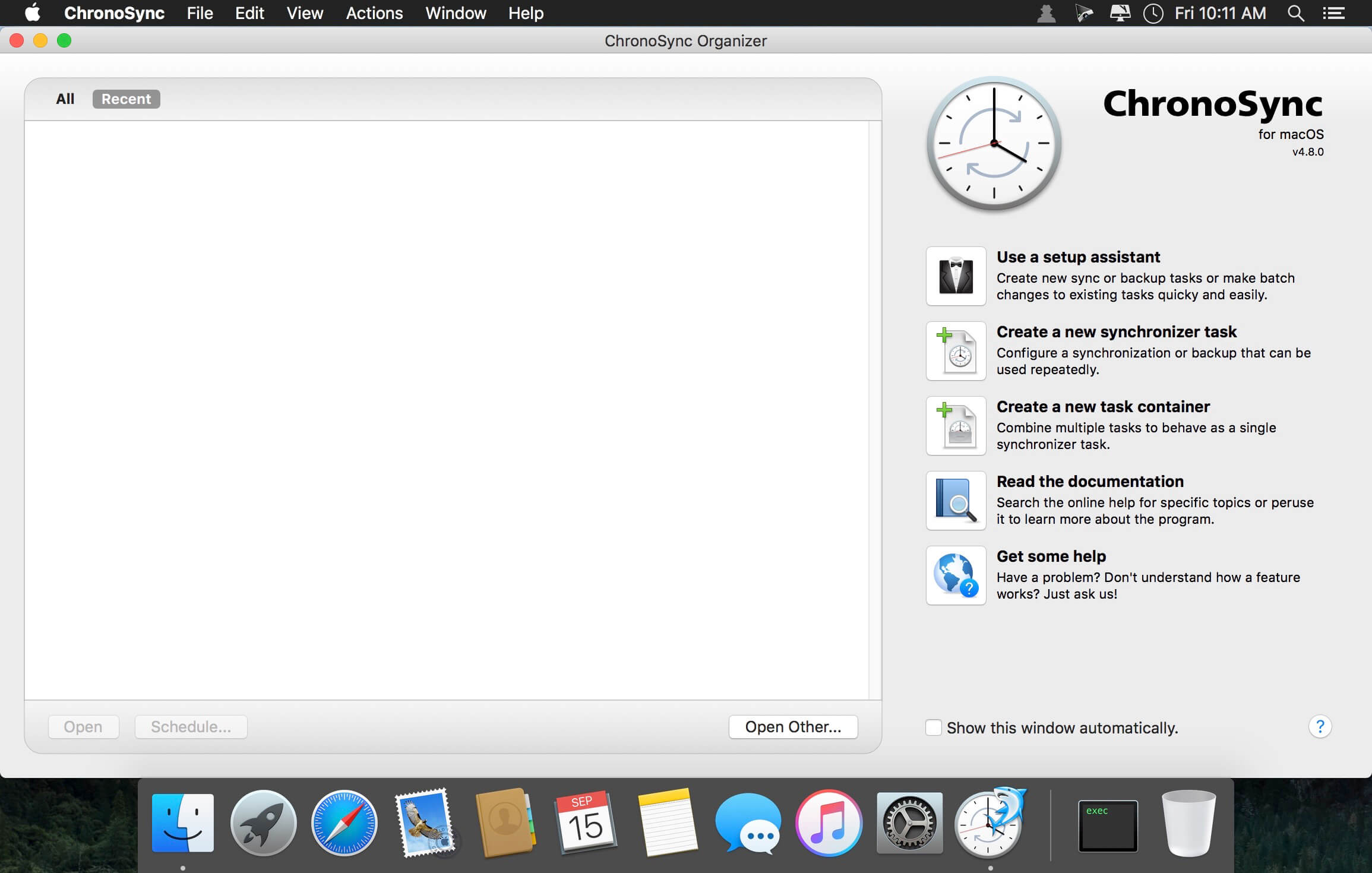
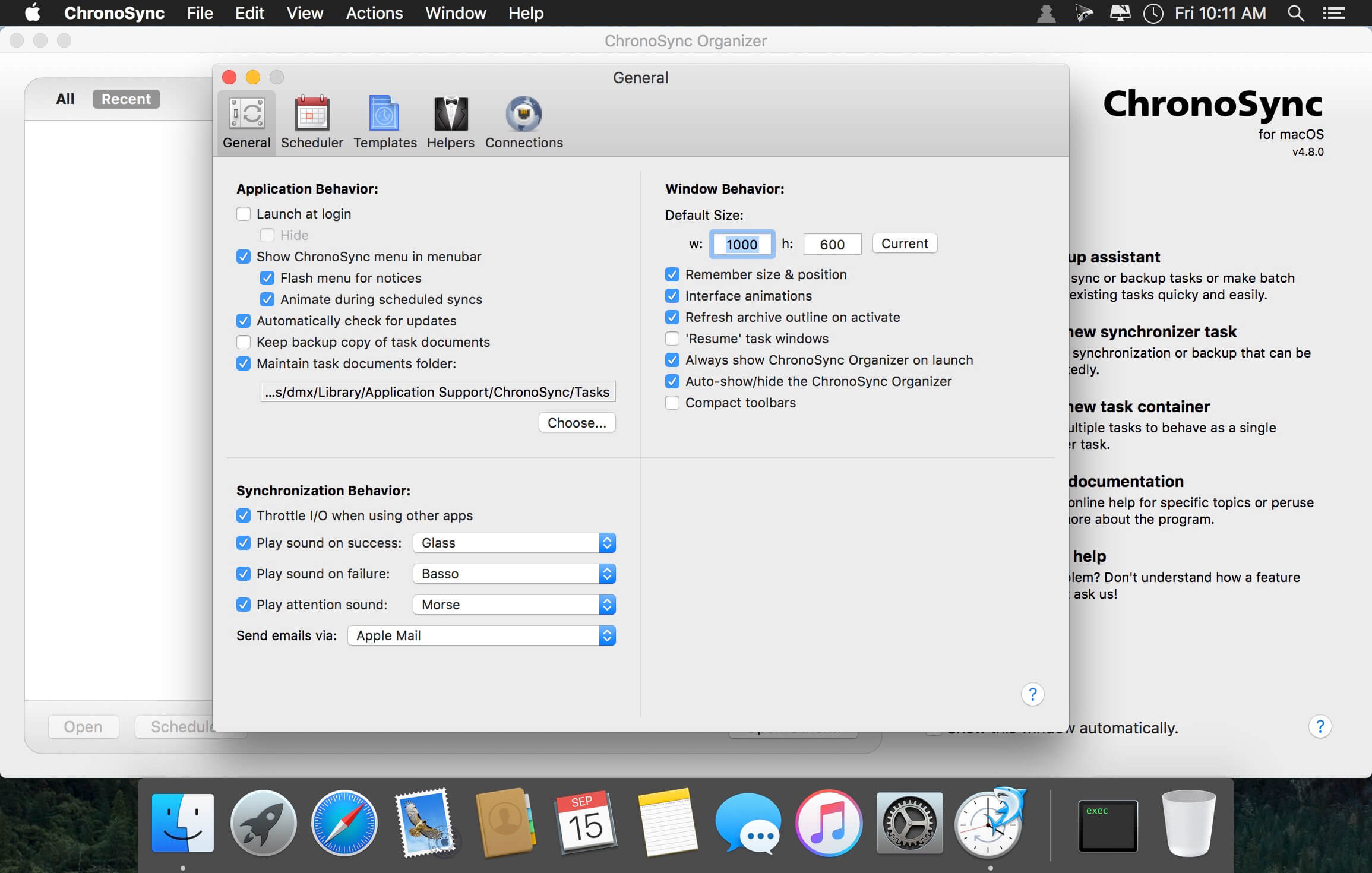

ChronoSync is the professional choice for periodic backups, bootable drive clones and folder synchronizations. Target any device or folder visible in Finder such as a volume, thumb drive, NAS, disk image, server or (with ChronoAgent) another Mac! ChronoSync replaces your backup utility, drive clone utility, and folder sync utility with a single, powerful application. Get push notifications of your syncs sent to your phone with ChronoMonitor. Add InterConneX (free for iOS) and use ChronoSync to push files and folders to your iDevice!
- Fully customizable toolbar
- All settings are stored in separate files that can be edited at any time
- Synchronization in two directions
- drafting rules to filter the files by various attributes
- Compare files before sync
- Run a test to verify the results of synchronization before performing operations
- history of synchronization, which can be printed or saved to a file
- Automatic synchronization on a schedule
- Use AppleScripts to automate synchronization.
Frequently asked questions
How do I install the app?
Mount the image, drag the app into the "Applications" folder and launch it. If the system blocks the launch, allow it in "System Settings → Privacy & Security".
The app is damaged or won't launch
Reinstalling from a fresh image usually helps. Make sure your macOS version matches the one listed in the compatibility specs.
How do I update?
Download the new version from the site and install it over the current one — your settings will be preserved.
The download link doesn't work
Try a mirror or a download manager. For large files the browser often drops the connection.
How do I completely remove the app?
Use an uninstaller utility — it cleans up the service files that remain after moving the app to the trash.

Choose a download source
ChronoSync 12.0.0 · 93.88 MB
Previous versions
ChronoSync 12.0.0
Previous versions are available to registered users.
Comments 1