
FonePaw Data Recovery 5.1.0
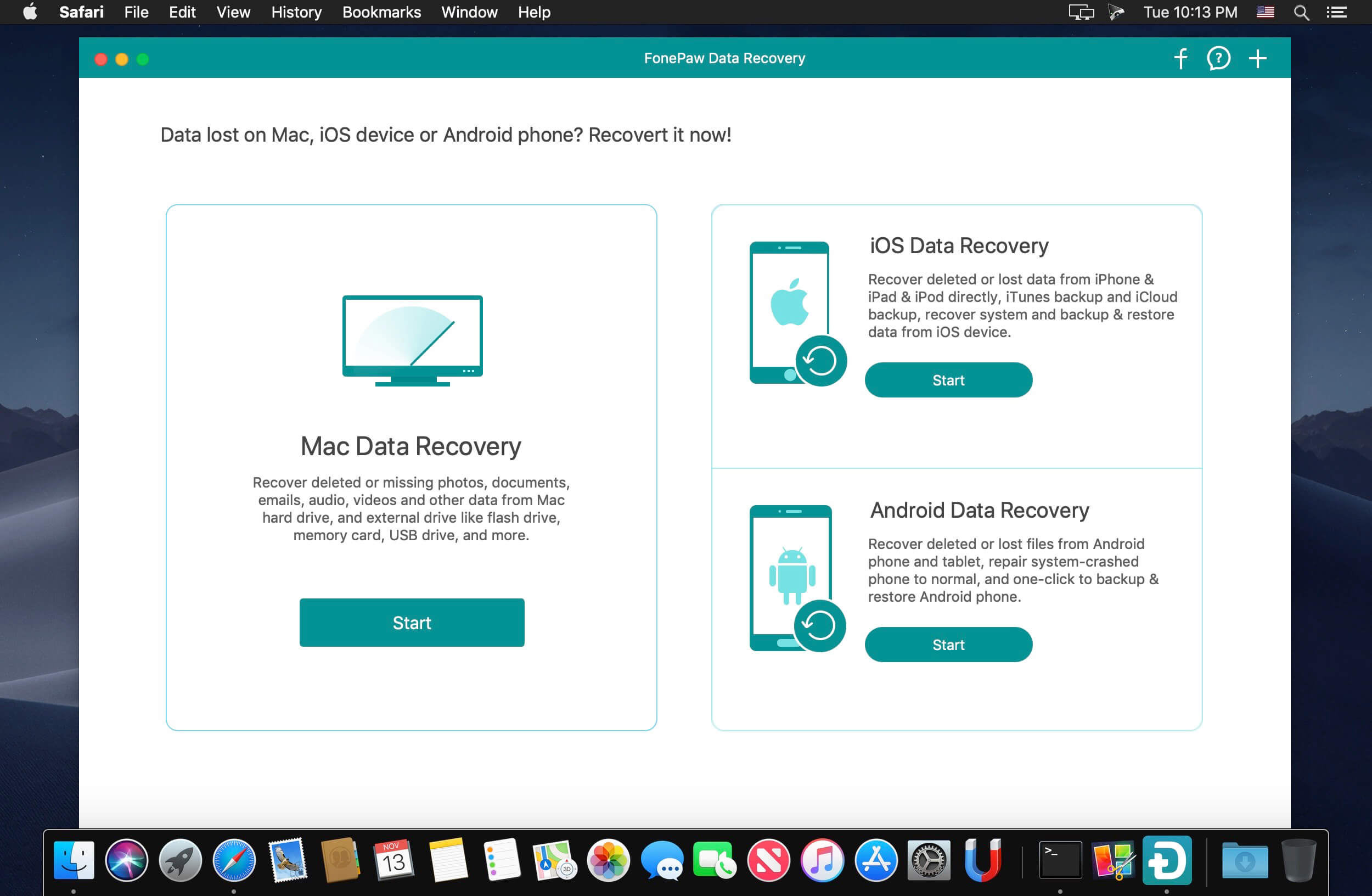
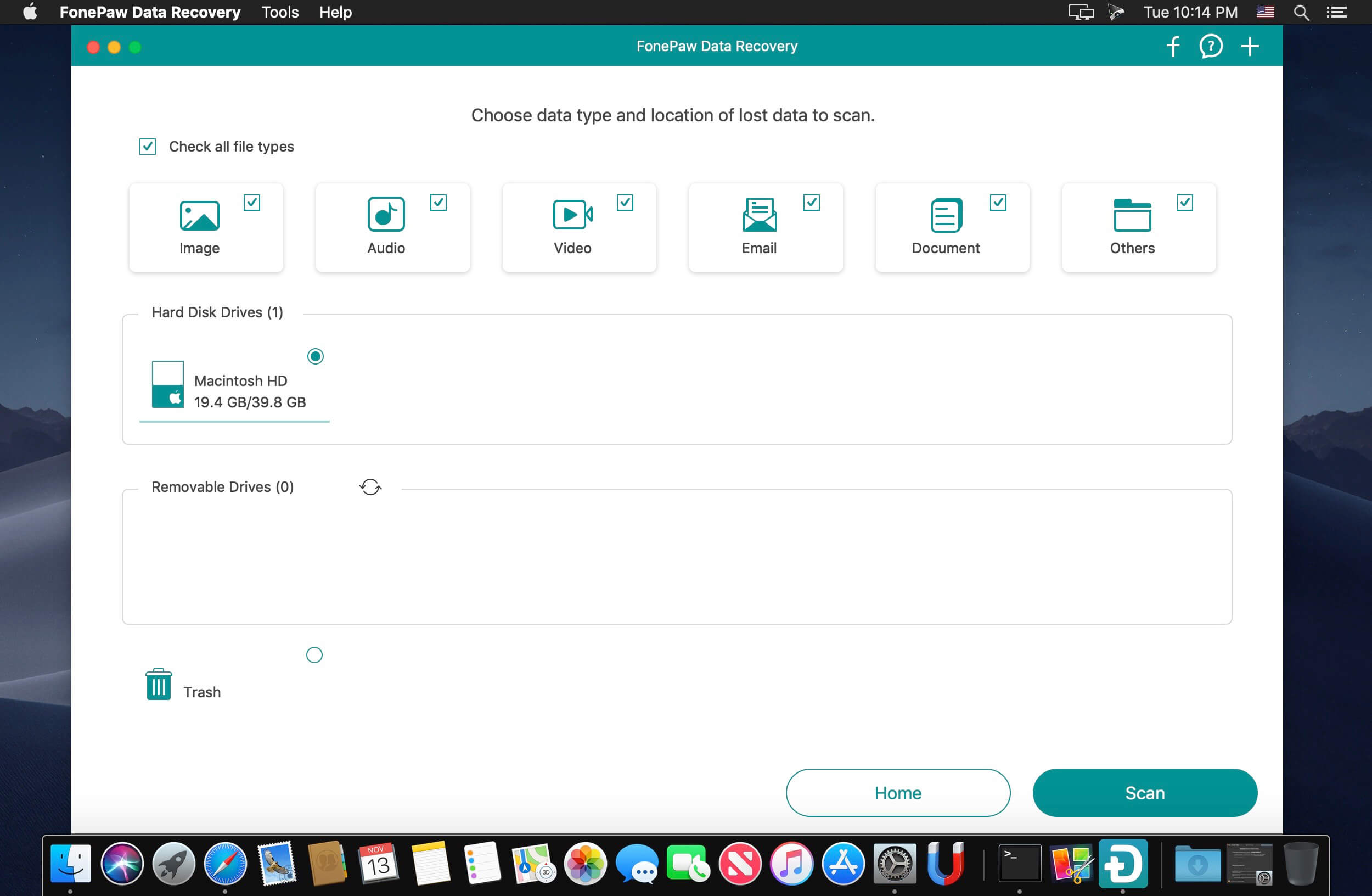
Pro Data Recovery Wizard! Quick and deep scan your computer to retrieve deleted images, videos, audios, emails, documents and more from hard drives (including Recycle Bin) .
When You Should Use FonePaw Data Recovery?
A professional data recovery wizard can recover the lost data from different situations.
Recover Deleted Files
Lose data accidentally without backups, empty the trash bin or press “Shift+Del”? FonePaw Data Recovery will access the deleted files quickly and get them back.
Hard Drive Recovery
Effectively retrieve the inaccessible/hidden/corrupted files from your Windows due to RAW hard drive, RAW partition or disk, data system damage or partition loss.
Partition Recovery
You can recover the missing data caused by formatting the partition, re-partition, deleting the partition mistakenly, system crashing, improper cloning, etc.
Memory Card Recovery
This smart recovery tool can extract the deleted and existing data from SD card, CF card, MMC card, XD card and SDHC card.
Flash Drive Recovery
If you have cleaned up your USB flash drive, FonePaw Data Recovery will works as a doctor to recover the lost files on removable storage media.
Crashed PC Recovery
Any problems, like system upgrade, about Windows OS may erase the data. This data recovery utility will rescue the lost things in your crashed Windows PC/Mac.
Version 5.1.0:
- Release notes were unavailable when this listing was updated.
Frequently asked questions
How do I install the app?
Mount the image, drag the app into the "Applications" folder and launch it. If the system blocks the launch, allow it in "System Settings → Privacy & Security".
The app is damaged or won't launch
Reinstalling from a fresh image usually helps. Make sure your macOS version matches the one listed in the compatibility specs.
How do I update?
Download the new version from the site and install it over the current one — your settings will be preserved.
The download link doesn't work
Try a mirror or a download manager. For large files the browser often drops the connection.
How do I completely remove the app?
Use an uninstaller utility — it cleans up the service files that remain after moving the app to the trash.





Choose a download source
FonePaw Data Recovery 5.1.0 · 24.46 MB
Previous versions
FonePaw Data Recovery 5.1.0
Previous versions are available to registered users.