
FruitJuice 2.5.4
FruitJuice helps you achieve the longest runtime and lifespan from your Apple notebook battery.
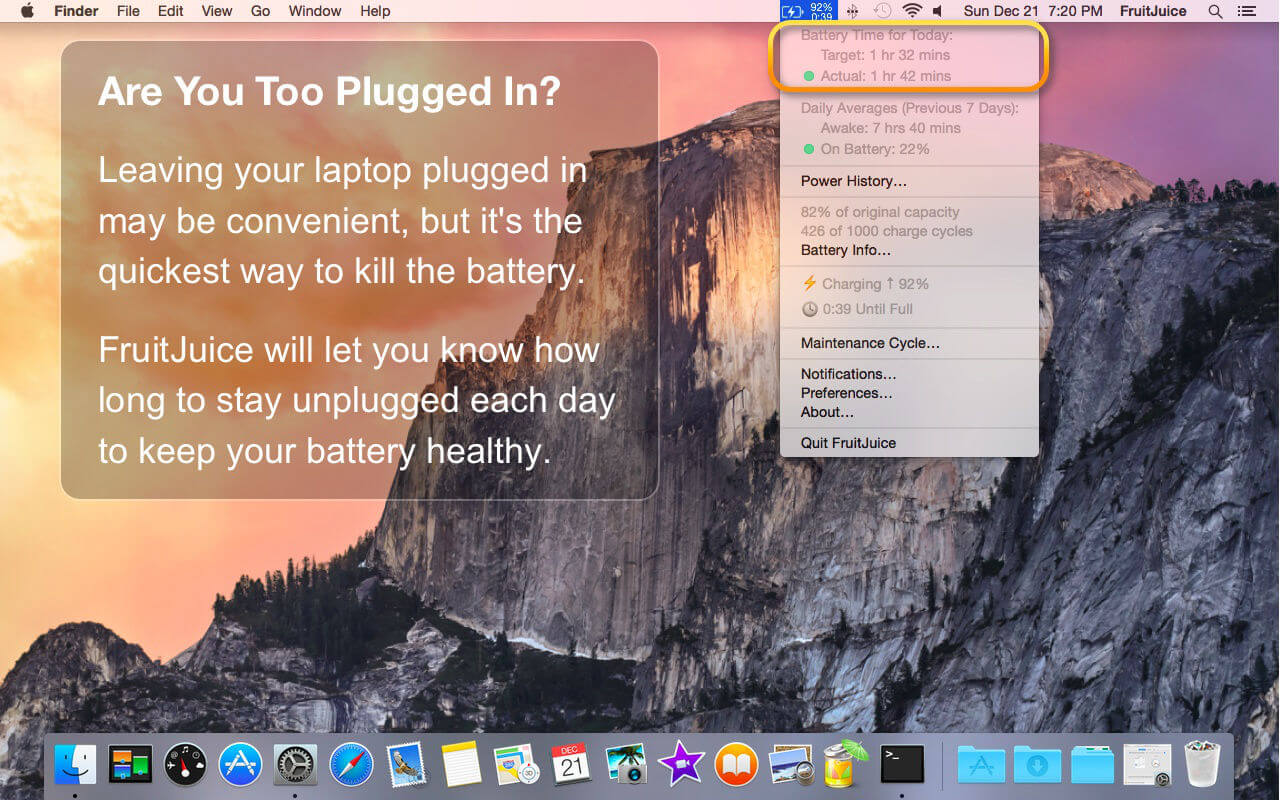
FruitJuice will let you know how long to stay "on battery" each day to keep your battery healthy based on Apple's recommendations. *
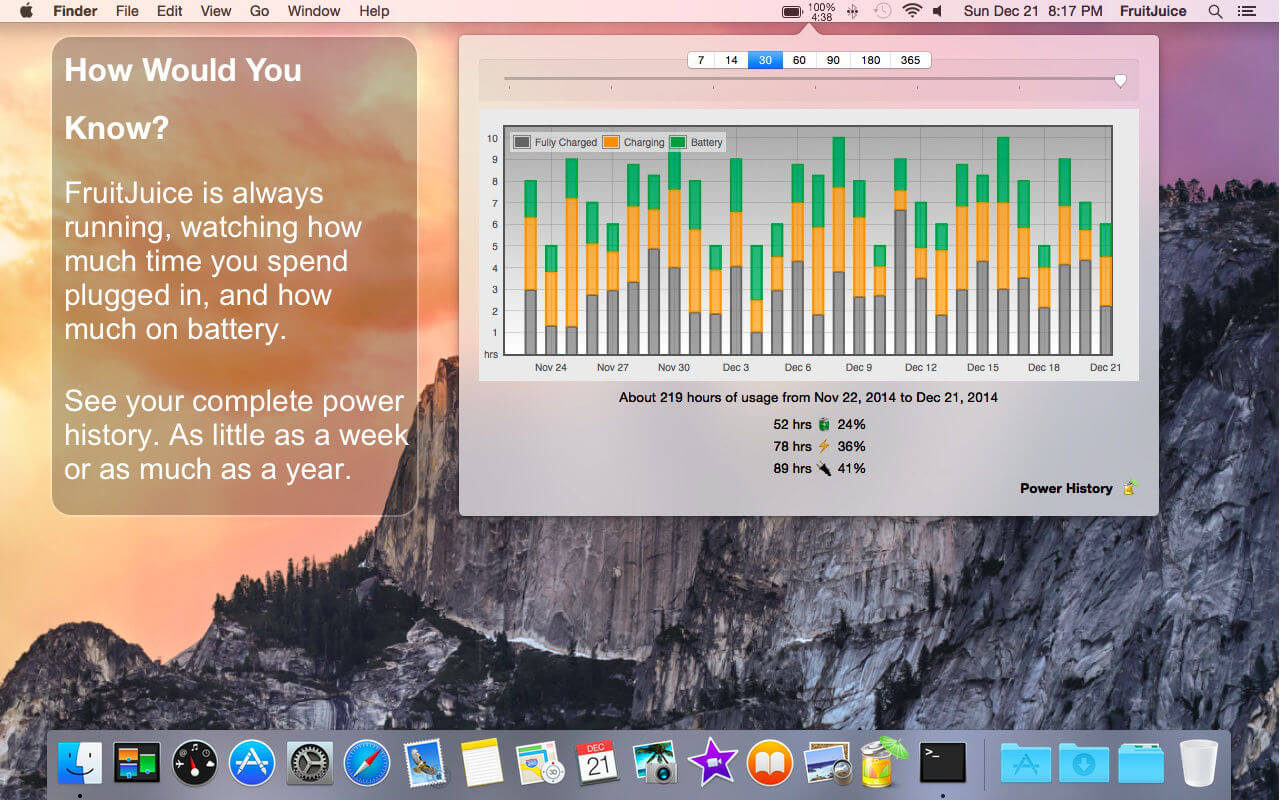
FruitJuice keeps a detailed record of your battery charge and discharge activity so that it can make precise recommendations about how long to use your machine on battery based on Apple's recommended usage patterns.
Recommendations are tailored to your specific usage patterns and are adjusted in real-time based on how you actually use your machine.
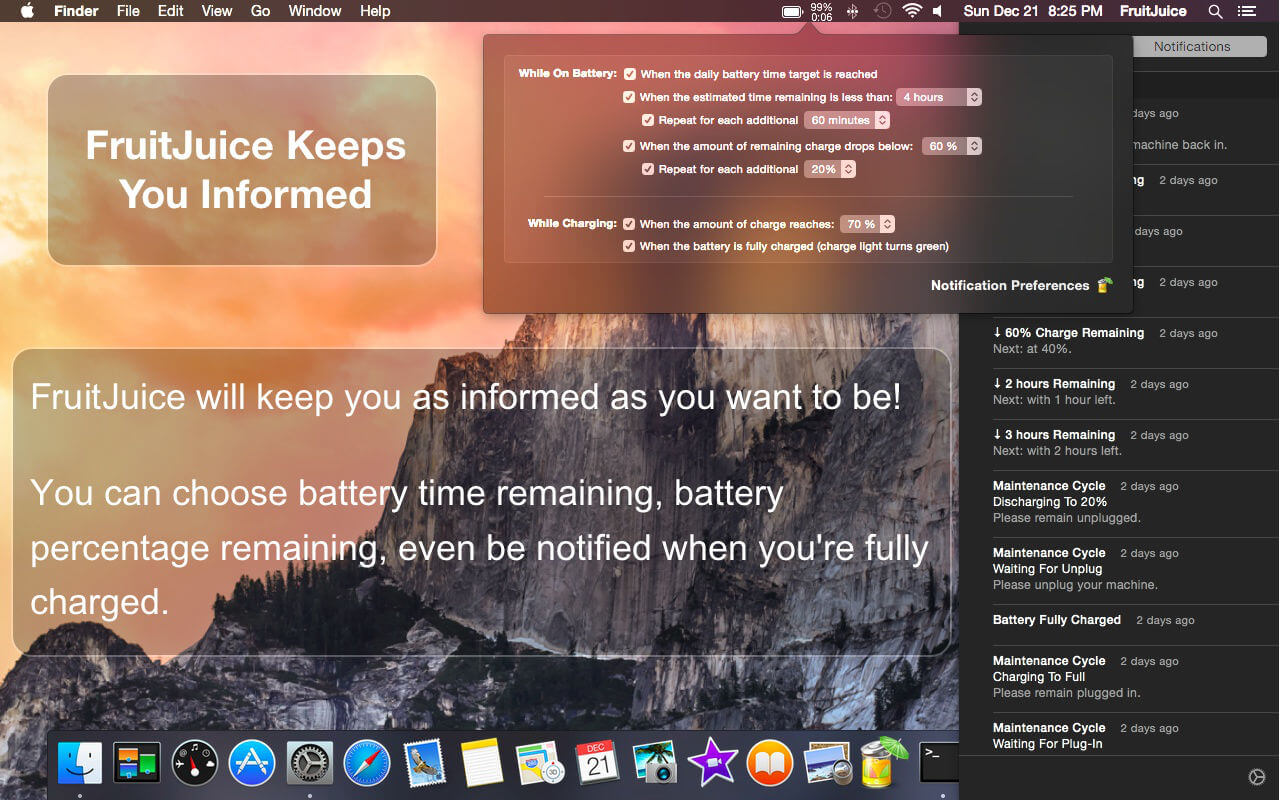
Flexible configuration allows you to see as much or as little information as you wish.
Notifications will let you know when to plug in or unplug your machine to keep your battery healthy and avoid the surprise of "You are now running on reserve battery power."
FruitJuice also will show you a realistic assessment of the overall condition of your battery: it combines the battery condition, age, factory capacity and lifespan numbers to give you real-time insight into the health of your battery.
Version 2.5.0
- macOS Big Sur compatibility
- Universal macOS Binary (Native on Apple Silicon and Intel-based Macs)
- Updated Polish Translation
- Various user interface fixes
Frequently asked questions
How do I install the app?
Mount the image, drag the app into the "Applications" folder and launch it. If the system blocks the launch, allow it in "System Settings → Privacy & Security".
The app is damaged or won't launch
Reinstalling from a fresh image usually helps. Make sure your macOS version matches the one listed in the compatibility specs.
How do I update?
Download the new version from the site and install it over the current one — your settings will be preserved.
The download link doesn't work
Try a mirror or a download manager. For large files the browser often drops the connection.
How do I completely remove the app?
Use an uninstaller utility — it cleans up the service files that remain after moving the app to the trash.


Choose a download source
FruitJuice 2.5.4 · 6.46 MB
Previous versions
FruitJuice 2.5.4
Previous versions are available to registered users.
Comments 1