PDF to Numbers Converter 6.2.1 fix
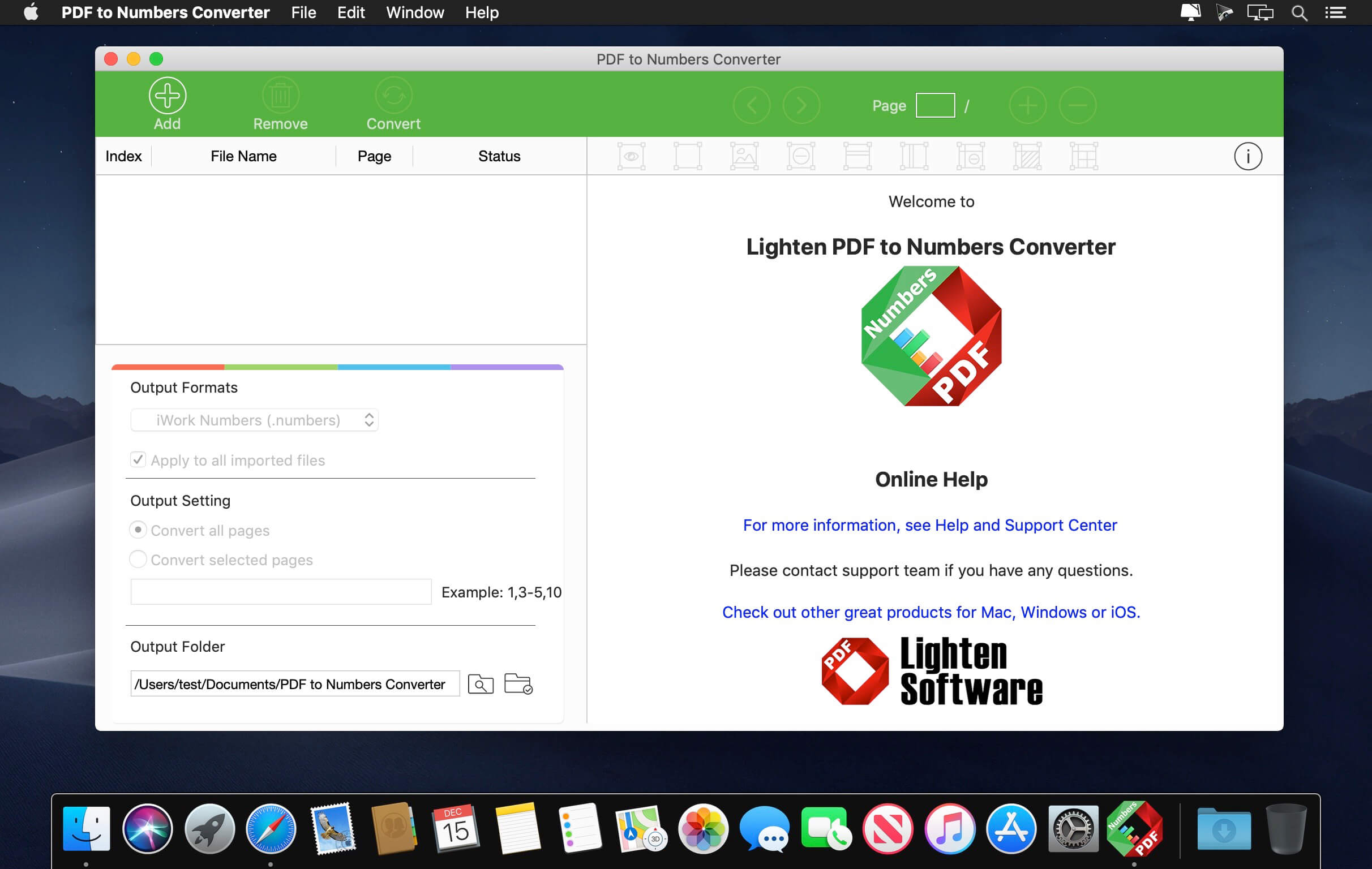
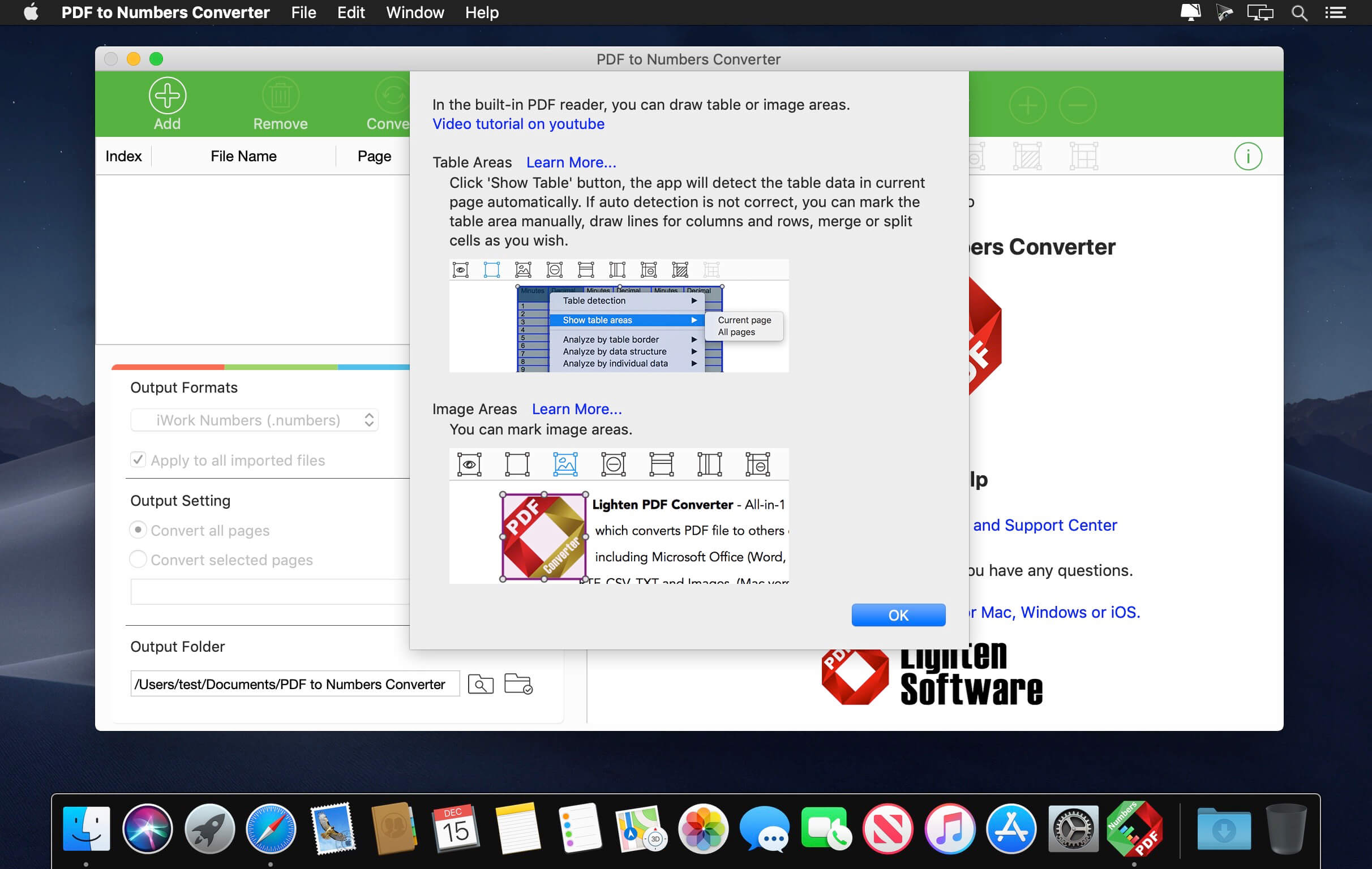
With PDF to Numbers Converter for Mac, you can quickly convert your PDFs into .numbers files, so you can easily edit or create gorgeous spreadsheets in Numbers much easier. We receive lots of PDF files everyday, checklist, invoice, price list, financial report, and more. PDF is good but not editable, why not convert them into editable numbers files so you can calculate or organize your data easier?
As we know although Numbers can open xlsx and xls files, there will be compatibility problems. Unlike many other PDF Converters in the marketplace, Lighten PDF to Numbers Converter converts PDF into Numbers directly, without converting PDF to Excel first, so it can keep the original formatting and table structures much better.
Version 6.2.1:
- Release notes were unavailable when this listing was updated.
Frequently asked questions
How do I install the app?
Mount the image, drag the app into the "Applications" folder and launch it. If the system blocks the launch, allow it in "System Settings → Privacy & Security".
The app is damaged or won't launch
Reinstalling from a fresh image usually helps. Make sure your macOS version matches the one listed in the compatibility specs.
How do I update?
Download the new version from the site and install it over the current one — your settings will be preserved.
The download link doesn't work
Try a mirror or a download manager. For large files the browser often drops the connection.
How do I completely remove the app?
Use an uninstaller utility — it cleans up the service files that remain after moving the app to the trash.

Choose a download source
PDF to Numbers Converter 6.2.1 fix · 20.3 MB