
XLS2csv 7.9
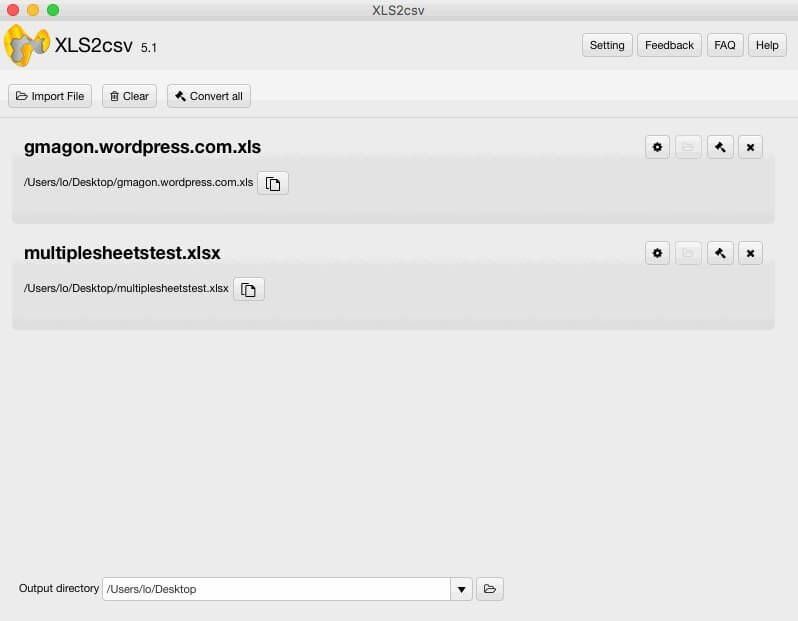
XLS2csv a simple and intuitive XLS/XLSX-to-CSV converter for Mac. It handles .xls/.xlsx files from Microsoft Excel, Apple Numbers, Open Offices Excel and converts them to .csv text file format.
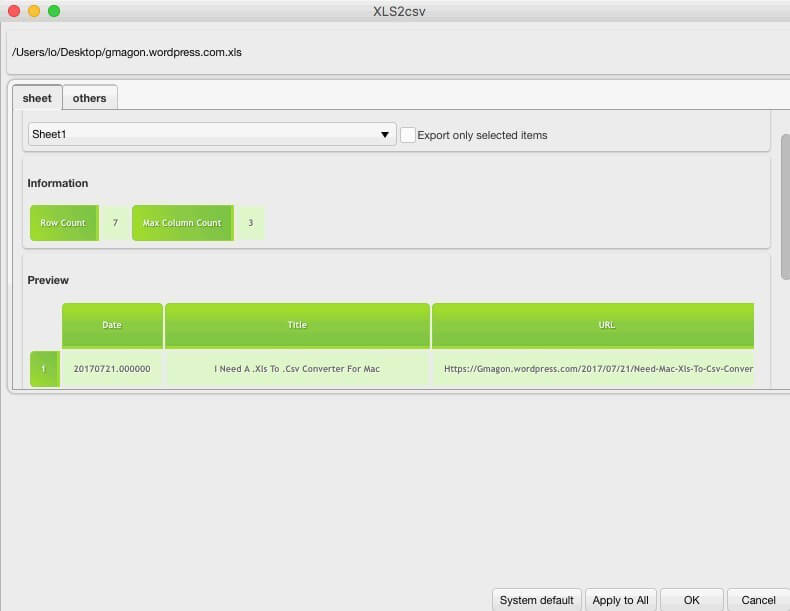
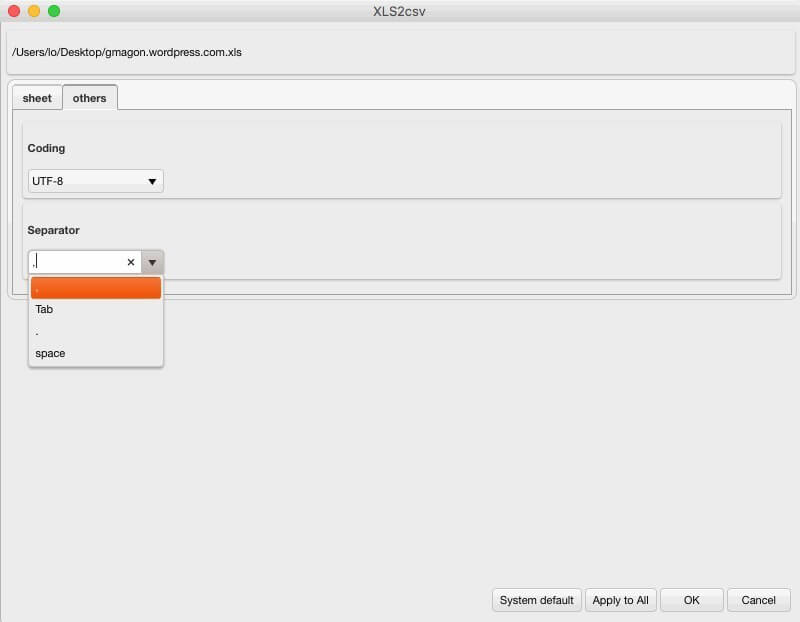
This Mac XLS2csv converter app can intelligently recognize large XLS/XLSX files as well as a group of XLS/XLSX files and batch convert them to CSV format quickly. Users are allowed to drag-and-drop a file or directory to the interface of XLS2csv, and preview the loaded Excel spreadsheets before conversion. Plus, you can customize delimiters in the CSV as comma, semicolon, space, tab, etc.
Features
- Convert .xls to .csv on Mac
- Support drag-and-drop files
- Convert all with one click
- Support batch conversion
- Built for Mac users only
- Fool-style operation
- Support preview before conversion
- Show up generated file in finder after conversion
- After-sale services
- Intuitive interface and fast conversion speed
- No ads and plug-ins
- Updated base SDK to version 1.2.4
- Added support for macOS 10.13
- Optimized UI layout and app performance
Frequently asked questions
How do I install the app?
Mount the image, drag the app into the "Applications" folder and launch it. If the system blocks the launch, allow it in "System Settings → Privacy & Security".
The app is damaged or won't launch
Reinstalling from a fresh image usually helps. Make sure your macOS version matches the one listed in the compatibility specs.
How do I update?
Download the new version from the site and install it over the current one — your settings will be preserved.
The download link doesn't work
Try a mirror or a download manager. For large files the browser often drops the connection.
How do I completely remove the app?
Use an uninstaller utility — it cleans up the service files that remain after moving the app to the trash.
VersionXLS2csv 7.9
DeveloperGmagon,Inc.
CompatibilityOS X 10.7 or later, 64-bit processor
LanguageEnglish
IncludesK'ed by TNT

Information
Visitors in the group Guests cannot leave comments on this publication.
Choose a download source
XLS2csv 7.9 · 13.4 MB