PDF Converter Master 6.2.1 fix
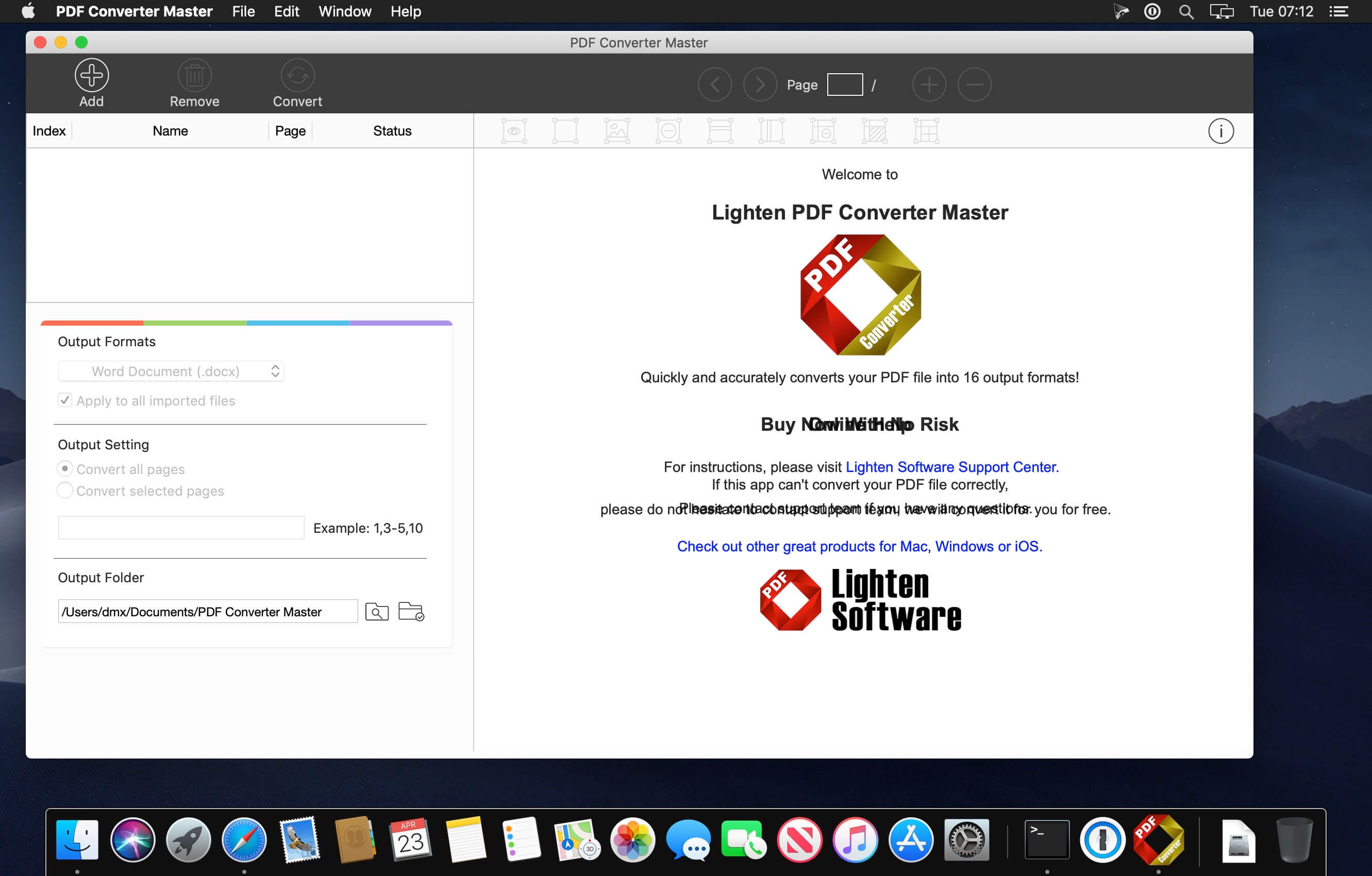
Lighten PDF Converter Master helps you quickly convert PDF into 16 common document formats, including Microsoft Office (Word, Excel, PowerPoint), iWork (Pages, Numbers, Keynote), EPUB, CSV, plain text, Rich Text Formats and 5 image file formats. So you can get rid of the hassles of switching between PDF and the other document formats. Whatever you convert, Lighten PDF Converter Master will preserve the original text content, layouts, formatting, graphics as accurate as possible.
Features:
Simple and Neat Interface
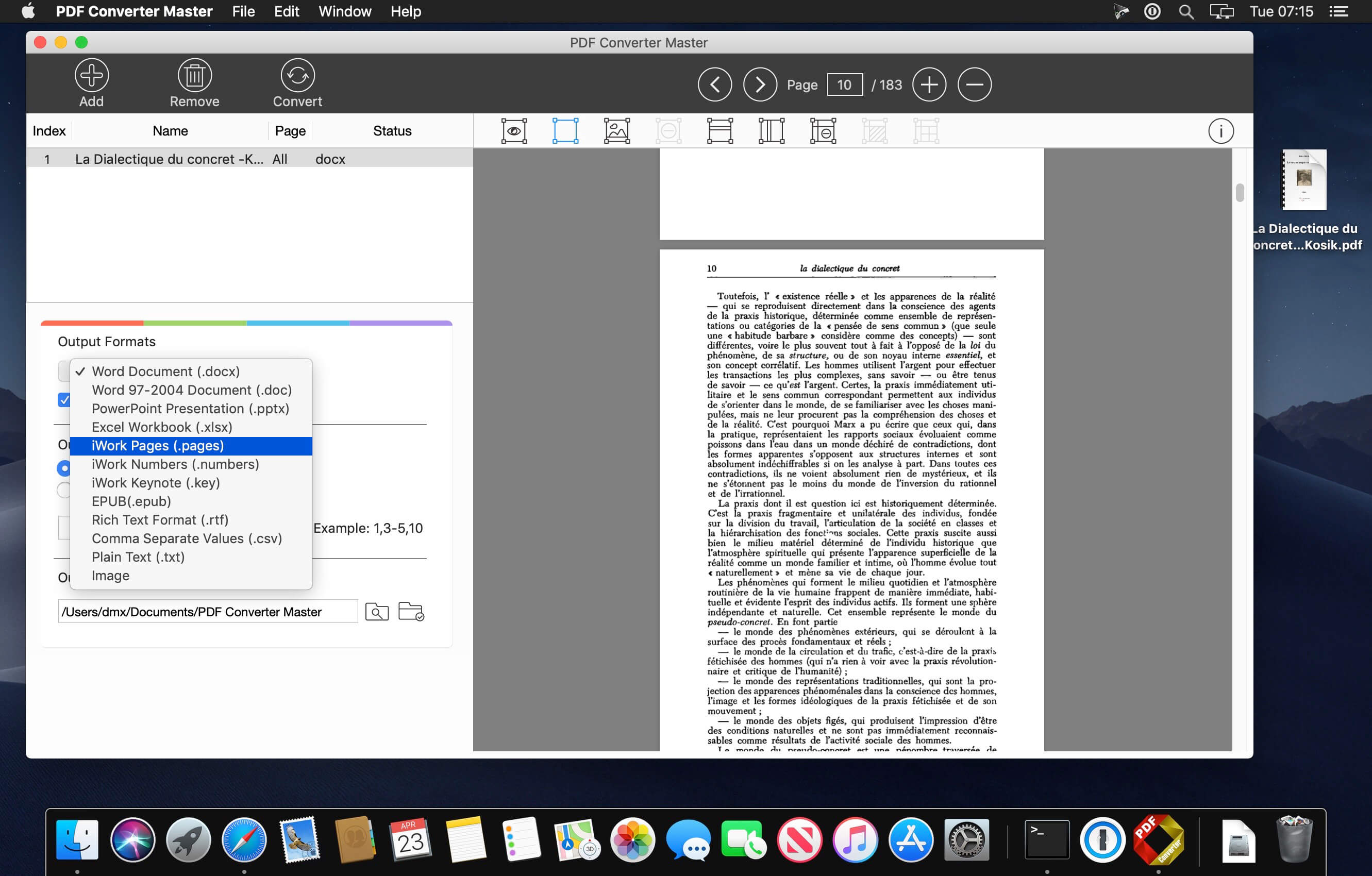
Easy-to-use interface lets you view PDF files directly on the right side. It's the best choice to view a batch of PDF files.
Rich Choices of Output Formats
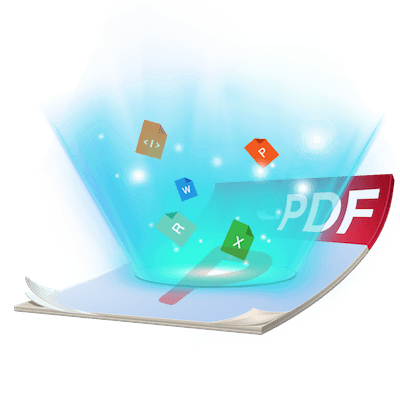
An all-in-1 PDF Converter includes the major office document formats (docx, doc, xlsx, pptx), iWork (Pages, Numbers, Keynote), EPUB, CSV, rich text format(.rtf) plain text (.txt) and image (.jpg, .png, .bmp, .gif, .tiff).
Accurate Conversion
Preserve original font style, color, size, graphic, table and page layouts as accurate as possible. So you don't need to spend hours tweaking the output documents.
Flexible and Efficient
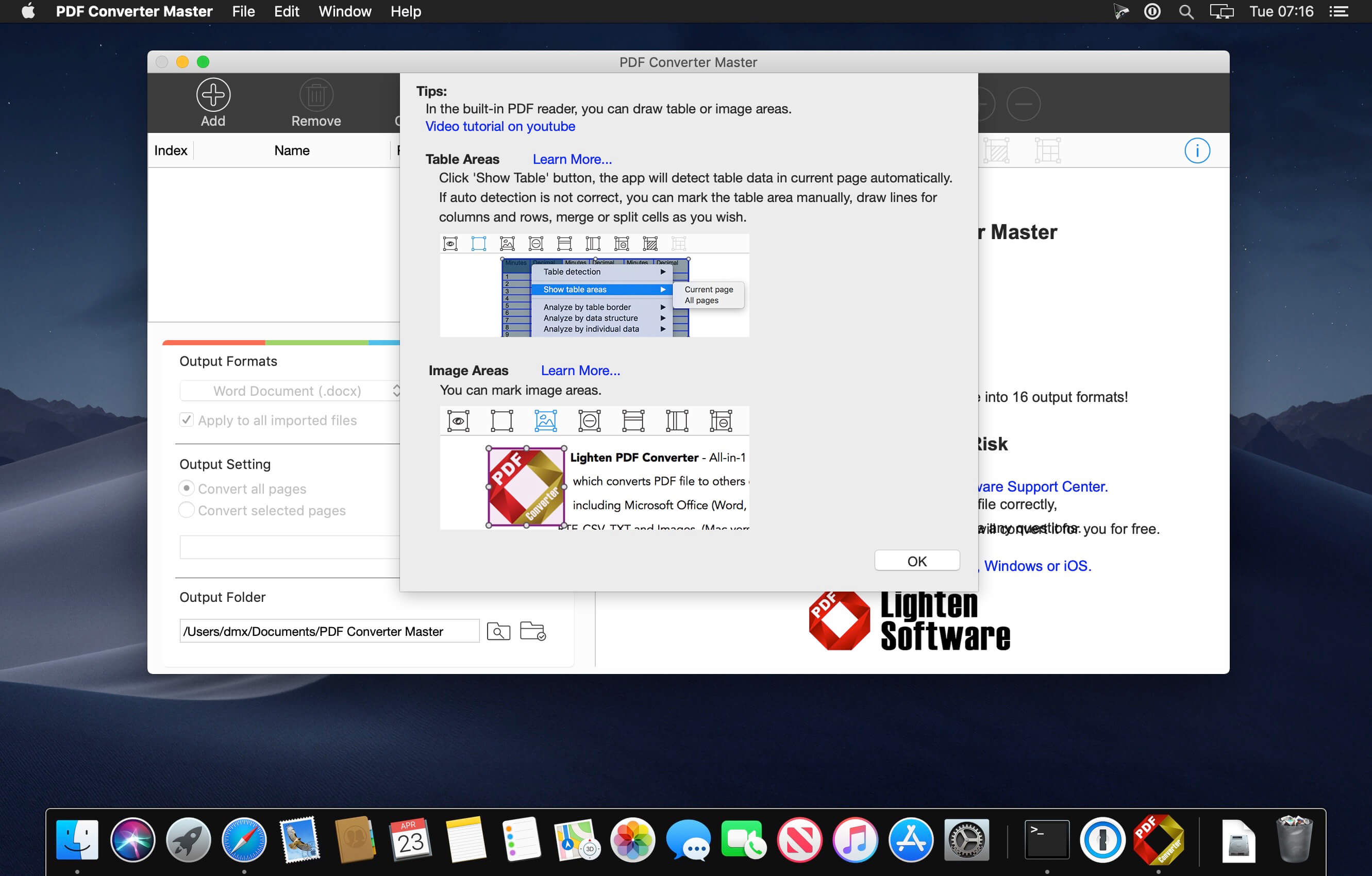
Lighten PDF Converter can convert unlimited PDFs in extremely fast speed. You can convert only particular pages to free yourself from unnecessary waiting. Flexible output options for different output formats, you can even mark table or graphic areas for better accuracy before conversion.
Version 6.2.0:
- Fully compatible with the latest macOS 10.14
- Added a function that helps users export or import table layouts, now you can apply the layout to similar tables, it's available in the right-click menu in the built-in PDF reader
- Other minor bug fixed and performance improvement
Frequently asked questions
How do I install the app?
Mount the image, drag the app into the "Applications" folder and launch it. If the system blocks the launch, allow it in "System Settings → Privacy & Security".
The app is damaged or won't launch
Reinstalling from a fresh image usually helps. Make sure your macOS version matches the one listed in the compatibility specs.
How do I update?
Download the new version from the site and install it over the current one — your settings will be preserved.
The download link doesn't work
Try a mirror or a download manager. For large files the browser often drops the connection.
How do I completely remove the app?
Use an uninstaller utility — it cleans up the service files that remain after moving the app to the trash.
Choose a download source
PDF Converter Master 6.2.1 fix · 13.35 MB