
Luminar 2018 1.3.2
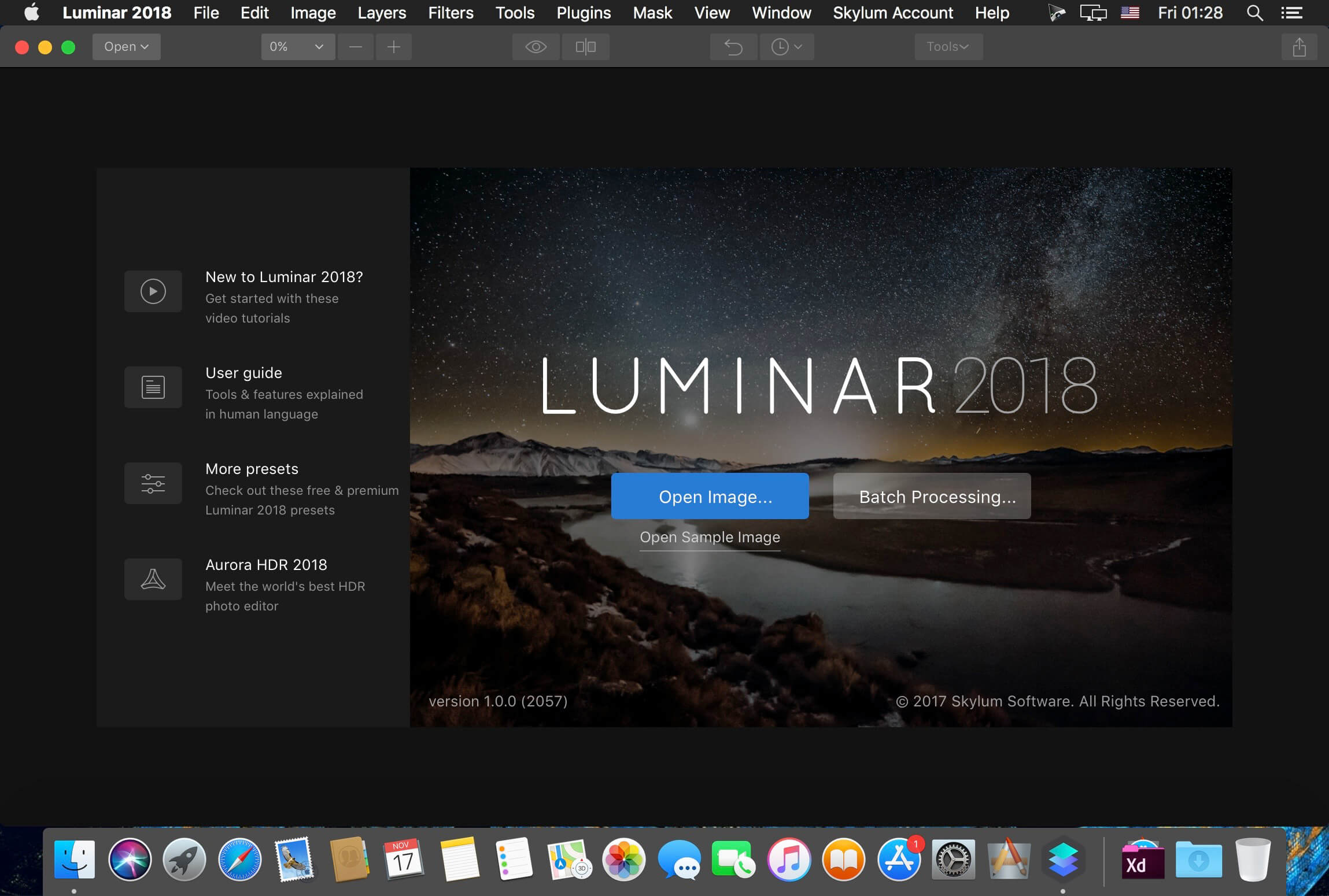
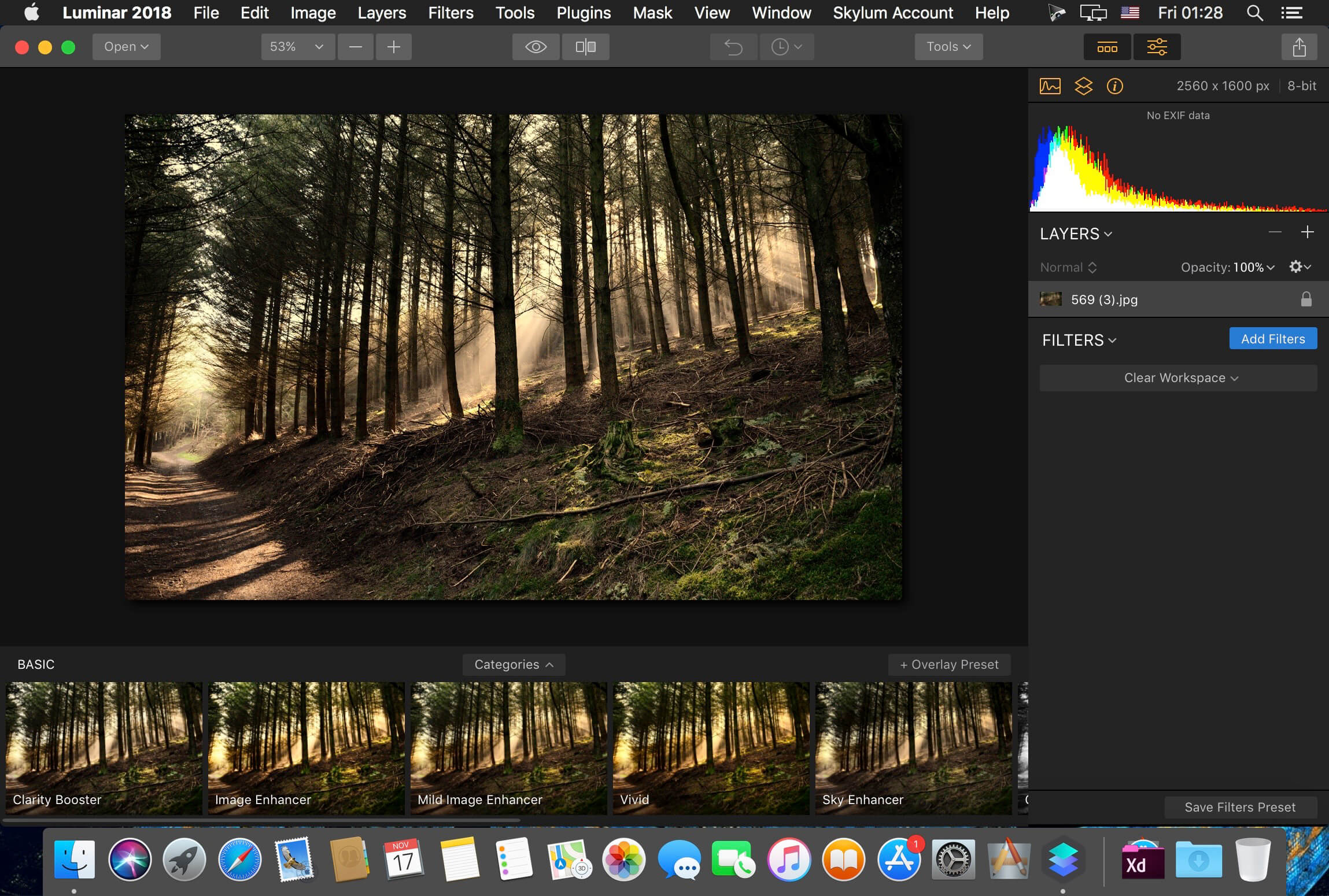
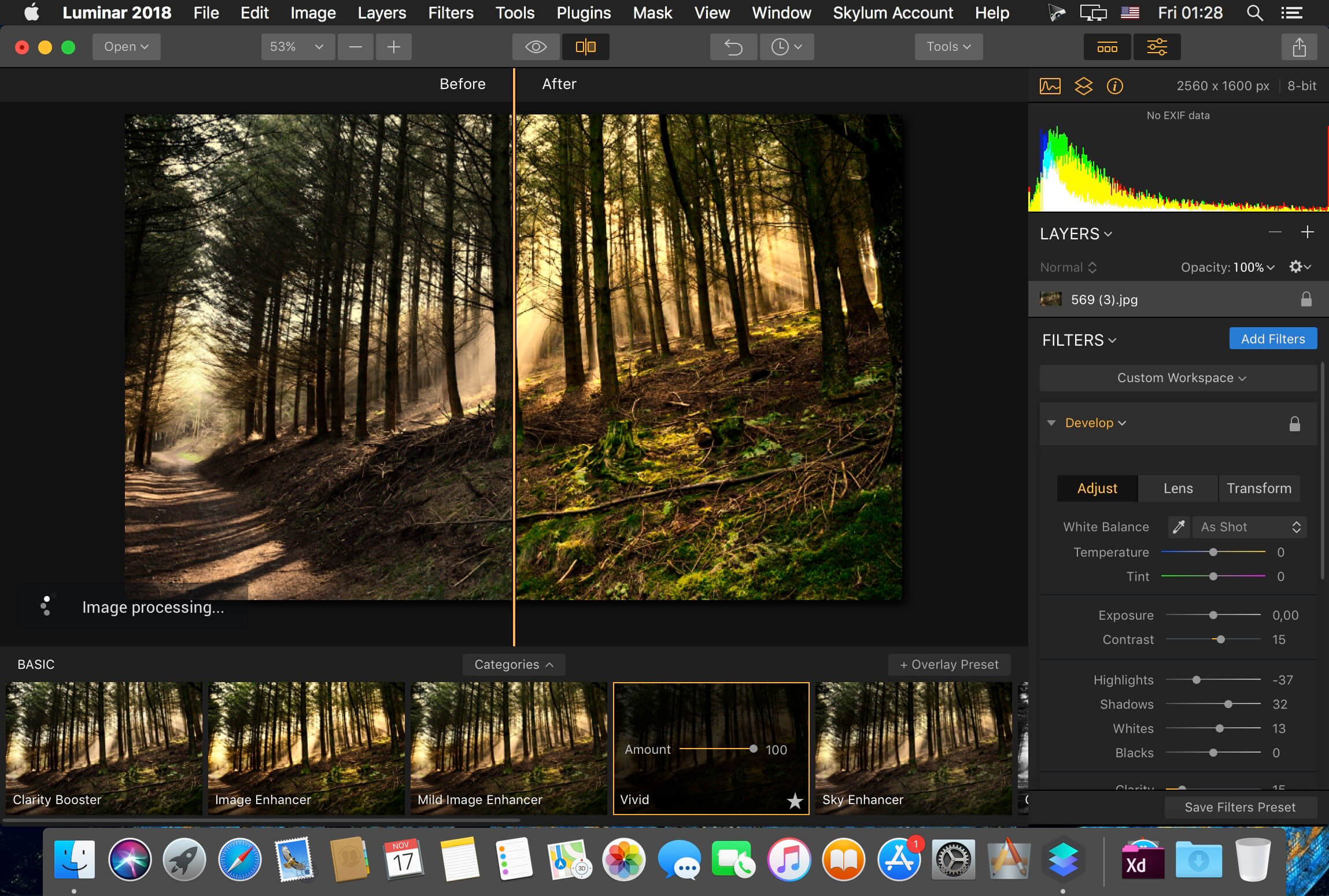
Luminar is the new full-featured image editor that adapts to the way you edit photos. Luminar has been updated to ‘Luminar 2018’ It adds a number of new features, along with general performance increases.
Keith has looked at previous versions and gives the new version a look-over. We've reviews of many MacPhun/Skylum apps. See the Macphun or Skylum Category in the dropdown menu at the top of the right column.
There are new filters, powered by artificial intelligence, that make it easy to get a “great-looking image” in seconds. Intelligent filters alongside real-time noise removal look to create a pleasing and easy user experience. Want to keep things really simple? There are over 100 one-click presets you can apply, as well as over 40 image enhancement filters.
Version 1.3.2 (5560):
- Release notes were unavailable when this listing was updated.
Frequently asked questions
How do I install the app?
Mount the image, drag the app into the "Applications" folder and launch it. If the system blocks the launch, allow it in "System Settings → Privacy & Security".
The app is damaged or won't launch
Reinstalling from a fresh image usually helps. Make sure your macOS version matches the one listed in the compatibility specs.
How do I update?
Download the new version from the site and install it over the current one — your settings will be preserved.
The download link doesn't work
Try a mirror or a download manager. For large files the browser often drops the connection.
How do I completely remove the app?
Use an uninstaller utility — it cleans up the service files that remain after moving the app to the trash.
VersionLuminar 2018 1.3.2 (5560)
DeveloperMacphun Software
CompatibilityOS X 10.10.5 or later 64-bit
LanguageEnglish
IncludesK'ed by TNT





Choose a download source
Luminar 2018 1.3.2 · 222.38 MB
Previous versions
Luminar 2018 1.3.2
Previous versions are available to registered users.
Comments 1