
Omni Remover 4.0.6
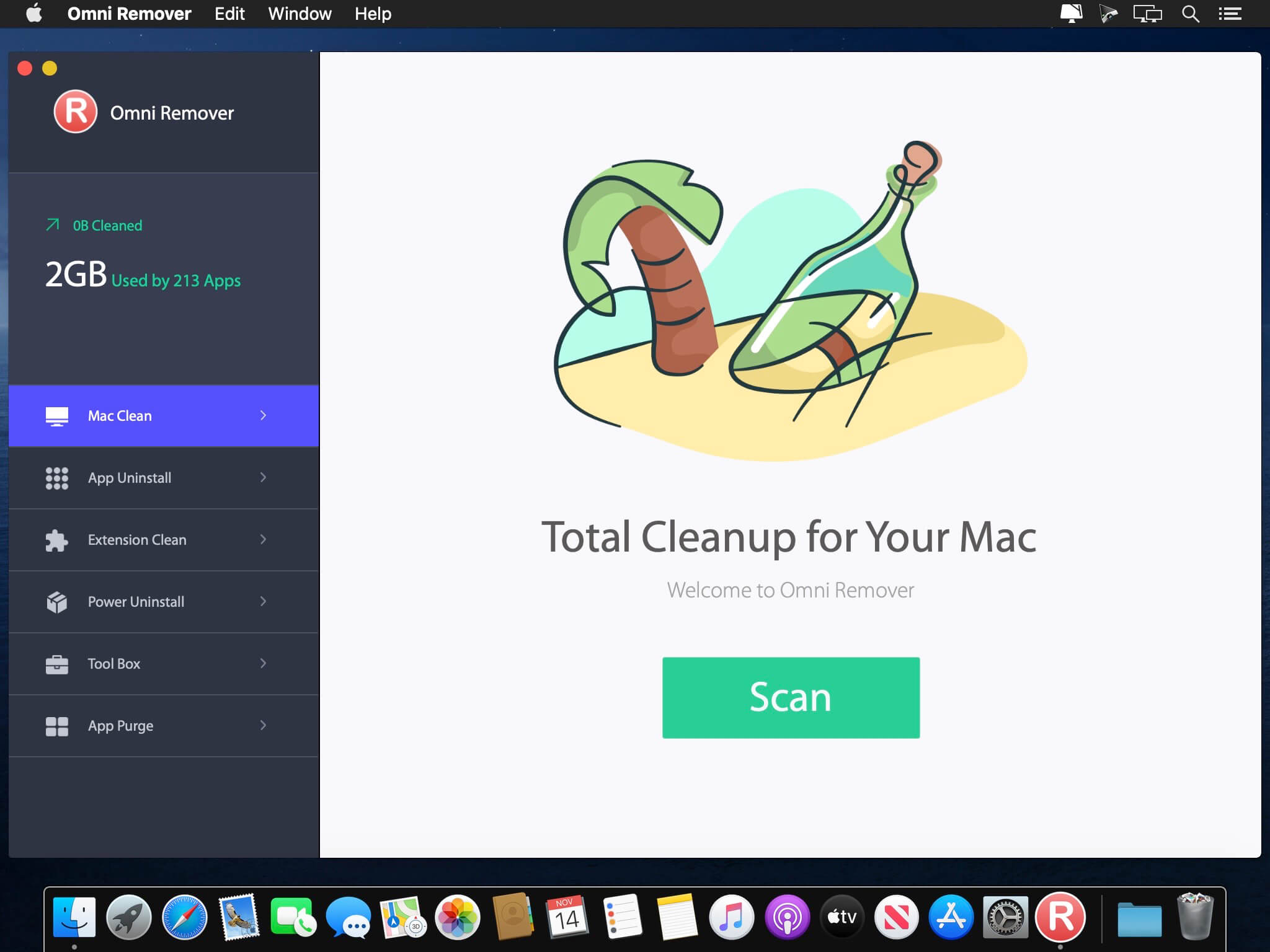
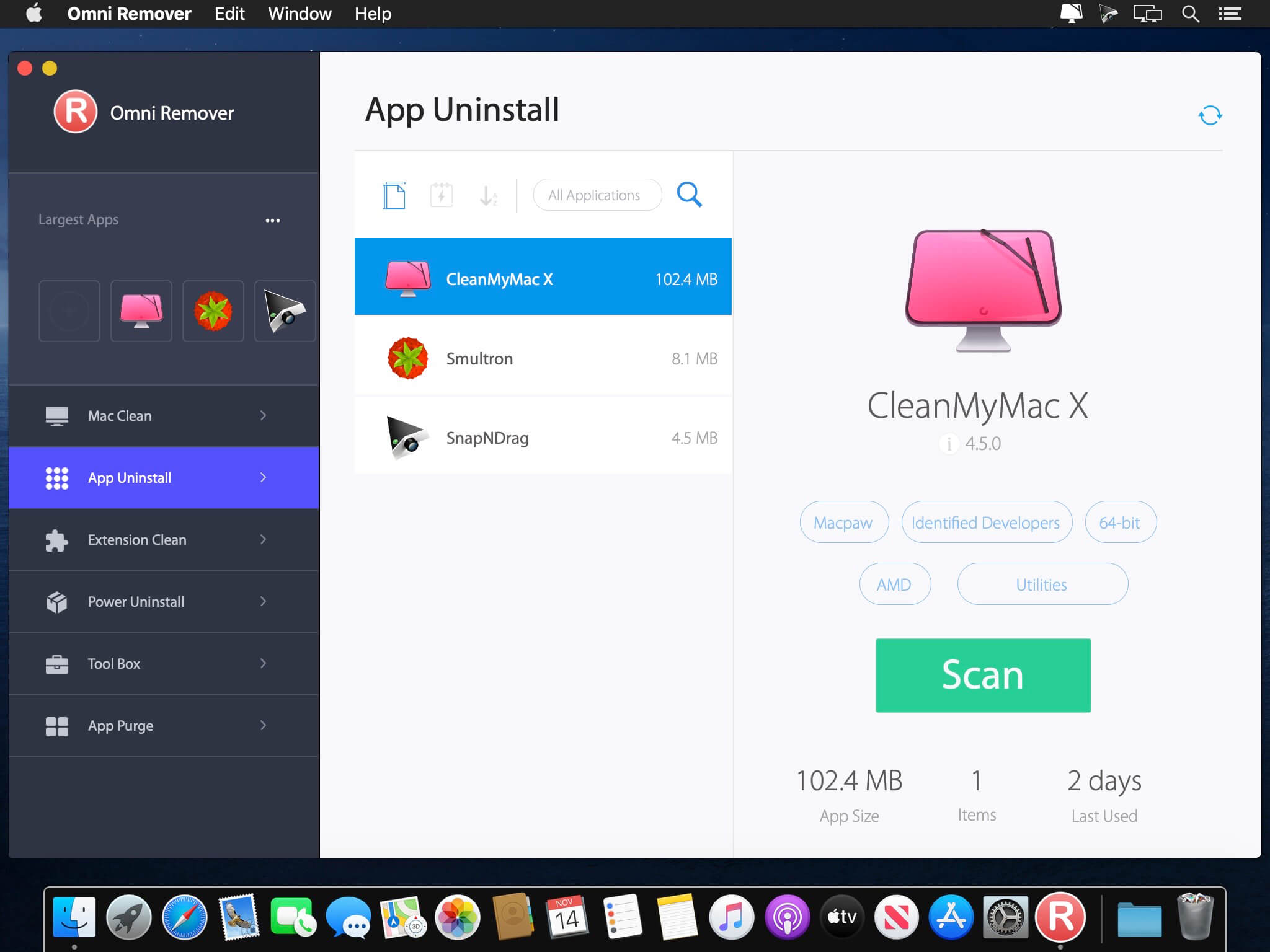
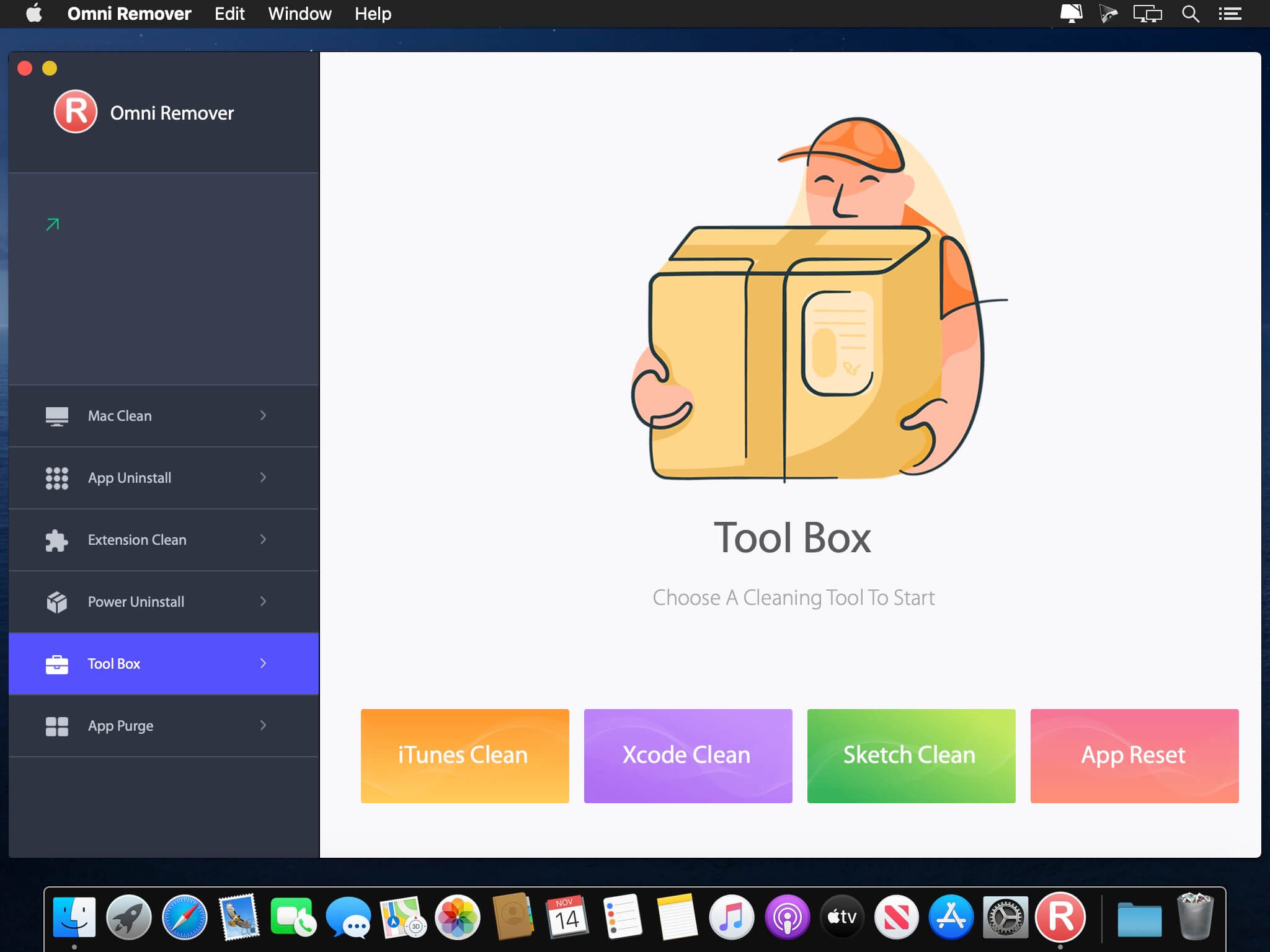
Omni Remover is all-in-one package to keep your Mac in fit. It can clean uninstall malicious and stubborn apps, purge 32-bit, orphaned apps leftover and put on-demand storage optimization on macOS Catalina.
Features:
- Mac Clean - the new Omni Remover comes to offer a wealth of Mac cleaning tools that were beautifully designed to clean unneeded files, like outdated caches, broken downloads, logs, and useless localizations.
- Mac App Uninstall - the core purpose of Omni Remover is to clean a collection of no-longer-needed files that are left behind when you uninstall an app on Mac. Omni Remover can keep track of those files, so the application could get removed completely.
- App Force Uninstall - uninstalling Mac apps is simple since most apps are self-contained that don't mess with the Mac system. But it's another story if you have 'stubborn' apps. Probably you'll find them again in future even when you think you've sent them away. Omni Remover would be your best helper for its simple operation and powerful Mac application removal ability.
Version 4.0.6
- Release notes were unavailable when this listing was updated.
Frequently asked questions
How do I install the app?
Mount the image, drag the app into the "Applications" folder and launch it. If the system blocks the launch, allow it in "System Settings → Privacy & Security".
The app is damaged or won't launch
Reinstalling from a fresh image usually helps. Make sure your macOS version matches the one listed in the compatibility specs.
How do I update?
Download the new version from the site and install it over the current one — your settings will be preserved.
The download link doesn't work
Try a mirror or a download manager. For large files the browser often drops the connection.
How do I completely remove the app?
Use an uninstaller utility — it cleans up the service files that remain after moving the app to the trash.





Choose a download source
Omni Remover 4.0.6 · 15.49 MB
Previous versions
Omni Remover 4.0.6
Previous versions are available to registered users.