Adobe Illustrator 2021 v25.4.1
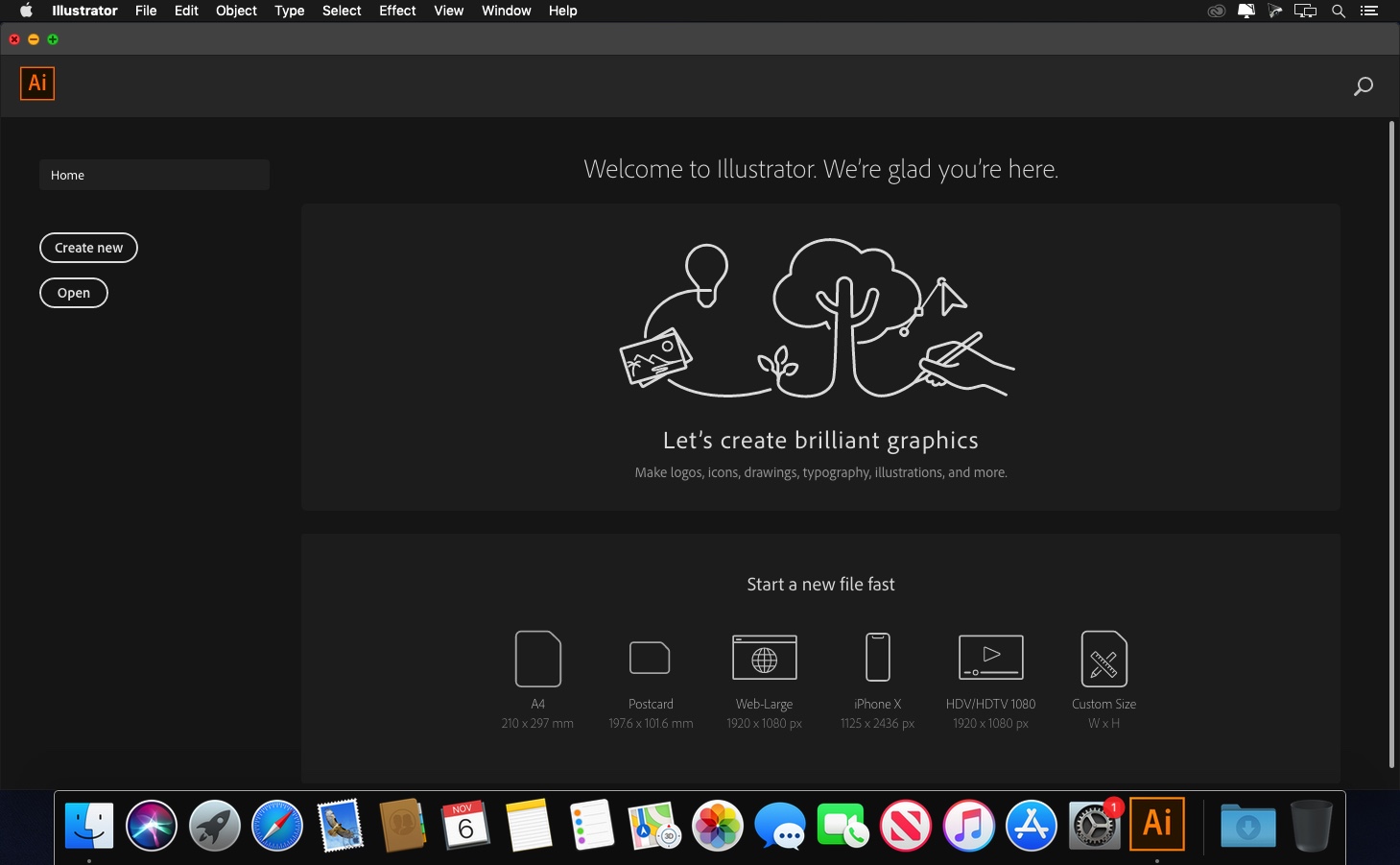
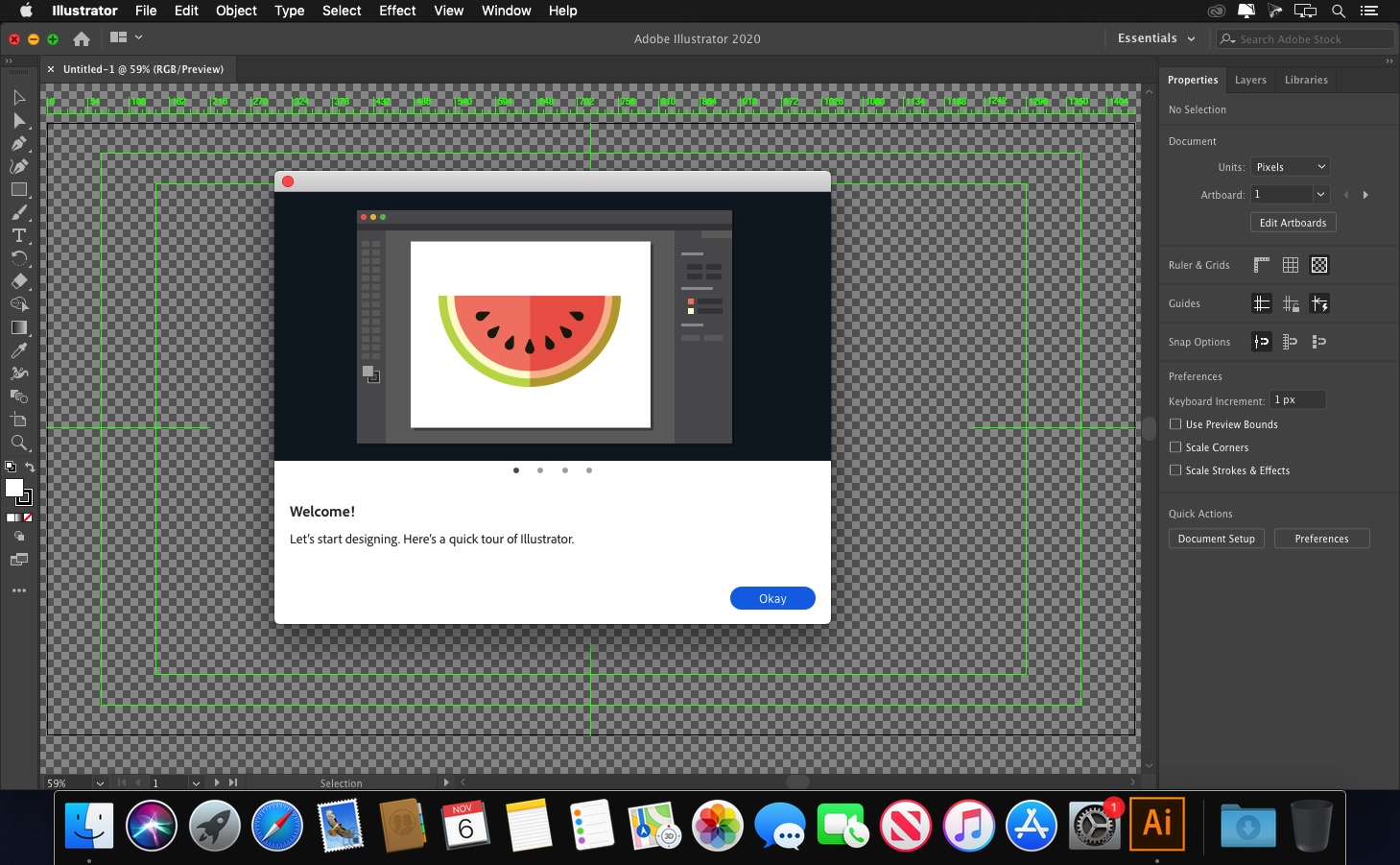
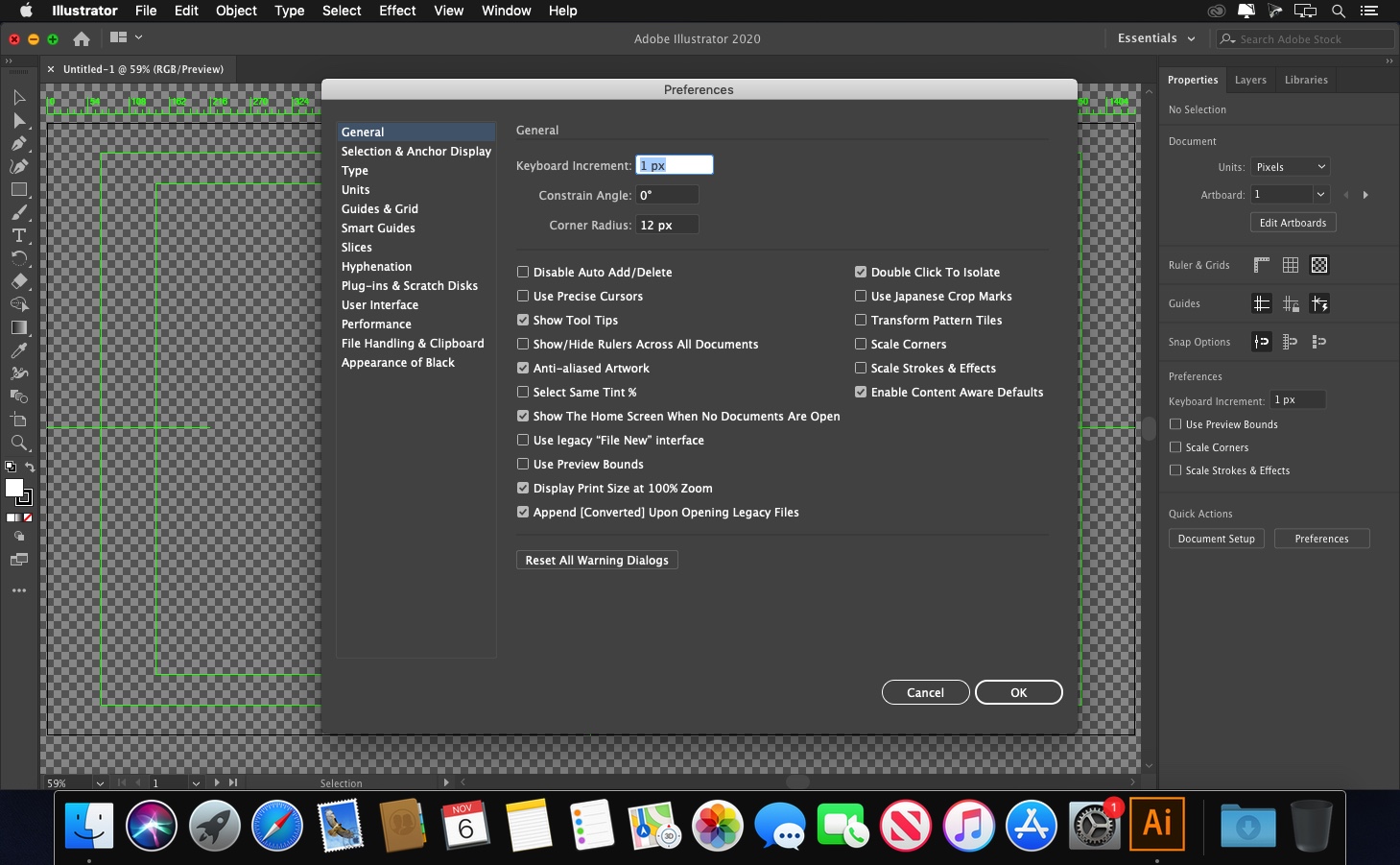
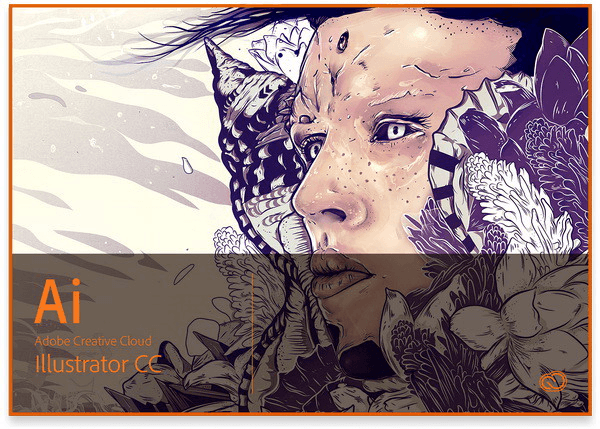
The industry-standard vector graphics software lets you create logos, icons, drawings, typography, and illustrations for print, web, video, and mobile. Millions of designers and artists use Illustrator to create everything from web icons and product packaging to book illustrations and billboards.
Iconic work at any size.
Get all the drawing tools you need to turn simple shapes and colors into sophisticated logos, icons, and graphics. Illustrator artwork is vector-based, so it can scale down for mobile screens and up to billboard size — and always look crisp and beautiful.
Gorgeous typography that says it all.
Incorporate a company name into a logo, create a flyer, or mock up a website design with the best type tools out there. Add effects, manage styles, and edit individual characters to create typographic designs that perfectly express your messages.
Draw attention everywhere.
Create freehand drawings, or trace and re-color imported photos to turn them into works of art. Use your illustrations anywhere, including printed pieces, presentations, websites, blogs, and social media.
Fast asset export for screens
Select assets from your artboards and export them to multiple sizes, resolutions, and formats with one click.
Puppet Warp
Modify a graphic naturally, without having to adjust individual paths or anchor points.
SVG Color Fonts
Design with SVG OpenType fonts that include multiple colors, gradients, and transparencies.
Artboard enhancements
Create up to a thousand artboards on your canvas, and select multiple artboards at one time to move, resize, and more.
Version 25.0:
Note: The downloadable file is an installer that will install the product when opened.
Fixed issues:
- East-Asian Type - When the Units> Type preference is set to Q, font size cannot be set properly on using the up and down buttons or on typing the size value
- Upon changing UI scaling from Edit > Preferences > User Interface, all drop-down lists in the app interface show inverted
- Removed feature in-app tours from Illustrator to help you focus on your creative work
- When the Layers panel is open, Illustrator crashes on changing the gradient color
Frequently asked questions
How do I install the app?
Mount the image, drag the app into the "Applications" folder and launch it. If the system blocks the launch, allow it in "System Settings → Privacy & Security".
The app is damaged or won't launch
Reinstalling from a fresh image usually helps. Make sure your macOS version matches the one listed in the compatibility specs.
How do I update?
Download the new version from the site and install it over the current one — your settings will be preserved.
The download link doesn't work
Try a mirror or a download manager. For large files the browser often drops the connection.
How do I completely remove the app?
Use an uninstaller utility — it cleans up the service files that remain after moving the app to the trash.

Choose a download source
Adobe Illustrator 2021 v25.4.1
Previous versions
Adobe Illustrator 2021 v25.4.1
Previous versions are available to registered users.