

Videoscribe Pro 2.3.3
Description
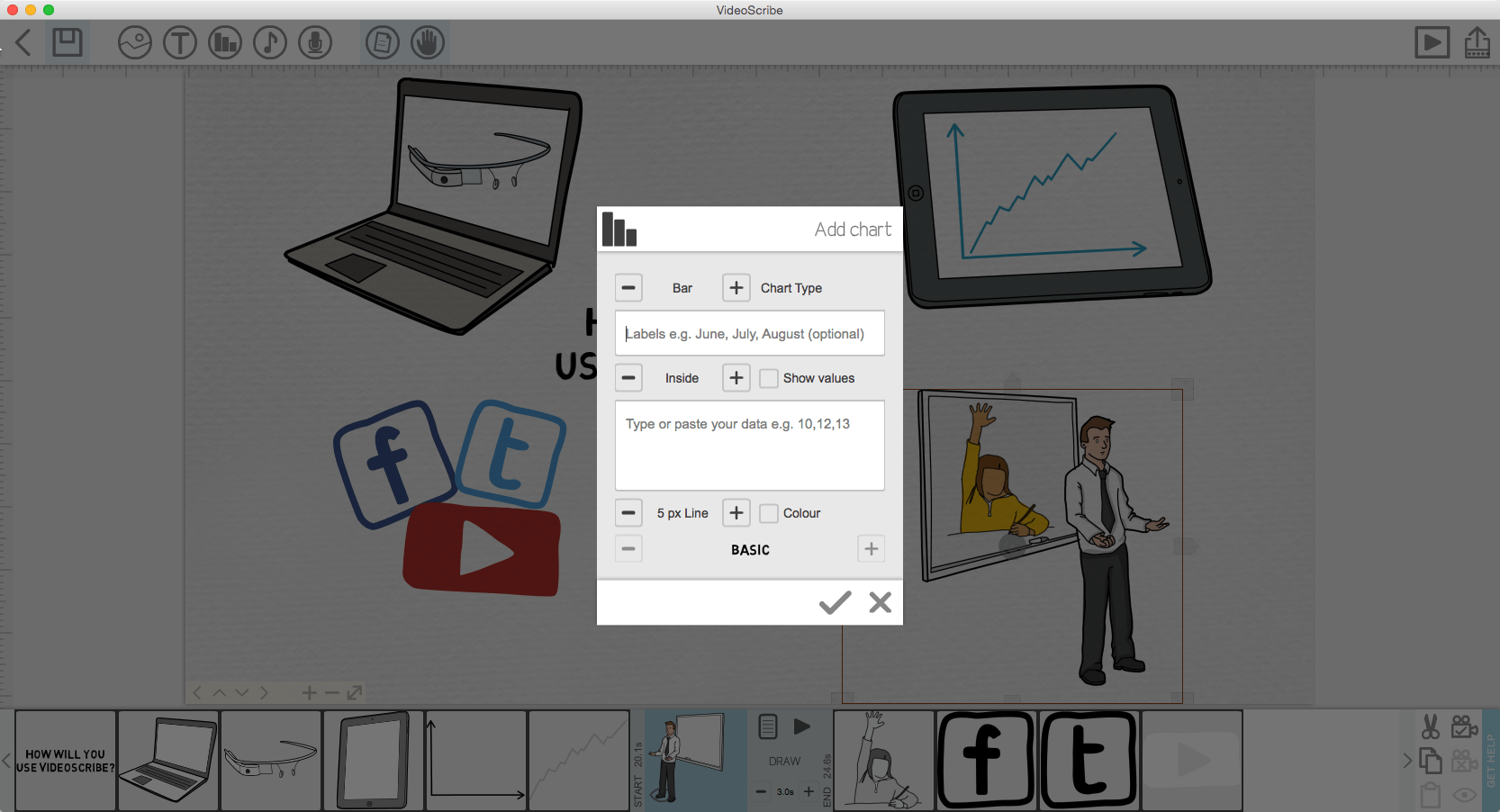
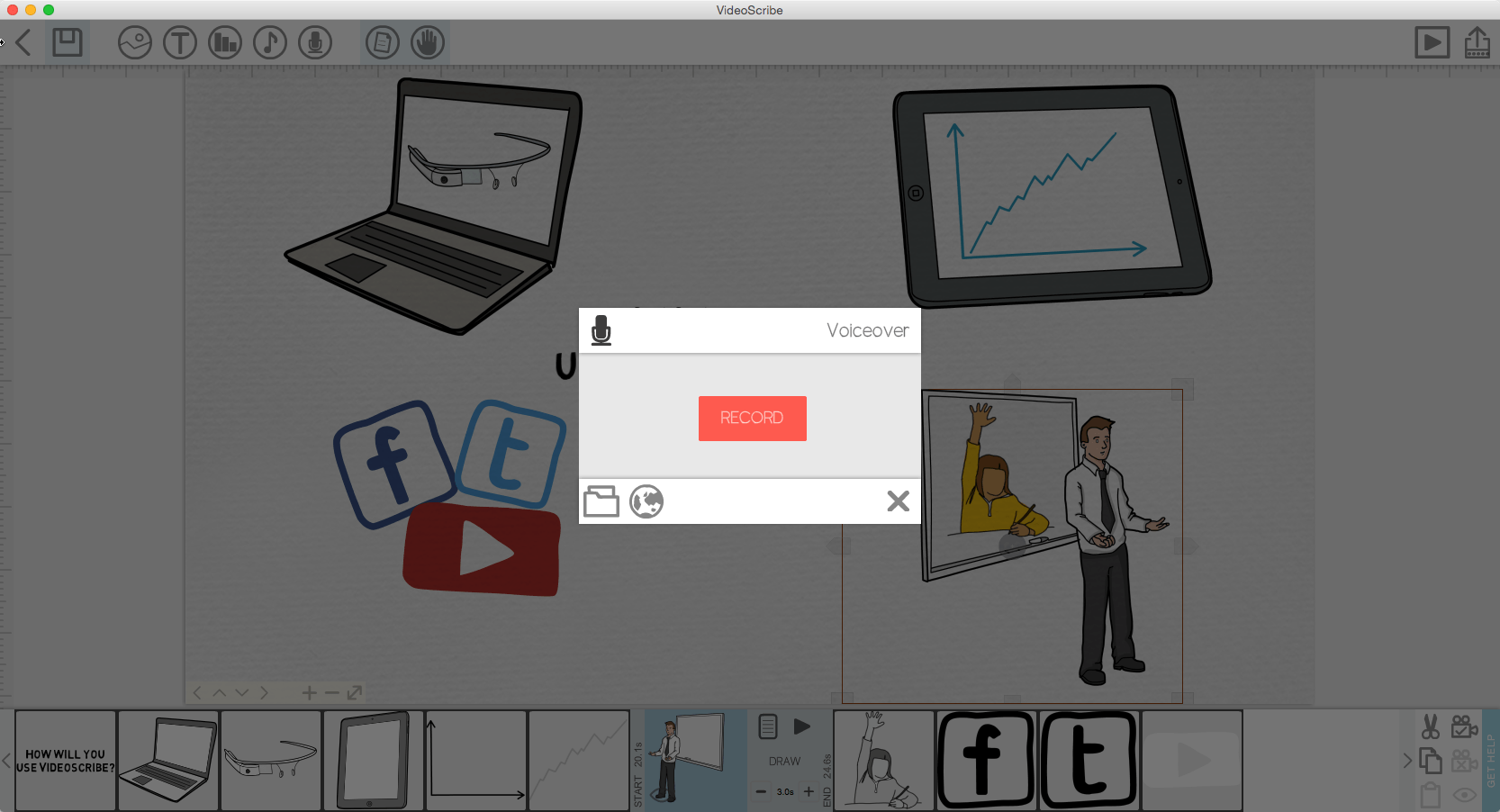
VideoScribe is a unique way to create engaging animated videos quickly and easily. You are empowered to bring impact to your message without technical or design knowledge. You can create amazing marketing videos, instructional talks, add a visual to your talk or story, bring illustrations to life, show text, logos or photos and keep any audience captivated.
Key Features of PRO Edition:
- Full HD output
- Fast rendering
- Use the output (whole or part) commercially
- No watermarks or branding
- Use your own hands
- Output to QuickTime movie or Flash Video
- Create PNG & JPG image sequences
- All updates & upgrades as they come out
- Commercial use of the full image library
- Commercial use of the full music library
- Commercial use of the full font library
- Resell the output as yours (as long as you have an active Pro account)
Screenshots

Comments
No comments yet. Be the first.
Information
Visitors in the group Guests cannot leave comments on this publication.