
Brave Browser 1.35.104
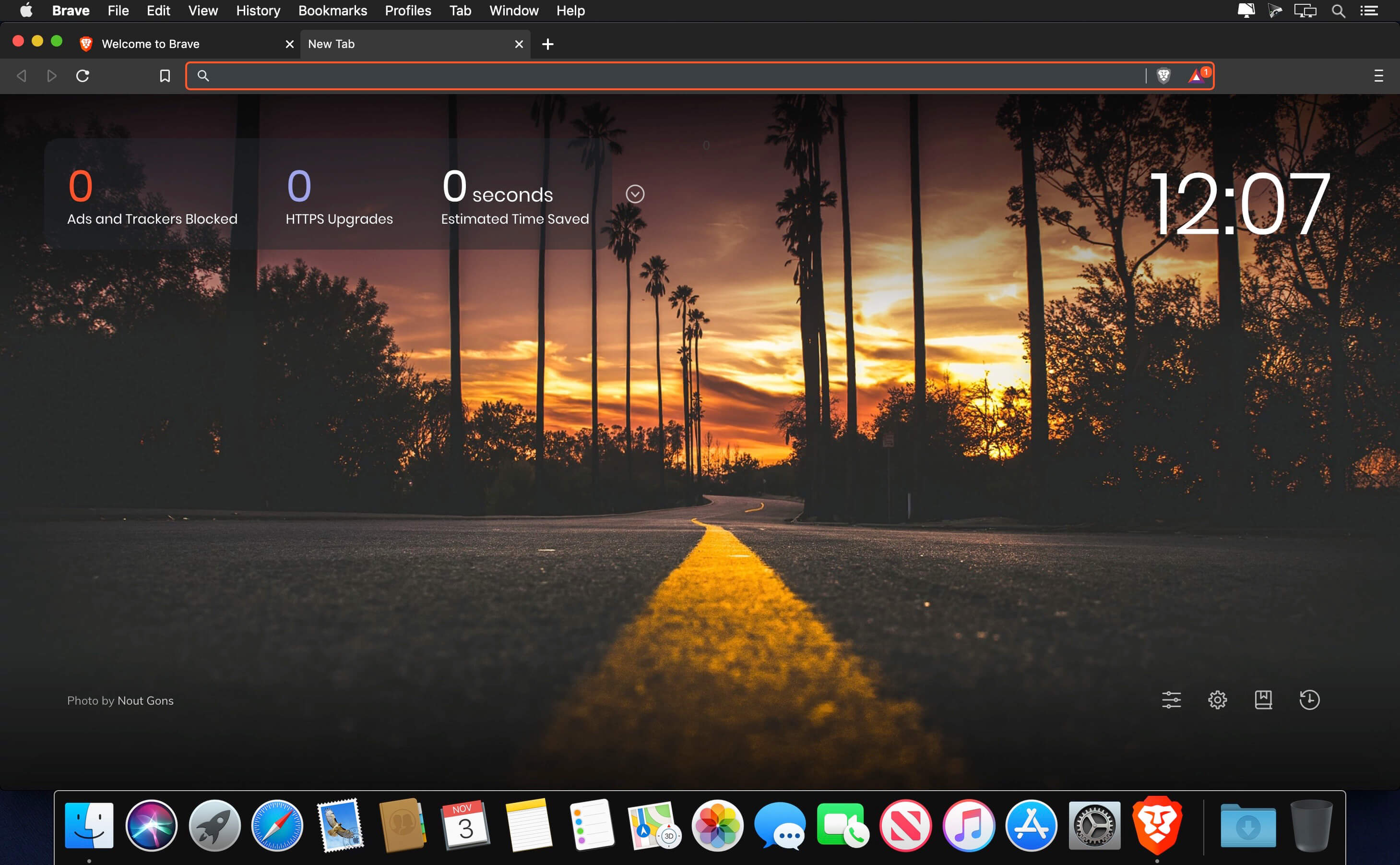
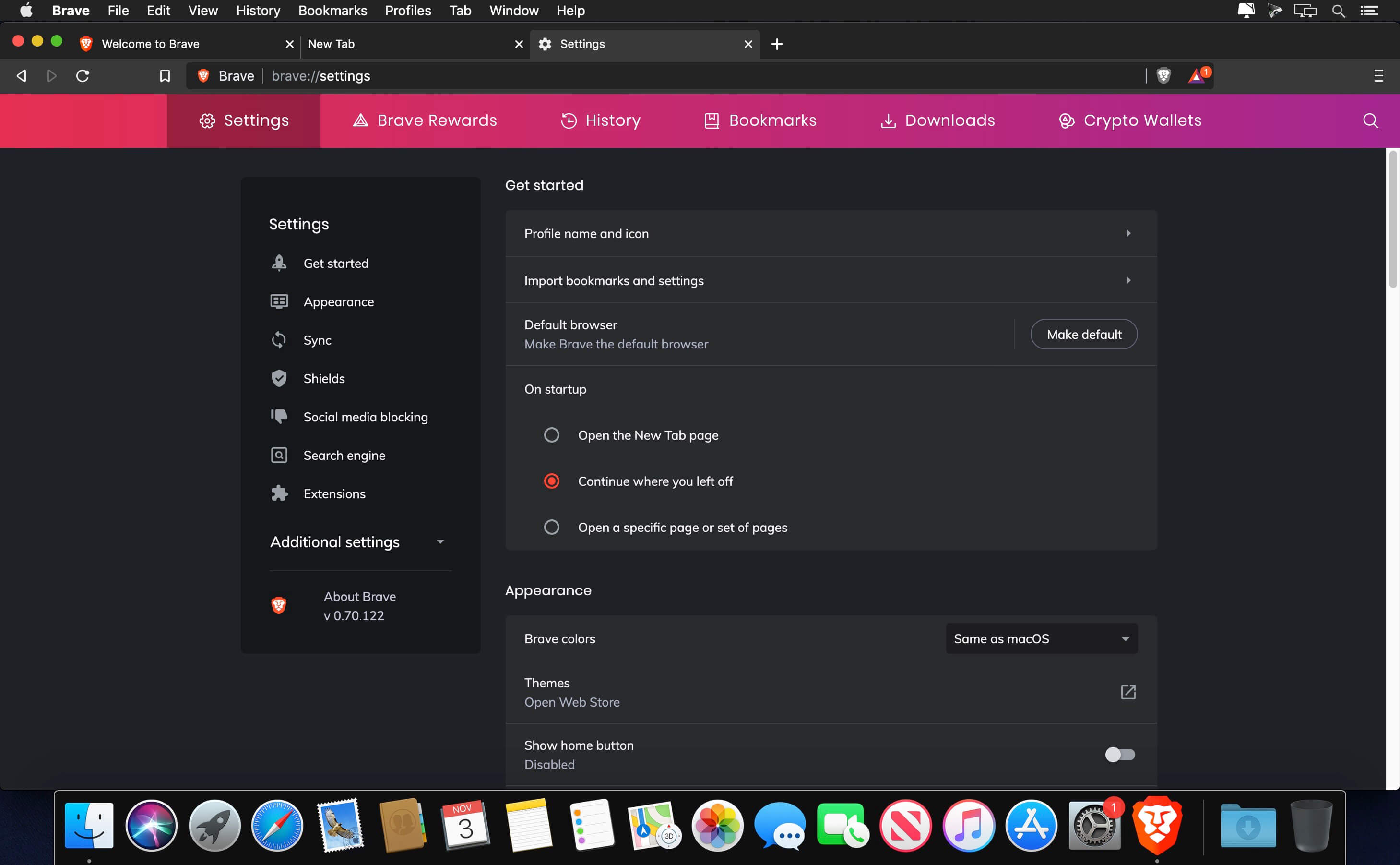
Brave automatically blocks ads and trackers, making it faster and safer than your current browser. Soon, micropayments and better ads will give users and publishers a better deal. Up to a whopping 60% of page-load time is caused by the underlying ad technology that loads into various places each time you hit a page on your favorite news site. And 20% of this is time spent on loading things that are trying to learn more about you.
- Browse Faster - Brave blocks trackers and intrusive ads that can slow you down on the web.
- Browse Safer - Brave keeps you and your information safer, effectively shielding you from 3rd party tracking and malvertisement.
- Browse Better - With Brave, you can choose whether to see ads that respect your privacy or pay sites directly. Either way, you can feel good about helping fund content creators.
Features
- Brave blocks harmful advertising - There's a new ad game in town. It's called "Malvertising". The latest display ad technology can install malware on your laptop without your knowledge. But not with Brave watching your back.
- Brave redirects sites to HTTPS - We've integrated HTTPS Everywhere into every Brave browser to make sure you are always moving your bits across the safest possible pipe.
- Brave blocks tracking pixels and tracking cookies - Do you ever get that feeling that someone is watching you when you see an ad for something you bought a few days ago? We make sure you aren't being tracked while you shop online and browse your favorite sites.
Version 1.35.104:
- Upgraded Chromium to 98.0.4758.109 on macOS.
Frequently asked questions
How do I install the app?
Mount the image, drag the app into the "Applications" folder and launch it. If the system blocks the launch, allow it in "System Settings → Privacy & Security".
The app is damaged or won't launch
Reinstalling from a fresh image usually helps. Make sure your macOS version matches the one listed in the compatibility specs.
How do I update?
Download the new version from the site and install it over the current one — your settings will be preserved.
The download link doesn't work
Try a mirror or a download manager. For large files the browser often drops the connection.
How do I completely remove the app?
Use an uninstaller utility — it cleans up the service files that remain after moving the app to the trash.





Choose a download source
Brave Browser 1.35.104 · 234.17 MB
Comments 1