
Blocks 3.6.0 (RapidWeaver plugin)
Screenshots
Click to enlarge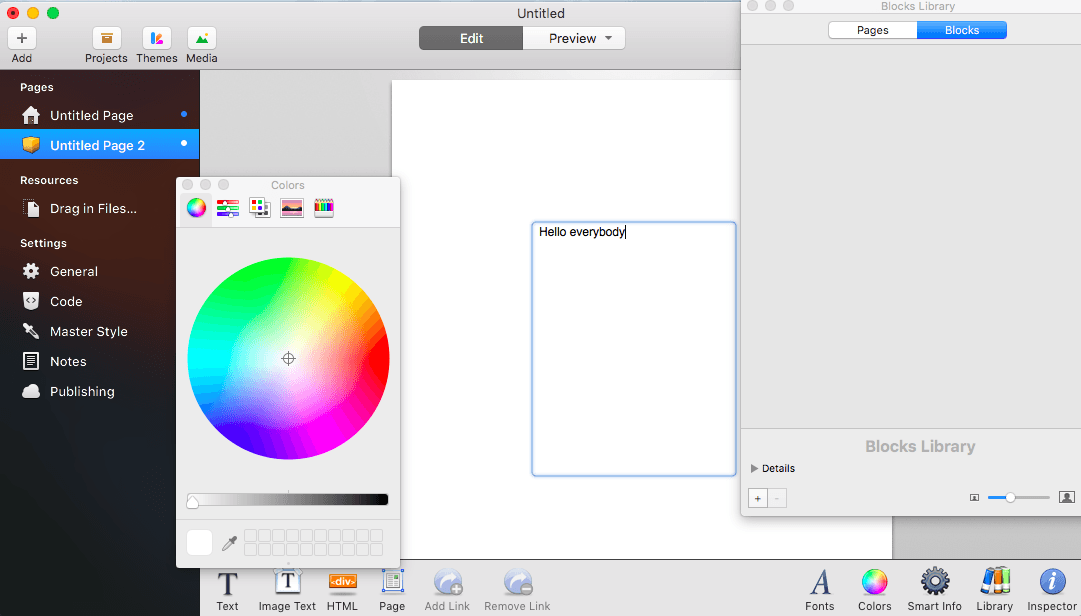
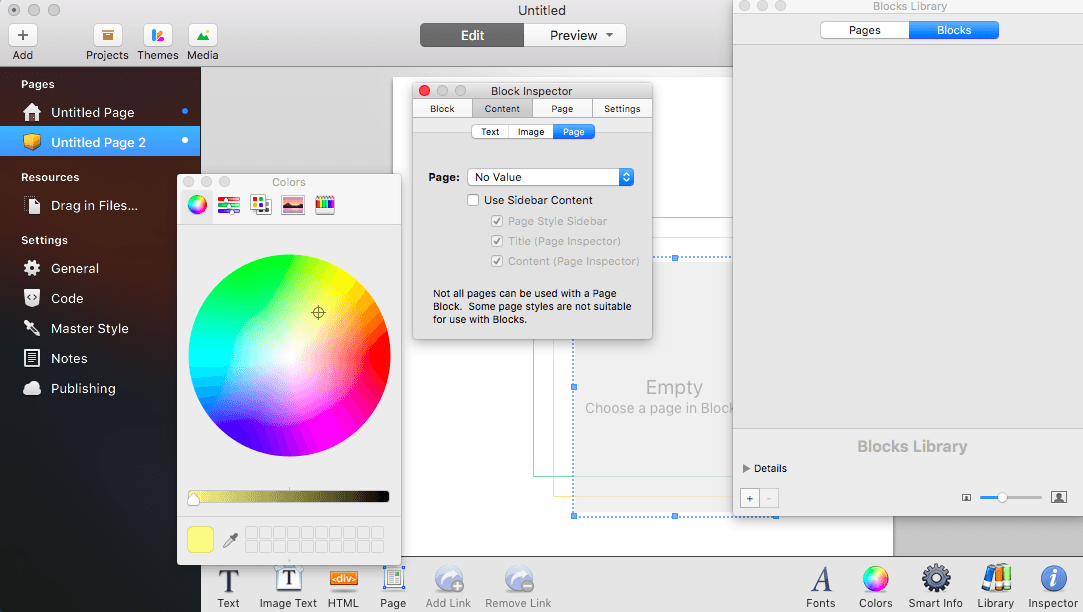
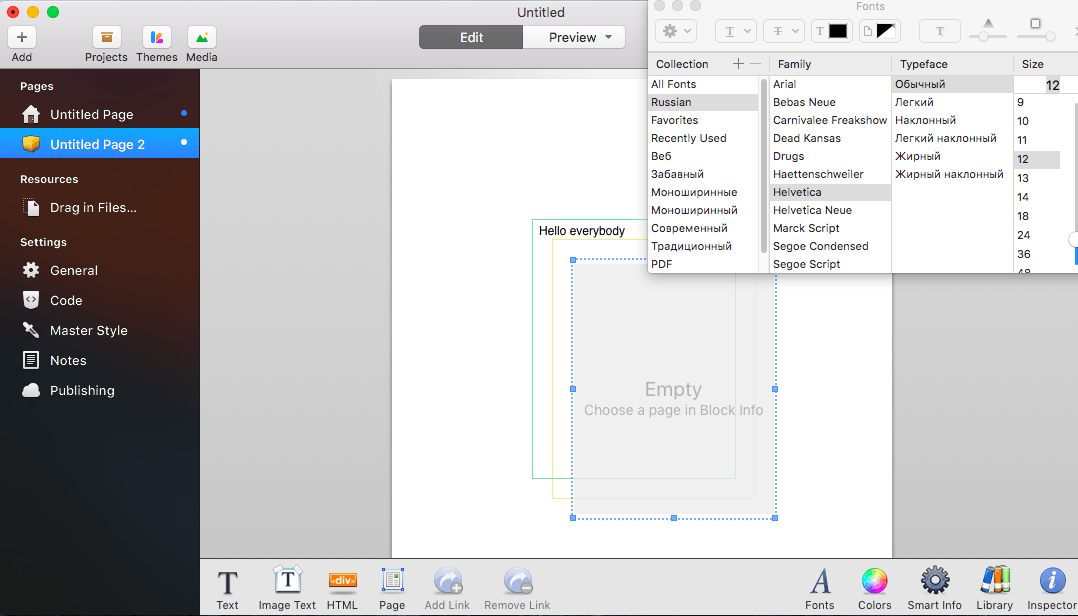
Blocks is a plugin for RapidWeaver. It allows you to place blocks of text, graphics, and even raw HTML onto your page wherever you like. Drag blocks around, resize them, and even overlap content.
All in a plugin that is as easy to use as RapidWeaver itself.
Blocks 3.0 brings great ways to reuse your own content (library blocks), your own layout (master pages), your own pages (library pages), and even content from other page types (Page Blocks). What more can we do? We can make everything smarter. Smart Blocks allow you to add special tags to your code that can connect to the properties of your blocks or even add GUI controls to your layout.
Version 3.6.0:
- Release notes were unavailable when this listing was updated.
Comments
No comments yet. Be the first.
Information
Visitors in the group Guests cannot leave comments on this publication.