
QuarkXPress 2018 v14.3.2
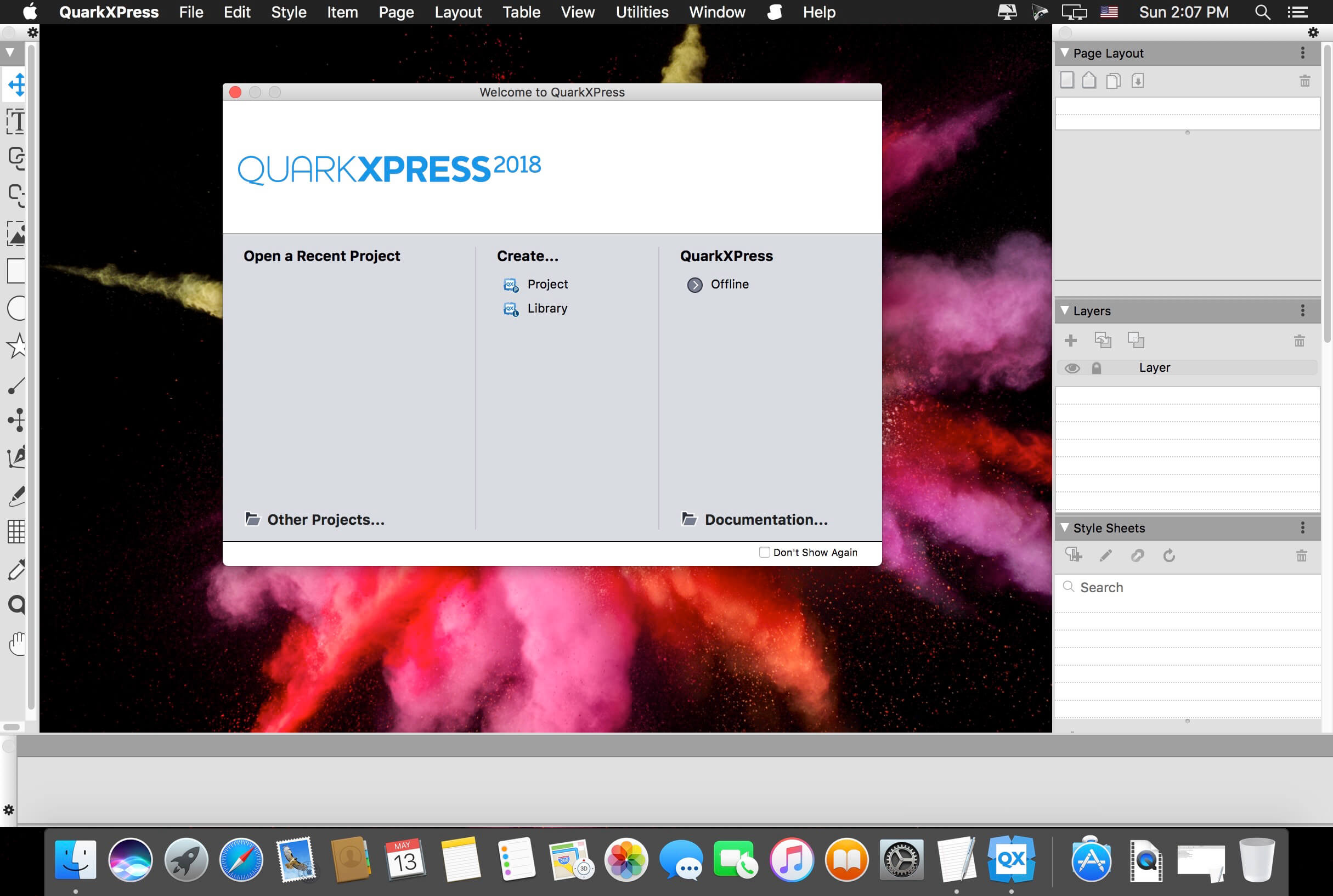
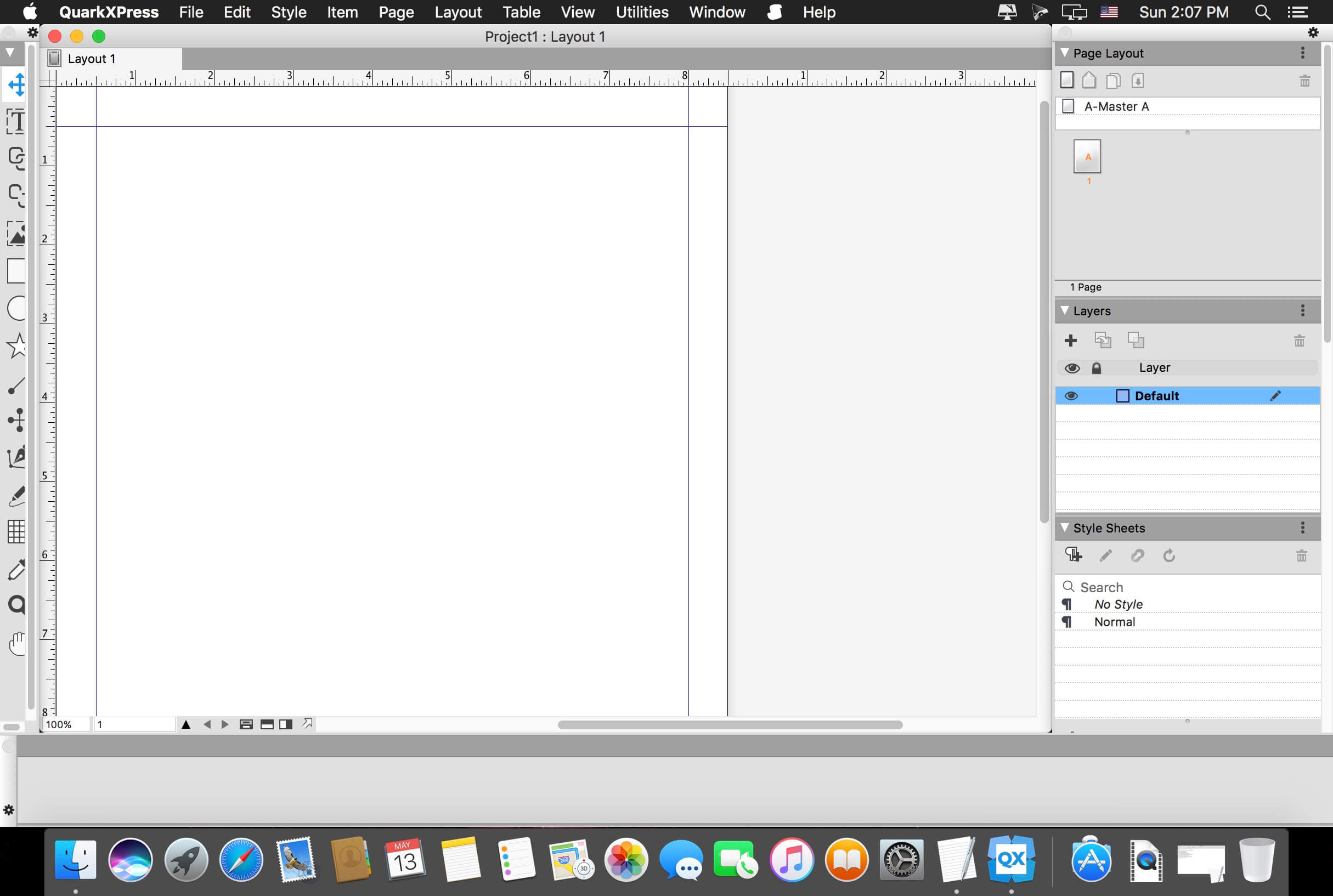
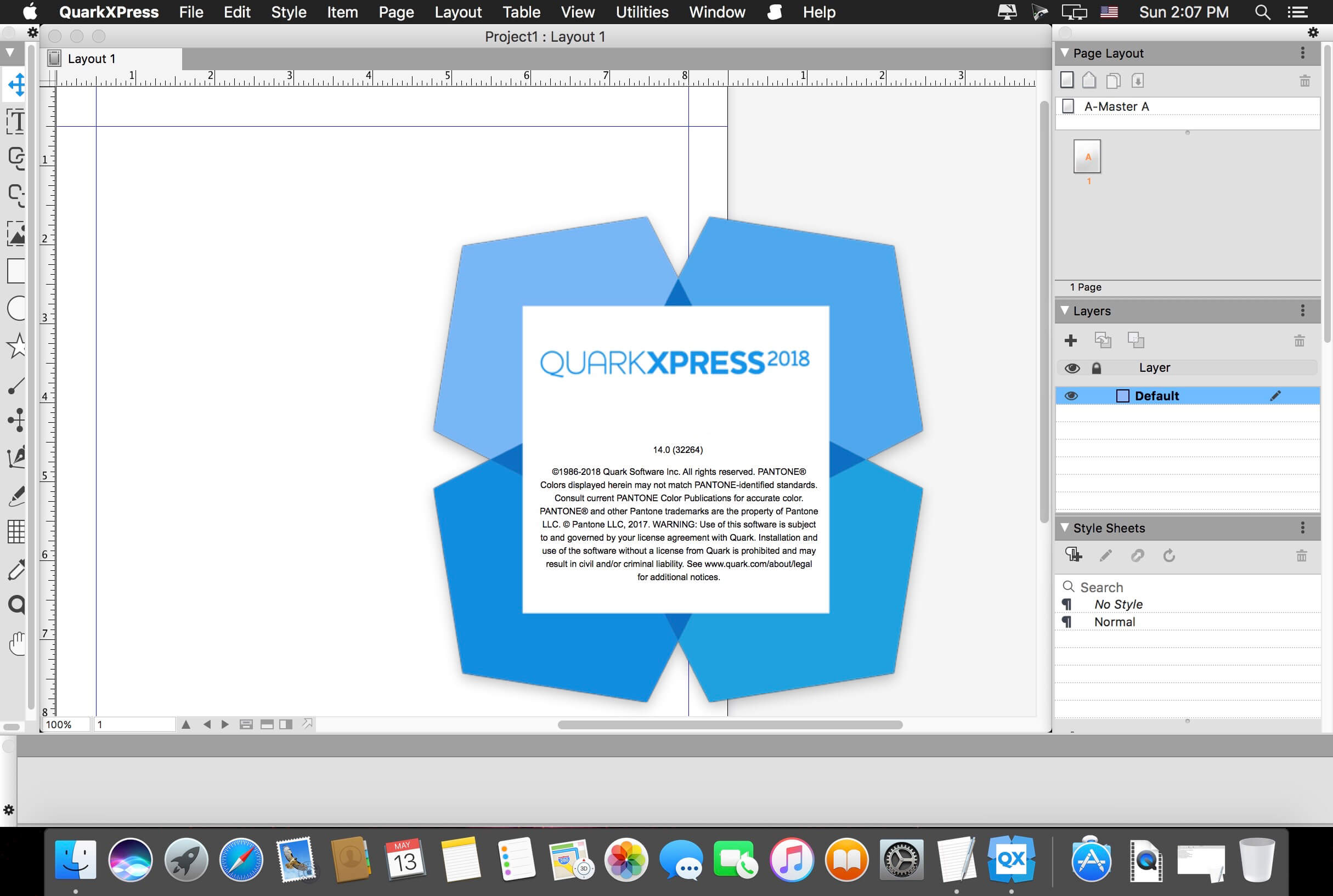
QuarkXPress 2018 is the leading graphic design and page layout software for creative professionals. It’s used by hundreds of thousands of users around the world who value quality and performance in their daily production of print and digital products.
QuarkXPress is the new version that raises the bar for design and productivity. With non-destructive graphics and image editing directly within your layout, you no longer have to choose between efficiency and output quality. Create responsive HTML5 Publications as well as “unlimited”* single iOS apps and more. QuarkXPress is driven by five initiatives:
- Introducing new graphics and image editing capabilities
- Enhancing and extending text and typography features
- “Wish list” features requested by our users
- Continued digital publishing innovation
- Retaining the perpetual lifetime license model
- Non-destructive image editing (adjustments and filters)
- Transparency blend modes
- New shape tools
- More multi-color gradients
- Gradients for frames
- Item format painter
- Text stroking
- Text shading
- Column spanning/splitting
- Non-breaking text attribute
- Merge text boxes
- Automatic line between columns
- Proportional leading
- Additional smart quotes
- Smart text linking
- Word import enhanced
- Footnotes enhanced
- "Unlimited"* iOS single apps
- Adaptive layout conversion
- Automatic table-of-content
- Responsive HTML5 Publications
- (multi device output)
- Adaptive layout conversion
- Convert to Native Objects
- Mac and Win UI enhancements
- Cursor key can control increments/decrements
- List most recent fonts
- Find/Change enhanced
- Cross References enhanced
- Built-in cache cleaner
- XTensions Manager enhanced
Version 14.3.2:
- Release notes were unavailable when this listing was updated.
Frequently asked questions
How do I install the app?
Mount the image, drag the app into the "Applications" folder and launch it. If the system blocks the launch, allow it in "System Settings → Privacy & Security".
The app is damaged or won't launch
Reinstalling from a fresh image usually helps. Make sure your macOS version matches the one listed in the compatibility specs.
How do I update?
Download the new version from the site and install it over the current one — your settings will be preserved.
The download link doesn't work
Try a mirror or a download manager. For large files the browser often drops the connection.
How do I completely remove the app?
Use an uninstaller utility — it cleans up the service files that remain after moving the app to the trash.
VersionQuarkXPress 2018 v14.3.2
DeveloperQuark Software Inc.
CompatibilityOS X 10.11 or later, 64-bit processor
LanguageMultilangual
IncludesK




Information
Visitors in the group Guests cannot leave comments on this publication.
Choose a download source
QuarkXPress 2018 v14.3.2 · 617.66 MB
Previous versions
QuarkXPress 2018 v14.3.2
Previous versions are available to registered users.