
WebToLayers 1.4.0
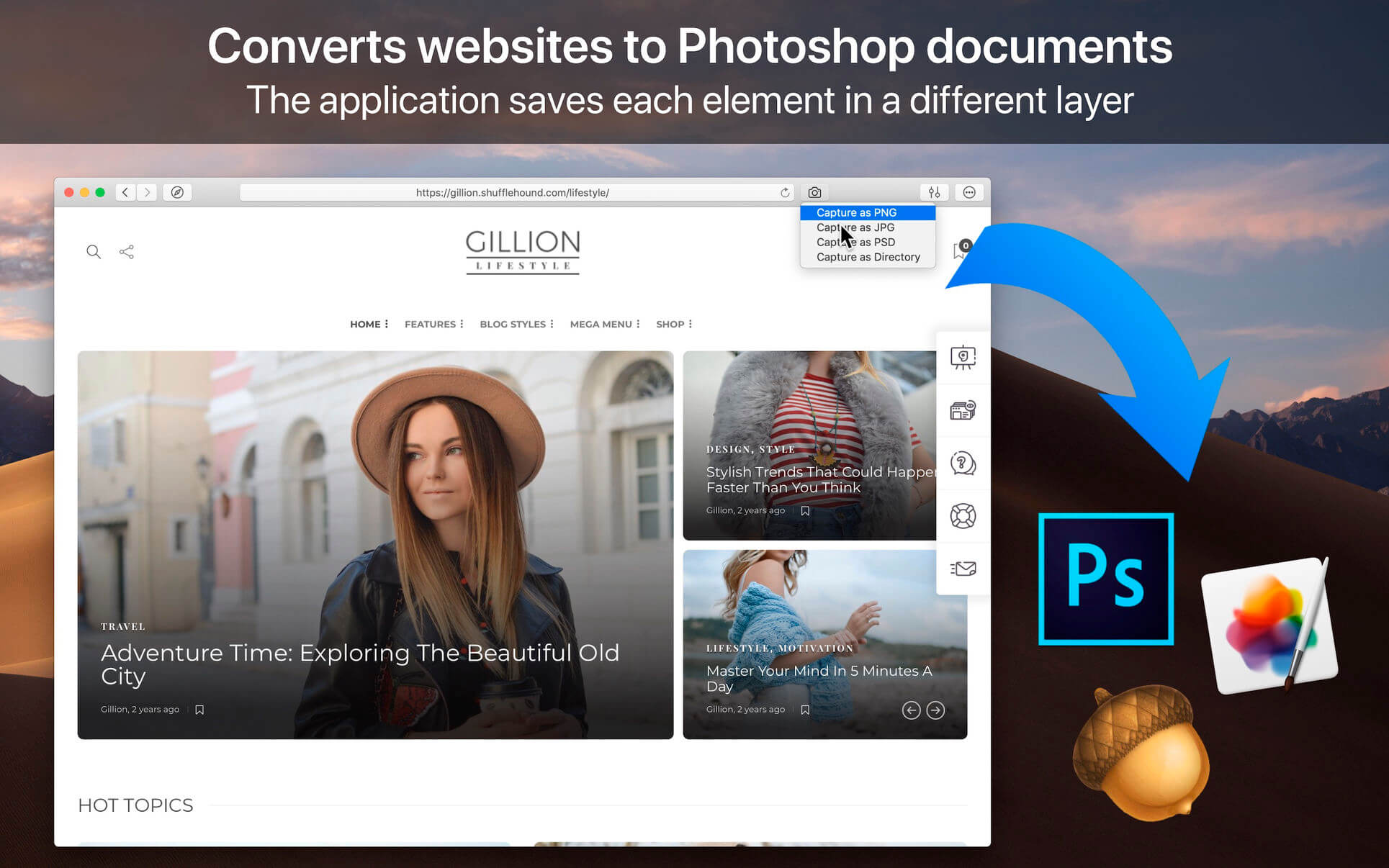
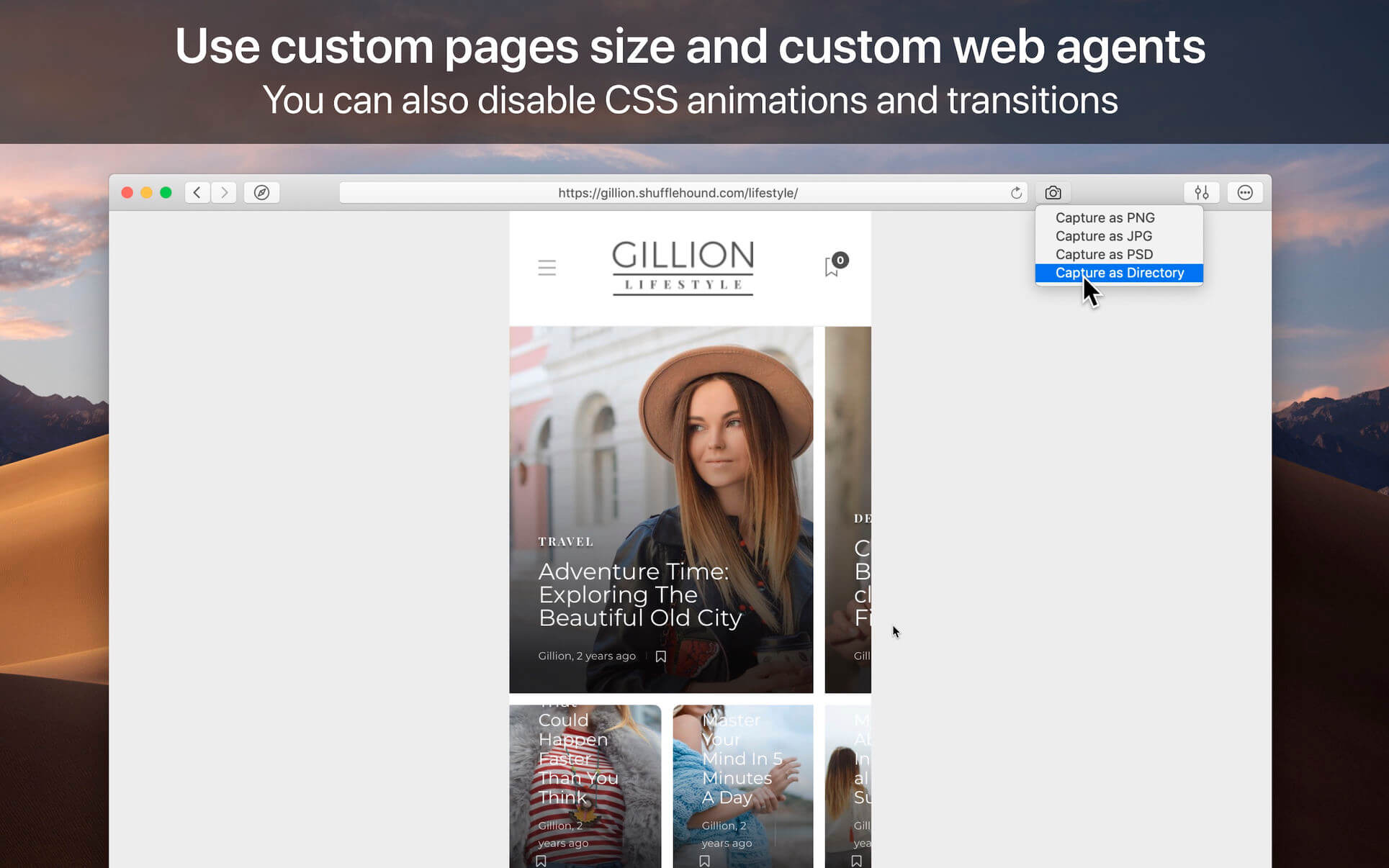
WebToLayers converts websites to Photoshop documents. In other words, the app allows you to screenshot webpages by keeping each element in a separated layer. The app will save you lots of time when re-designing or improving existing web pages.
Additional features:
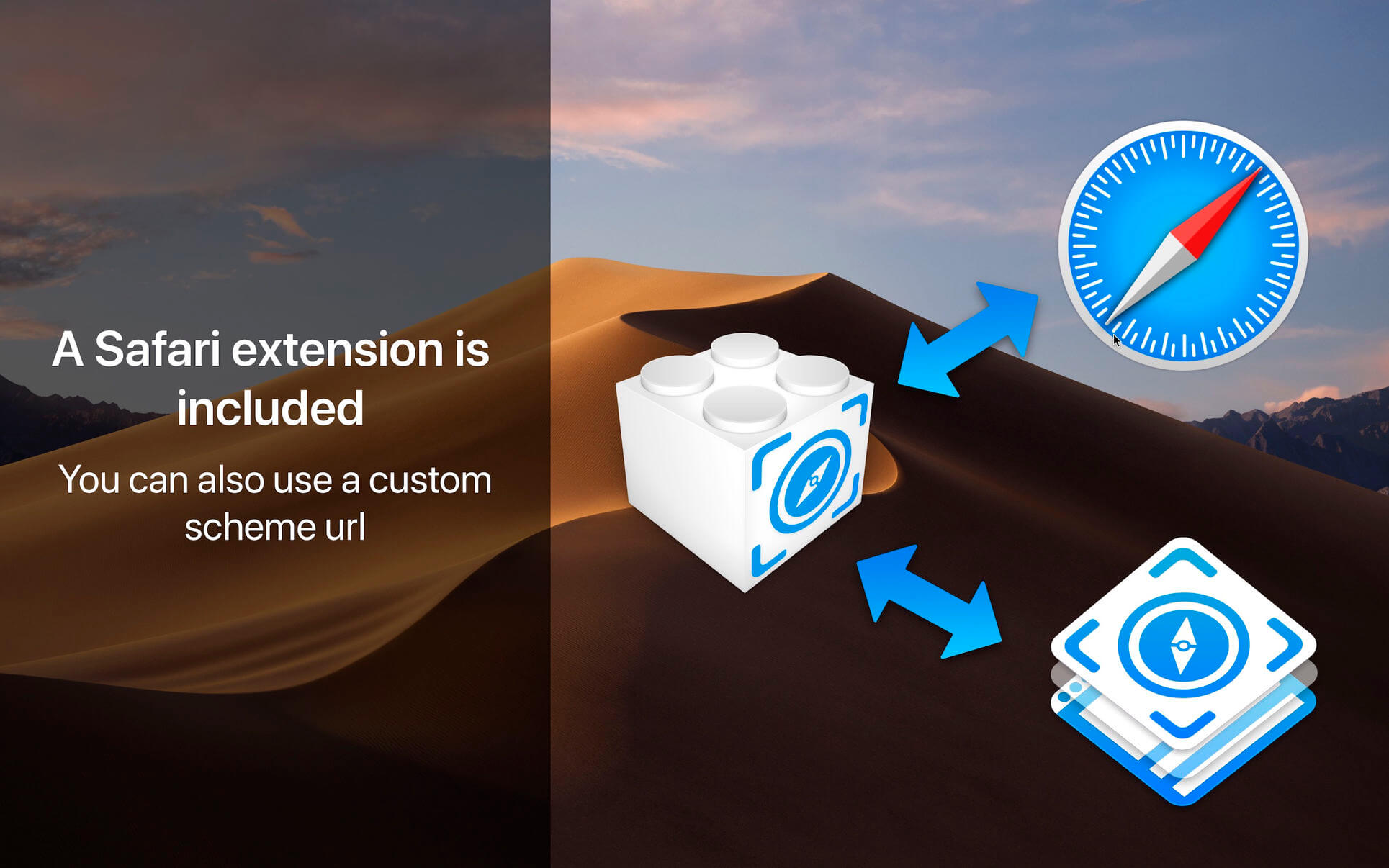
- Safari extension
- Custom page size
- Custom web agent
- JS Injections
Version 1.4.0
- Fixed Issues: Resolved several minor issues to enhance overall performance and functionality.
Frequently asked questions
How do I install the app?
Mount the image, drag the app into the "Applications" folder and launch it. If the system blocks the launch, allow it in "System Settings → Privacy & Security".
The app is damaged or won't launch
Reinstalling from a fresh image usually helps. Make sure your macOS version matches the one listed in the compatibility specs.
How do I update?
Download the new version from the site and install it over the current one — your settings will be preserved.
The download link doesn't work
Try a mirror or a download manager. For large files the browser often drops the connection.
How do I completely remove the app?
Use an uninstaller utility — it cleans up the service files that remain after moving the app to the trash.

Choose a download source
WebToLayers 1.4.0 · 8.97 MB
Previous versions
WebToLayers 1.4.0
Previous versions are available to registered users.