
Astute Graphics Plugins Elite Bundle 2.3.3
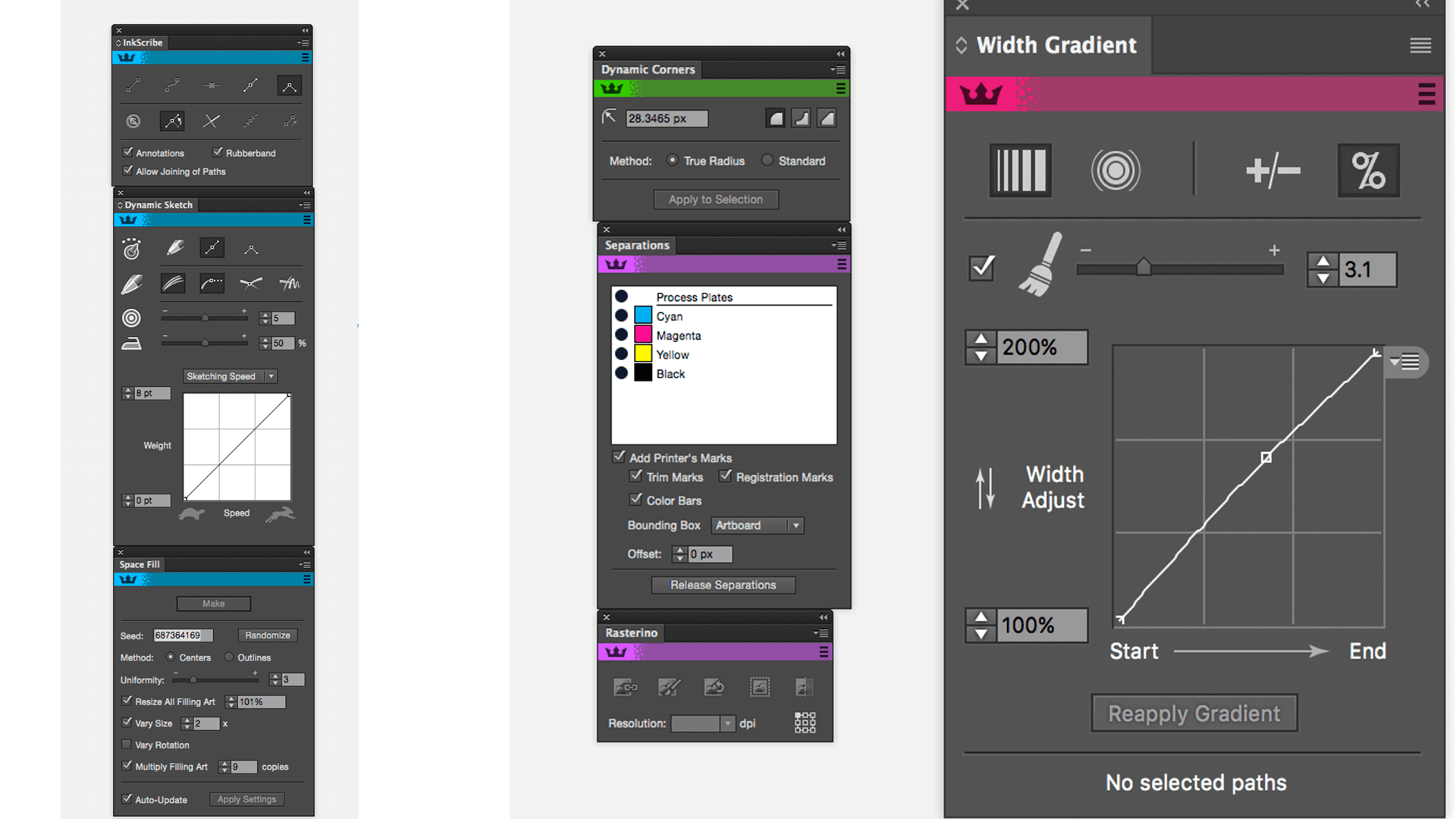
Real Vector Sketching in Adobe Illustrator. The only tool that allows true vector sketching in Illustrator. Instinctively sketch with a live preview of your path, the variable width-strokes being set by the pressure of your tablet or the speed of your mouse. You can even draw with brushes applied. A must have tool for drawing freehand.
Get more from Texturino with Pro Texture Packs Exclusively crafted for use in Texturino, these packs allow you to extend the range of textures you can instantly apply to artwork within Adobe Illustrator.
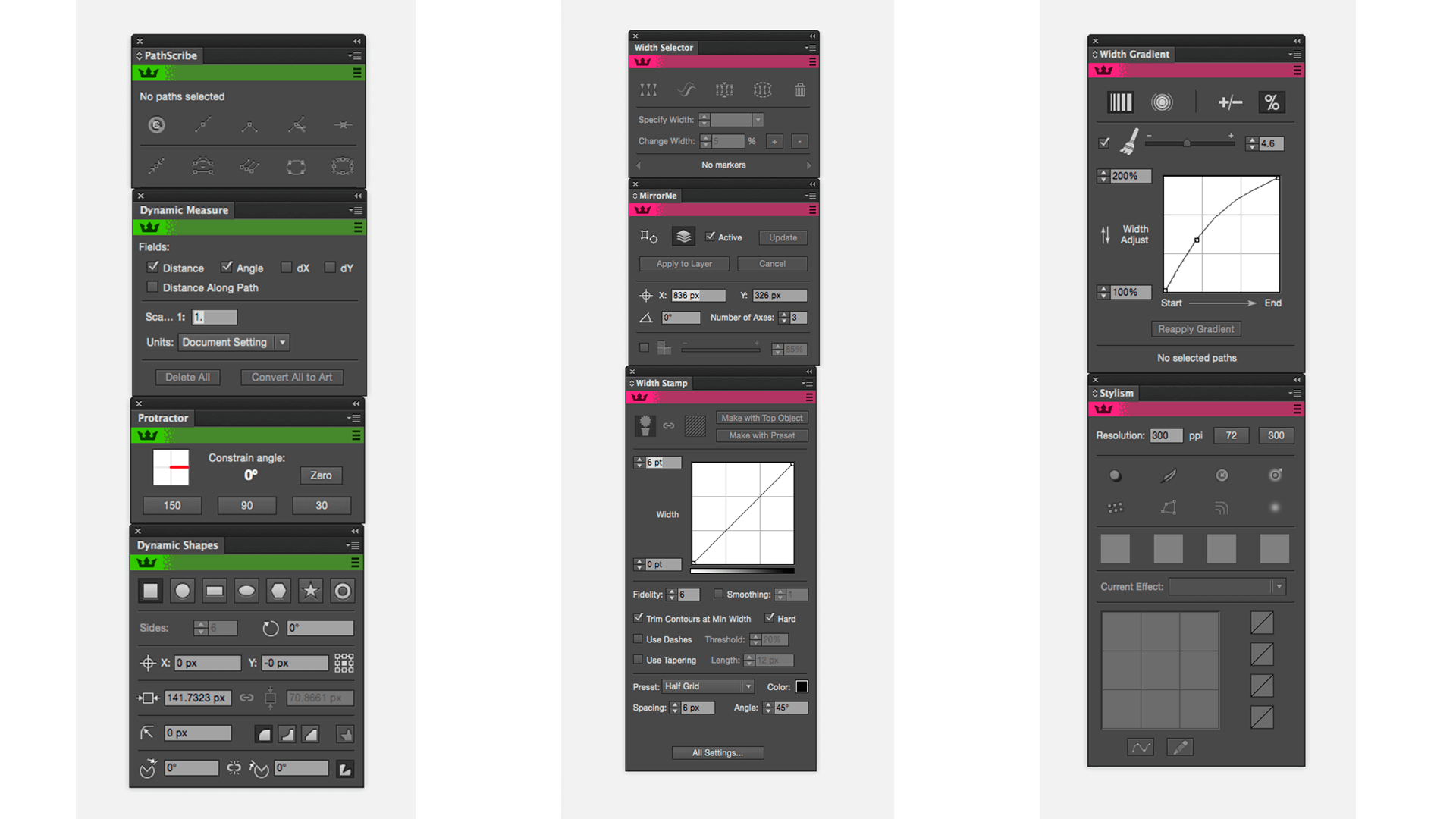
Astute Graphics Plugins Elite Bundle include
- AstuteBuddy
- Autosavior
- ColliderScribe
- DirectPrefs
- DynamicSketch
- FindReplace
- ink flow
- Ink Quest
- InkScribe
- Mirror Me
- Phantasm
- Rasterino
- Stipplism
- style
- Subscribe
- Texturino
- VectorFirstAid
- VectorScribe
- WidthScribe
Version 2.3.3:
- Release notes were unavailable when this listing was updated.
Frequently asked questions
How do I install the app?
Mount the image, drag the app into the "Applications" folder and launch it. If the system blocks the launch, allow it in "System Settings → Privacy & Security".
The app is damaged or won't launch
Reinstalling from a fresh image usually helps. Make sure your macOS version matches the one listed in the compatibility specs.
How do I update?
Download the new version from the site and install it over the current one — your settings will be preserved.
The download link doesn't work
Try a mirror or a download manager. For large files the browser often drops the connection.
How do I completely remove the app?
Use an uninstaller utility — it cleans up the service files that remain after moving the app to the trash.
Related posts
-
 Astute Graphics Plugins Elite Bundle v2.0.4 + Pro Texture Packs for Texturino
Graphic Design1.08 GB
Astute Graphics Plugins Elite Bundle v2.0.4 + Pro Texture Packs for Texturino
Graphic Design1.08 GB
-
 Astute Graphics Elite Bundle 1.2.4
Graphic Design143.36 MB
Astute Graphics Elite Bundle 1.2.4
Graphic Design143.36 MB
-
Astute Graphics Plugins Bundle v1.2.2
Mac Apps412.3 MB
-
 Adobe Illustrator CC 2018 v22.0.1
Mac Apps2.18 GB
Adobe Illustrator CC 2018 v22.0.1
Mac Apps2.18 GB
-
 Adobe Illustrator 2024 v28.0
Graphic Design3.35 GB
Adobe Illustrator 2024 v28.0
Graphic Design3.35 GB
Choose a download source
Astute Graphics Plugins Elite Bundle 2.3.3 · 90.87 MB
Comments 1