ScreenToLayers 1.2.0
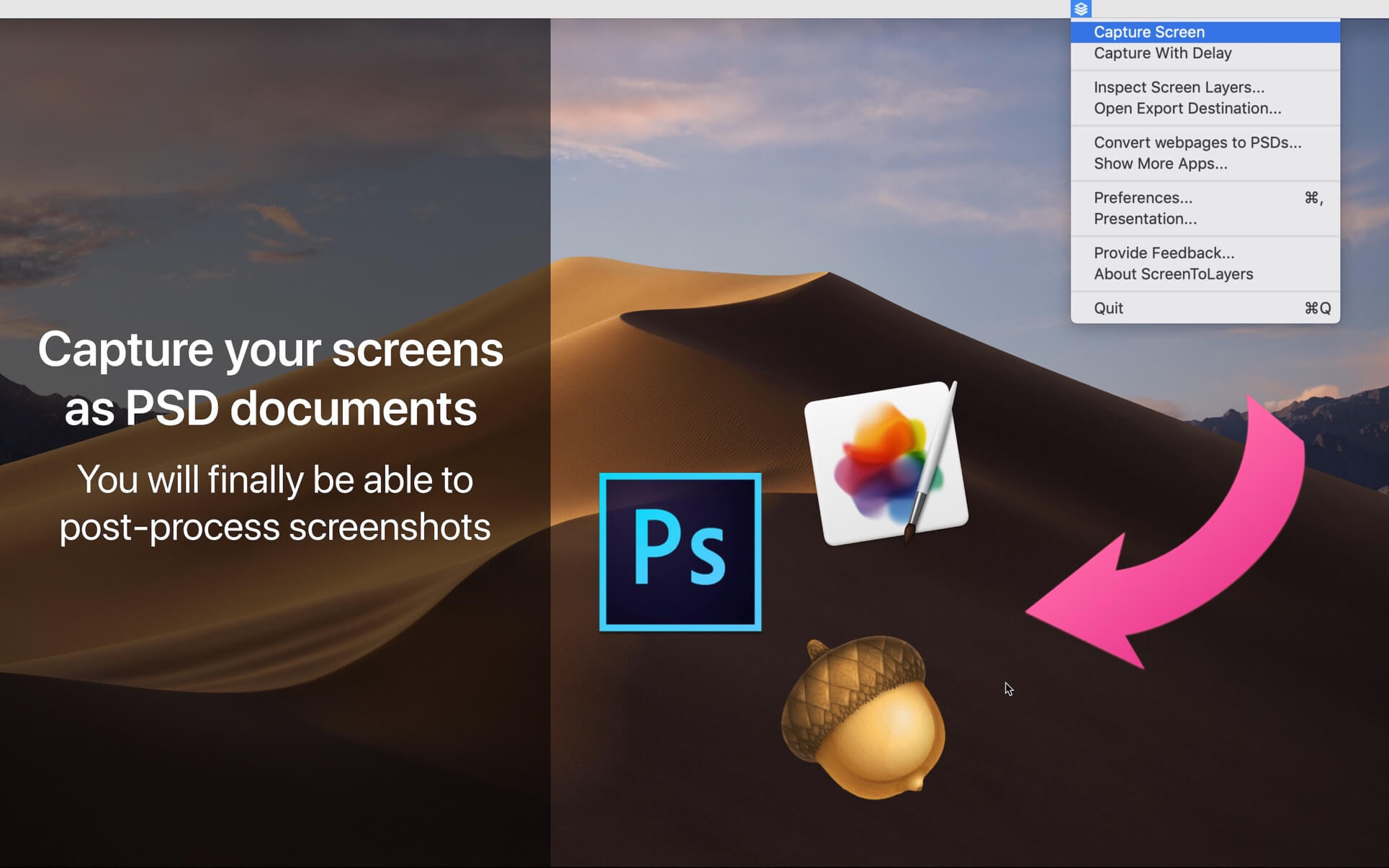
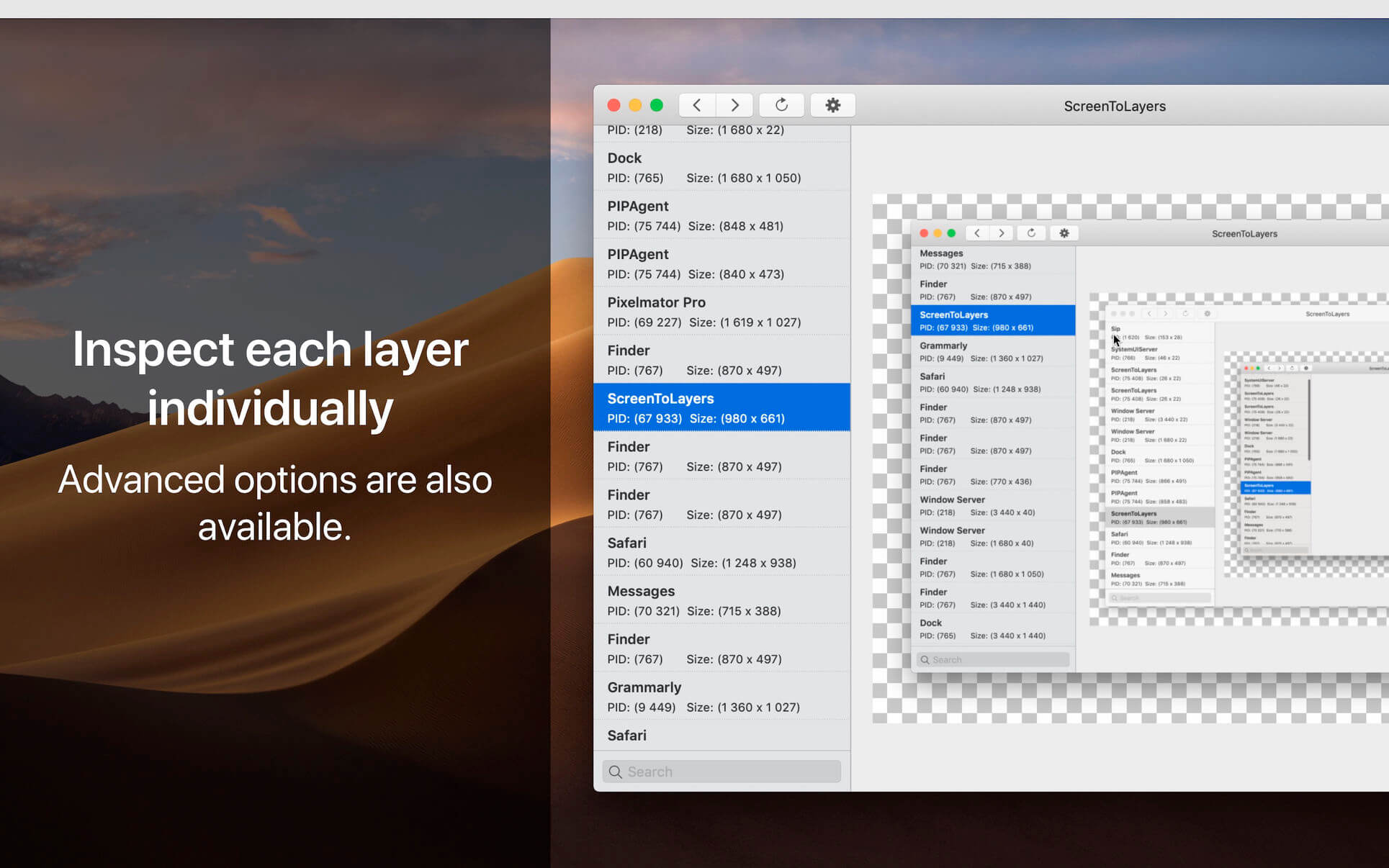
ScreenToLayers converts screens to Photoshop documents. In other words, the app allows you to take screenshots by keeping each layer separate. No need to capture your screen perfectly from the first try. You only have to open the generated PSD file and modify your capture to perfection.
A window with advanced options is also available. It allows selecting the graphic elements of each process individually.
Version 1.2.0
- The application has been completely redesigned. This new version brings many improvements and is now localized in 7 languages. ScreenToLayers belongs to a set of tools that you can find on NeededApps.com. Please take a few minutes to look at them.
Frequently asked questions
How do I install the app?
Mount the image, drag the app into the "Applications" folder and launch it. If the system blocks the launch, allow it in "System Settings → Privacy & Security".
The app is damaged or won't launch
Reinstalling from a fresh image usually helps. Make sure your macOS version matches the one listed in the compatibility specs.
How do I update?
Download the new version from the site and install it over the current one — your settings will be preserved.
The download link doesn't work
Try a mirror or a download manager. For large files the browser often drops the connection.
How do I completely remove the app?
Use an uninstaller utility — it cleans up the service files that remain after moving the app to the trash.
VersionScreenToLayers 1.2.0
DeveloperJeremy Vizzini
CompatibilitymacOS 10.13 or later 64-bit
LanguageEnglish, French, German, Italian, Japanese, Simplified Chinese, Spanish
IncludesK'ed by TNT

Information
Visitors in the group Guests cannot leave comments on this publication.
Choose a download source
ScreenToLayers 1.2.0 · 15.62 MB