
Snapheal 3.1
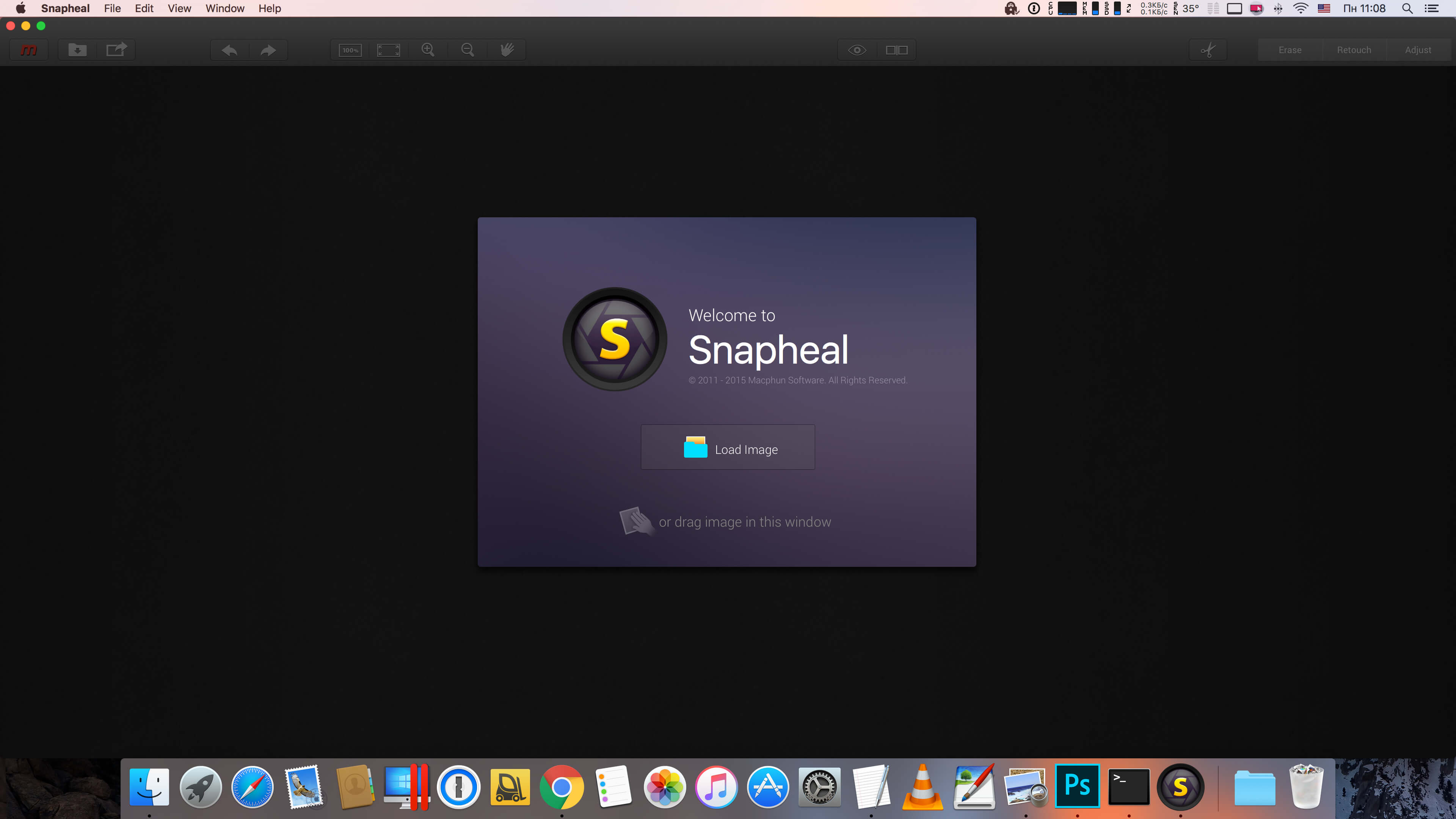
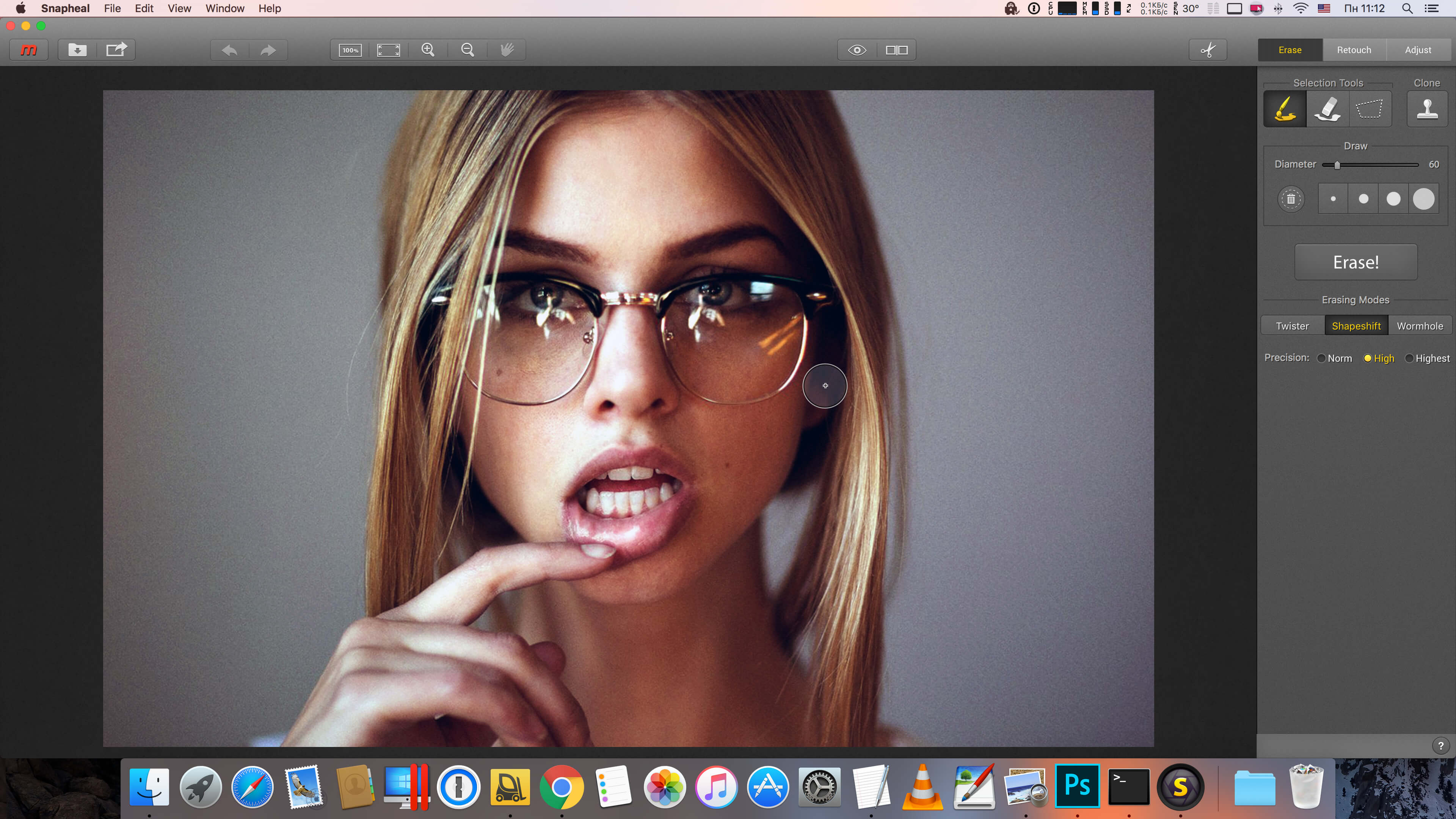
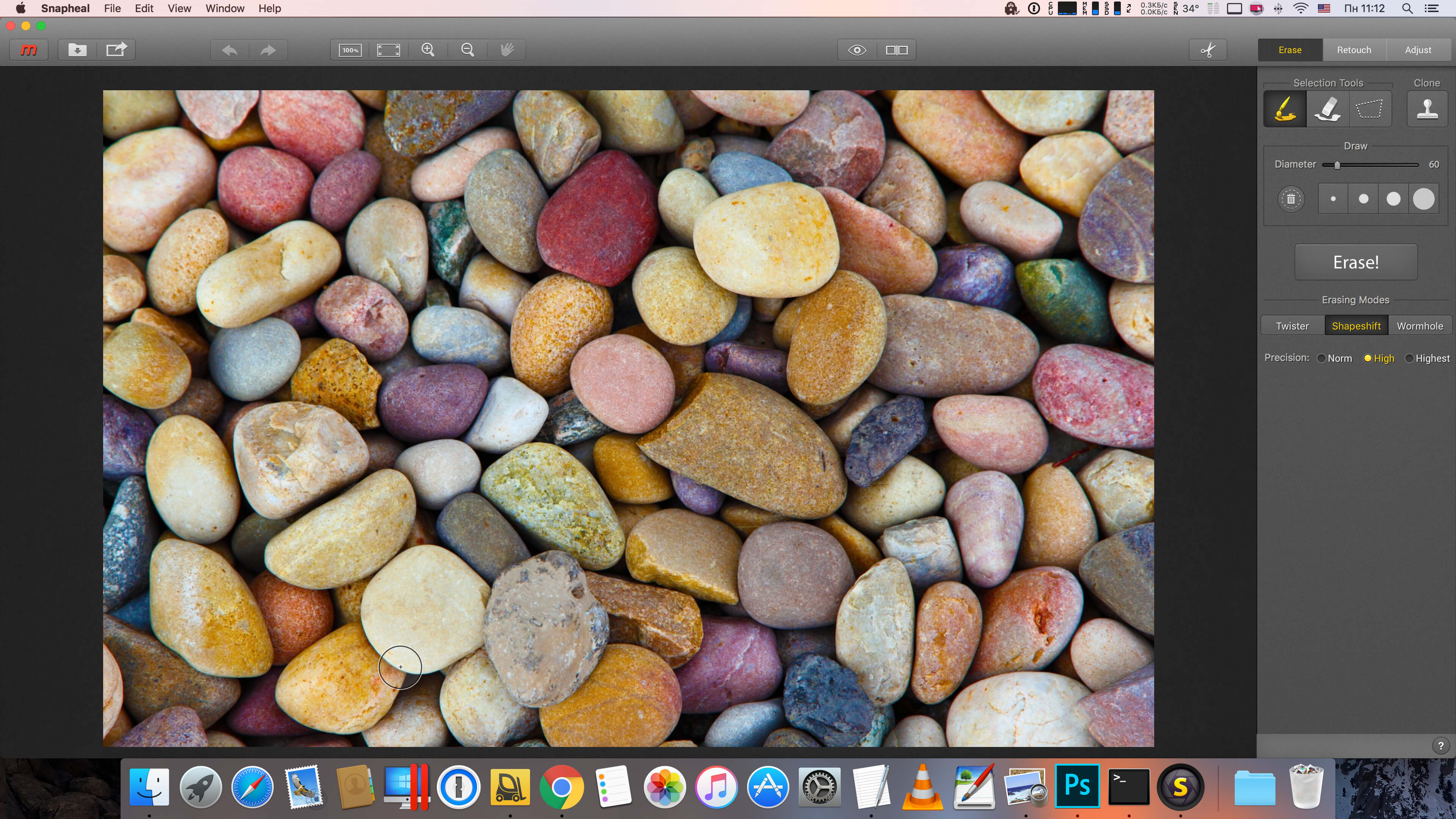
Snapheal magically removes unwanted objects and people, and fixes your images. Get rid of skin imperfections in one click, retouch photos and much more. It's fast, powerful and you can rely on Snapheal with any photos that you take.
Unique image healing technologies, that are not available in other apps.
- Get rid of unwanted objects, like wires, garbage bins, cars, etc
- Delete people from the photos, like tourists that spoil the perfect landscape
- Remove skin spots and acne
- Erase text, signatures, watermarks, etc
- Restore old photos, remove scratches and blemishes
Powerful and creative image retouching tools for landscapes, portraits and other photos.
- Over 15 core image enhancement tools
- Easily control light, color, contrast, saturation and more
- Powerful sharpen brush
- Smart clone and stamp
- Clarity slider
- Special technology to adjust shadows and highlights for dark or overexposed images
- Noise reduction slider
- Crop, rotate, flip and a lot more
Version 3.1:
- This update fixes a number of bugs reported by our users.
Frequently asked questions
How do I install the app?
Mount the image, drag the app into the "Applications" folder and launch it. If the system blocks the launch, allow it in "System Settings → Privacy & Security".
The app is damaged or won't launch
Reinstalling from a fresh image usually helps. Make sure your macOS version matches the one listed in the compatibility specs.
How do I update?
Download the new version from the site and install it over the current one — your settings will be preserved.
The download link doesn't work
Try a mirror or a download manager. For large files the browser often drops the connection.
How do I completely remove the app?
Use an uninstaller utility — it cleans up the service files that remain after moving the app to the trash.
VersionSnapheal 3.1
DeveloperMacPhun LLC.
CompatibilityOS X 10.9 or later, 64-bit processor
LanguageEnglish
IncludesK'ed by TNT




Information
Visitors in the group Guests cannot leave comments on this publication.
Choose a download source
Snapheal 3.1 · 91.76 MB