JetBrains AppCode 2020.2.3
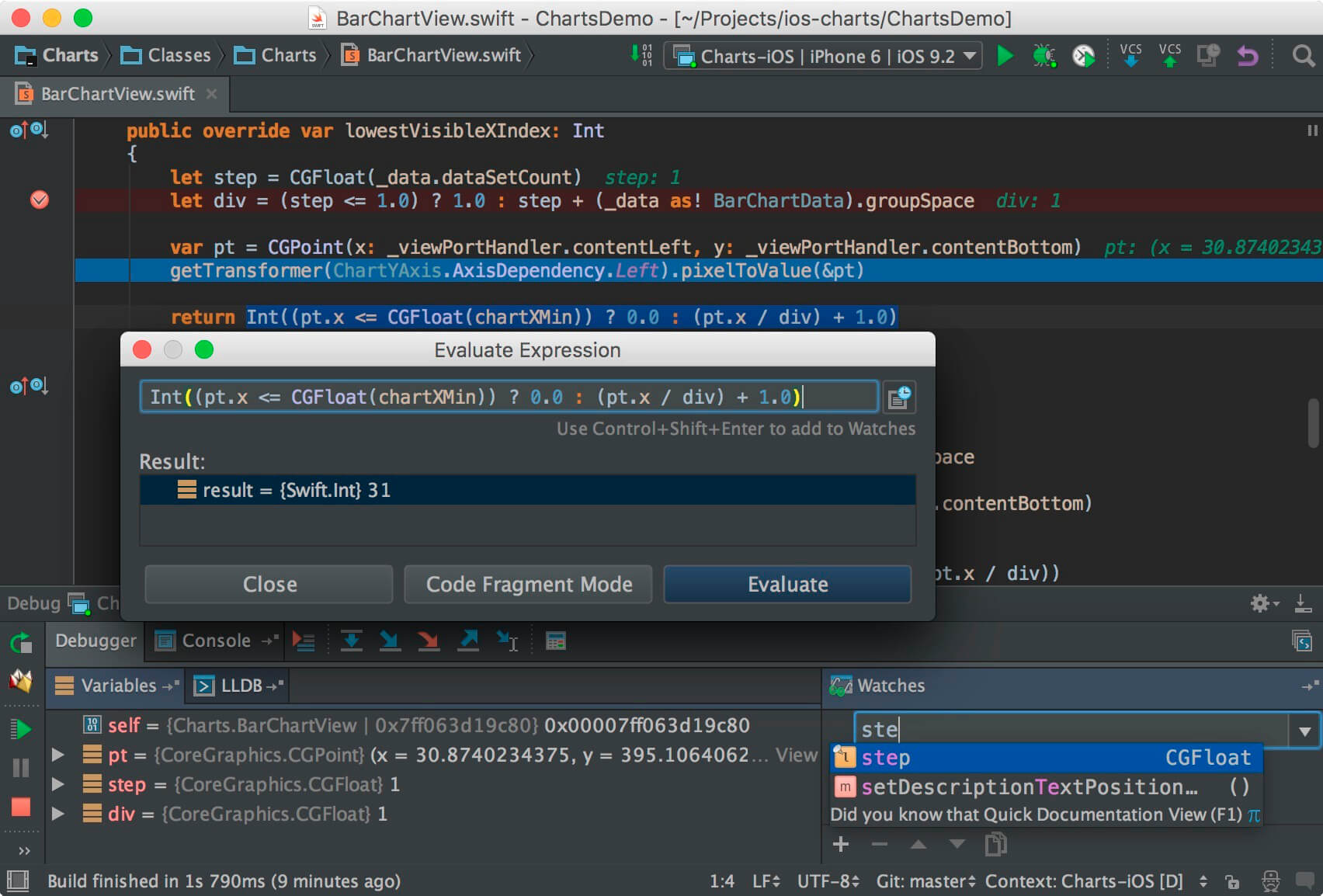
Smart IDE for iOS/macOS development. Thanks to an in-depth understanding of your code structure, AppCode takes care of your routine tasks and saves you from extra typing.
Efficient project navigation
Jump to any file, class, or symbol in your project in no time, use hierarchical and structure views to get through your project structure.
Smart completion
AppCode offers two kinds of code completion: basic as-you-type completion, and more advanced SmartType completion for more precise filtering of suggestions.
Reliable refactorings
Modify and improve your code any time with safe, accurate and reliable refactorings.
Thorough code analysis
AppCode is constantly monitoring the quality of your code. It warns you of errors and smells and suggests quick-fixes to resolve them automatically.
AppCode provides over 60 code inspections just for Objective-C, C and C++, and a number of code inspections for other supported languages. All code inspections are run on the fly.
Productive unit testing
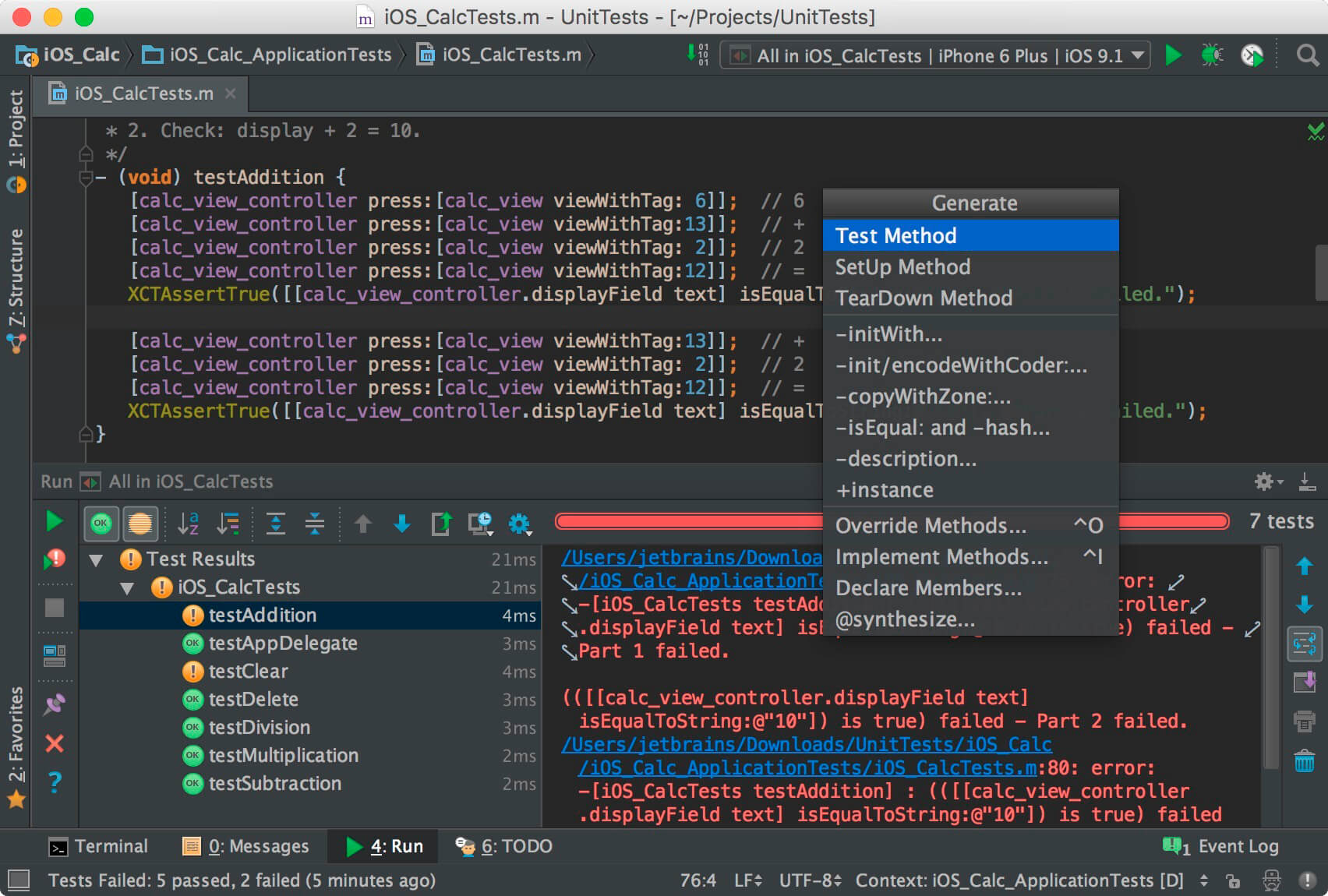
Out of the box, AppCode supports XCTest, Quick, Kiwi, Catch, Boost.Test, and Google Test testing frameworks. Code generation action to get unit tests’ methods makes you more productive. Use Cmd+N to get test methods according to the context.
Many languages, one IDE
AppCode natively supports Objective-C, Swift, C and C++ (including modern C++ standards, libc++ and Boost), as well as jаvascript, XML, HTML, CSS and XPath.
Rename refactoring
Rename variables, constants, functions, type names and classes and rest assured that AppCode will update all the usages across the entire code base for you.
Override/Implement
Cut down on the routine when implementing or overriding methods - AppCode creates a stub with some default code for you.
Create from usage
Have you ever dreamed of creating a function, constant, variable or property declaration just by using it in your code? Simply press ⌥⏎ and have it created automatically in the right place!
The complete experience
AppCode is 100% compatible and interoperable with Xcode, with no additional configuration required, and seamlessly integrates with CocoaPods, Reveal application, most popular version control systems and a number of issue trackers.
Frequently asked questions
How do I install the app?
Mount the image, drag the app into the "Applications" folder and launch it. If the system blocks the launch, allow it in "System Settings → Privacy & Security".
The app is damaged or won't launch
Reinstalling from a fresh image usually helps. Make sure your macOS version matches the one listed in the compatibility specs.
How do I update?
Download the new version from the site and install it over the current one — your settings will be preserved.
The download link doesn't work
Try a mirror or a download manager. For large files the browser often drops the connection.
How do I completely remove the app?
Use an uninstaller utility — it cleans up the service files that remain after moving the app to the trash.
VersionJetBrains AppCode 2020.2.3
DeveloperJetBrains
CompatibilitymacOS 10.13 or later, 64-bit processor
LanguageEnglish
IncludesK



Information
Visitors in the group Guests cannot leave comments on this publication.
Choose a download source
JetBrains AppCode 2020.2.3 · 806.15 MB