Translatium 14.0.0
Translate like a Pro with Translatium - the most powerful translation app for macOS.
FEATURES
150+ Languages & Dialects
Translate words, phrases, and text between more than 150 languages & dialects.
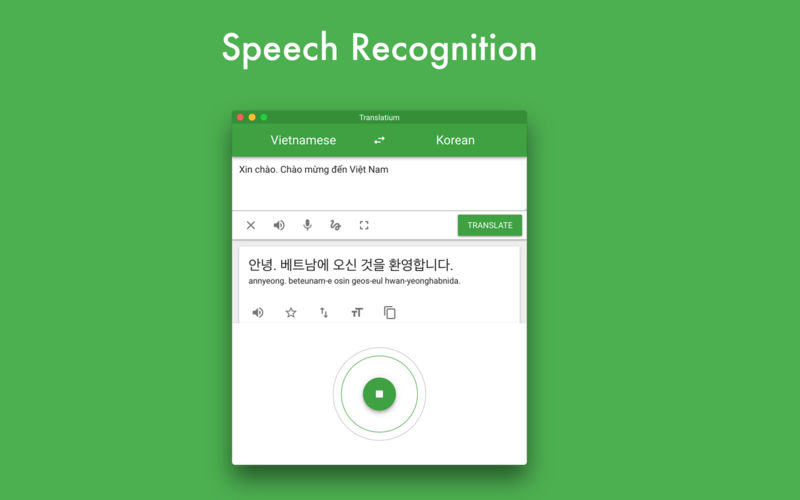
Speech Recognition & Voice Output
Use your voice to type and listen to translations using text-to-speech.
Optical Character Recognition
Use your camera to translate text into nearly 20 languages instantly.
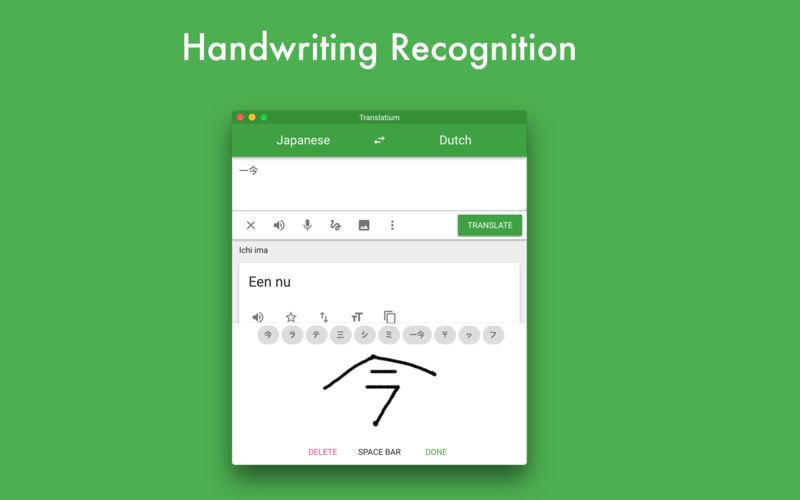
Handwriting Recognition
Don't know how to type a word? Draw it!
Dictionary
Including meanings, synonyms, examples and more.
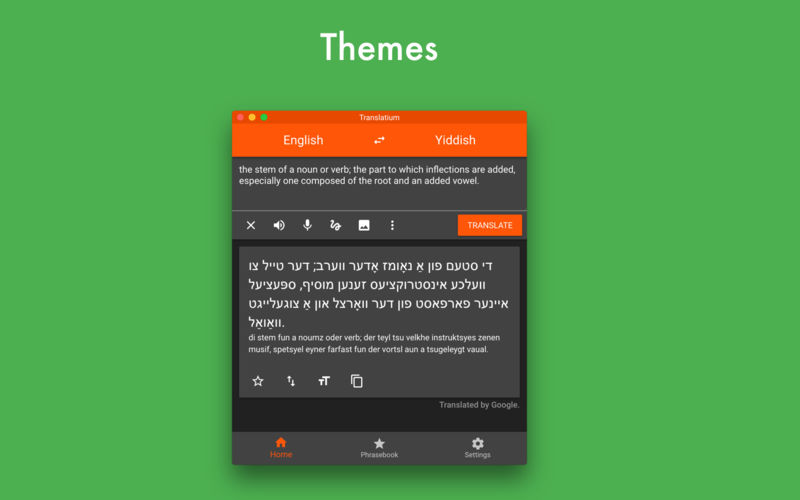
Themes
Personalize your experience with beautiful themes and colors.
Version 14.0.0
The app is now free for everyone!
Frequently asked questions
How do I install the app?
Mount the image, drag the app into the "Applications" folder and launch it. If the system blocks the launch, allow it in "System Settings → Privacy & Security".
The app is damaged or won't launch
Reinstalling from a fresh image usually helps. Make sure your macOS version matches the one listed in the compatibility specs.
How do I update?
Download the new version from the site and install it over the current one — your settings will be preserved.
The download link doesn't work
Try a mirror or a download manager. For large files the browser often drops the connection.
How do I completely remove the app?
Use an uninstaller utility — it cleans up the service files that remain after moving the app to the trash.
VersionTranslatium 14.0.0
DeveloperQuang Lam
CompatibilityOS X 10.10 or later, 64-bit processor
LanguageMultilangual
IncludesK'ed by TNT





Information
Visitors in the group Guests cannot leave comments on this publication.
Choose a download source
Translatium 14.0.0 · 73.59 MB
Previous versions
Translatium 14.0.0
Previous versions are available to registered users.