Prism 10.3.1
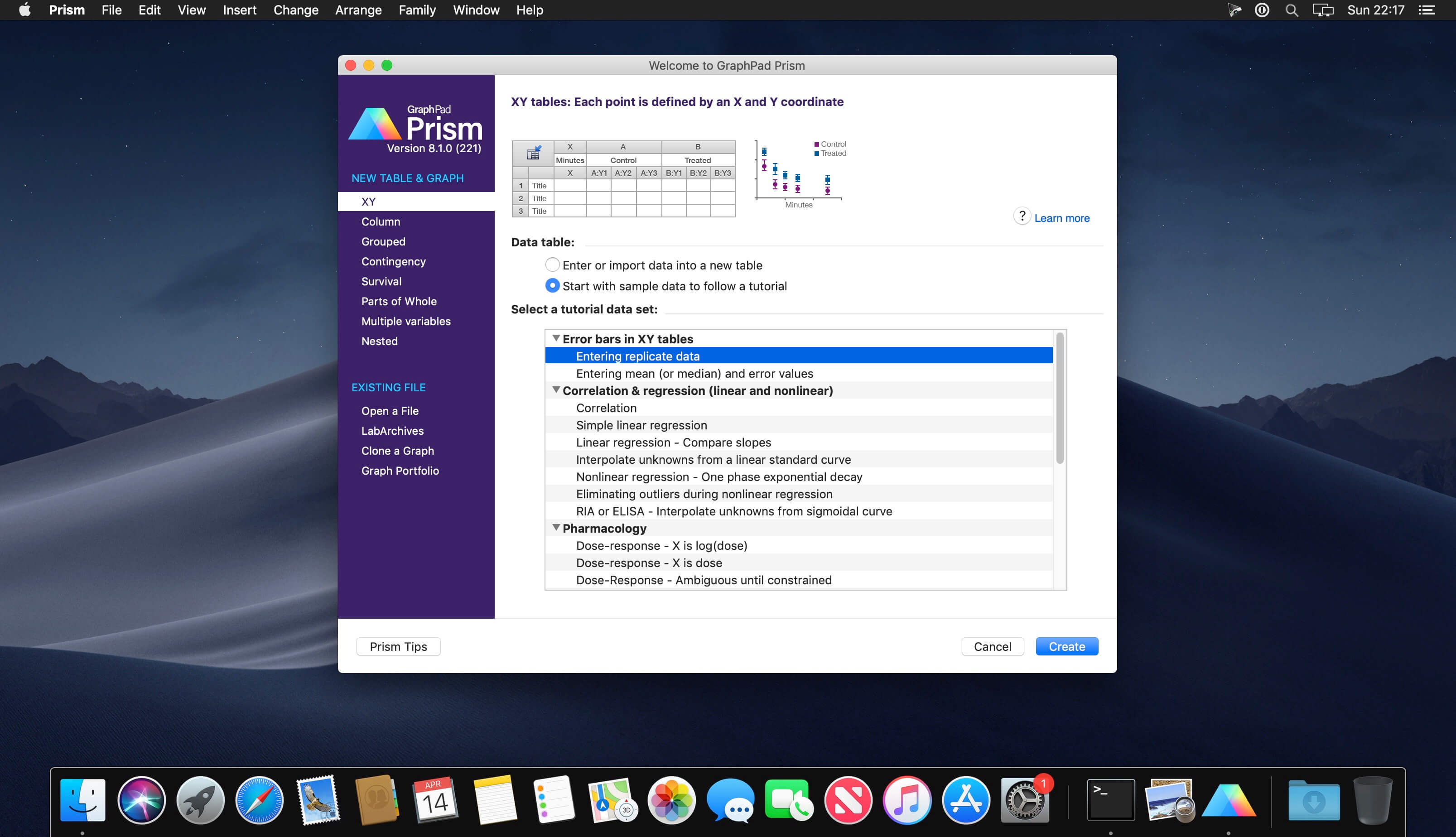
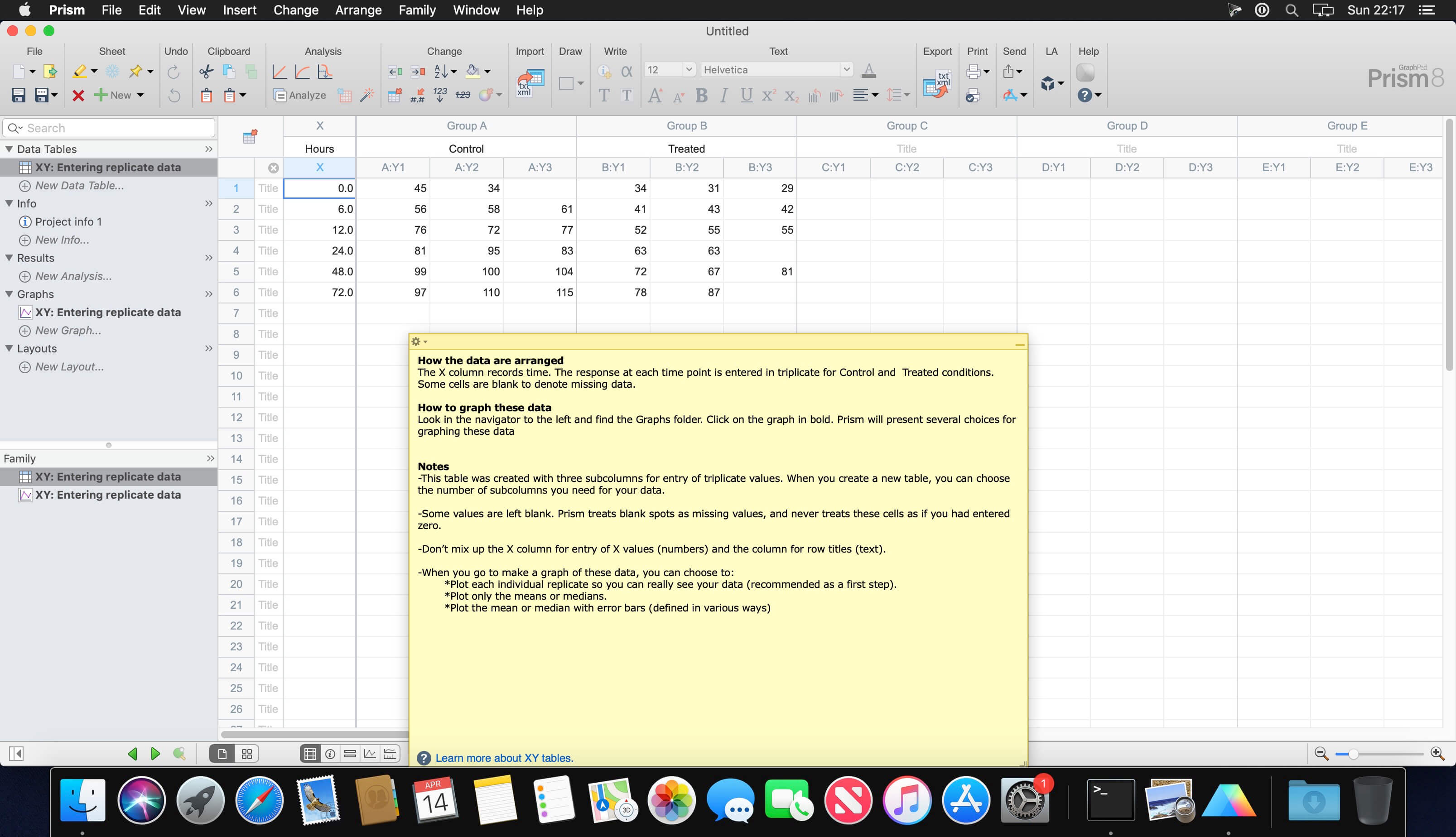

Prism is a powerful combination of biostatistics, curve fitting (nonlinear regression) and scientific graphing in one comprehensive program. Easily organize, analyze and graph repeated experiments; pick appropriate statistical tests and interpret the results.
Prism introduces brand new ways to organize, analyze, and graph your data, all while making the process easier and more intuitive. Powerful new analyses and graph styles provide more ways than ever to process and present your data, while familiar features have received comprehensive improvements to enhance and streamline your work. Despite all the changes, Prism is still Prism so you can be productive right away.
Version 10.3.1:
Analysis Bug Fixes
- Fixed an issue in which Prism would crash while performing an Unpaired t test from a grouped data table with error values and data that contained several data sets
- Fixed an issue in which blank results were incorrectly displayed in the Outliers tab of the Nonlinear Regression analysis after adding empty data sets to the data table
Graphing Bug Fixes
- (Mac) Fixed the issue in which the area fill of XY graphs appeared corrupted if some points were out of the Y-axis limits
- (Mac) Fixed the issue in which unexpected data points appeared on Interleaved bar graphs for which symbols were enabled
Other Bug Fixes
- Fixed the issue in which it was impossible to open flies with undefined parameters for disabled transforms
- Fixed the "hierarchical clustering" link in the Dendrogram section of the Format Graph dialog
- (Windows) Fixed the issue in which Prism would crash while performing the undo action to revert the magic operation for a graph with CLD labels and a non-default color scheme
- (Windows) Fixed the issue in which Prism would crash while typing text over the existing text of floating notes
- (Mac) Fixed the issue in which Prism would crash while switching to the Dendrogram tab of the Format Graph dialog if previously the Dendrogram data object was disabled for the default Dendrogram graph from Hierarchical Clustering and the graph type was changed to Heatmap using the Change Graph Type dialog
- (Mac) Fixed the issue in which Prism would crash while changing the orientation of a dendrogram created for the hierarchical clustering sample data
Frequently asked questions
How do I install the app?
Mount the image, drag the app into the "Applications" folder and launch it. If the system blocks the launch, allow it in "System Settings → Privacy & Security".
The app is damaged or won't launch
Reinstalling from a fresh image usually helps. Make sure your macOS version matches the one listed in the compatibility specs.
How do I update?
Download the new version from the site and install it over the current one — your settings will be preserved.
The download link doesn't work
Try a mirror or a download manager. For large files the browser often drops the connection.
How do I completely remove the app?
Use an uninstaller utility — it cleans up the service files that remain after moving the app to the trash.




Choose a download source
Prism 10.3.1 · 105.66 MB
Previous versions
Prism 10.3.1
Previous versions are available to registered users.
Comments 1