Sharks 3D 2.1.1


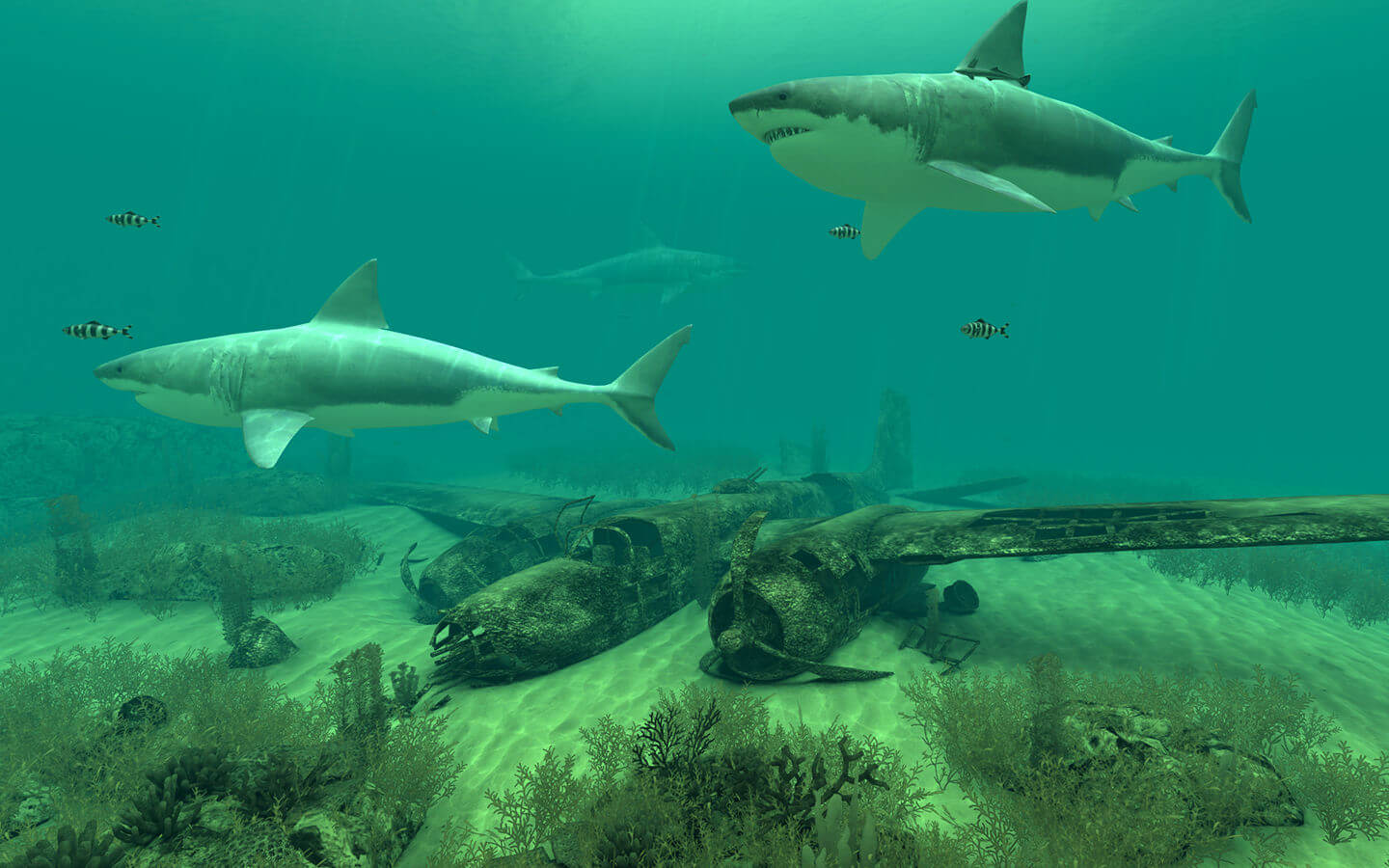
What is the creature of those spine-tingling movies? Which animal is over 400 million years old? Millions have never seen these creatures for real – sharks, of course! Launch Sharks 3D now and explore the lives of sharks in their natural habit!
Features:
- 4 different 3D scenes
- 6 species of sharks
- high-quality 3D graphics and effects
- Retina display ready
- original music track
- compatible with macOS High Sierra
- screen saver mode with password protection
- full multi-monitor support
- removing dock icon
- autostart at login
- doesn't prevent your computer from going to sleep
Version 2.0.0
- support for Dark mode
- automatic optimization of the CPU usage: the more of the desktop space is covered with apps, the fewer of the computer's resources are used by Sharks 3D
- bug fixes and stability improvements
Frequently asked questions
How do I install the app?
Mount the image, drag the app into the "Applications" folder and launch it. If the system blocks the launch, allow it in "System Settings → Privacy & Security".
The app is damaged or won't launch
Reinstalling from a fresh image usually helps. Make sure your macOS version matches the one listed in the compatibility specs.
How do I update?
Download the new version from the site and install it over the current one — your settings will be preserved.
The download link doesn't work
Try a mirror or a download manager. For large files the browser often drops the connection.
How do I completely remove the app?
Use an uninstaller utility — it cleans up the service files that remain after moving the app to the trash.



Choose a download source
Sharks 3D 2.1.1 · 99.71 MB
Previous versions
Sharks 3D 2.1.1
Previous versions are available to registered users.