
iFlicks 3.8.1
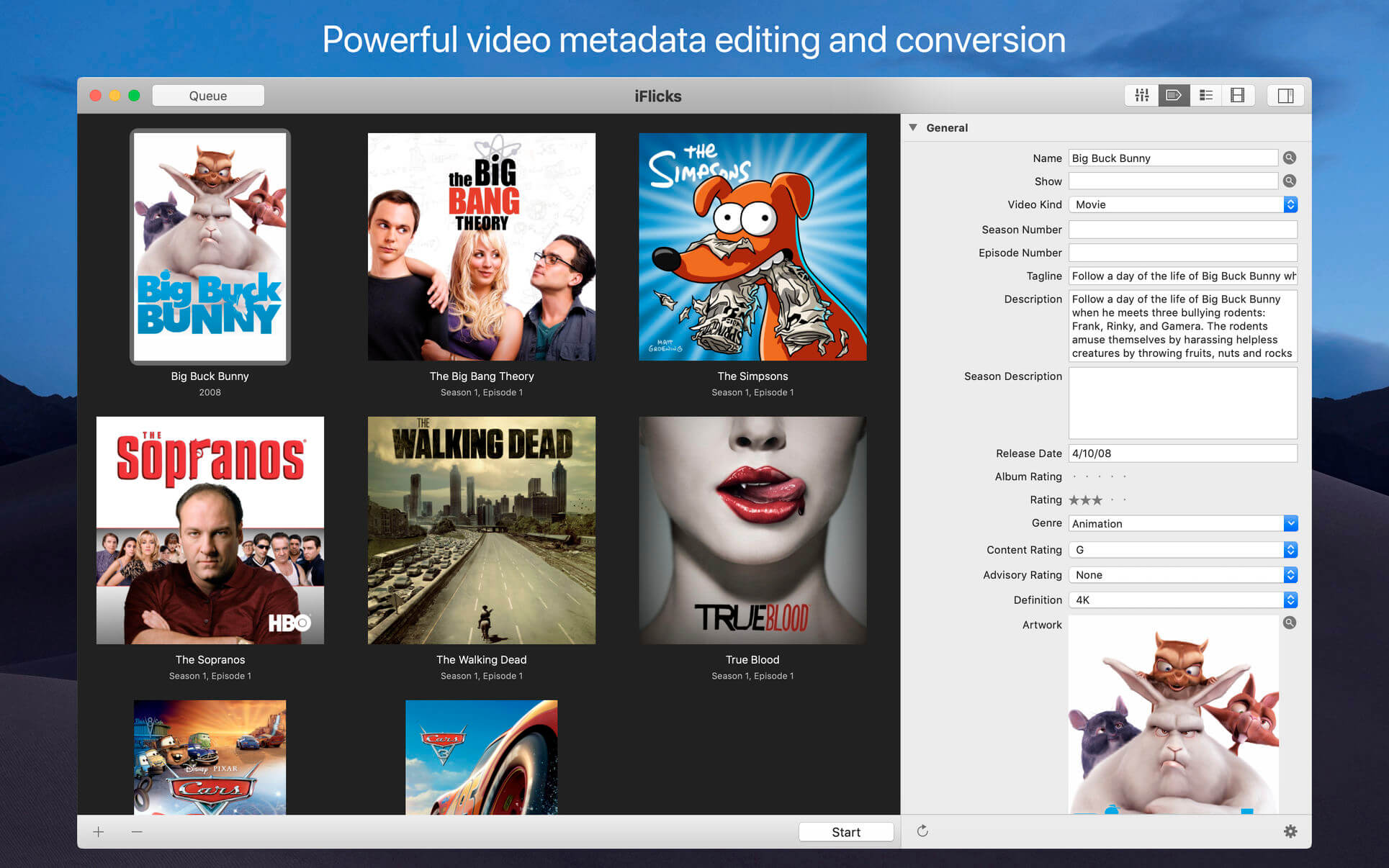
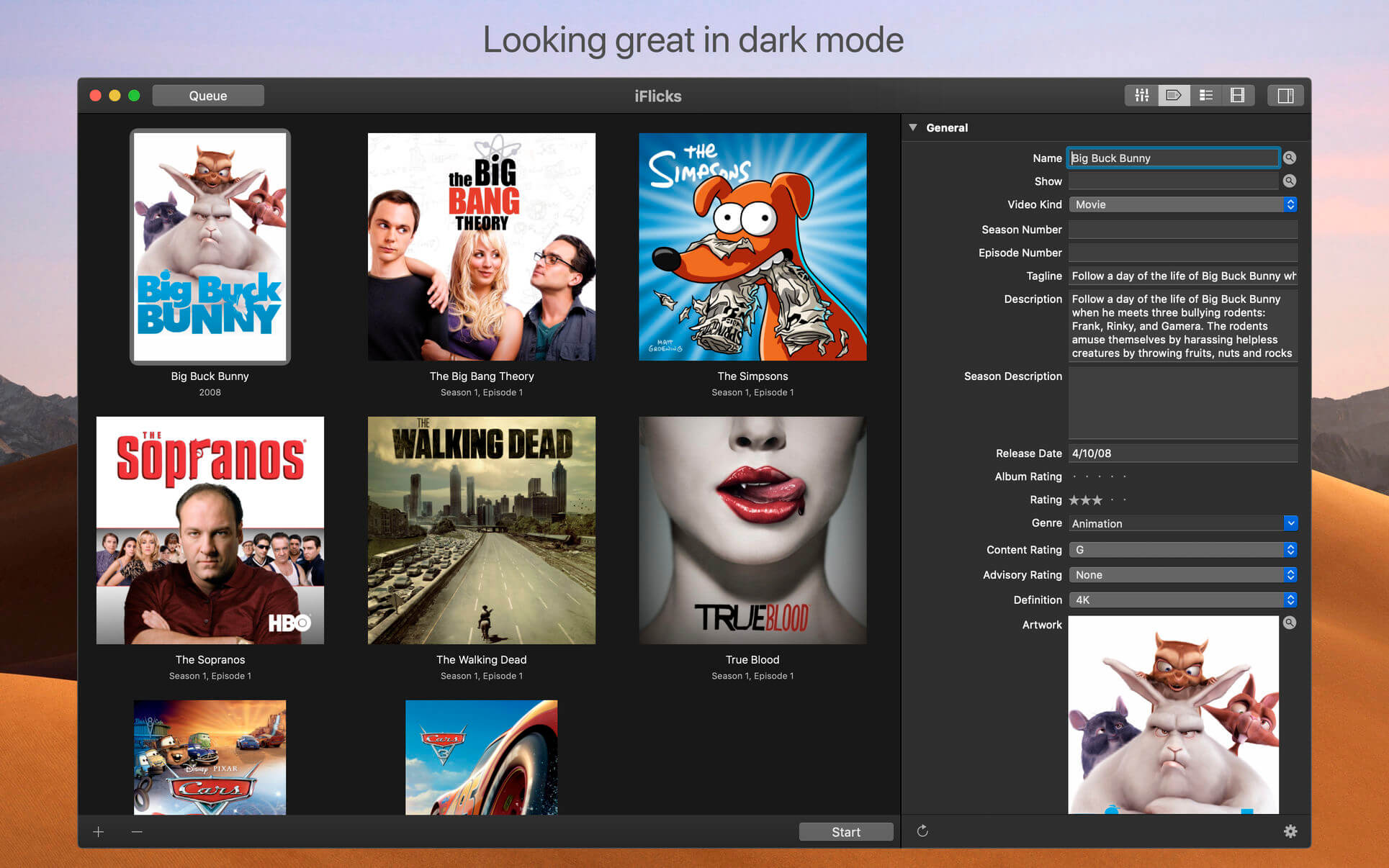
iFlicks is the best and most complete video and metadata handling solution available for macOS.
There is no easier way to add you video files to iTunes or Plex, so you can watch them on your iOS devices or third party media players.
Leading Metadata Handling
- Automatic lookup for Movie and TV Show metadata
- Finds beautiful Artwork, including squared Artwork for TV Shows
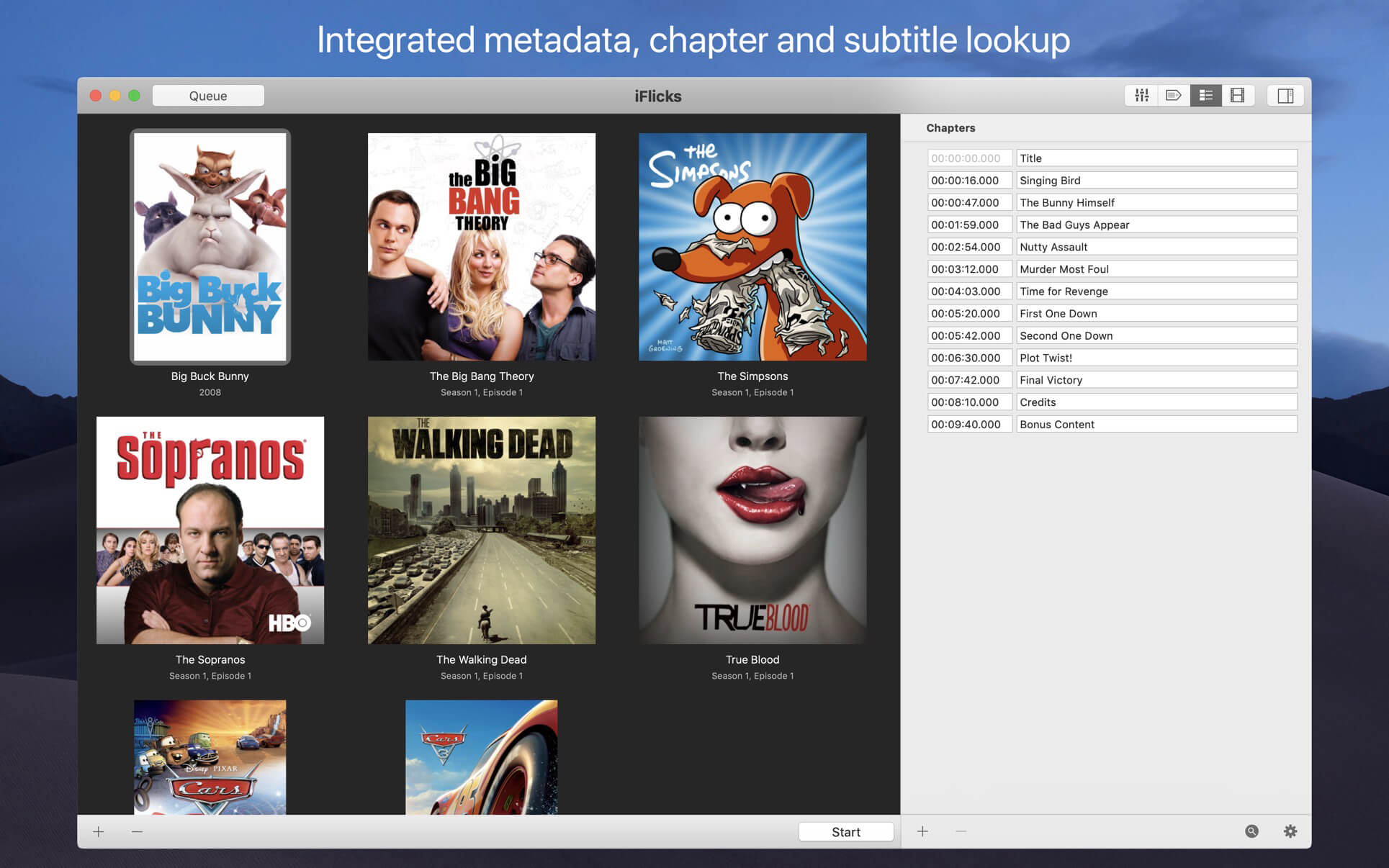
- Automatic lookup for subtitles and chapter titles
- Behaviour completely customisable using a extremely powerful Rules
Powerful Video Processing
- Extremely fast and lossless passthrough for H.264 and HEVC
- High Quality encoding capabilities for H.264 and HEVC
- Dedicated presets for Apple Devices like iPhone, iPad and Apple TV
- HD support (HDR, 4k, 1080p, 720p)
- Encoding of Stereo and Surround Audio tracks
- Supports all common video formats like mkv, mp4, m4v, mov, avi, mpg and many many more
- Subtitle and Chapter support
Extensive Automation Possibilities
- Support for Custom Presets based on user preferences
- Watch Folders to pick up and automatically process files added to monitored folders
- Extremely powerful rules to customise the complete workflow
- AppleScript support for even more fine grained control
Intuitive User Interface
- Just drag videos to iFlicks and hit start to process the videos
- Clean interface to get you started without distractions, Advanced functionality just a click away
- Tightly coupled with iTunes. Just drag items from iTunes to iFlicks to update metadata
Version 3.8:
- Native support for Apple Silicon (M1)
- TV Show metadata support through The Movie Database
Frequently asked questions
How do I install the app?
Mount the image, drag the app into the "Applications" folder and launch it. If the system blocks the launch, allow it in "System Settings → Privacy & Security".
The app is damaged or won't launch
Reinstalling from a fresh image usually helps. Make sure your macOS version matches the one listed in the compatibility specs.
How do I update?
Download the new version from the site and install it over the current one — your settings will be preserved.
The download link doesn't work
Try a mirror or a download manager. For large files the browser often drops the connection.
How do I completely remove the app?
Use an uninstaller utility — it cleans up the service files that remain after moving the app to the trash.





Choose a download source
iFlicks 3.8.1 · 25.82 MB
Previous versions
iFlicks 3.8.1
Previous versions are available to registered users.