Acrok MXF Converter 7.3
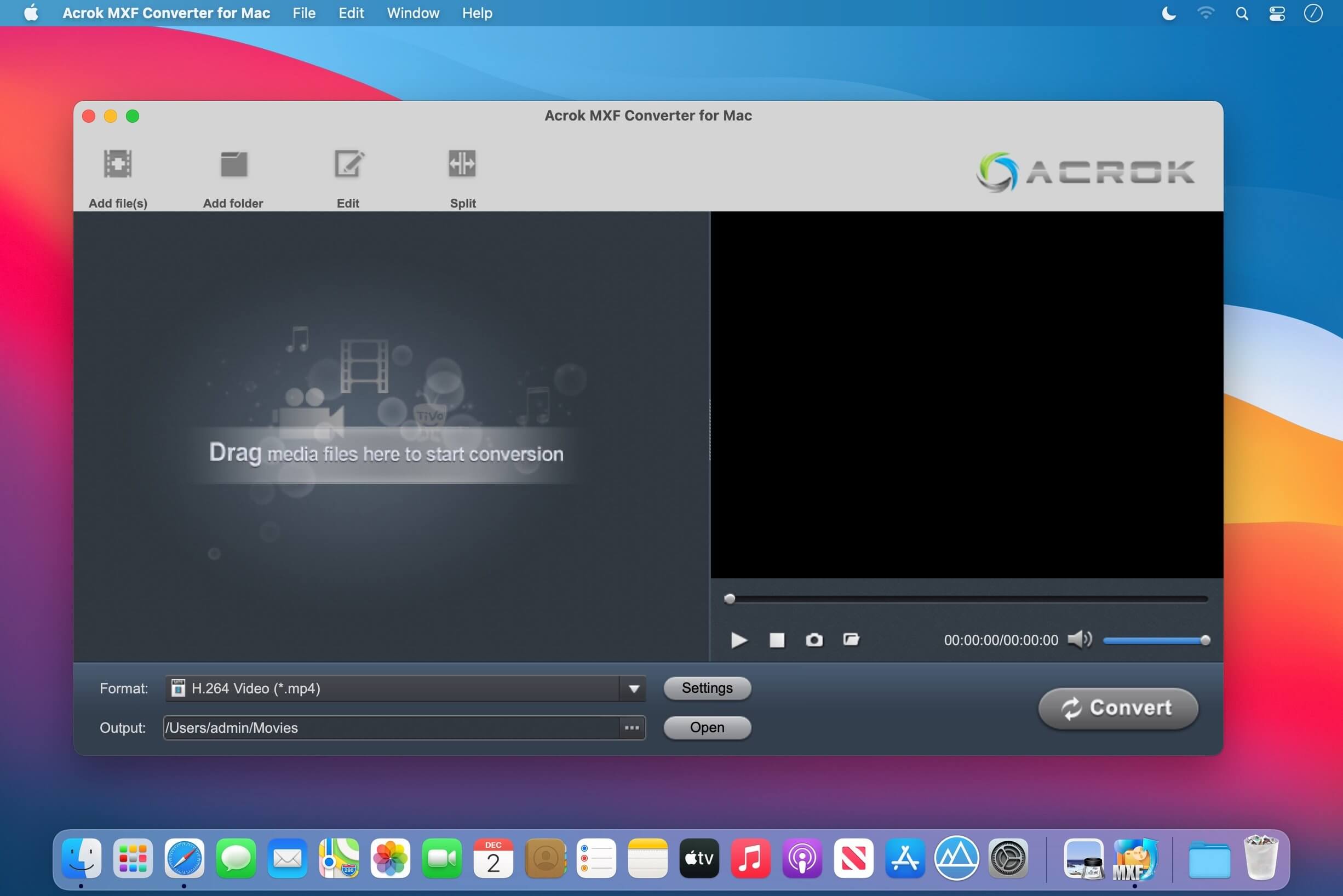
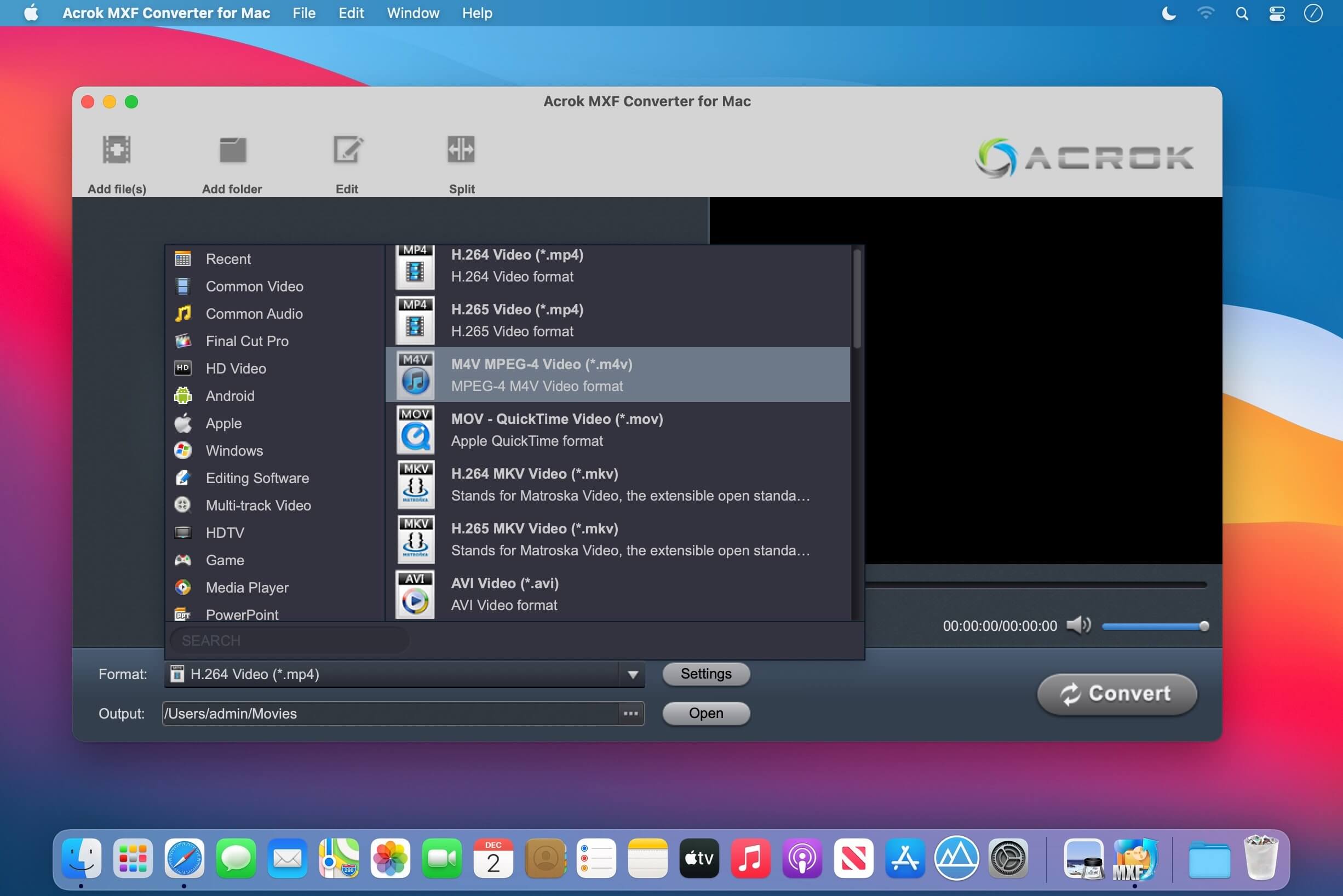
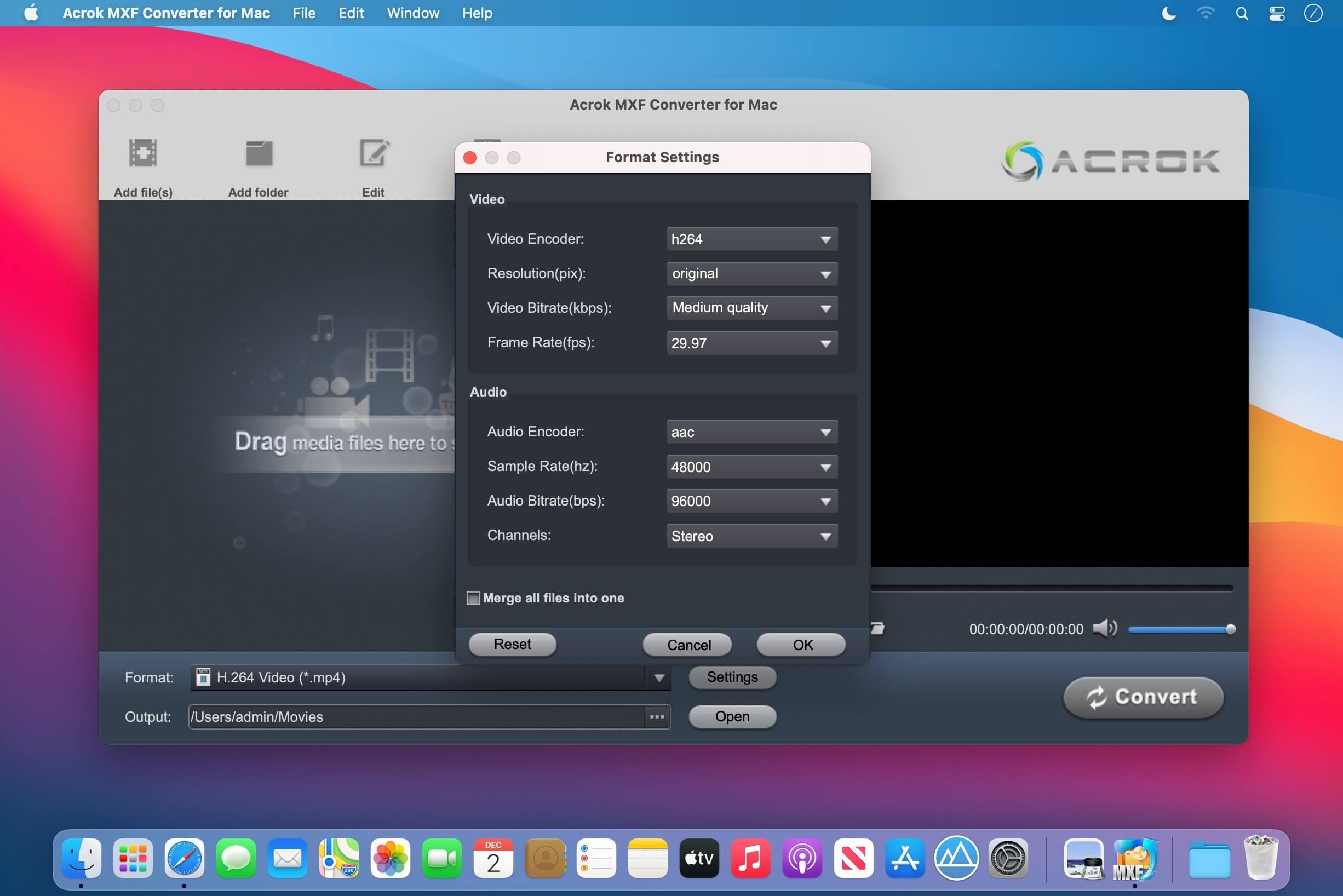
Acrok MXF Converter for Mac is a professional Mac MXF video converter, which offers the best solution to convert and edit MXF video files that recorded by Canon XF series camcorders, Panasonic P2 series camcorders, Sony XDCAM series camcorders, or other cameras and camcorders. It can convert MXF to any video or audio formats you need on Mac, such as MOV, AVI, MP4, M4V, MKV, WMV, FLV, MP3, WAV, WMA, M4A, OGG, FLAC, AAC, AC3, etc., or convert MXF to optimized codec for editing software, like Apple ProRes Codec, Apple InterMediate Codec, Avid DNxHD, DVCPRO, HDV, XDCAM, H.264, MPEG-2, H.265/HEVC etc. You can get MXF converted to native formats for Final Cut Pro (X), iMovie, Adobe Premiere Pro, Vegas Pro, DaVinci Resolve, After Effects CC, Avid Media Composer, and so on.
Version 7.3:
- Release notes were unavailable when this listing was updated.
Frequently asked questions
How do I install the app?
Mount the image, drag the app into the "Applications" folder and launch it. If the system blocks the launch, allow it in "System Settings → Privacy & Security".
The app is damaged or won't launch
Reinstalling from a fresh image usually helps. Make sure your macOS version matches the one listed in the compatibility specs.
How do I update?
Download the new version from the site and install it over the current one — your settings will be preserved.
The download link doesn't work
Try a mirror or a download manager. For large files the browser often drops the connection.
How do I completely remove the app?
Use an uninstaller utility — it cleans up the service files that remain after moving the app to the trash.
VersionAcrok MXF Converter 7.3
DeveloperAcrok Studio
CompatibilityOS X 10.10 or later 64-bit
LanguageEnglish
IncludesK'ed by TNT

Information
Visitors in the group Guests cannot leave comments on this publication.
Choose a download source
Acrok MXF Converter 7.3 · 43.26 MB