
Icons8 5.7.4
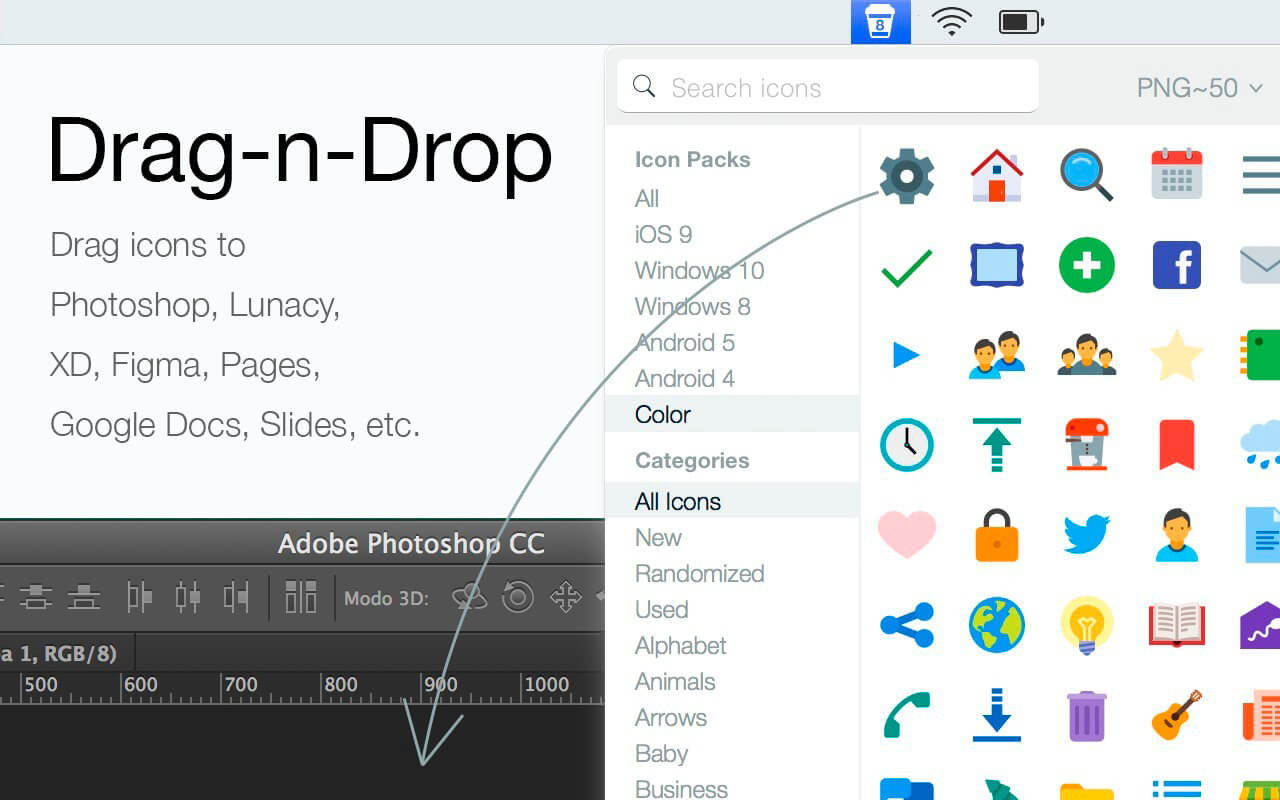
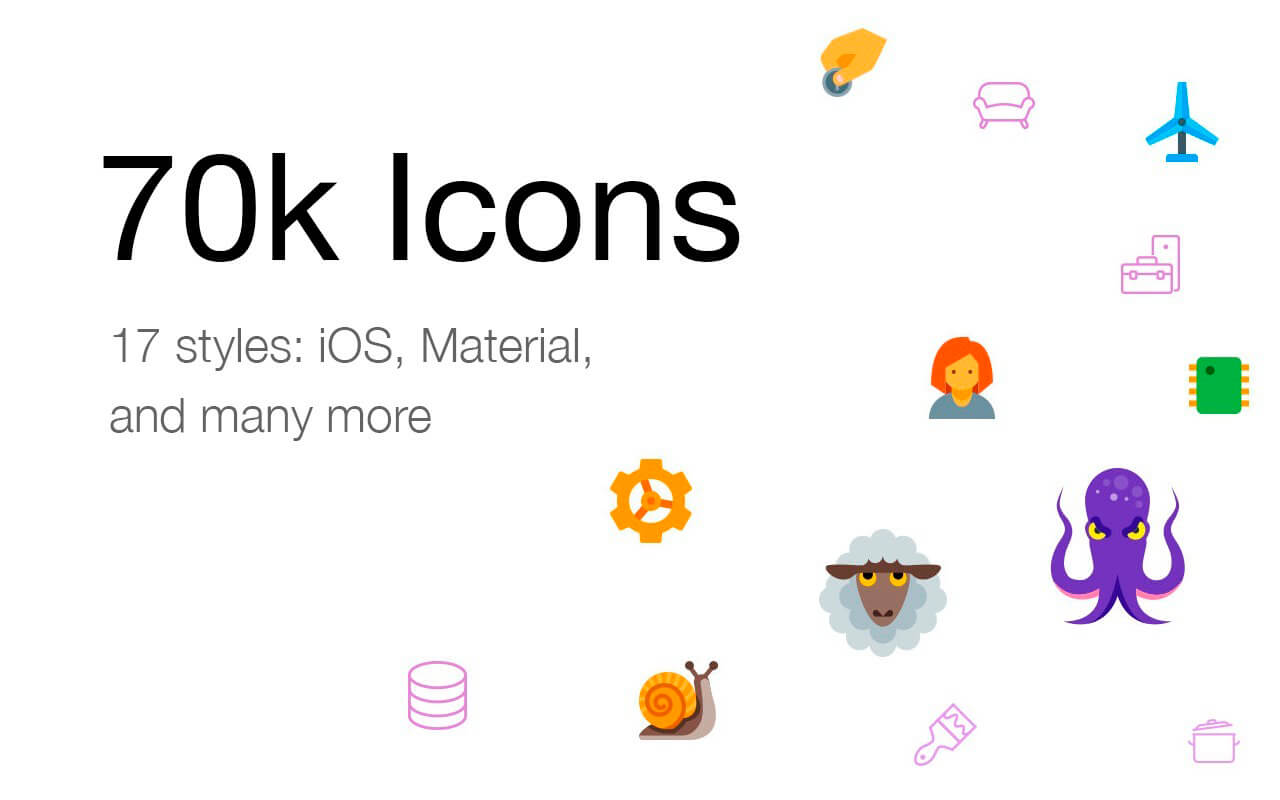
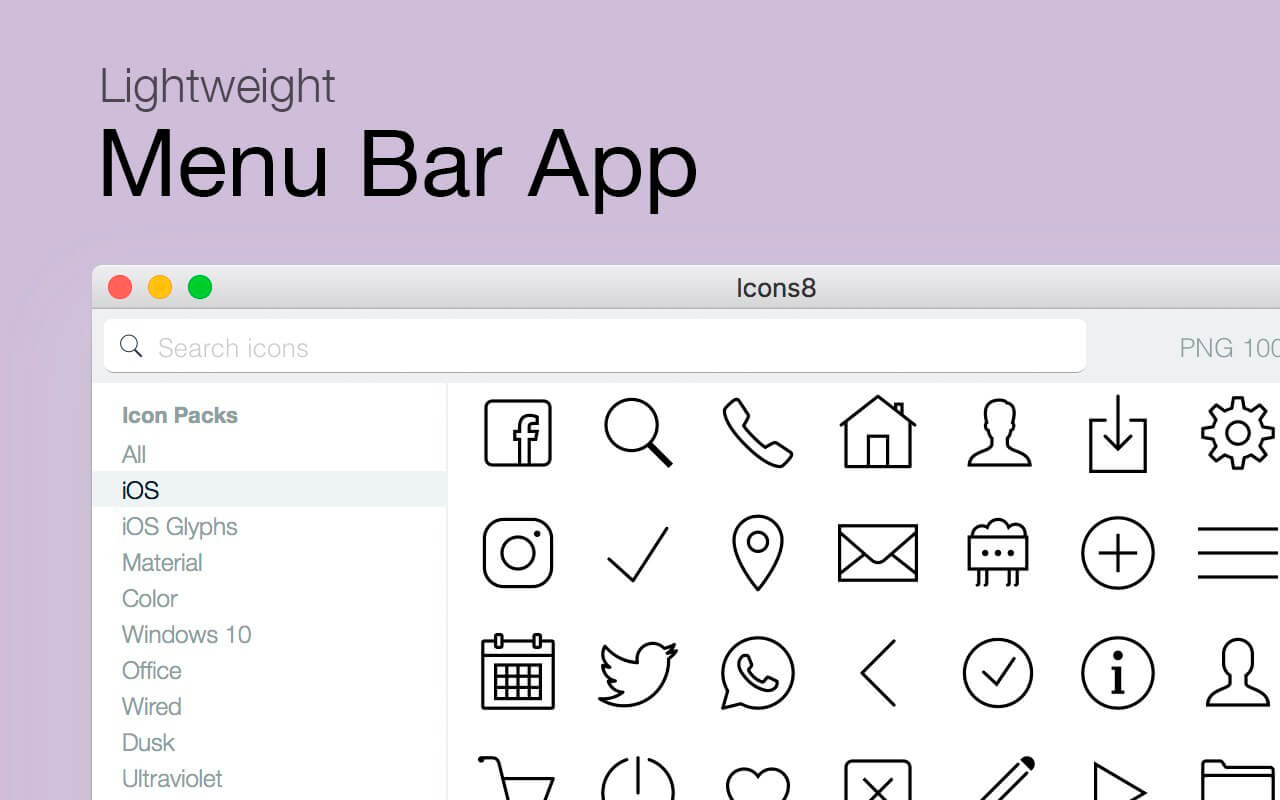
Icons8 allows users to search icons and insert directly into Photoshop, Xcode, or any other program.
Features
- 5000 free icons for developers and designers
- PNG format in multiple sizes from 25x25px to 512x512 px
- iOS 7, Windows 8, and Android styles
- Search by tags
- Drag to Xcode, Photoshop, or anything
- Vector icons are not included in the application, but are available for a fee
- 2 seconds to find an icon and insert it into your work
- All files are on disk –browse the folders with Finder and all icons are there
- Icons are tagged – If you are looking for an envelope icon, any related keyword would work: mail, message, send, etc.
- Different formats
- PNG in different sizes from 25x25 to 512x512
- AI, SVG, and EPS vectors
Version 5.7.4:
- New icon style: Fluent System Regular
- New icon style: Fluent System
- Performance and reliability improvements
Frequently asked questions
How do I install the app?
Mount the image, drag the app into the "Applications" folder and launch it. If the system blocks the launch, allow it in "System Settings → Privacy & Security".
The app is damaged or won't launch
Reinstalling from a fresh image usually helps. Make sure your macOS version matches the one listed in the compatibility specs.
How do I update?
Download the new version from the site and install it over the current one — your settings will be preserved.
The download link doesn't work
Try a mirror or a download manager. For large files the browser often drops the connection.
How do I completely remove the app?
Use an uninstaller utility — it cleans up the service files that remain after moving the app to the trash.
VersionPichon (Icons8) 5.7.4
DeveloperIcons8
CompatibilityOS X 10.9 or later 64-bit
LanguageEnglish
IncludesK'ed by HCiSO

Information
Visitors in the group Guests cannot leave comments on this publication.
Choose a download source
Icons8 5.7.4 · 185.11 MB
Previous versions
Icons8 5.7.4
Previous versions are available to registered users.