
Affinity Photo 1.10.8
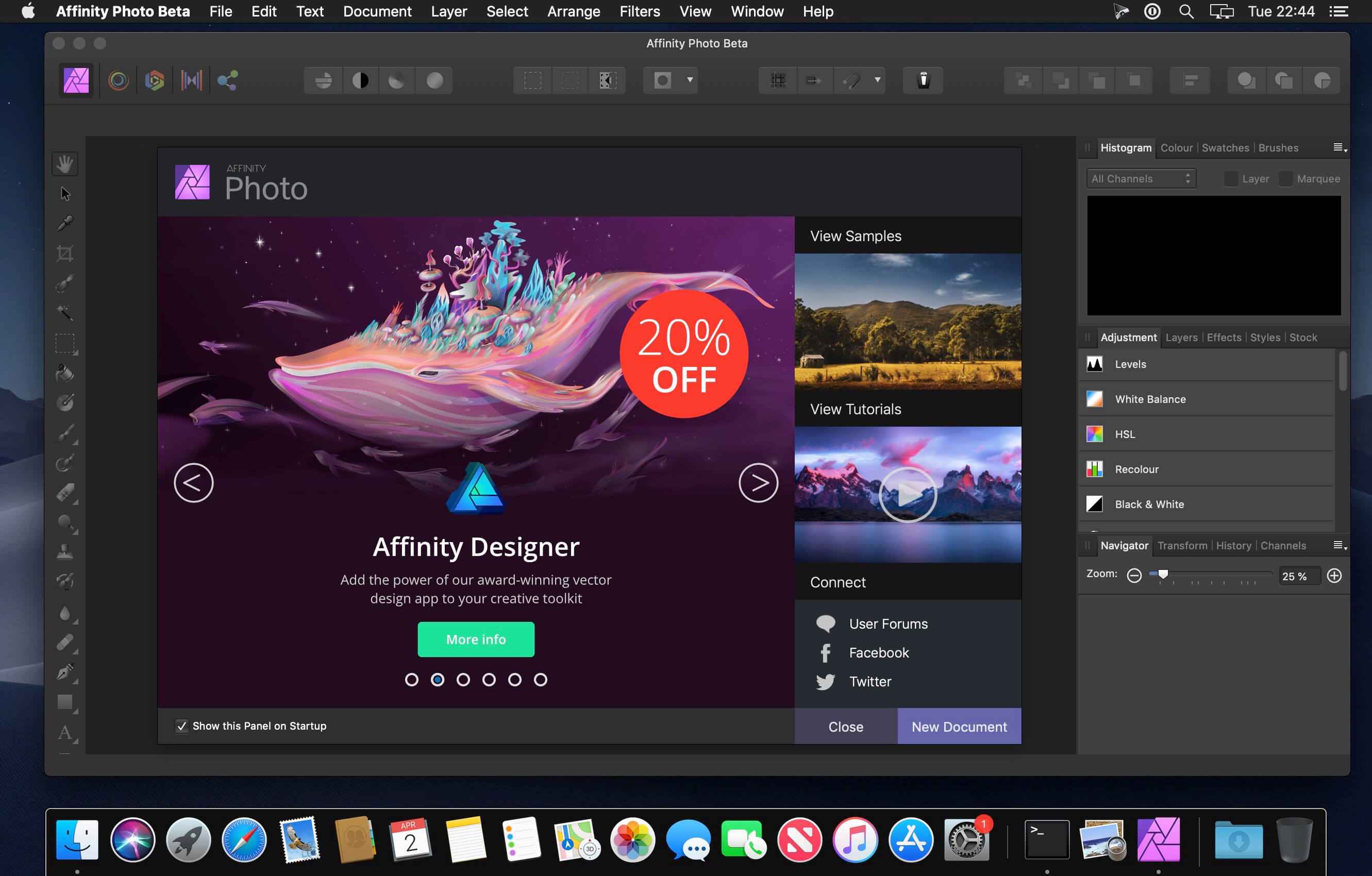
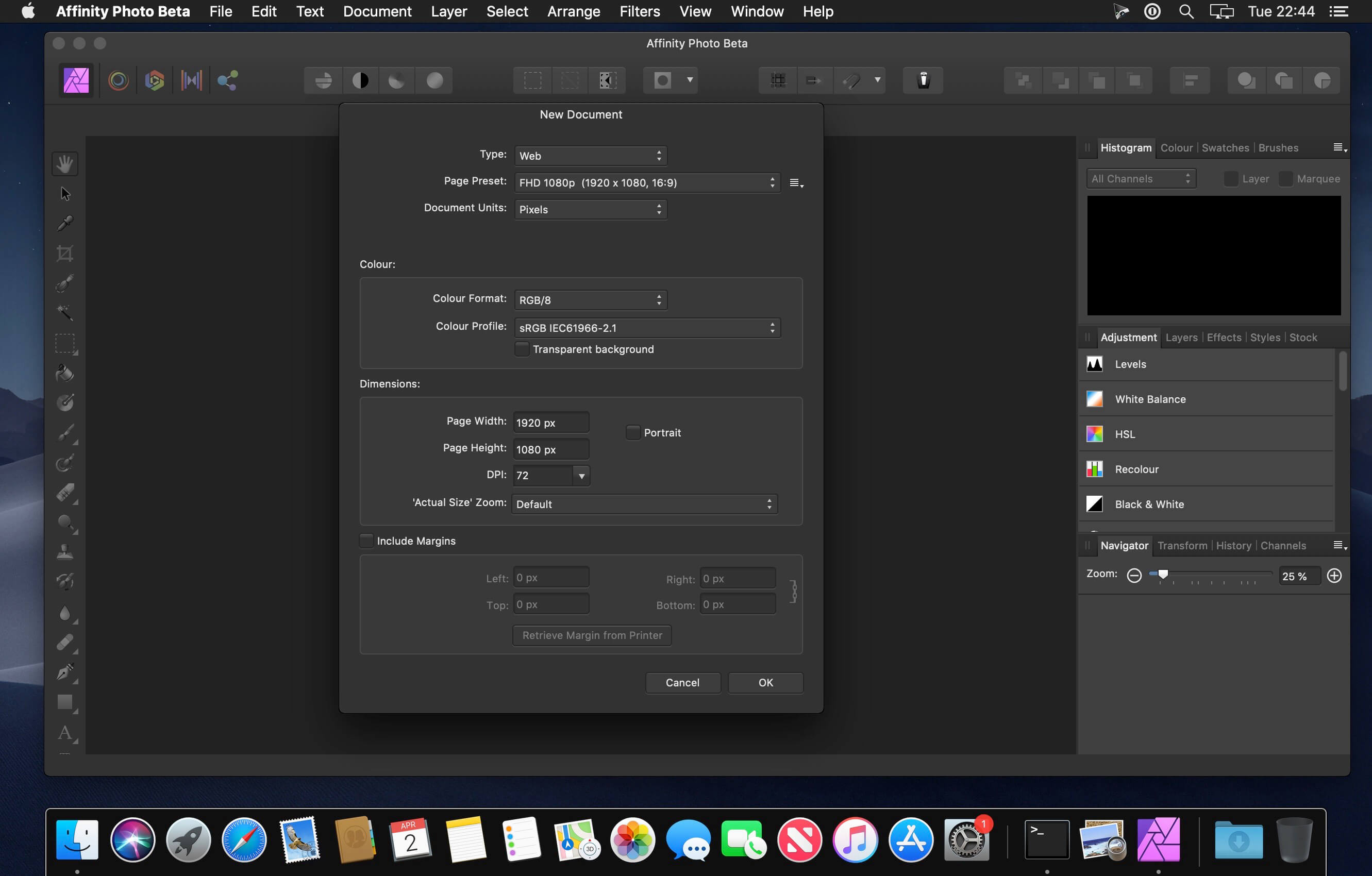
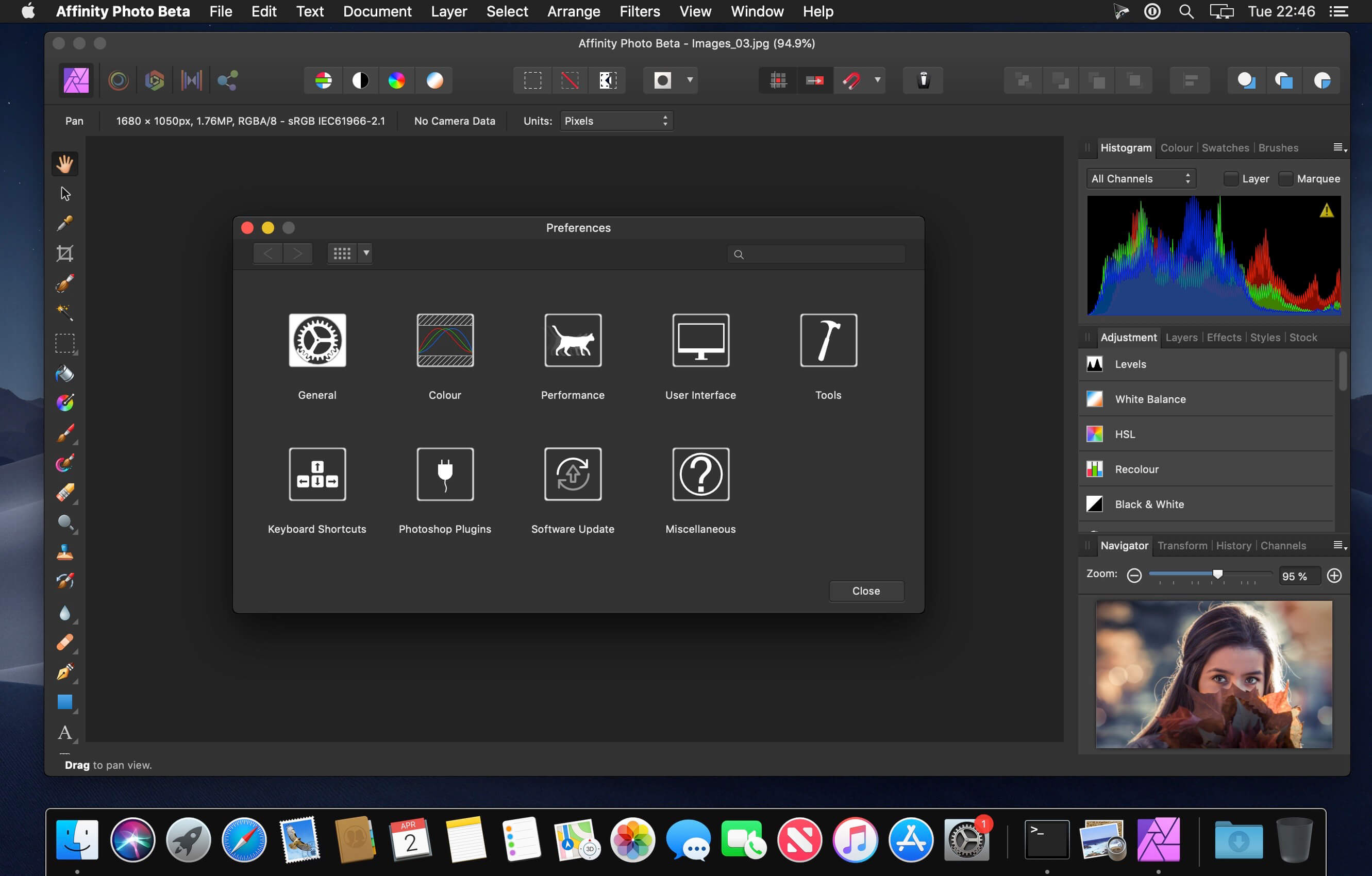
Affinity Photo redefines the boundaries for professional photo editing software on the Mac. With a meticulous focus on workflow it offers sophisticated tools for enhancing, editing and retouching your images in an incredibly intuitive interface with all the power and performance you need.
Engineered for Professionals
- Open, edit and save Photoshop® PSD files
- RGB, CMYK, Greyscale and LAB color spaces
- End-to-end CMYK workflow with ICC color management
- Full 16 and 32-bit per channel editing
- Work with all standard formats like PNG, TIFF, JPG, GIF, SVG, EPS, EXR, HDR and PDF
- Panning and zooming is always live at 60fps with live previews, live tools and real-time editing
- Open and edit massive images without compromising performance or running out of memory
- and other
- Fully optimized for macOS Monterey
- Additional optimizations for new M1 Pro and M1 Max MacBook Pro with ProMotion display
- Various stability and performance improvements
Frequently asked questions
How do I install the app?
Mount the image, drag the app into the "Applications" folder and launch it. If the system blocks the launch, allow it in "System Settings → Privacy & Security".
The app is damaged or won't launch
Reinstalling from a fresh image usually helps. Make sure your macOS version matches the one listed in the compatibility specs.
How do I update?
Download the new version from the site and install it over the current one — your settings will be preserved.
The download link doesn't work
Try a mirror or a download manager. For large files the browser often drops the connection.
How do I completely remove the app?
Use an uninstaller utility — it cleans up the service files that remain after moving the app to the trash.





Choose a download source
Affinity Photo 1.10.8 · 799.05 MB
Previous versions
Affinity Photo 1.10.8
Previous versions are available to registered users.