Picktorial 3.0.6
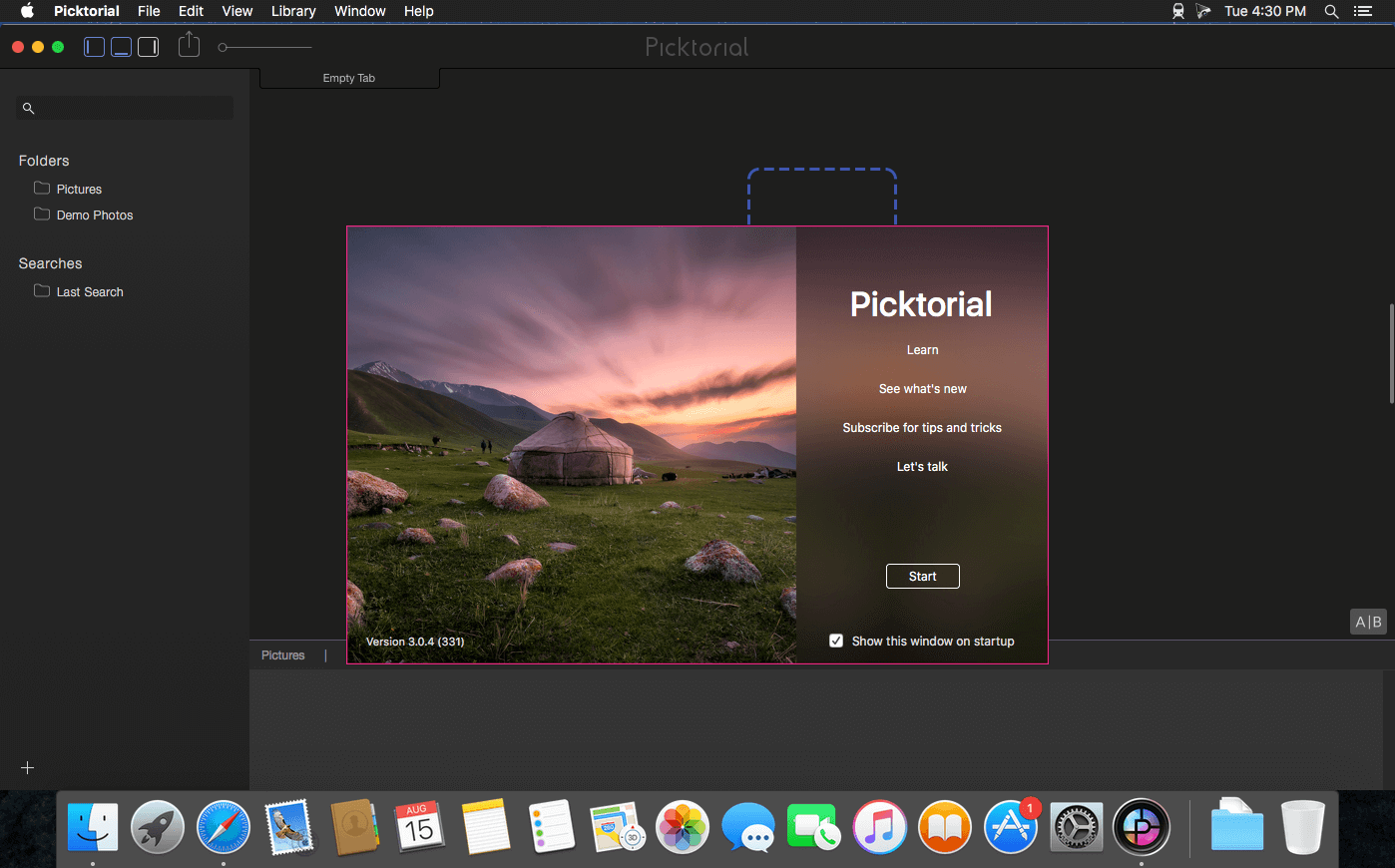
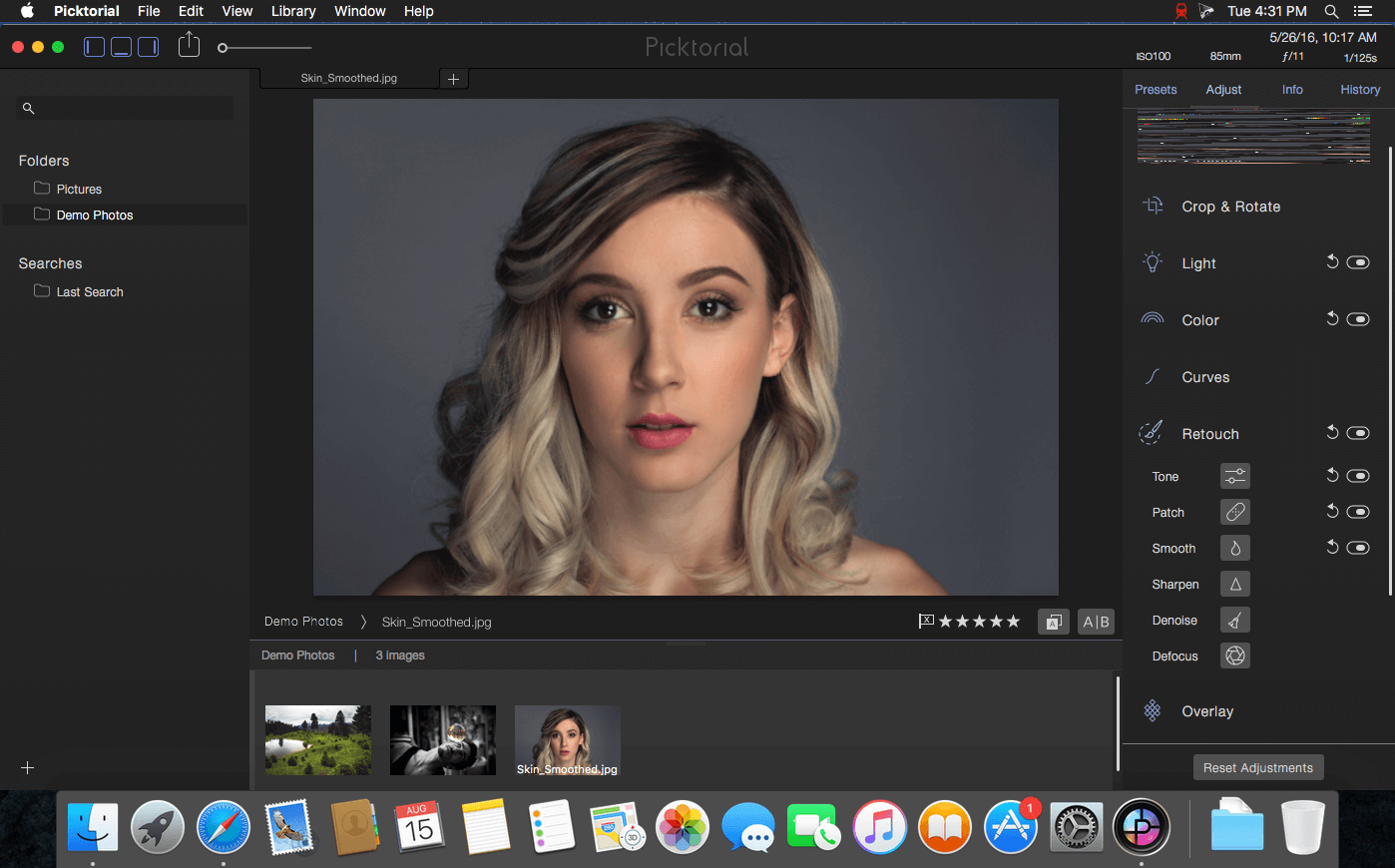
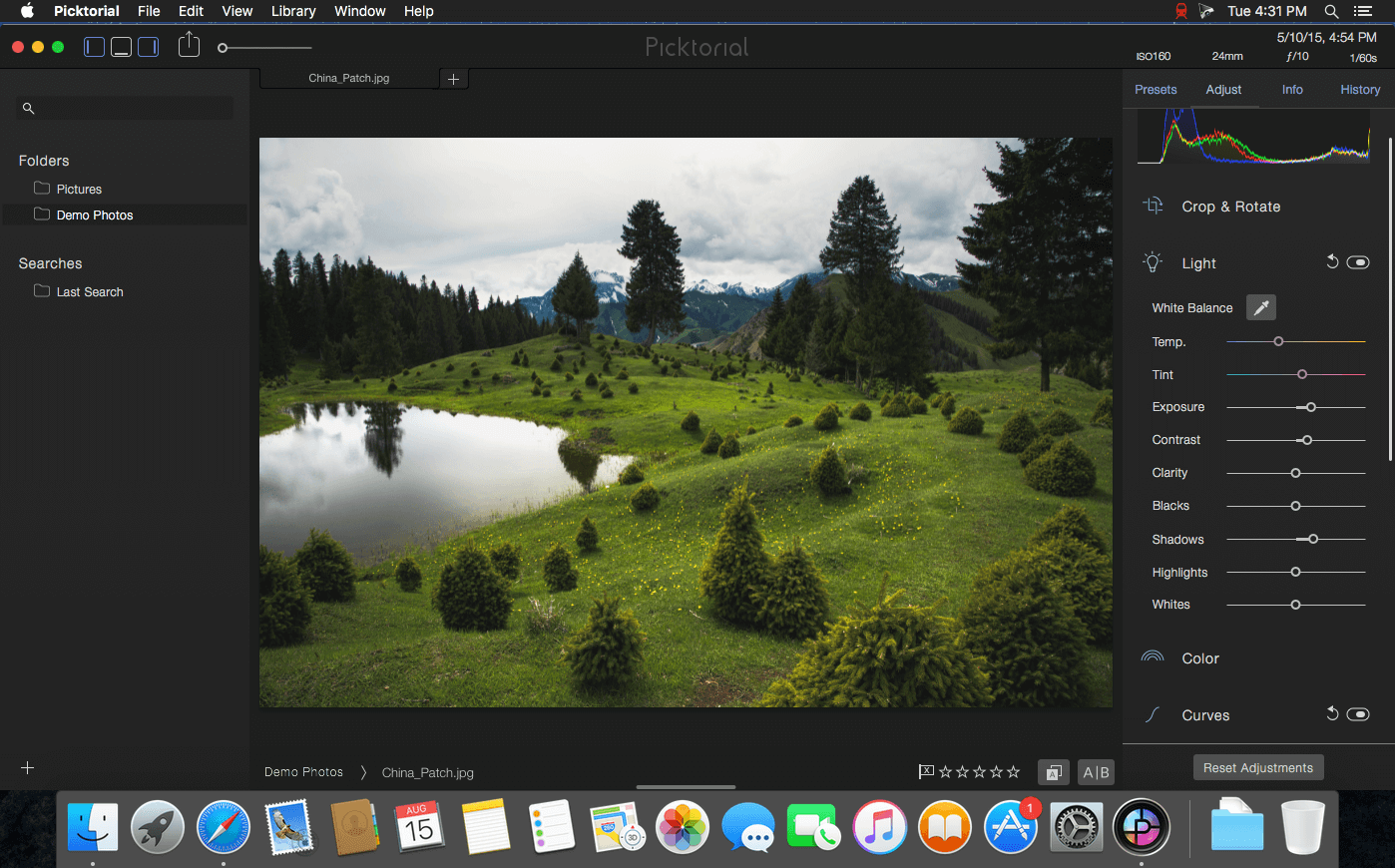
Picktorial is a powerful, smooth, and intuitive photo editor that provides tools for enhancing and retouching photos. Make local adjustments to RAW photos, retouch portraits, add filters, watermarks and more. It now integrates with OS X Photos, so you can enjoy the power of Picktorial right from Photos. Or, you can keep using Picktorial for individual photos or folders, bypassing the time-consuming import process of other apps. You can refine your edits at any time, without undoing later edits - whether you are using Picktorial as a Photos Extension or as a standalone app - and even after closing and reopening the app.
- Editing Tools
- True, Live, Non-Destructive Editing
- RAW editing
- Professional Presets
- Built-in image browser and organizer
Version 3.0.0:
- Unique Luminosity and Color masks
- Advanced selective adjustments tools including Curves, HSL, Split-Toning and more
- Blending modes for local adjustments
- Customizable tool palette for local adjustment
- Advanced masking tools
- Live histogram, responding smoothly even when brushing!
- New dedicated presets panel
- New history panel lets you navigate through the undo/redo stack
- New metadata panel with editable fields
Frequently asked questions
How do I install the app?
Mount the image, drag the app into the "Applications" folder and launch it. If the system blocks the launch, allow it in "System Settings → Privacy & Security".
The app is damaged or won't launch
Reinstalling from a fresh image usually helps. Make sure your macOS version matches the one listed in the compatibility specs.
How do I update?
Download the new version from the site and install it over the current one — your settings will be preserved.
The download link doesn't work
Try a mirror or a download manager. For large files the browser often drops the connection.
How do I completely remove the app?
Use an uninstaller utility — it cleans up the service files that remain after moving the app to the trash.
VersionPicktorial 3.0.6 (384)
DeveloperPicktorial Innovations LTD
CompatibilityOS X 10.9 or later 64-bit
LanguageEnglish
IncludesK'ed by TNT





Information
Visitors in the group Guests cannot leave comments on this publication.
Choose a download source
Picktorial 3.0.6 · 90.09 MB