Corel Painter 2019 v19.1.0.487
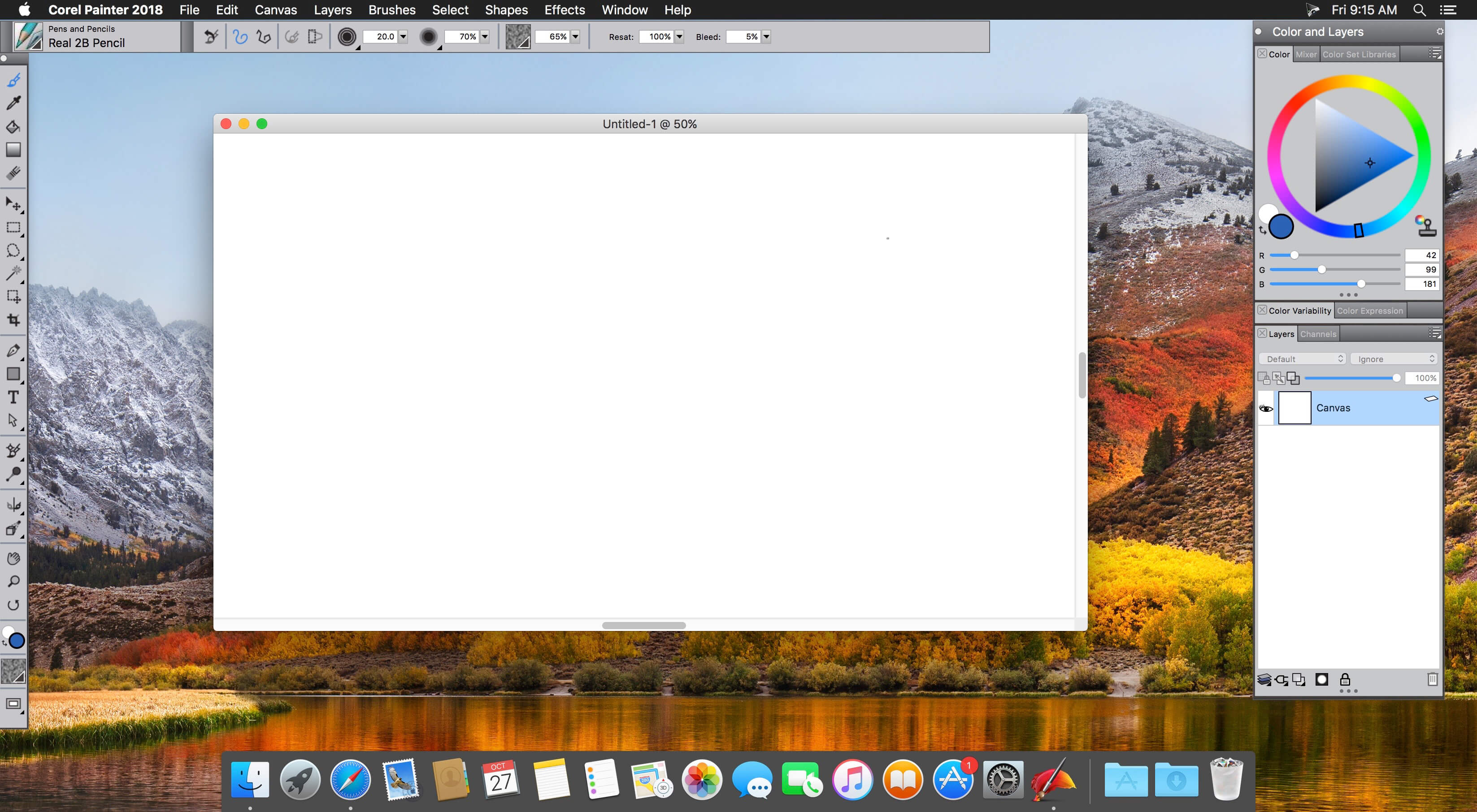
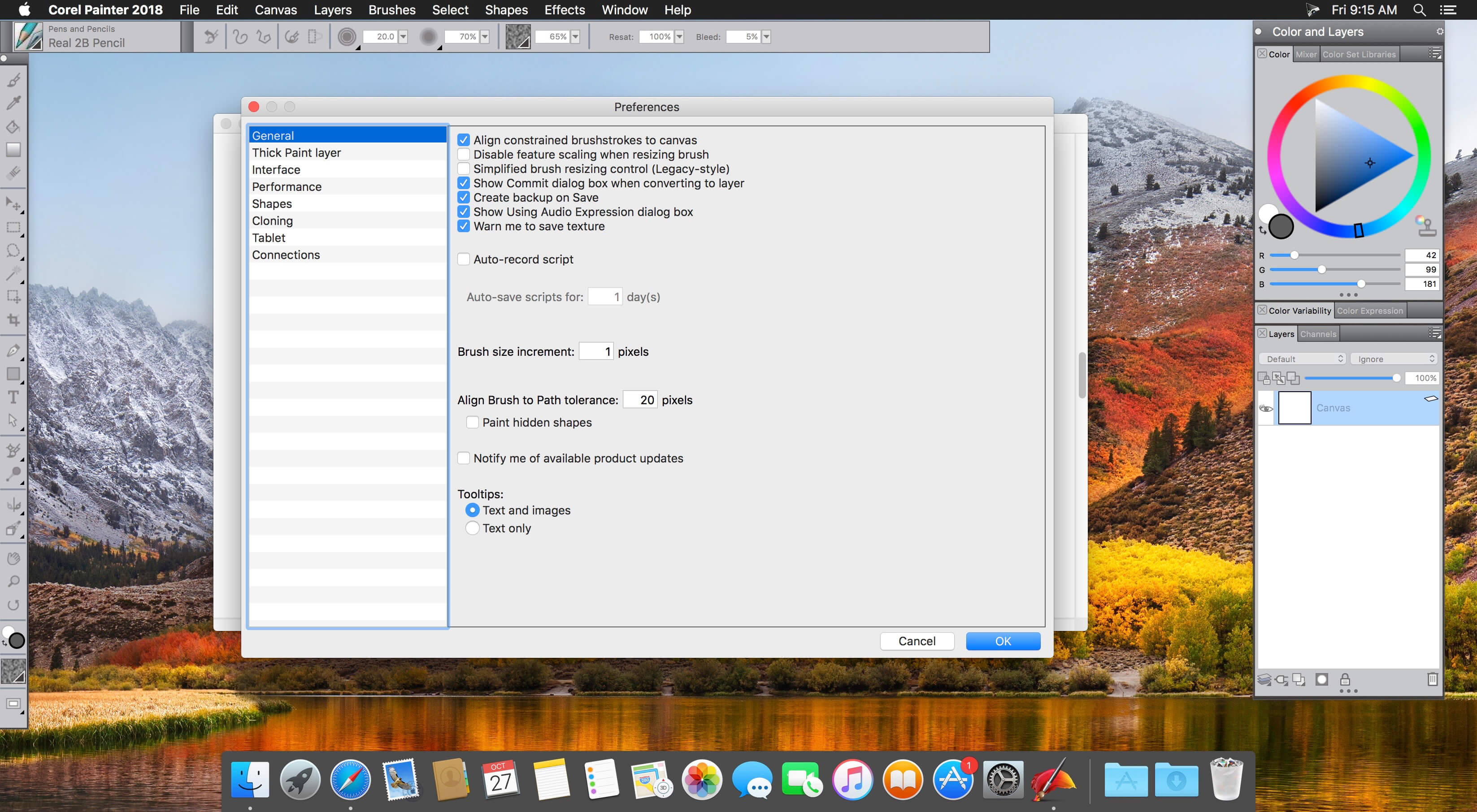
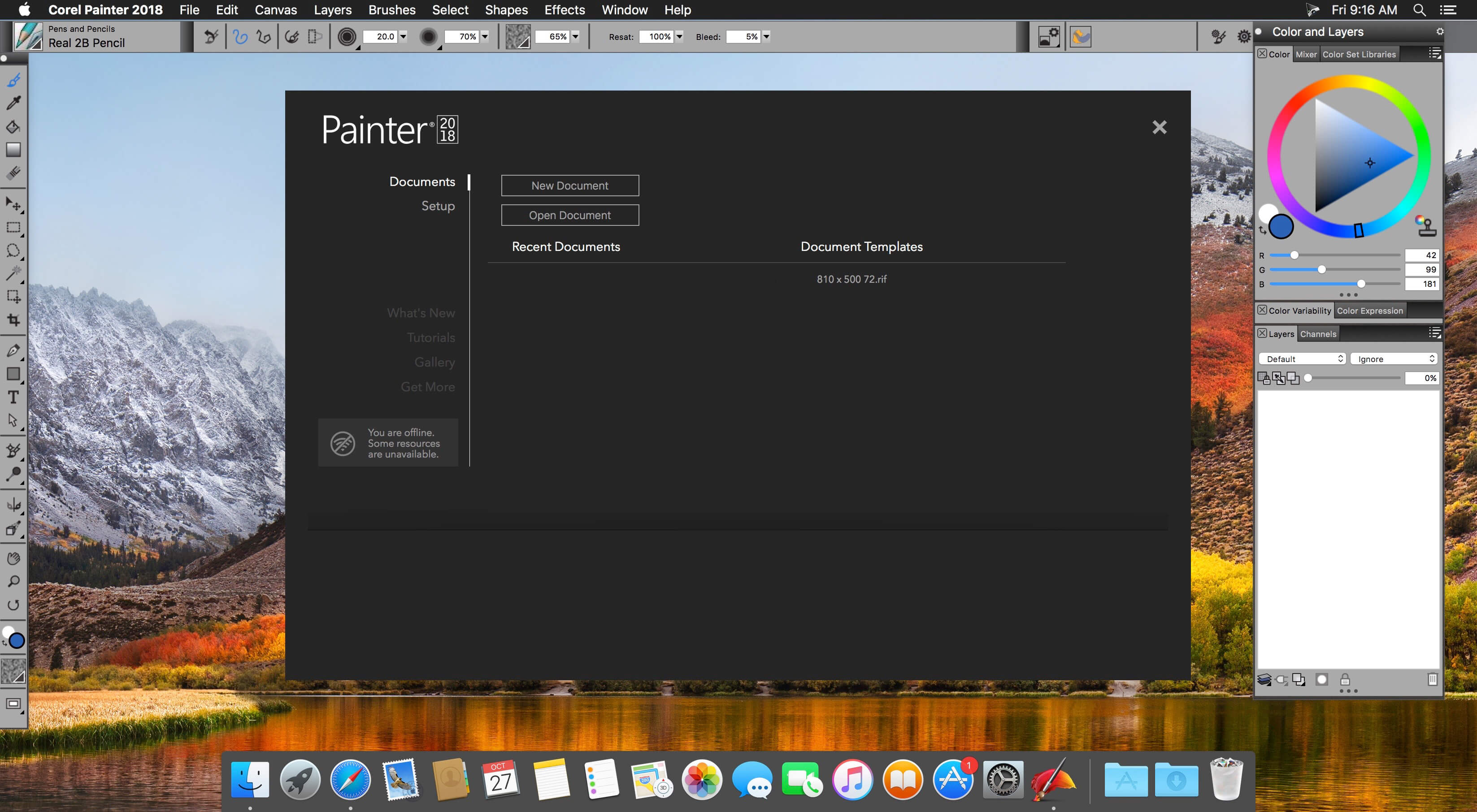
Digital art & painting software trusted by professional artists. Expand your artistic capabilities using a phenomenal collection of the world’s most realistic digital Natural-Media®. Accomplish natural, professional results with Painter® 2019 that will have people asking – Is it real paint or is it Painter?
A natural transition
Craft your art with painting software that comfortably blurs the lines between analog and digital.
Exclusive media
Create outstanding art with other-worldly media types that only digital art software can deliver.
Incomparable composition
Paint a masterpiece with perfect symmetry & perspective using built-in composition tools.
Flexible and productive
Custom brushes and palettes, and the ability to import content from others or create your own.
Supports popular hardware and software
Painter plays well with Photoshop and drawing tablets, and runs on Mac and Windo
Version 2019 v19.1.0.487:
- Release notes were unavailable when this listing was updated.
Frequently asked questions
How do I install the app?
Mount the image, drag the app into the "Applications" folder and launch it. If the system blocks the launch, allow it in "System Settings → Privacy & Security".
The app is damaged or won't launch
Reinstalling from a fresh image usually helps. Make sure your macOS version matches the one listed in the compatibility specs.
How do I update?
Download the new version from the site and install it over the current one — your settings will be preserved.
The download link doesn't work
Try a mirror or a download manager. For large files the browser often drops the connection.
How do I completely remove the app?
Use an uninstaller utility — it cleans up the service files that remain after moving the app to the trash.
VersionCorel Painter 2019 v19.1.0.487
DeveloperCorel Corporation
CompatibilityOS X 10.10 or later, 64-bit processor
LanguageEnglish
IncludesK
Related posts
-
 Corel Painter 2020 (incl. Corel Premium Brush Packs) v20.0.0.256
Graphic Design968.14 MB
Corel Painter 2020 (incl. Corel Premium Brush Packs) v20.0.0.256
Graphic Design968.14 MB
-
 Corel Painter 2016 15.1.0.740
Graphic Design370.43 MB
Corel Painter 2016 15.1.0.740
Graphic Design370.43 MB
-
 Corel Painter 2018 v18.1.0.651
Graphic Design366.16 MB
Corel Painter 2018 v18.1.0.651
Graphic Design366.16 MB
-
 Corel Painter 2017 v16.1.0
Graphic Design391.67 MB
Corel Painter 2017 v16.1.0
Graphic Design391.67 MB
-
 Corel Painter Essentials 6.1.0.238
Graphic Design324.01 MB
Corel Painter Essentials 6.1.0.238
Graphic Design324.01 MB
Information
Visitors in the group Guests cannot leave comments on this publication.
Choose a download source
Corel Painter 2019 v19.1.0.487 · 533.35 MB
Previous versions
Corel Painter 2019 v19.1.0.487
Previous versions are available to registered users.