

iCompta 6.2.6
Personal finance app for Mac: track expenses and budgets
Screenshots
Click to enlarge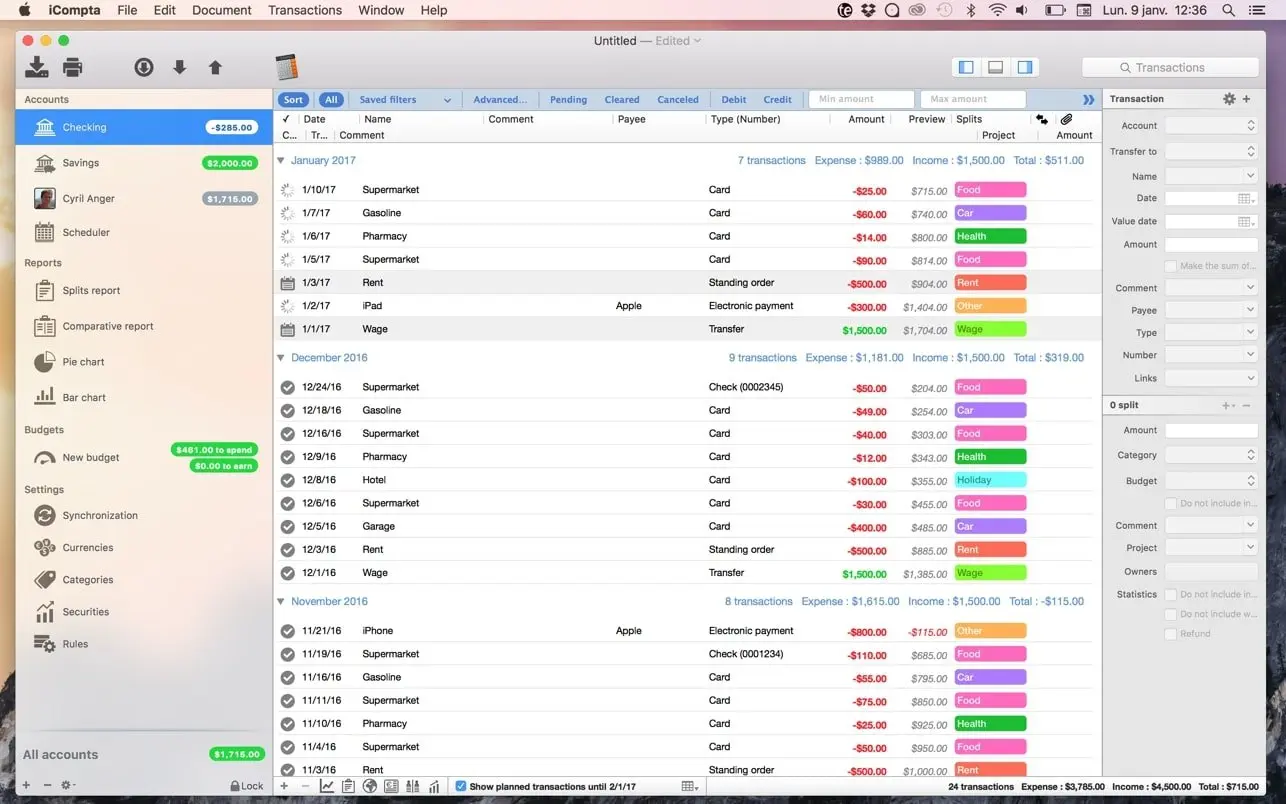
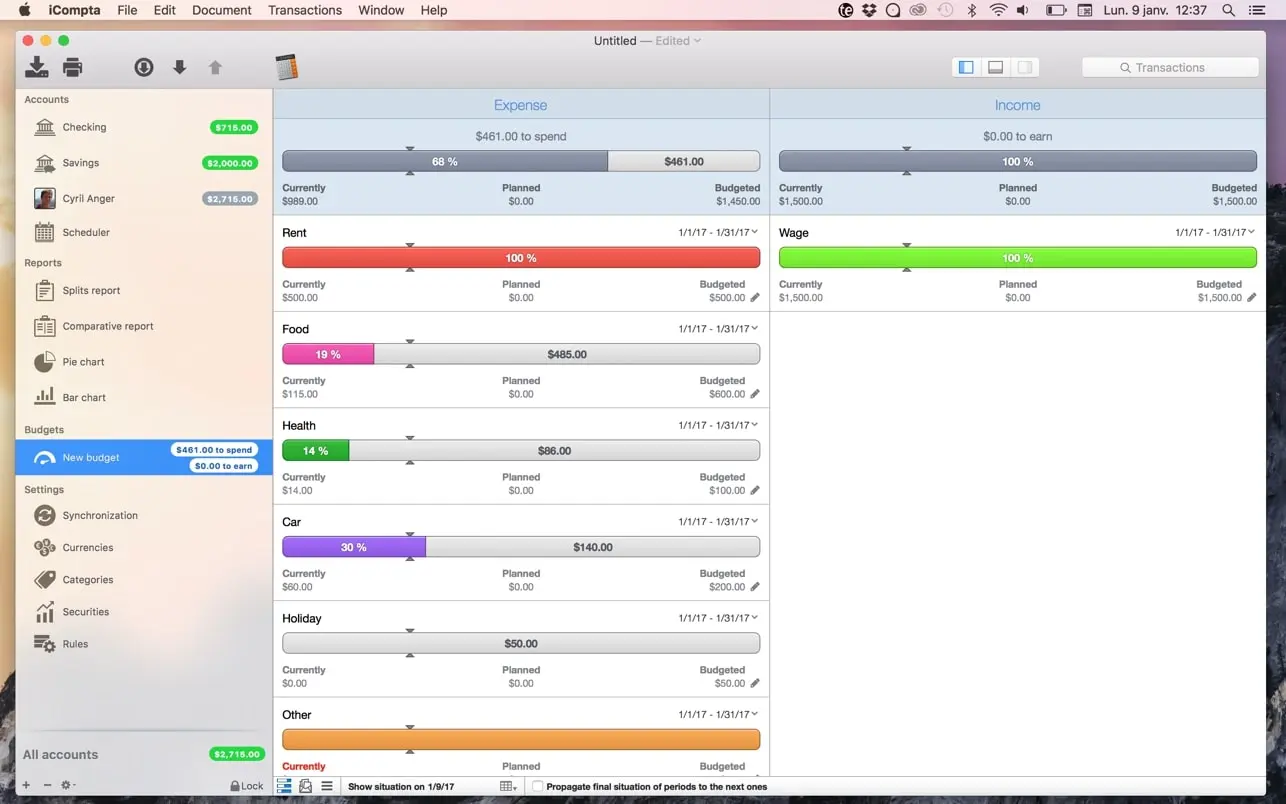
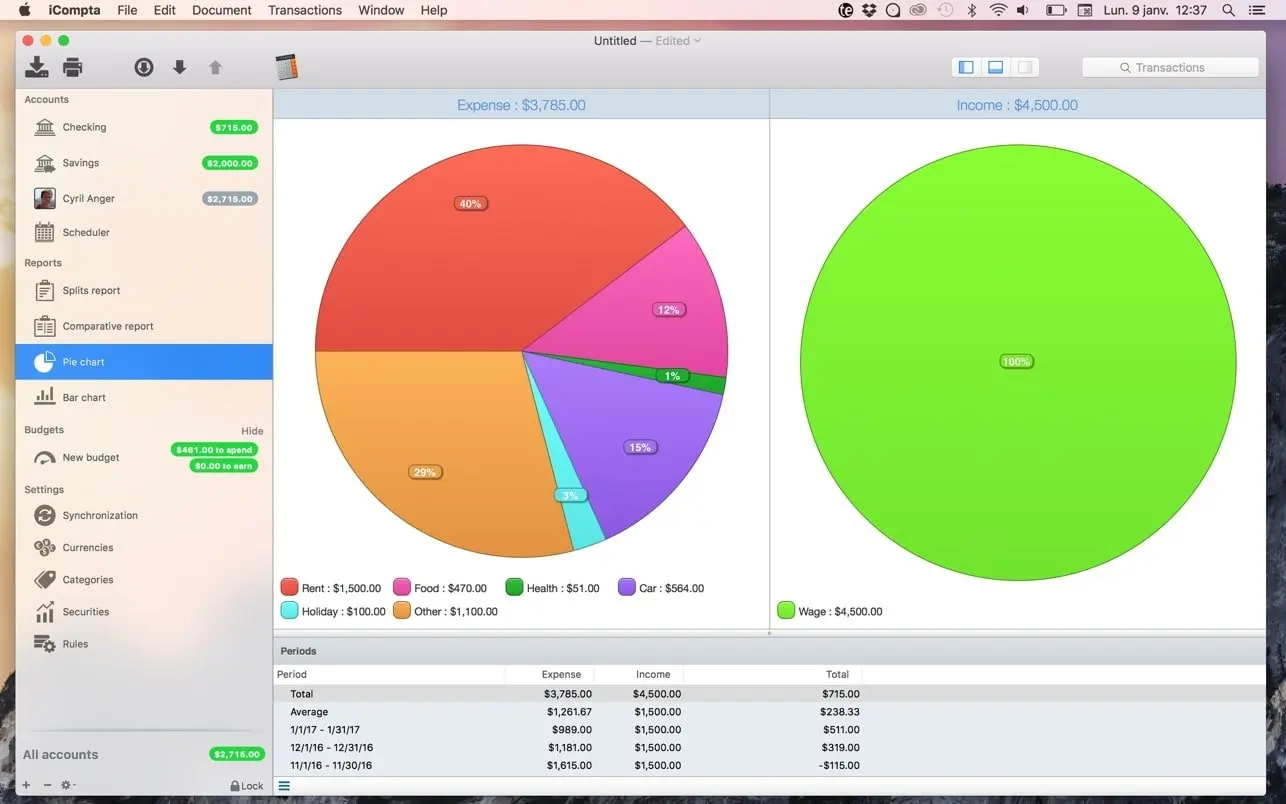
iCompta 6 makes it easy to manage your accounts on your Mac. Track your income and expenses, schedule your bills, stay within your budget, and finally see where all your money goes with beautiful charts.
All your accounts in one place
Manage multiple accounts in different currencies, record transfers between them, and download transactions from your bank in one click if it supports OFX Direct Connect. If it doesn't, the embedded browser lets you do it in just a few more clicks.
Key features
- Multiple accounts and currencies: keep all your accounts organized, whatever currency they use.
- Sorting and filtering: analyze your transactions and build statistics on your income and expenses.
- Budgets: keep your spending in line with the limits you set.
- Portfolio monitoring: follow your investments alongside your accounts.
- Shared expenses: know exactly who owes what to whom.
- Reports and charts: see your financial picture through clear, beautiful visuals.
- Transfers: move money between your accounts and keep records accurate.
- Bank downloads: get your transactions via OFX Direct Connect or the embedded browser.
- Import and export: work with QIF, OFX, CSV, XML, and JSON files.
- Batch editing and rules: modify many transactions at once or automate changes with a powerful rules engine.
- Statement reconciliation: check transactions against your bank statements to avoid mistakes.
- Password protection: keep your financial data secure.
Ready for professional use
iCompta 6 also covers business needs: handle taxes, manage clients, and create invoices without switching to another tool.
Take control of your finances on your Mac with iCompta 6.
Version 6.2.6
- Fixed sidebar icons color on macOS 27
Comments
No comments yet. Be the first.