
Alien Skin Photo Bundle (05.2018)
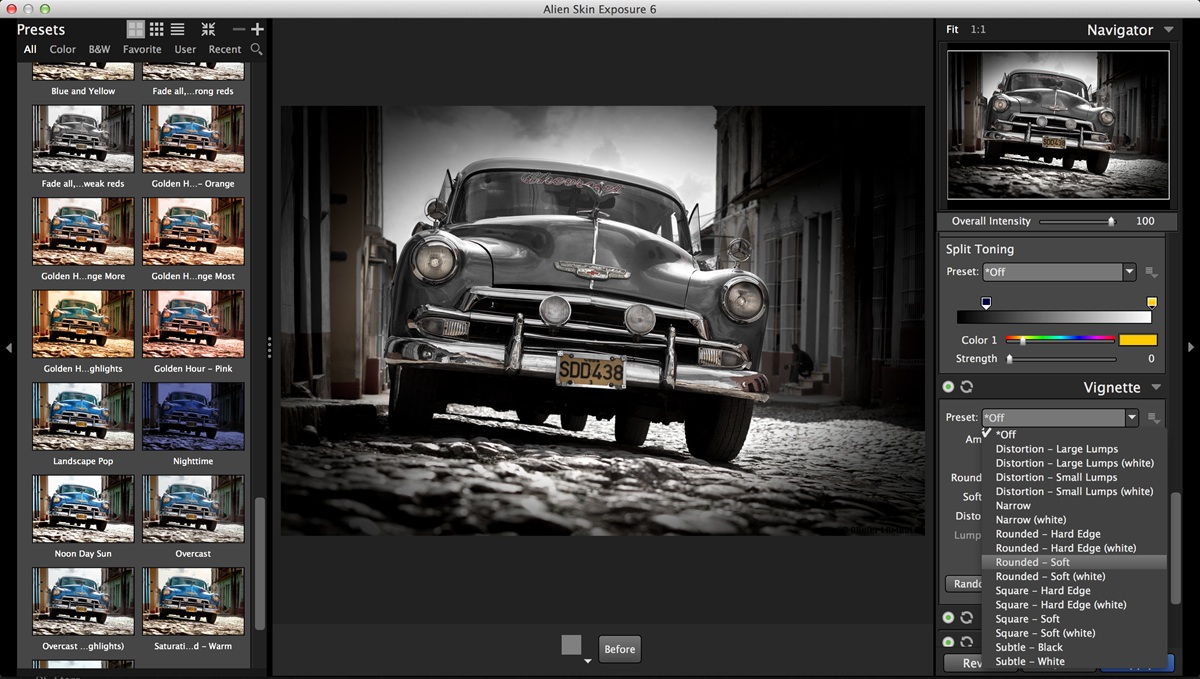
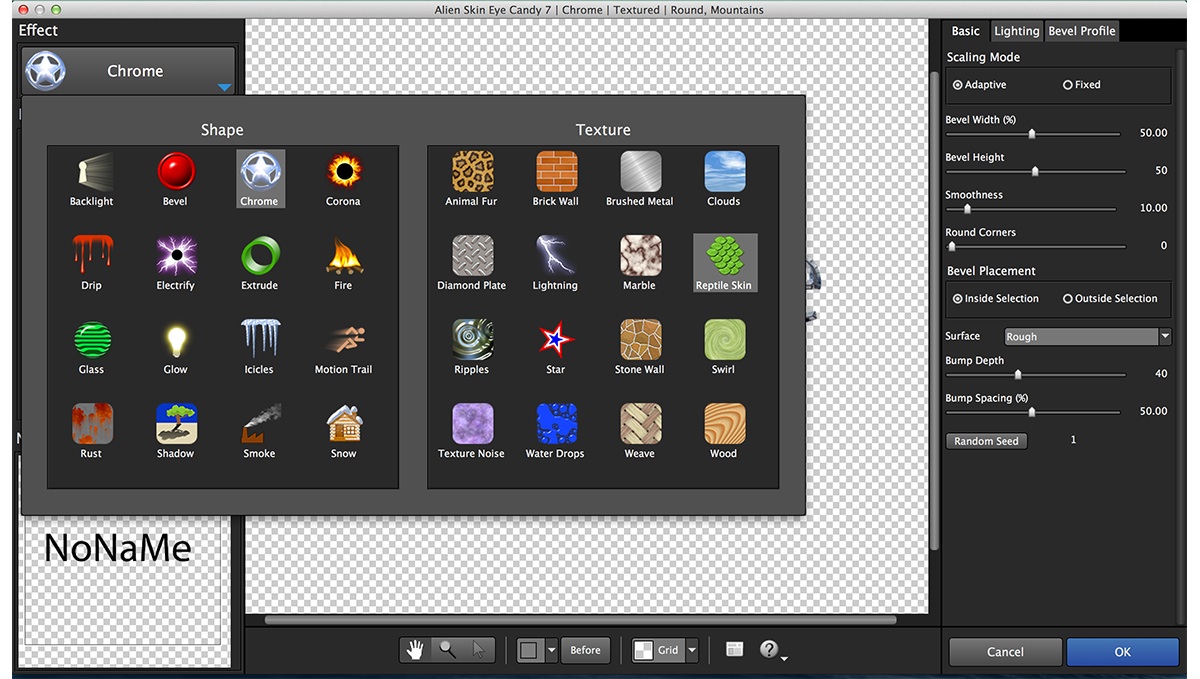
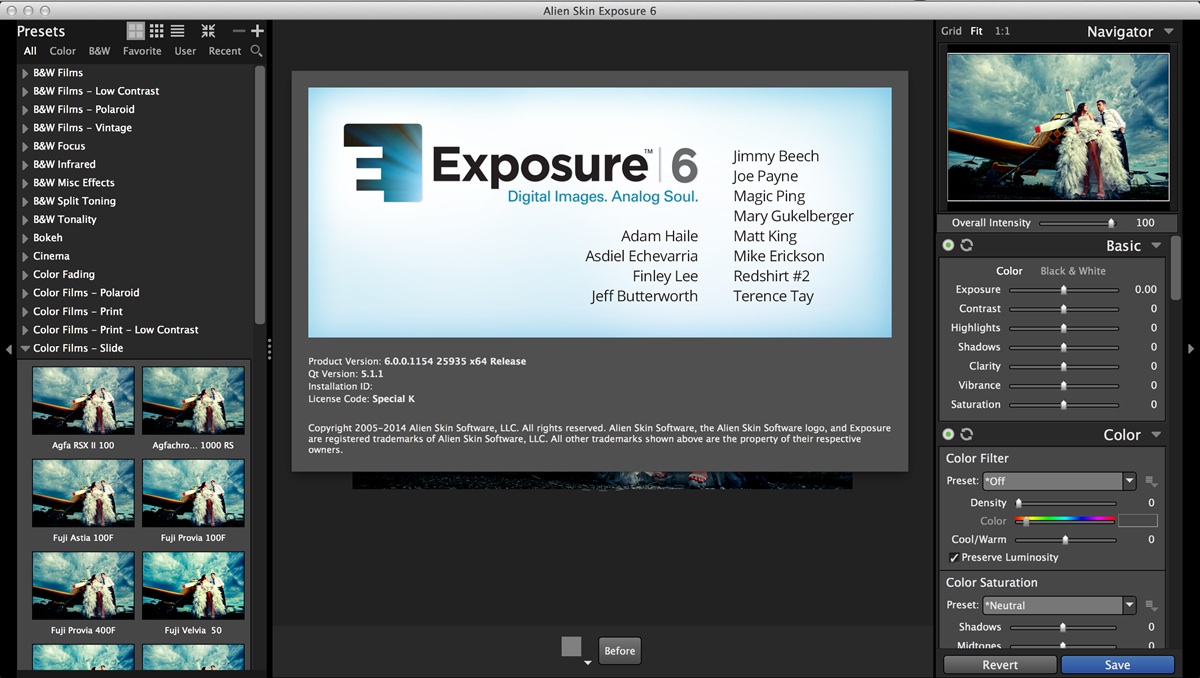
Alien Skin Software is a company that has been cool graphics software for years. Alien Skin Software has released a steady stream of highly regarded tools for photographers and graphic designers. We distill advanced math and cutting edge research into simple tools that render beautiful pictures. This plug-ins bundle contains their all newly update graphic softwares, which are Blow Up, Bokeh, Exposure, Eye Candy, Snap Art.
Exposure X2
Exposure X2 is an advanced RAW photo editor and organizer that improves every step in your editing workflow. Use it to quickly organize your images, nondestructively edit your photos, and apply gorgeous looks and special effects.
Exposure X Bundle
The Exposure X Bundle is a photo editor and organizer that integrates all of Alien Skin’s award-winning photo editing apps into a single product.. The centerpiece of the bundle is Exposure X, the editing app that streamlines your workflow and provides a rich set of creative tools. Two additional apps expand the creative possibilities: Blow Up 3 enlarges your photos into large prints with the sharpest resizing technology available, and Snap Art 4 transforms your photos into gorgeous, handcrafted paintings.
Snap Art:
Expand your palette of creative tools with Snap Art. Transforming your photographs into beautiful works of art has never been easier than with Snap Art 4. By analyzing the visual elements and techniques of artists through the centuries, we have designed Snap Art to produce images that look they were made by a human, not a computer.
Blow Up:
Sharp Enlargements at Any Size. Blow Up keeps photos crystal clear during enlargement. Especially in large prints hung on a wall, the difference between Blow Up and Photoshop is astounding. Version 3 makes pictures even sharper without computer artifacts.
What's Included:
- Exposure X3 3.5.3.104
- Exposure X3 Bundle 3.5.3.94
- Eye-candy 7 7.2.0.50
- Blow Up 3.1.0.157
- Snap Art 4.1.0.151
Frequently asked questions
How do I install the app?
Mount the image, drag the app into the "Applications" folder and launch it. If the system blocks the launch, allow it in "System Settings → Privacy & Security".
The app is damaged or won't launch
Reinstalling from a fresh image usually helps. Make sure your macOS version matches the one listed in the compatibility specs.
How do I update?
Download the new version from the site and install it over the current one — your settings will be preserved.
The download link doesn't work
Try a mirror or a download manager. For large files the browser often drops the connection.
How do I completely remove the app?
Use an uninstaller utility — it cleans up the service files that remain after moving the app to the trash.
VersionAlien Skin Photo Bundle (05.2018)
DeveloperALIEN SKIN SOFTWARE, LLC.
CompatibilityOS X 10.10 or later, 64-bit processor
LanguageEnglish
IncludesK'ed by TNT
Related posts
-
 Exposure X5 Bundle 5.2.4.282
Photography518.05 MB
Exposure X5 Bundle 5.2.4.282
Photography518.05 MB
-
 Alien Skin Exposure X3 Bundle 3.5.5.127
Graphic Design259.34 MB
Alien Skin Exposure X3 Bundle 3.5.5.127
Graphic Design259.34 MB
-
 Alien Skin Exposure X4 Bundle 4.5.6.130
Photography510.33 MB
Alien Skin Exposure X4 Bundle 4.5.6.130
Photography510.33 MB
-
 Alien Skin Plug-ins Bundle 2019 (update 26.07)
Photography1.02 GB
Alien Skin Plug-ins Bundle 2019 (update 26.07)
Photography1.02 GB
-
 Exposure Software Plug-ins Bundle 2020 (update 04.09)
Photography1.04 GB
Exposure Software Plug-ins Bundle 2020 (update 04.09)
Photography1.04 GB
Information
Visitors in the group Guests cannot leave comments on this publication.
Choose a download source
Alien Skin Photo Bundle (05.2018) · 521.9 MB