VersionsManager Pro 1.1.6
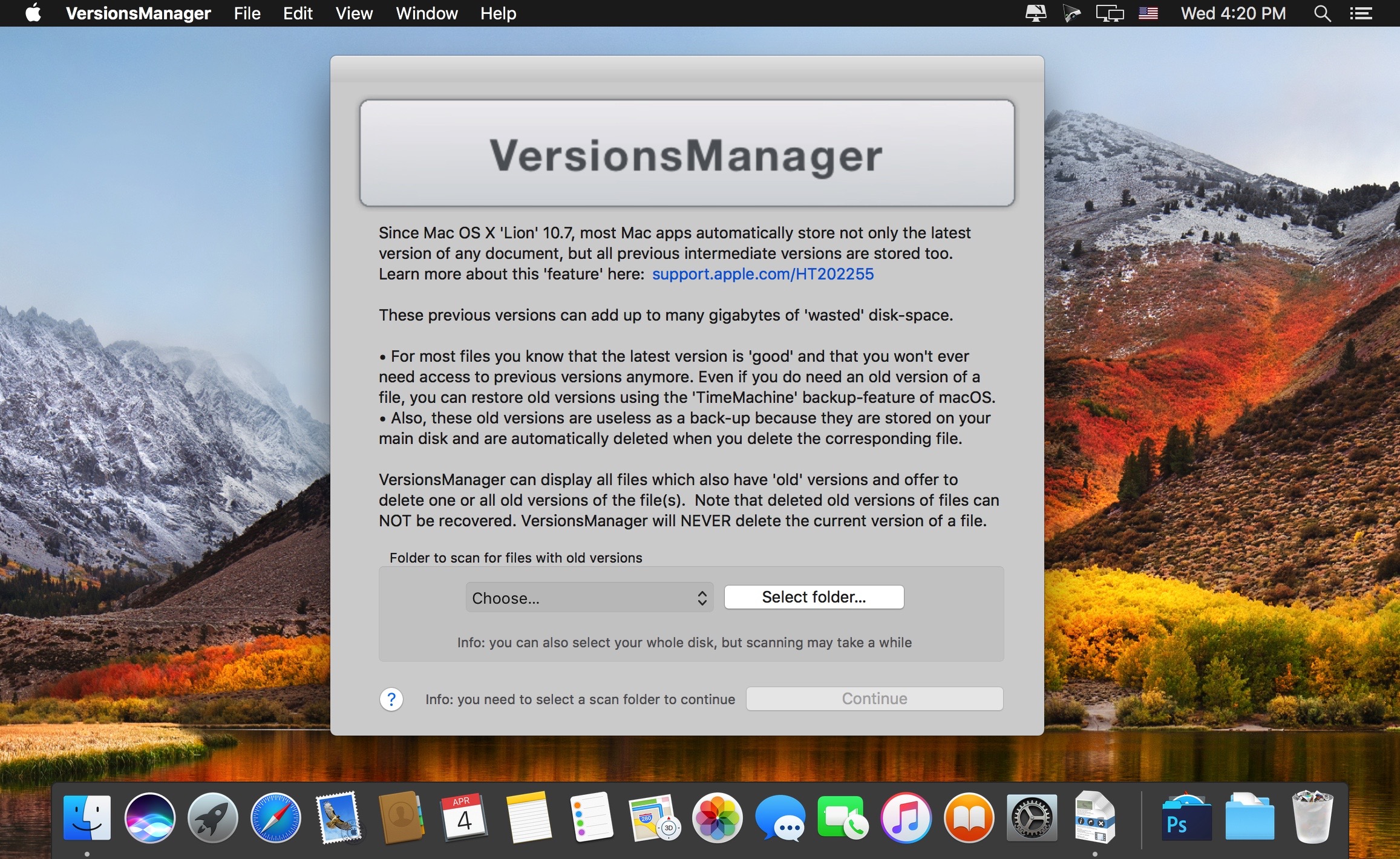
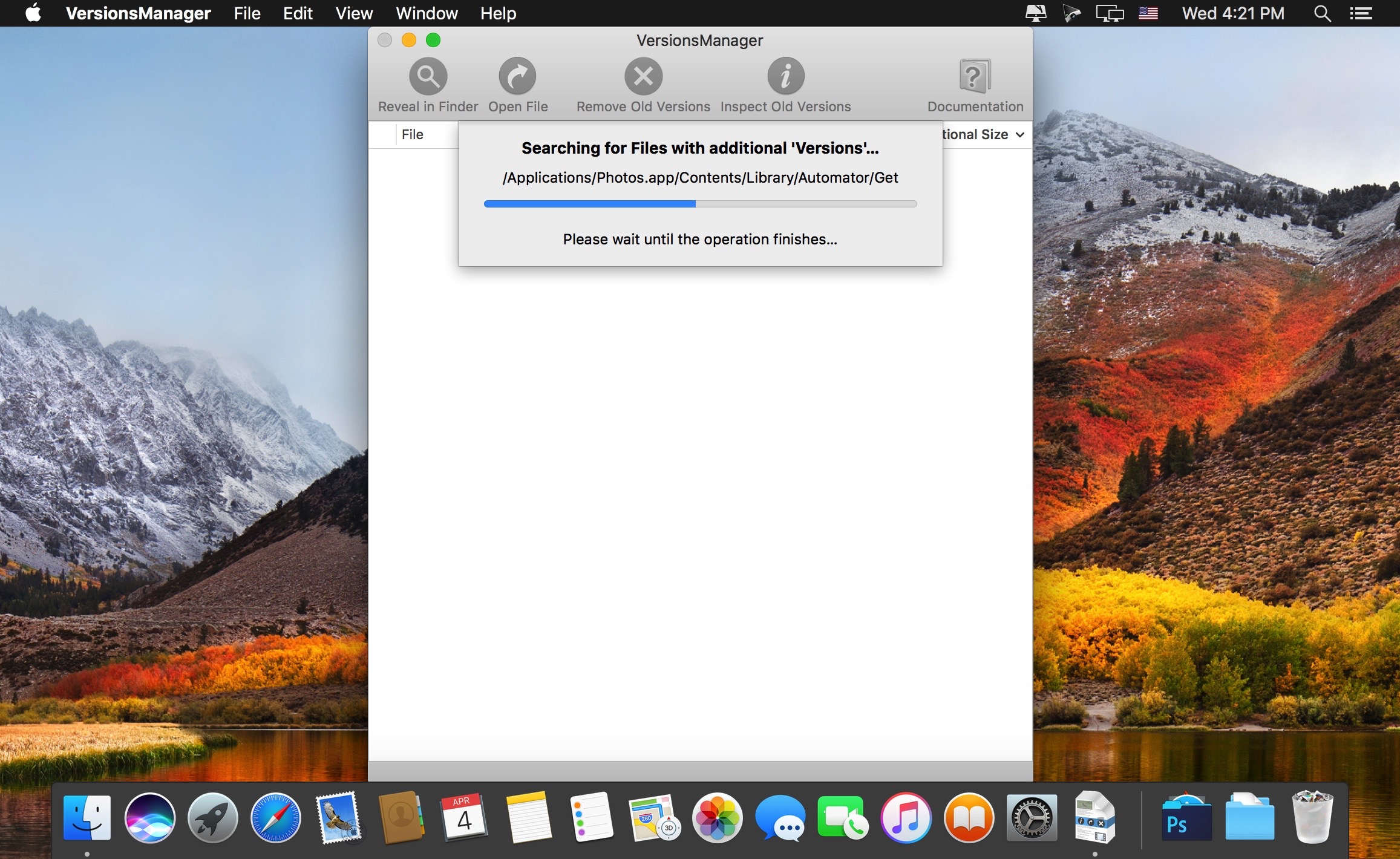
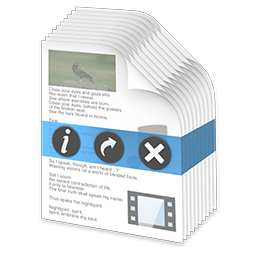
VersionsManager is an application that allows you to inspect and optionally delete old 'versions' of your documents that have been stored automatically by your Mac.
These previous versions can add up to many gigabytes of 'wasted' disk-space since it is common to have many hundred old versions for the files you have been working on. For most files you know that the latest version is 'good' and that you won't ever need access to previous versions anymore. Even if you do need an old version of a file, you can restore old versions if you have enabled the 'TimeMachine' backup-feature of OS X. Also, these old versions are useless as a back-up because they are stored on your main disk and are automatically deleted when you delete the corresponding file.
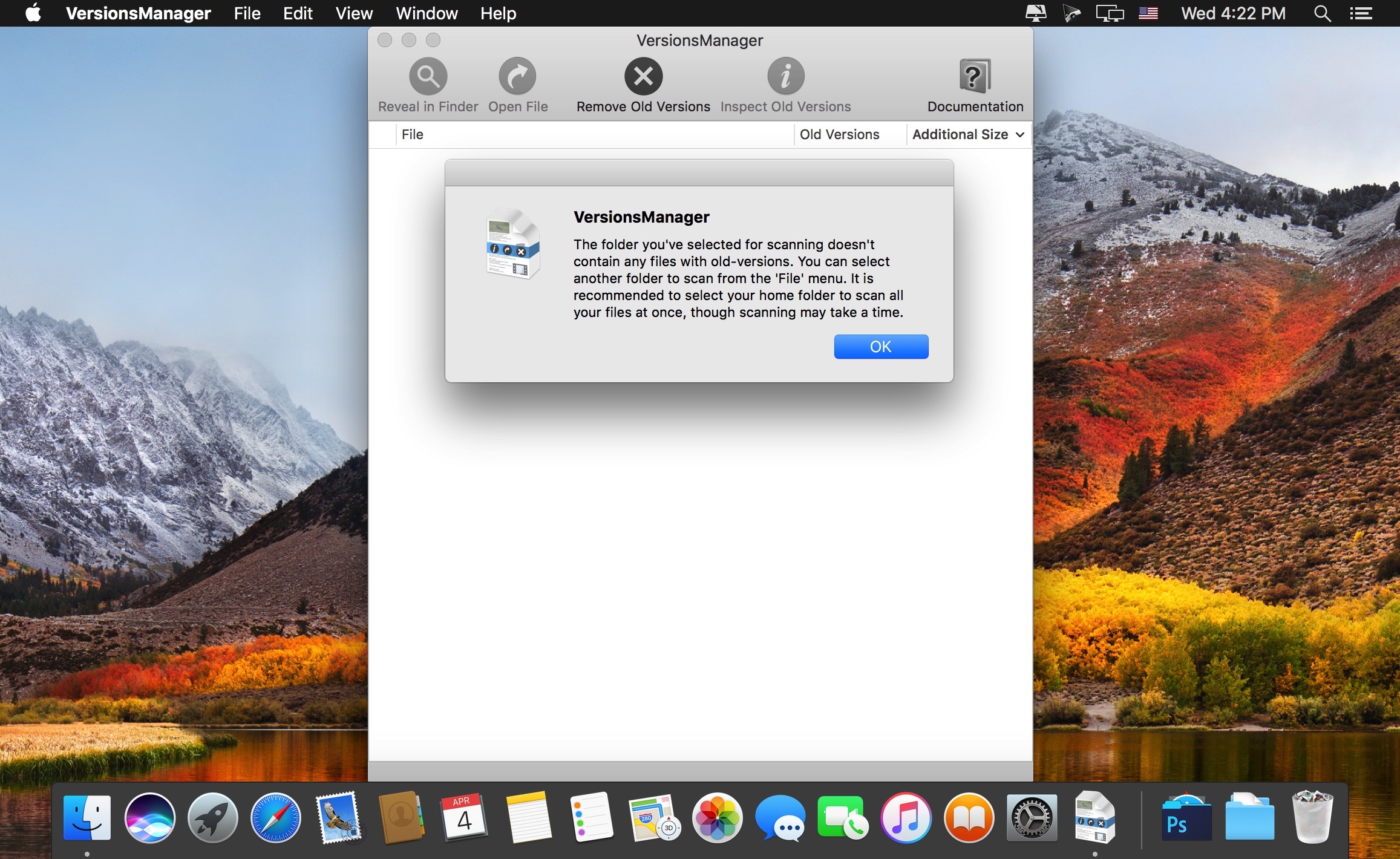
VersionsManager can display all files which also have additional 'old' versions stored. You can also inspect all old versions and compare them to see what has changed. If you are sure you do not need those old versions you can delete them individually or all at once. If you are are sure you don't need any old versions of your files you can even delete all old versions on you Mac at once, reclaiming gigabytes of space with a single mouse click.
Version 1.1.6:
- Dramatically improved performance when inspecting versions of large files
- Display MB with base 1000 instead of 1024 to match Finder's size display
- Fixed crash when comparing file versions and Xcode is not installed
- Display file sizes in MB instead of bytes in file inspection window
Frequently asked questions
How do I install the app?
Mount the image, drag the app into the "Applications" folder and launch it. If the system blocks the launch, allow it in "System Settings → Privacy & Security".
The app is damaged or won't launch
Reinstalling from a fresh image usually helps. Make sure your macOS version matches the one listed in the compatibility specs.
How do I update?
Download the new version from the site and install it over the current one — your settings will be preserved.
The download link doesn't work
Try a mirror or a download manager. For large files the browser often drops the connection.
How do I completely remove the app?
Use an uninstaller utility — it cleans up the service files that remain after moving the app to the trash.
VersionVersionsManager Pro 1.1.6
DeveloperCoreCode Limited
CompatibilityOS X 10.10 or later, 64-bit processor
LanguageEnglish
IncludesK'ed by TNT



Information
Visitors in the group Guests cannot leave comments on this publication.
Choose a download source
VersionsManager Pro 1.1.6 · 6.51 MB