
Unbound 1.3
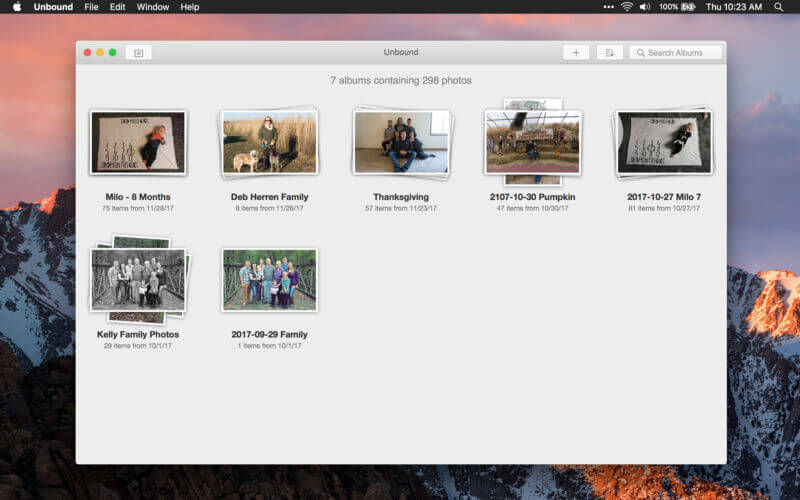
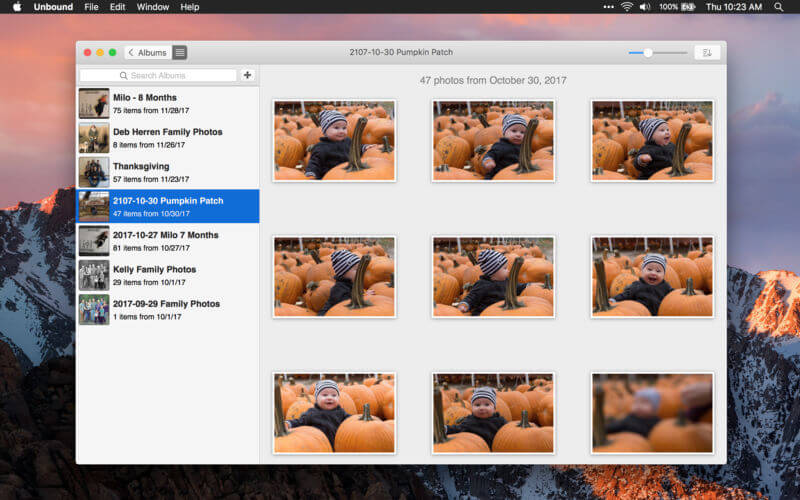
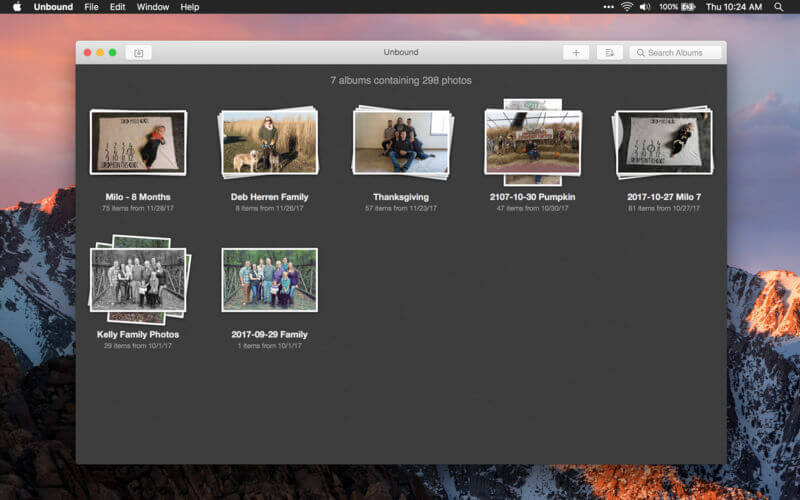
Unbound was designed with speed as a priority. Everything from the initial app launch to scrolling through your thumbs is incredibly responsive. Access photos whenever you want without having to wait. It doesn't create a separate photo library like other photo apps. Instead, Unbound uses your existing file structure to create its albums. This means that there is no duplication of your photos, and that they're easy to access and edit with any application you choose.
Version 1.2.0:
- Fixes a bug that broke drag and drop.
- Adds better context menu support.
- Adds command-E shortcut to open a photo in your default editor.
Frequently asked questions
How do I install the app?
Mount the image, drag the app into the "Applications" folder and launch it. If the system blocks the launch, allow it in "System Settings → Privacy & Security".
The app is damaged or won't launch
Reinstalling from a fresh image usually helps. Make sure your macOS version matches the one listed in the compatibility specs.
How do I update?
Download the new version from the site and install it over the current one — your settings will be preserved.
The download link doesn't work
Try a mirror or a download manager. For large files the browser often drops the connection.
How do I completely remove the app?
Use an uninstaller utility — it cleans up the service files that remain after moving the app to the trash.
VersionUnbound 1.3
DeveloperAnalog Ocean, Ltd
CompatibilityOS X 10.10 or later, 64-bit processor
LanguageEnglish
IncludesK'ed by TNT


Information
Visitors in the group Guests cannot leave comments on this publication.
Choose a download source
Unbound 1.3 · 9.7 MB