Teorex Inpaint 11.0.2
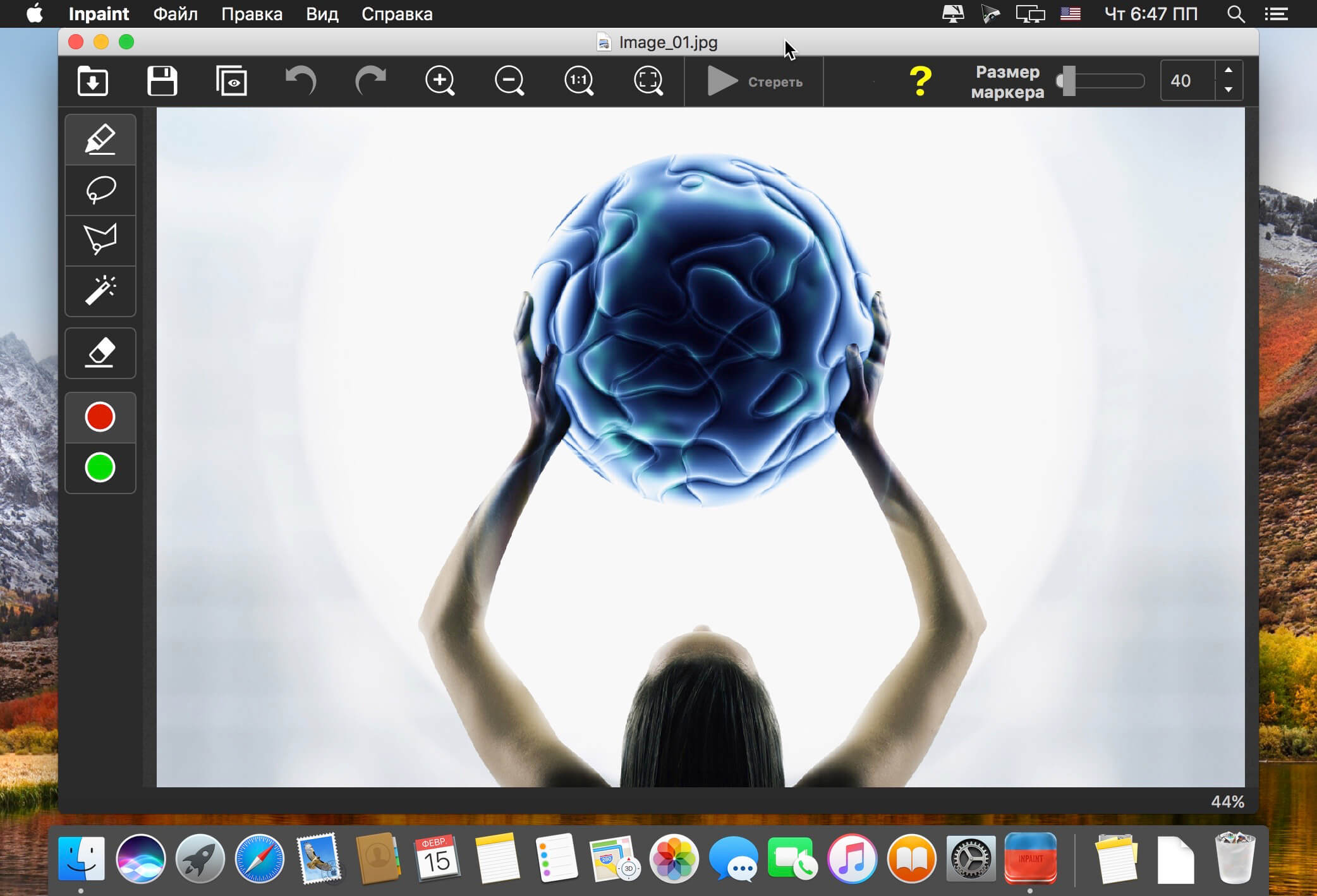
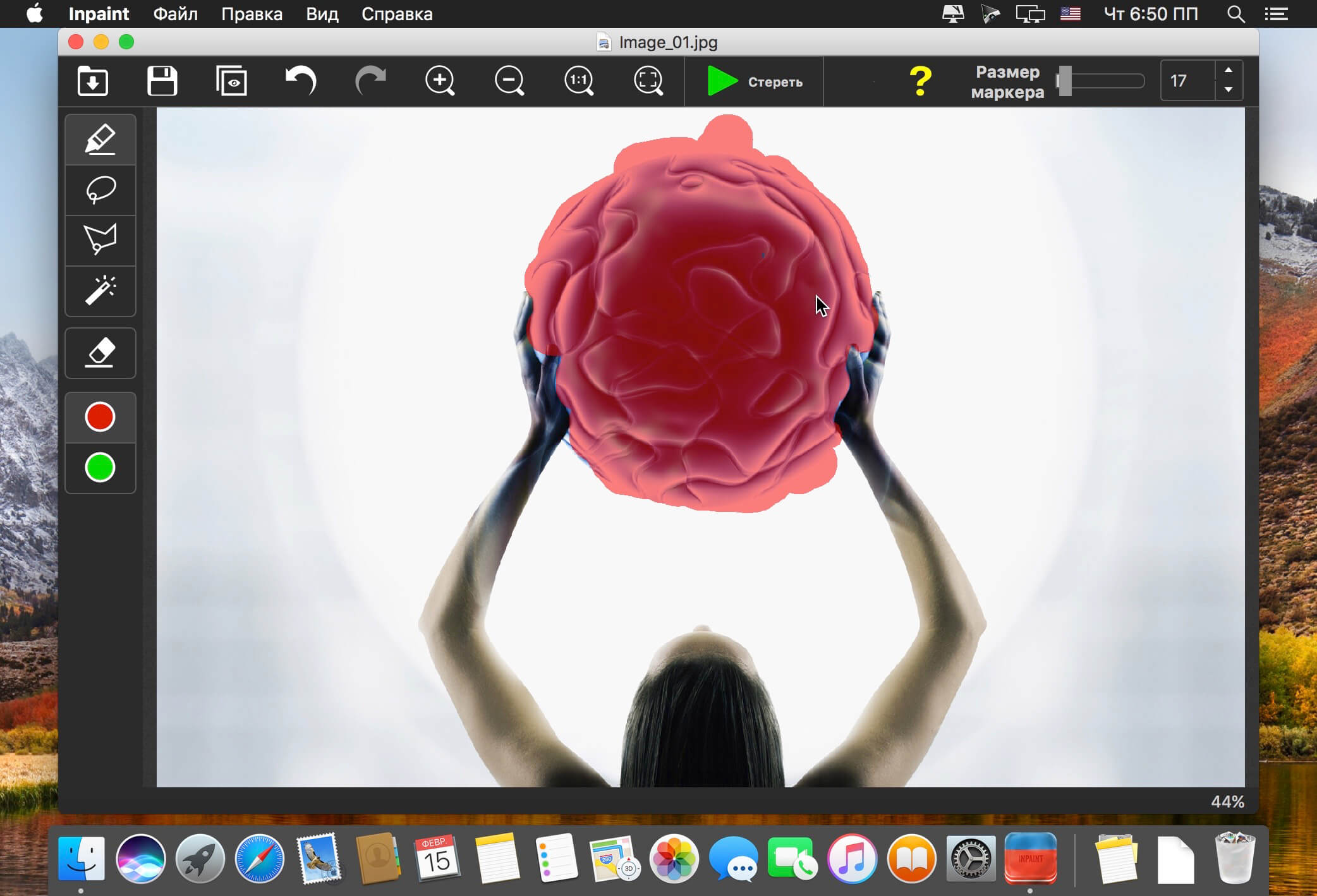
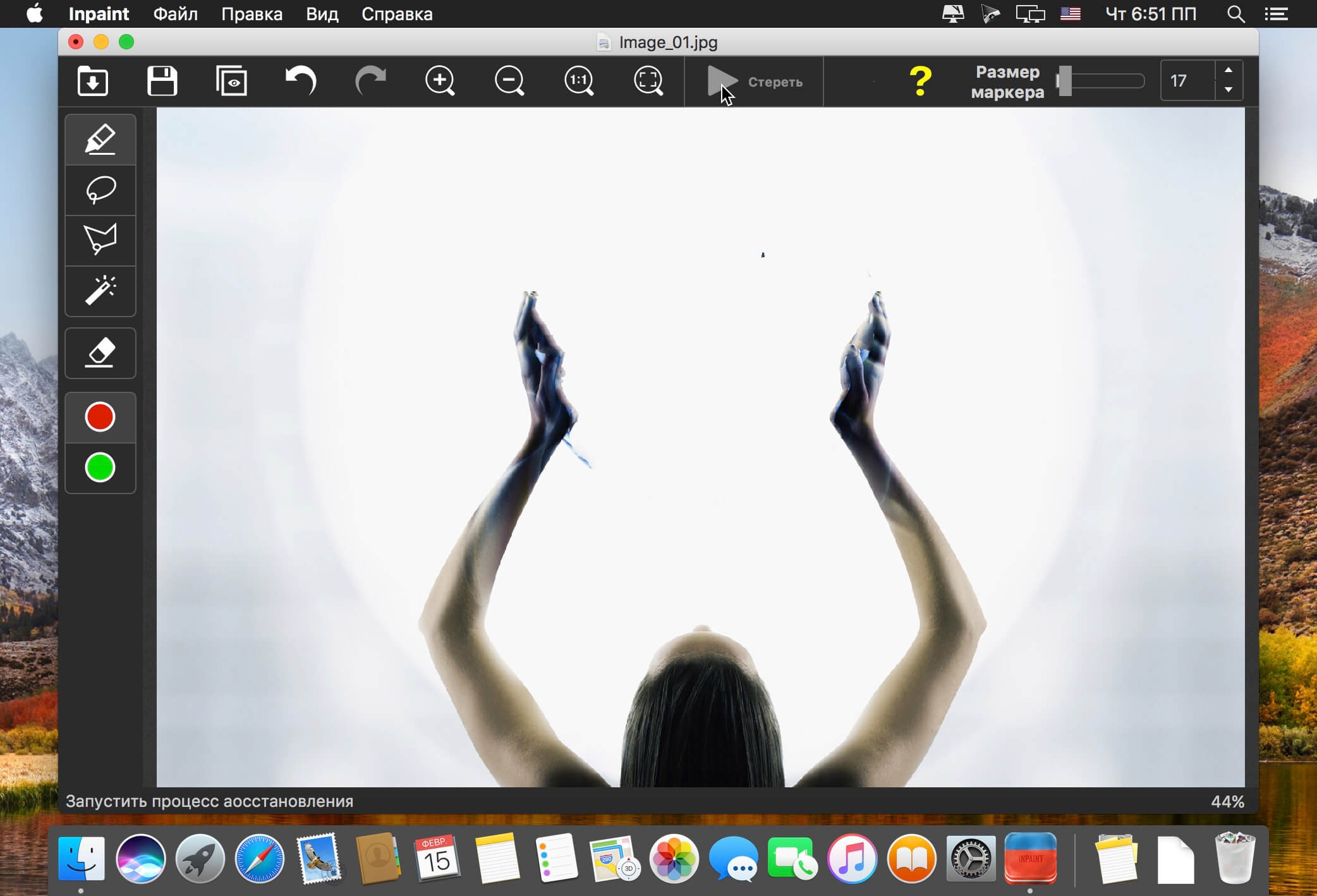
Inpaint photo restoration software, reconstructs the selected image area from the pixels near the area boundary. Delete any unwanted objects from your photo, such as power-lines, people, text, or anything else. The program will automatically "inpaint" the selected area to erase it. If some unexpected object spoils an otherwise good photograph, Inpaint can easily remove it.
Top Reasons to use Inpaint
- Repair old photos
- Remove watermarks
- Delete unwanted people from photo
- Erasing wires and power lines
- Remove unwanted objects
- Digital Facial retouching
- Remove date stamps
- Erase wrinkles and skin blemishes
- Remove tourists from travel photos
- Fill black areas of a panorama
- Remove text or logo from images
- Remove moving objects from photos
- Easy to get use & started
- Completely non-technical
Version 11.0.2:
- Release notes were unavailable when this listing was updated.
Frequently asked questions
How do I install the app?
Mount the image, drag the app into the "Applications" folder and launch it. If the system blocks the launch, allow it in "System Settings → Privacy & Security".
The app is damaged or won't launch
Reinstalling from a fresh image usually helps. Make sure your macOS version matches the one listed in the compatibility specs.
How do I update?
Download the new version from the site and install it over the current one — your settings will be preserved.
The download link doesn't work
Try a mirror or a download manager. For large files the browser often drops the connection.
How do I completely remove the app?
Use an uninstaller utility — it cleans up the service files that remain after moving the app to the trash.




Choose a download source
Teorex Inpaint 11.0.2 · 113.17 MB
Previous versions
Teorex Inpaint 11.0.2
Previous versions are available to registered users.