
Garden Planner 3.8.65
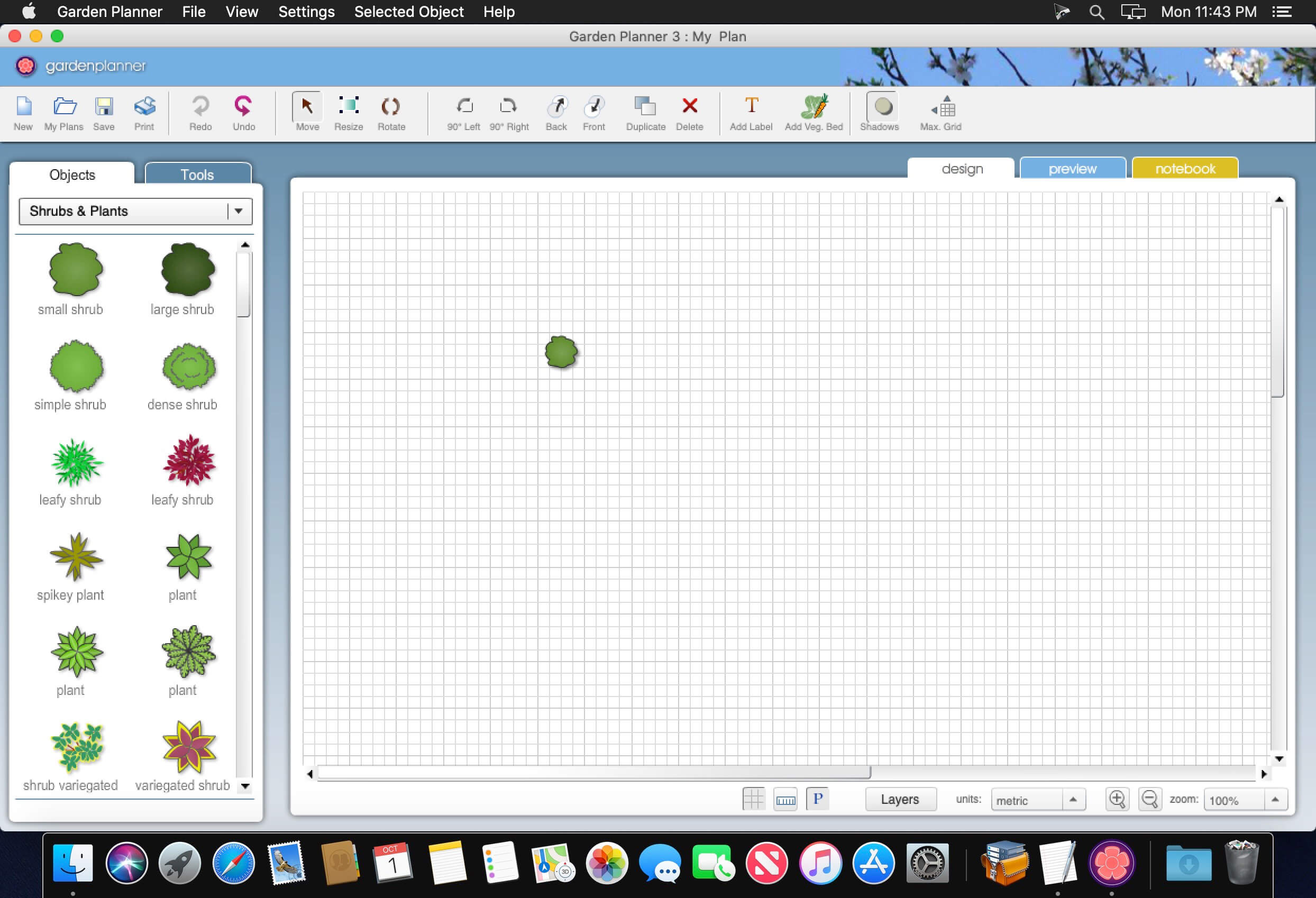
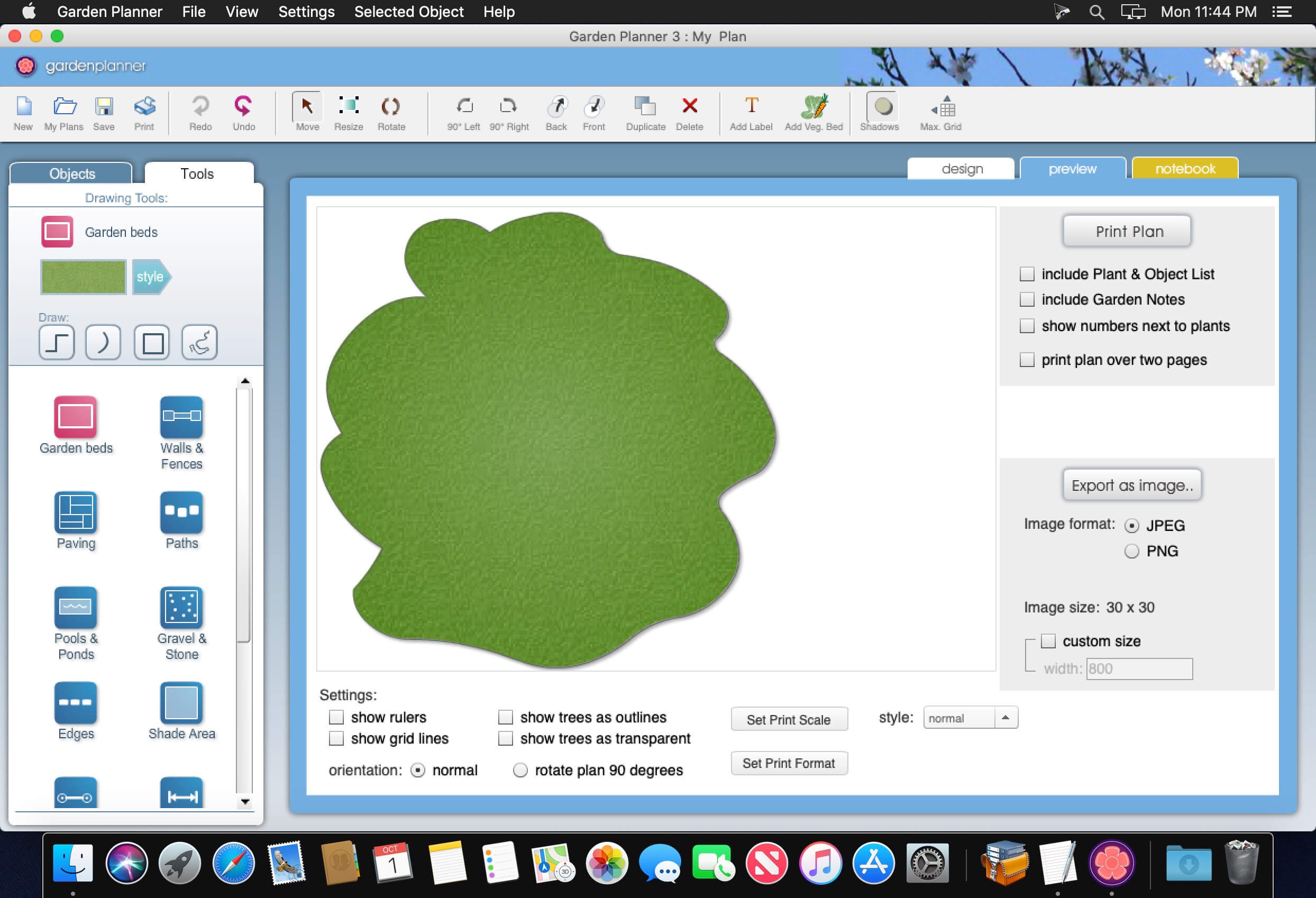
Design the garden of your dreams with this very easy to use. Arrange plants, trees, buildings and objects using a user friendly interface to “drag and drop”. Use tools to quickly create paving, paths and fences. Then generate a color printing high-quality design.
Characteristics:
- very easy to use interface
- Save and load your own designs.
- Use a wide range of generic ways to design your garden plants, so you do not need to be a botanist to use
- Produce a professional looking print your plan
- Use tools to quickly create paving, fences and roads.
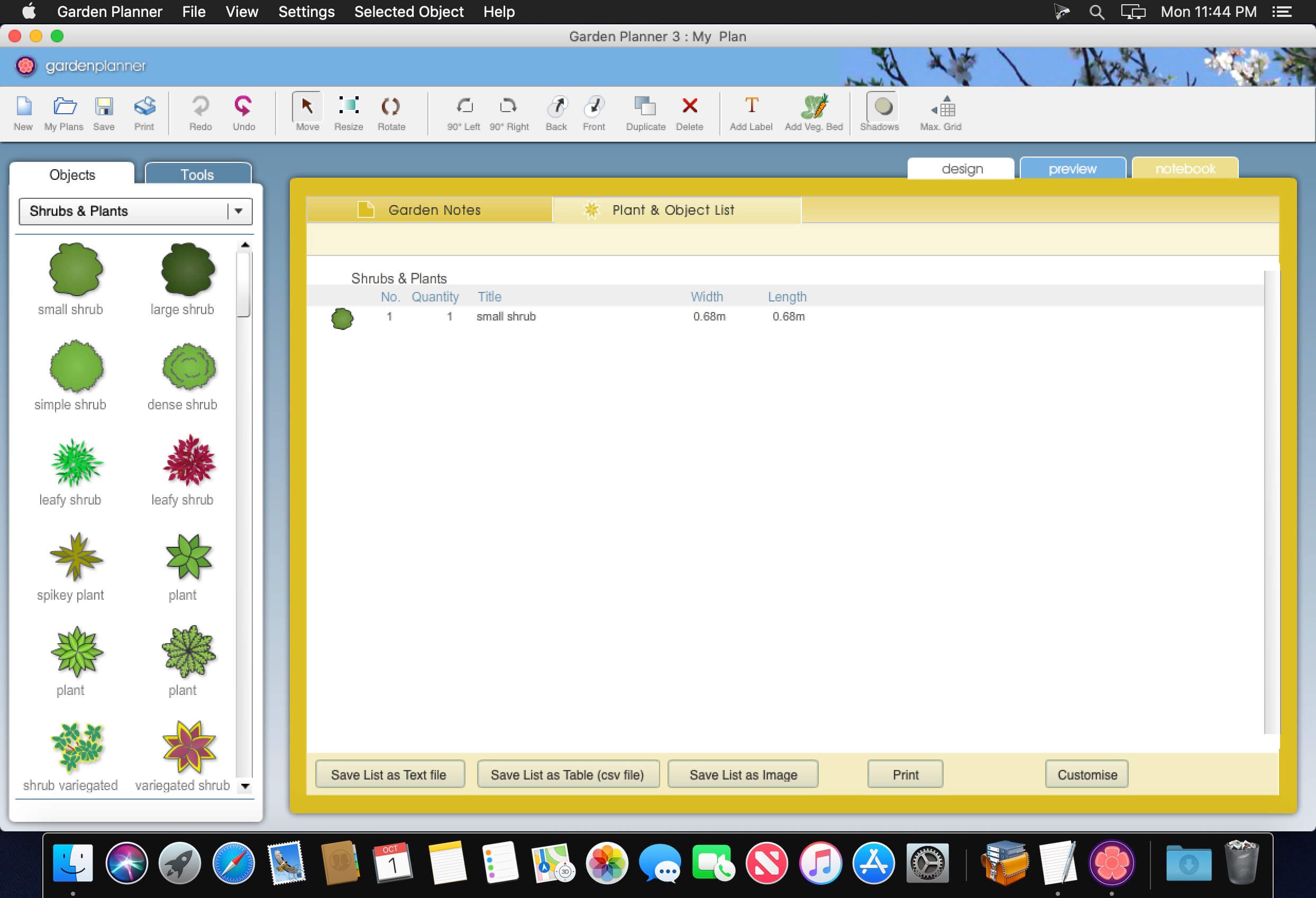
- Generate a report of all plants and objects in your garden
- Create a library of custom plants
Version 3.8.65:
- Release notes were unavailable when this listing was updated.
Frequently asked questions
How do I install the app?
Mount the image, drag the app into the "Applications" folder and launch it. If the system blocks the launch, allow it in "System Settings → Privacy & Security".
The app is damaged or won't launch
Reinstalling from a fresh image usually helps. Make sure your macOS version matches the one listed in the compatibility specs.
How do I update?
Download the new version from the site and install it over the current one — your settings will be preserved.
The download link doesn't work
Try a mirror or a download manager. For large files the browser often drops the connection.
How do I completely remove the app?
Use an uninstaller utility — it cleans up the service files that remain after moving the app to the trash.
Related posts





Choose a download source
Garden Planner 3.8.65 · 236.64 MB