

Wondershare Filmora Scrn 2.0.1
Screenshots
Click to enlarge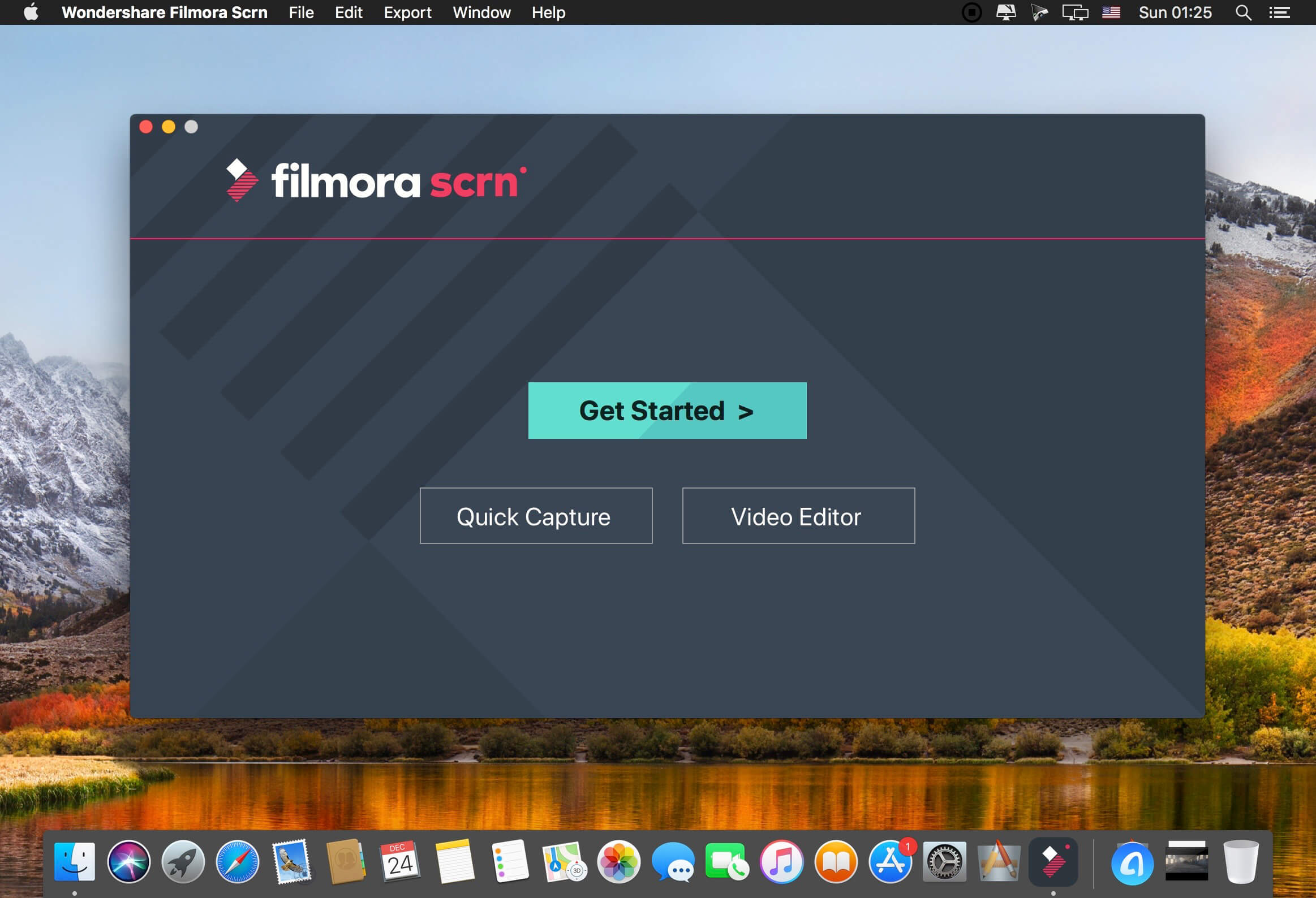
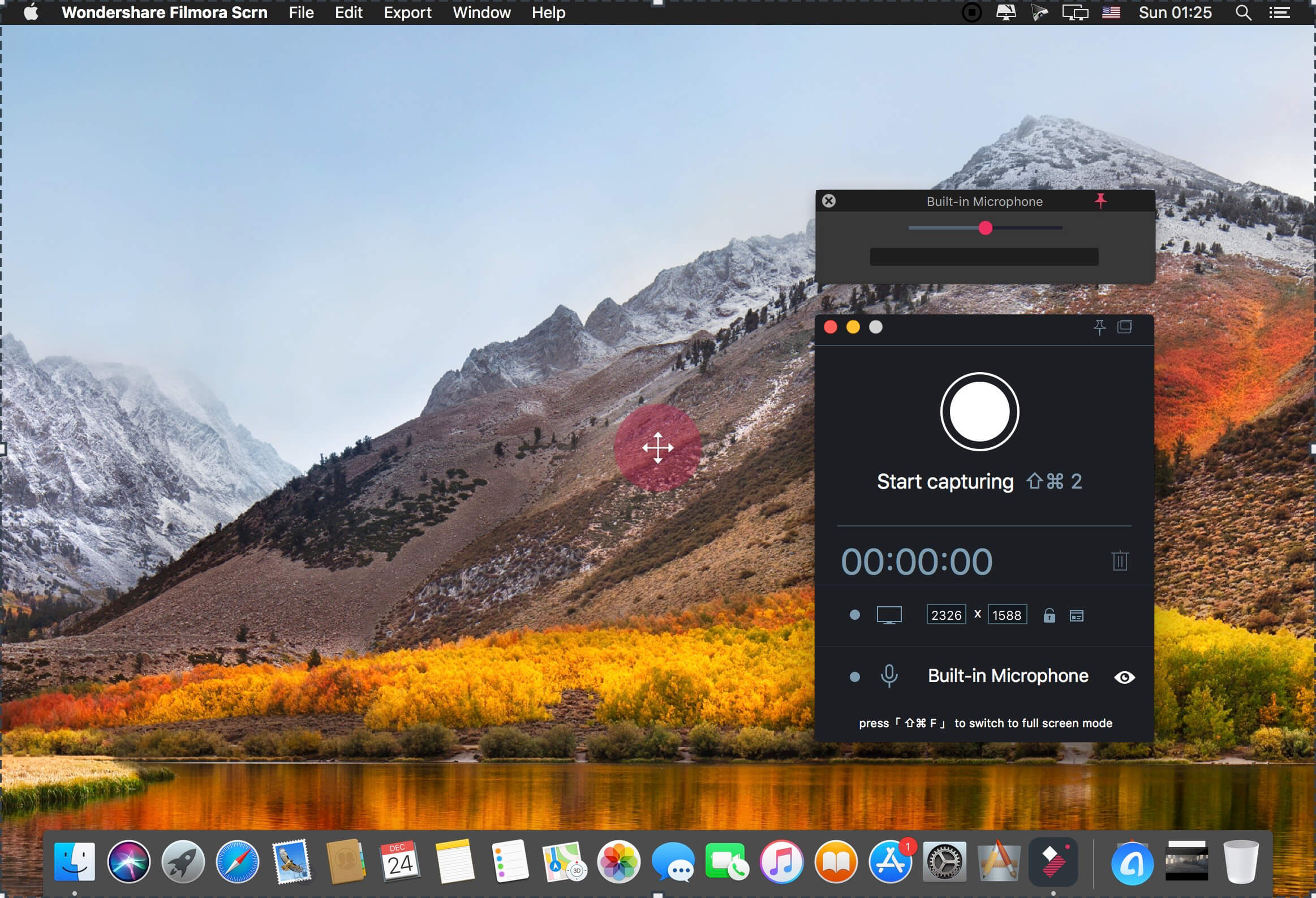
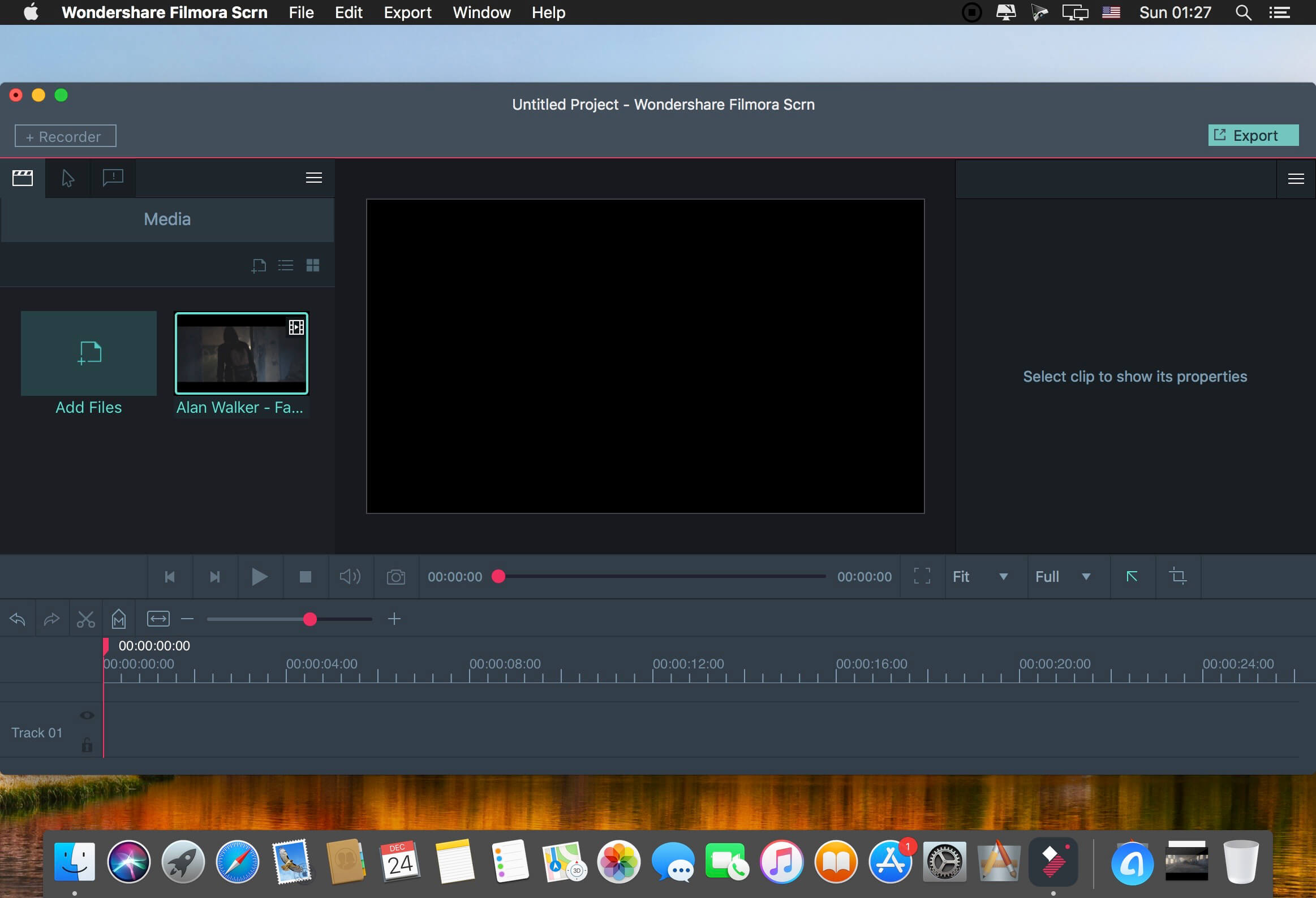
Description
Filmora Scrn is a powerful screen recording and editing tool that lets you record and edit your gameplay videos, tutorials, online courses and more quickly and easily in one place.
Features
Changeable Cursor
Adjust the size, shape and color of your cursor to make it stand out.
Full Editing Suite
Edit your clips quickly and easily with a wide range of professional tools.
2 Devices
Record from your computer and webcam simultaneously.
Import Over 50 File Formats
Import images, videos, music, and other media files.
FPS (15-120)
Perfect for recording fast-paced games. (Up to 60 fps for Mac)
Export To MP4, MOV, GIF
Export to mutliple formats
PIP (Picture In Picture)
Add a second image or video to your main footage, like a facecam for gaming.
Custom Recording Field
Choose to record all, or just part of, your computer screen.
Annotations
Add text and other elements to enhance the learning experience for your viewers.
Tutorial Features
Draw circles and arrows on your screen to help direct attention.
Comments
No comments yet. Be the first.
Information
Visitors in the group Guests cannot leave comments on this publication.