
Acronis True Image 2015 for Mac
Reliable image backup and recovery of your entire system – email, music, photos, videos, documents, personal settings, bookmarks, and all your applications. Recover your complete system or just the files and folders you need quickly and easily, anytime, anywhere. A full computer image backup is the only way to protect your complete system and be operational immediately after restoring your system.
Full System Image Backup
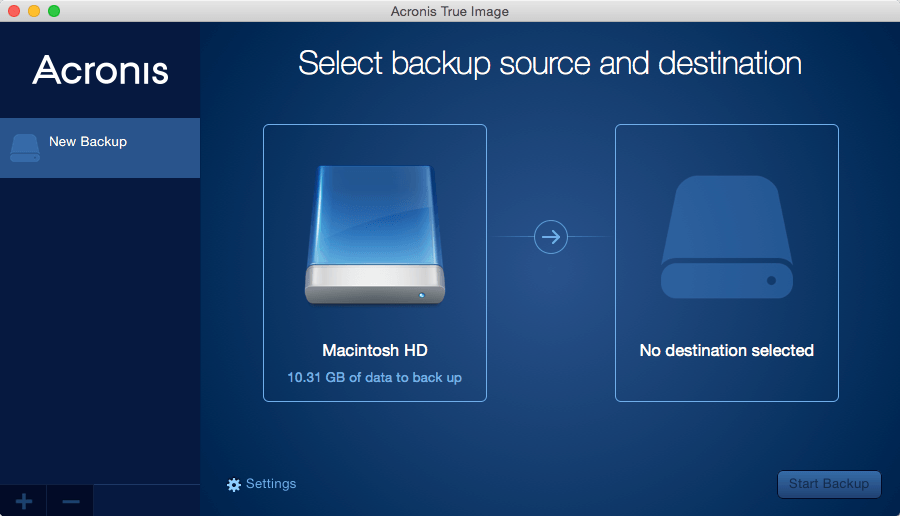
Backup your entire system image – that is all your apps, files, user accounts, exact configurations, and even the OS in one compressed file.
Smart scheduling
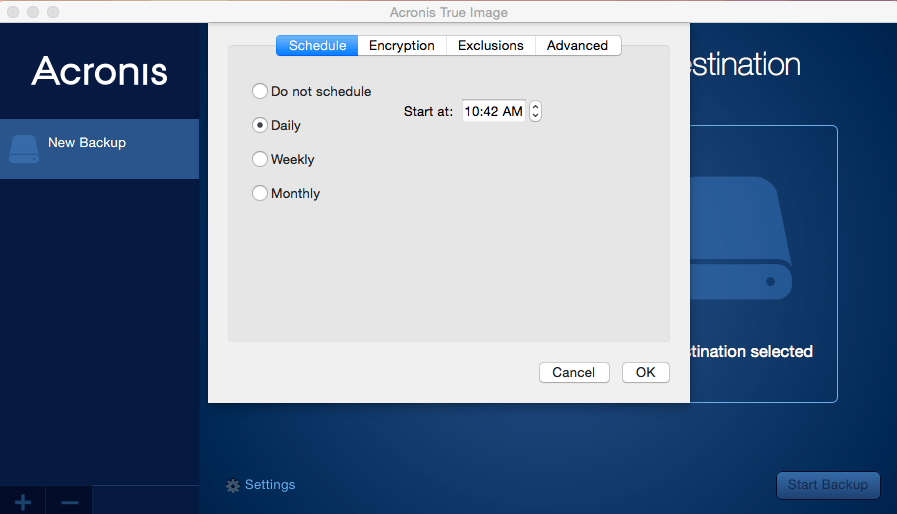
You decide when and how often to back up your Mac. Set your schedule once, and it will keep working automatically in the background.
Easy recovery
Recovery is no longer a bother. Get your Mac back to where it was at any given moment – no need to reinstall your OS manually, or use any additional tools. You can even create your own rescue media.
Parallels compatible
Backup of virtual machines used to be hard. Not anymore. If you work with Parallels desktop 9 or later, your virtual system is backed up exactly the same way as your Mac.
Backup
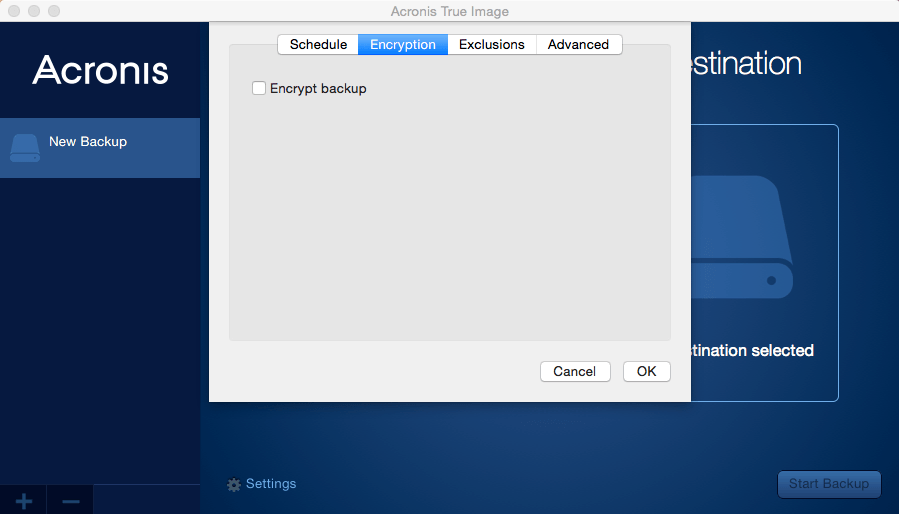
Store your backups encrypted and compressed to ensure safety and take up to 3 times less space.
Storage media
True Image works perfectly with nearly all storage media, including Time Capsule, NAS, and more.
Flexible file recovery
Choose the files or folders you want to restore and get them back straight away, without having to restore your entire system.
Advanced backups
Capture only changes made after an initial image backup, and save time and storage space.
Retention schemes
Keep history of 10 last system states to roll back to different points in time whenever you need.
Rescue media
Create your own recovery environment on any external drive, and restore your entire system even if your Mac can’t boot.
Personal key encryption
Set a password for your backups so no one but you can access them. We will keep them safe with personal key encryption technology.
Screenshots
Frequently asked questions
How do I install the app?
Mount the image, drag the app into the "Applications" folder and launch it. If the system blocks the launch, allow it in "System Settings → Privacy & Security".
The app is damaged or won't launch
Reinstalling from a fresh image usually helps. Make sure your macOS version matches the one listed in the compatibility specs.
How do I update?
Download the new version from the site and install it over the current one — your settings will be preserved.
The download link doesn't work
Try a mirror or a download manager. For large files the browser often drops the connection.
How do I completely remove the app?
Use an uninstaller utility — it cleans up the service files that remain after moving the app to the trash.
VersionAcronis True Image 2015 for Mac
DeveloperAcronis International GmbH.
CompatibilityOS X 10.8 or later, 64-bit processor
Languagemultilingual
IncludesSerial




Information
Visitors in the group Guests cannot leave comments on this publication.
Choose a download source
Acronis True Image 2015 for Mac · 44.96 MB