
Mail Stationery 2.0
Screenshots
Click to enlarge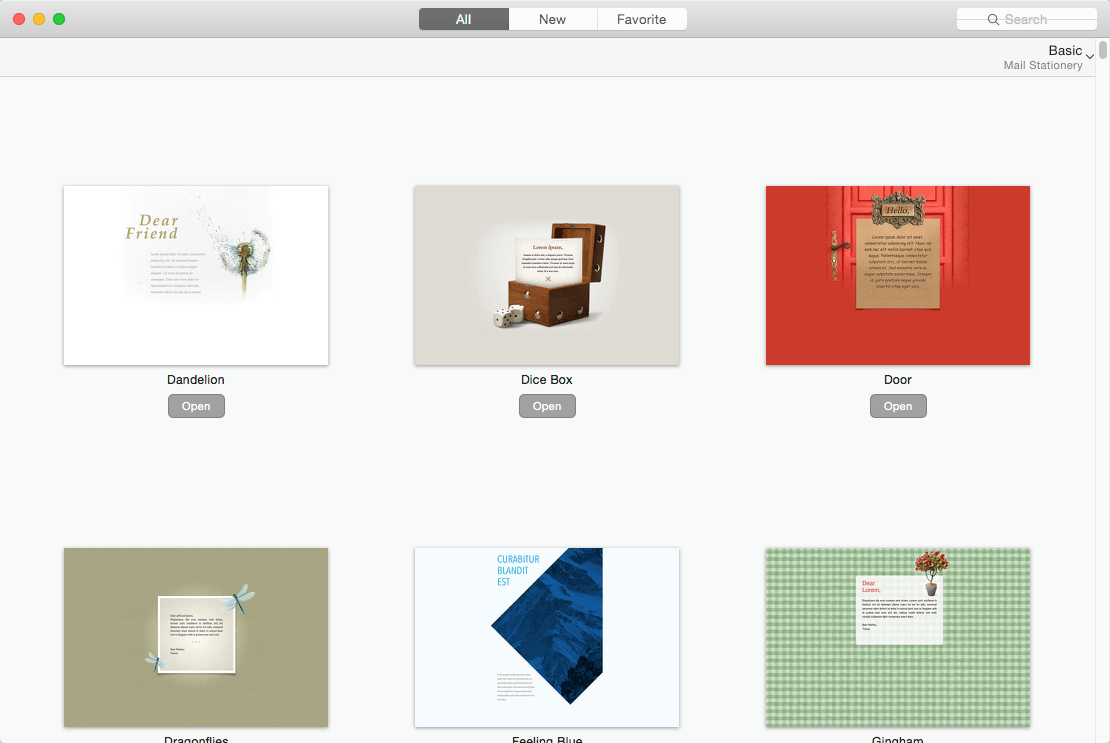
Description
Mail Stationery provides access to a collection of stationery templates for Apple's Mail. Whether you want to wish your colleague a happy birthday, invite your significant other for a movie night, or share a joke with your friends, Mail Stationery will deliver.
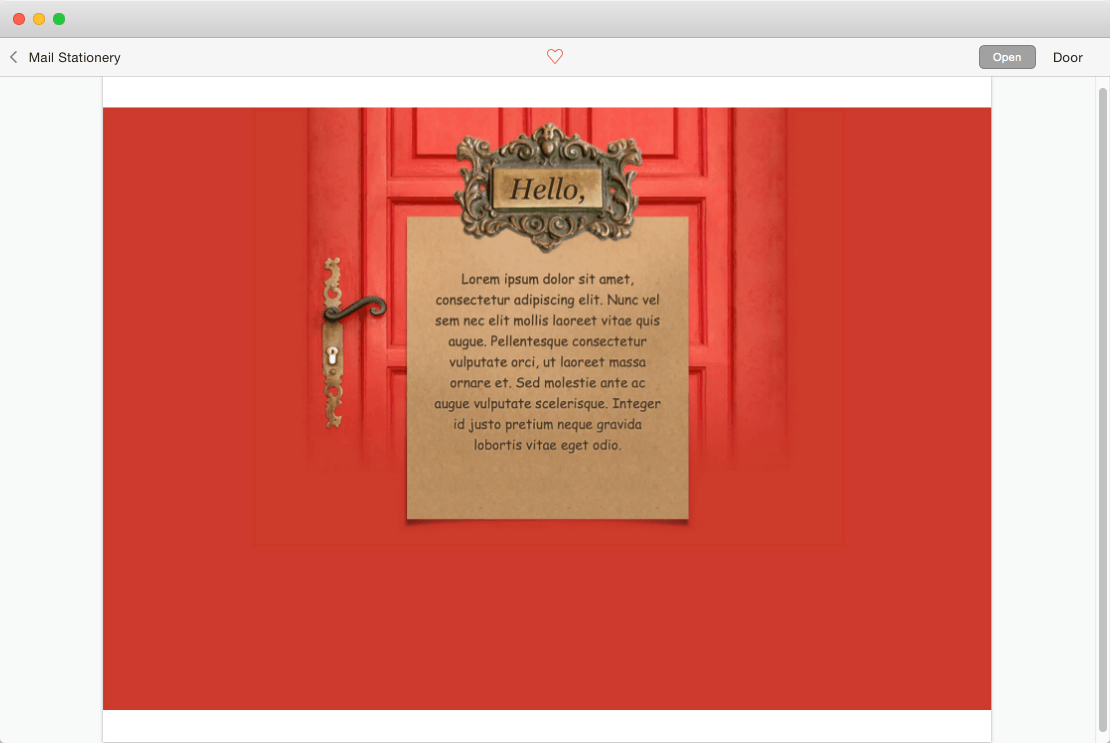
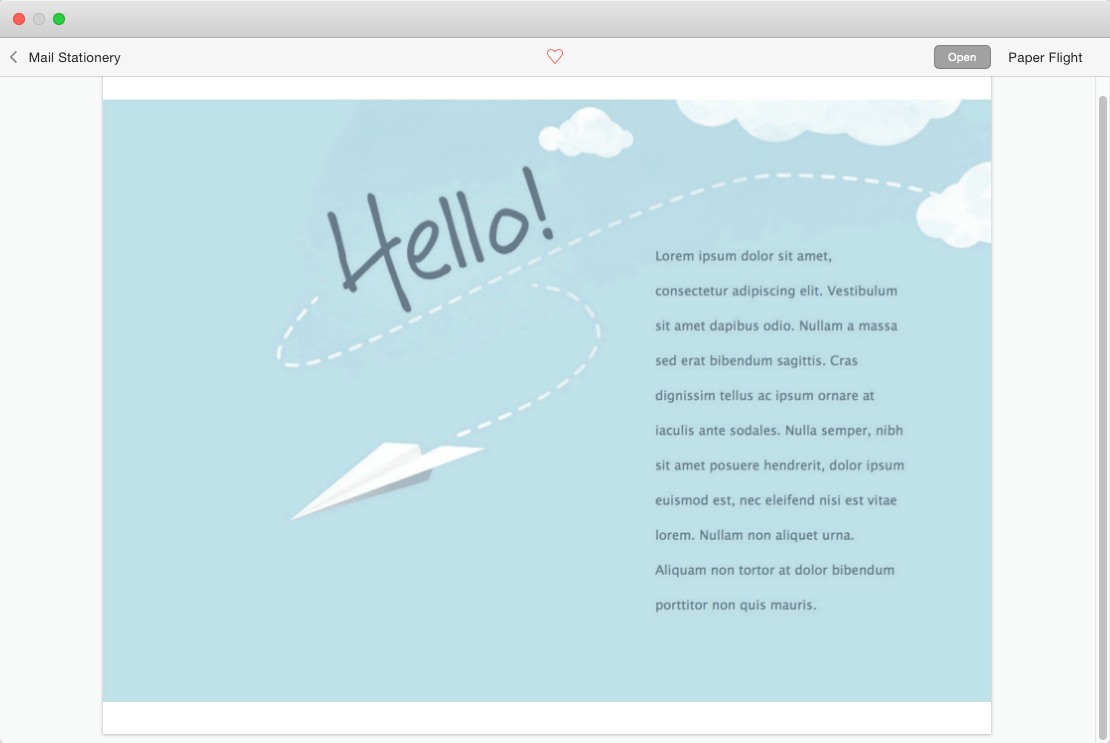
Mail Stationery features a clean-cut style and high functionality combined with the powerful pull of personalization. You can edit all text content, including the colorful headings with custom fonts. Mix your own photos with an elegant stationery template, and a positive reaction from your recipients is guaranteed.
Some of the templates come with multiple additional color themes and design variations. You can explore these by simply clicking on the background of an email that was created with your choice of stationery.
What's New in Version 2.0
- New User Interface
- 100 Templates added

Comments
No comments yet. Be the first.
Information
Visitors in the group Guests cannot leave comments on this publication.