
Infographics Lab - Templates 3.4.8
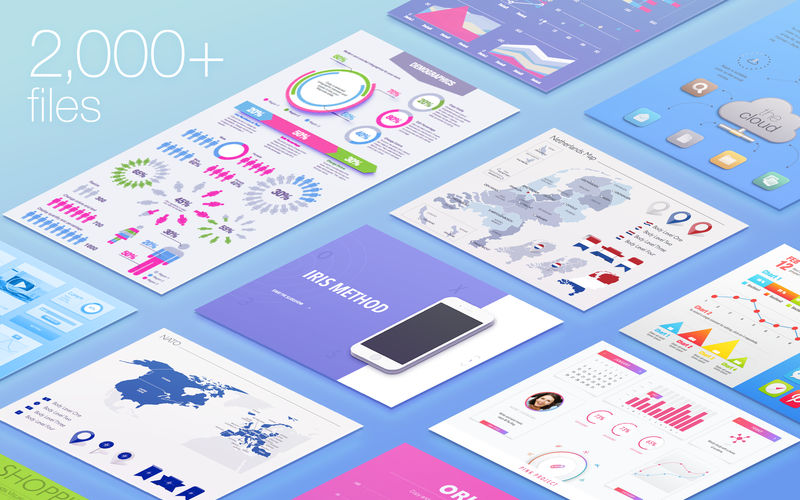
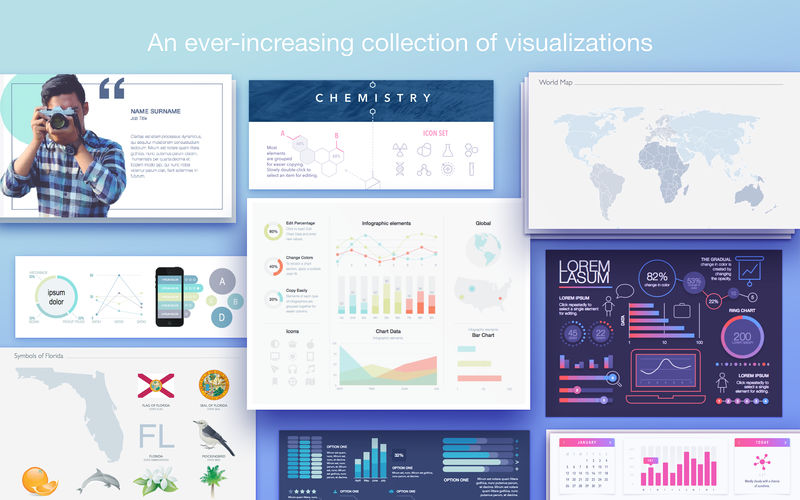
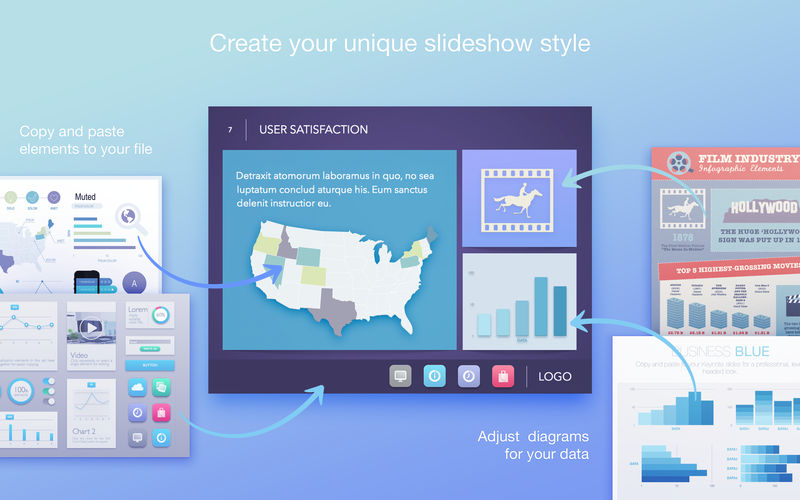
Infographics Lab for Keynote contains a massive collection of thousands of data visualization tools to illustrate and enhance your Apple Keynote presentations! Every single item is crafted to perfection to be visually captivating and easily customizable.
Infographics Lab for Keynote has items for virtually any occasion, from charts and diagrams to editable city, state, country, and region maps, accompanied by a broad selection of national flags and symbols, it has never been easier to explain business results, intricacies of an industry, or focus on a national specifics of any country! To make things even easier - we have included a number of professionally designed slideshow presentation templates to kickstart your work!
All images include transparent backgrounds that allow placing them over colored and/or patterned backgrounds. Many elements are designed in shapes, so you can easily customize them to your exact needs.
Infographics Lab for Keynote is designed to be used with Apple Keynote, but you can also adapt the images for Apple Pages, Numbers, iBooks Author, and other applications.
* Requires Keynote 6.6 or later.
Version 3.4.8
- 30 new Diagrams;
- 5 new Infographic Elements sets;
- 23 new City Maps;
- 1 new Region Map for Southeast Asia.
Frequently asked questions
How do I install the app?
Mount the image, drag the app into the "Applications" folder and launch it. If the system blocks the launch, allow it in "System Settings → Privacy & Security".
The app is damaged or won't launch
Reinstalling from a fresh image usually helps. Make sure your macOS version matches the one listed in the compatibility specs.
How do I update?
Download the new version from the site and install it over the current one — your settings will be preserved.
The download link doesn't work
Try a mirror or a download manager. For large files the browser often drops the connection.
How do I completely remove the app?
Use an uninstaller utility — it cleans up the service files that remain after moving the app to the trash.
VersionInfographics Lab - Templates 3.4.8
DeveloperJumsoft
CompatibilityOS X 10.11 or later, 64-bit processor
LanguageEnglish, French, German, Italian, Japanese, Korean, Russian, Simplified Chinese, Spanish
IncludesK'ed by TNT


Information
Visitors in the group Guests cannot leave comments on this publication.
Choose a download source
Infographics Lab - Templates 3.4.8 · 76.46 MB