
Rosetta Stone 5.0.37 + All Languages Packs

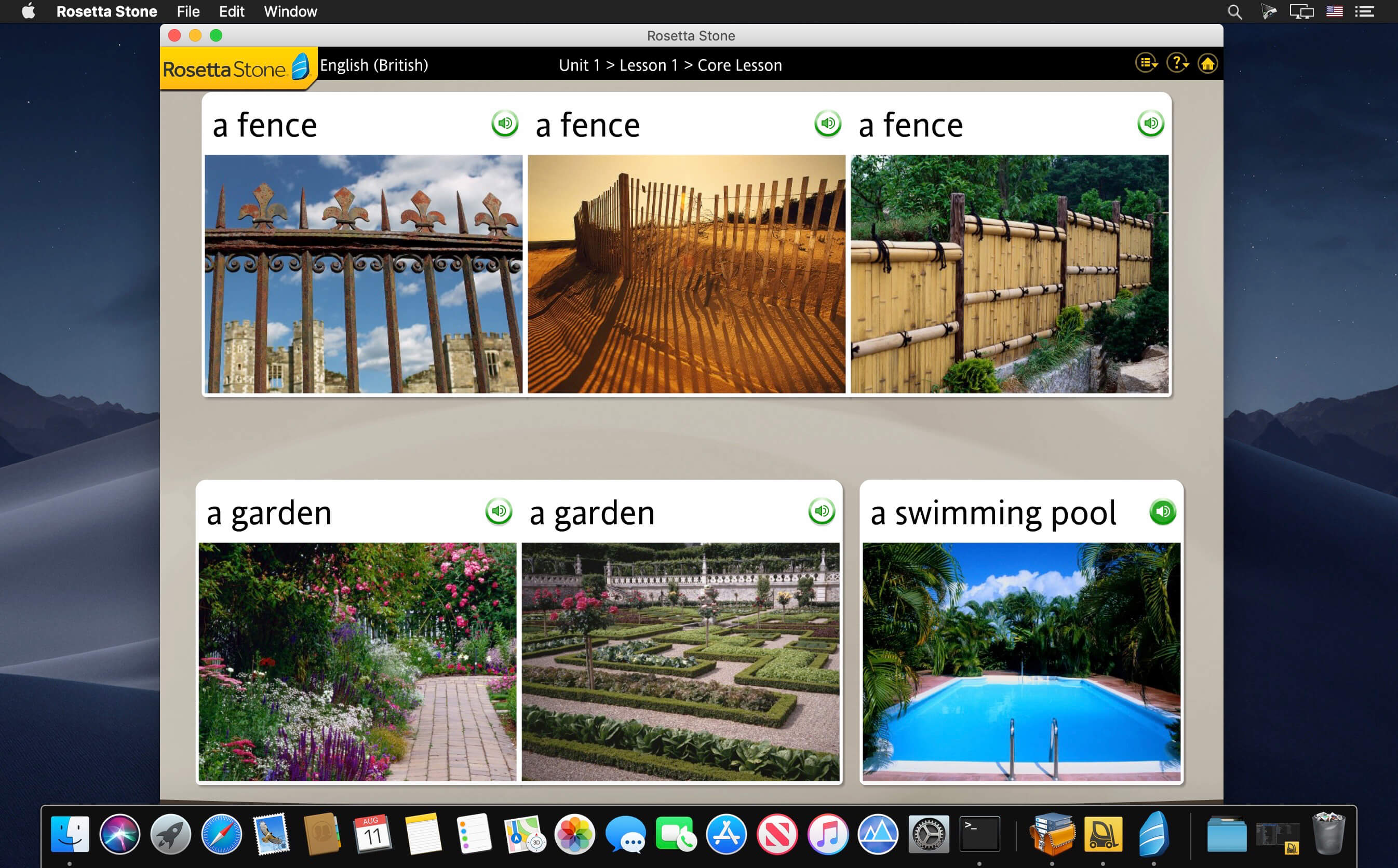
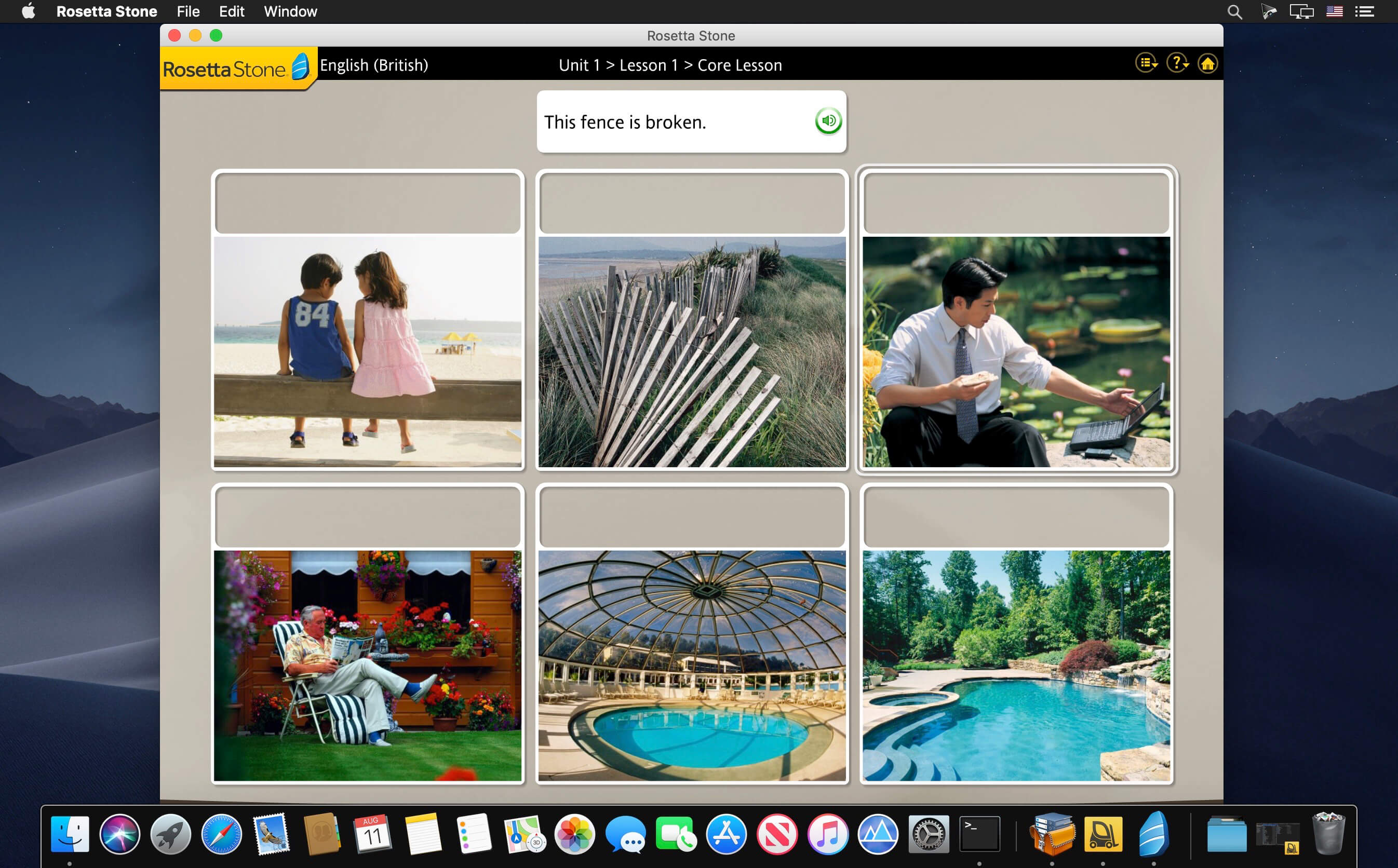
The Rosetta Stone language program aims to make learning easier and more effective by scrapping dense explanations in favor of a visual teaching style featuring pictures, audio and text. Created by Fairfield Language Technologies in 1992, RosettaStone has been adopted by West Point, NASA and over 10,000 schools, according to the company.
New Features in v5 TOTALe:
- Updated vocabulary
- Updated photos
- Live online lessons (Tutoring) from well-paid native speakers
- Brand new games and an online community
- iPhone/iPod Touch add-on to practice on the go
- Improved compatibility with new operating systems
- Updated language packs to fix language errors
- Miscellaneous fixes/updates
- New Interface
Version 5.0.37:
- Release notes were unavailable when this listing was updated.
Frequently asked questions
How do I install the app?
Mount the image, drag the app into the "Applications" folder and launch it. If the system blocks the launch, allow it in "System Settings → Privacy & Security".
The app is damaged or won't launch
Reinstalling from a fresh image usually helps. Make sure your macOS version matches the one listed in the compatibility specs.
How do I update?
Download the new version from the site and install it over the current one — your settings will be preserved.
The download link doesn't work
Try a mirror or a download manager. For large files the browser often drops the connection.
How do I completely remove the app?
Use an uninstaller utility — it cleans up the service files that remain after moving the app to the trash.
VersionRosetta Stone 5.0.37 + All Languages Packs
DeveloperRosetta Stone
CompatibilityOS X 10.10 or later, 64-bit processor
IncludesK



Choose a download source
Rosetta Stone 5.0.37 + All Languages Packs · 115.06 MB
Previous versions
Rosetta Stone 5.0.37 + All Languages Packs
Previous versions are available to registered users.
Comments 1