Infographics for Pages 3.1.2
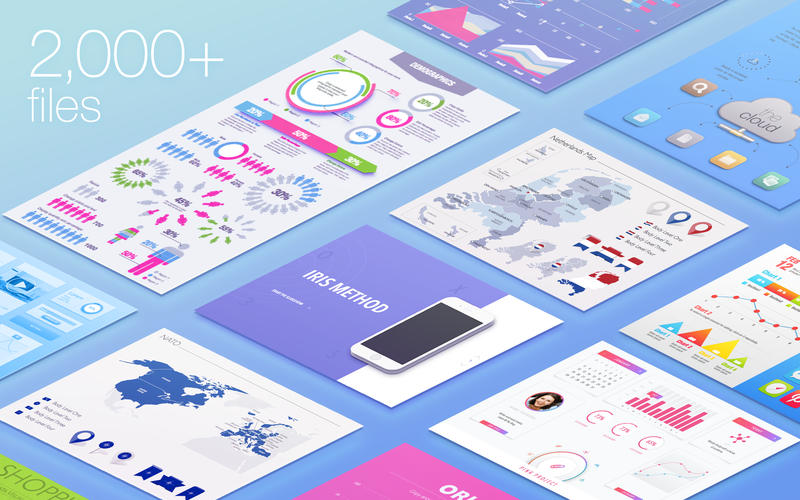
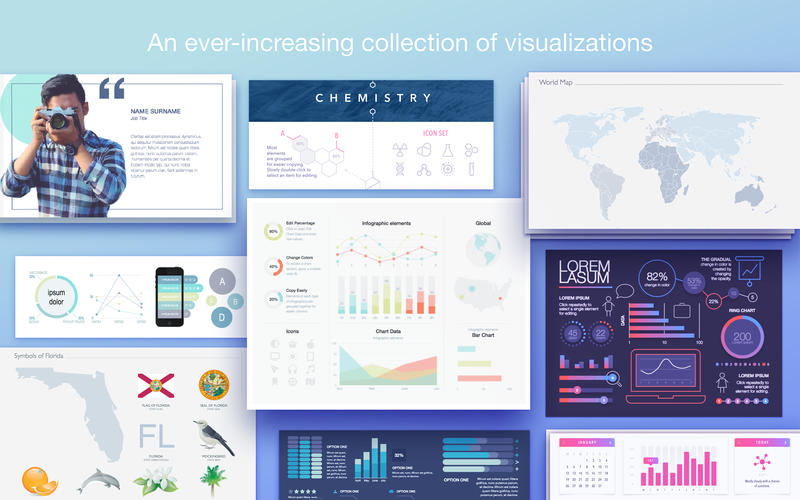
The Infographics collection contains a wide range of high-quality designs for illustrating your Pages documents. Whether your content is focused on a specific country, explains intricacies of an industry, or presents annual financial results, Infographics is a go-to selection of quality visualization tools.
Infographics contains:
- 70 themes of data visualization elements
- 1,335 diagram slides
- 70 sets of infographic elements
- 1 world map
- 6 maps of continents
- 17 maps of international organizations
- 248 maps of countries and overseas territories
- 11 maps of countries with their administrative divisions (including the US, the UK, Germany, France, China, and more)
- 207 flags of countries and territories
- 23 flags of international organizations
- 60 sets of national symbols
- 55 sets of US symbols
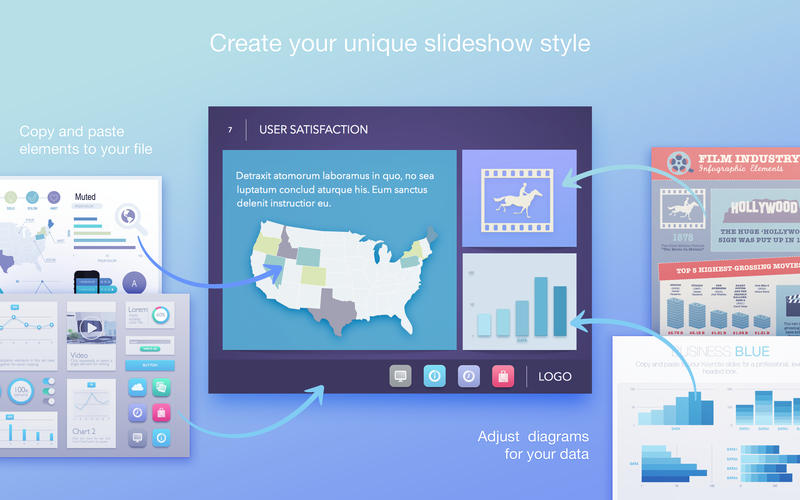
All images include transparent backgrounds that allow placing them on various colors and patterned backgrounds. Most elements are drawn in shapes, and you can easily change their fill, opacity, and other parameters.
Infographics is designed to be used with Apple’s Pages but you can also paste the images to Keynote, Numbers, or iBooks Author.
WHAT’S NEW
Version 3.1.2
- Fixed a rare issue causing unusually long opening times;
- General bug fixes and performance improvements.
SCREENSHOTS
Frequently asked questions
How do I install the app?
Mount the image, drag the app into the "Applications" folder and launch it. If the system blocks the launch, allow it in "System Settings → Privacy & Security".
The app is damaged or won't launch
Reinstalling from a fresh image usually helps. Make sure your macOS version matches the one listed in the compatibility specs.
How do I update?
Download the new version from the site and install it over the current one — your settings will be preserved.
The download link doesn't work
Try a mirror or a download manager. For large files the browser often drops the connection.
How do I completely remove the app?
Use an uninstaller utility — it cleans up the service files that remain after moving the app to the trash.
VersionInfographics for Pages 3.1.2
DeveloperJumsoft
CompatibilityOS X 10.11 or later, 64-bit processor
LanguageEnglish
IncludesPre-K'ed




Information
Visitors in the group Guests cannot leave comments on this publication.
Choose a download source
Infographics for Pages 3.1.2 · 942.55 MB