

cmd c 1.4.2
Screenshots
Click to enlarge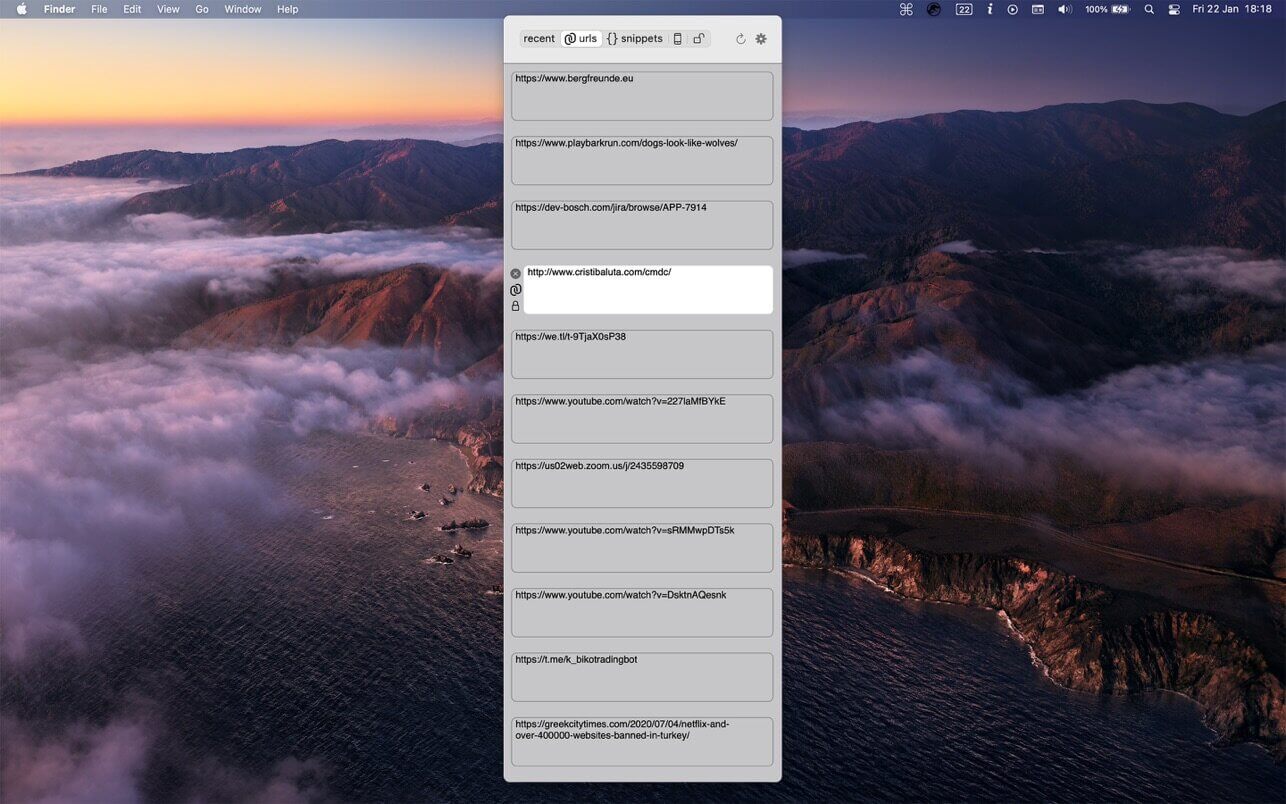

cmd c is the clipboard manager for programmers, designed by programmers with a focus on the clean interface and easy to use, low cpu and low memory.
HOW IT WORKS
- hit 'alt+v' to show the clipboards history
- chose the item you want from the list by selecting it with the mouse or with arrow keys
- pasting is done automatically to active app (if you install the applescript fromhttp://www.cristibaluta.com/cmdc/). if not, the items are only copied to clipboard and you must paste it manually with cmd+v.
FEATURES
- keeps the original formatting of the copied text
- links are saved in a separate category. you can open them in browser by clicking the link icon
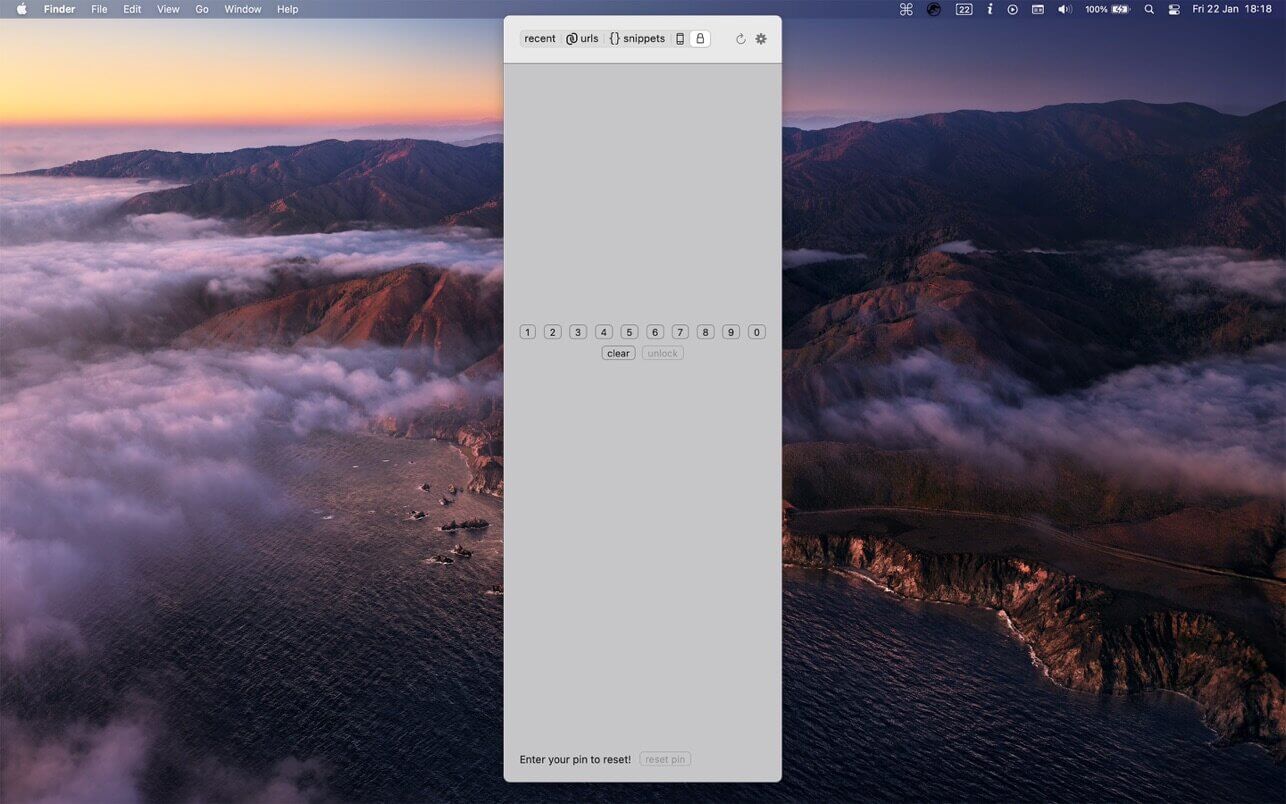
- includes a protected section by a pin
- generate secure passwords
- keeps window in memory for a limited time, if used frequently you'll notice a performance improvements
- history for up to 30 days but not less than 50 items
- snippets and protected items remains till you decide to delete them manually
- iCloud sync for snippets, urls, mobile and protected items across all devices
- iOS client
enjoy copy pasting!
Version 1.4.2
- Support for M1 macs
Comments
No comments yet. Be the first.
Information
Visitors in the group Guests cannot leave comments on this publication.