
Wrise 1.5
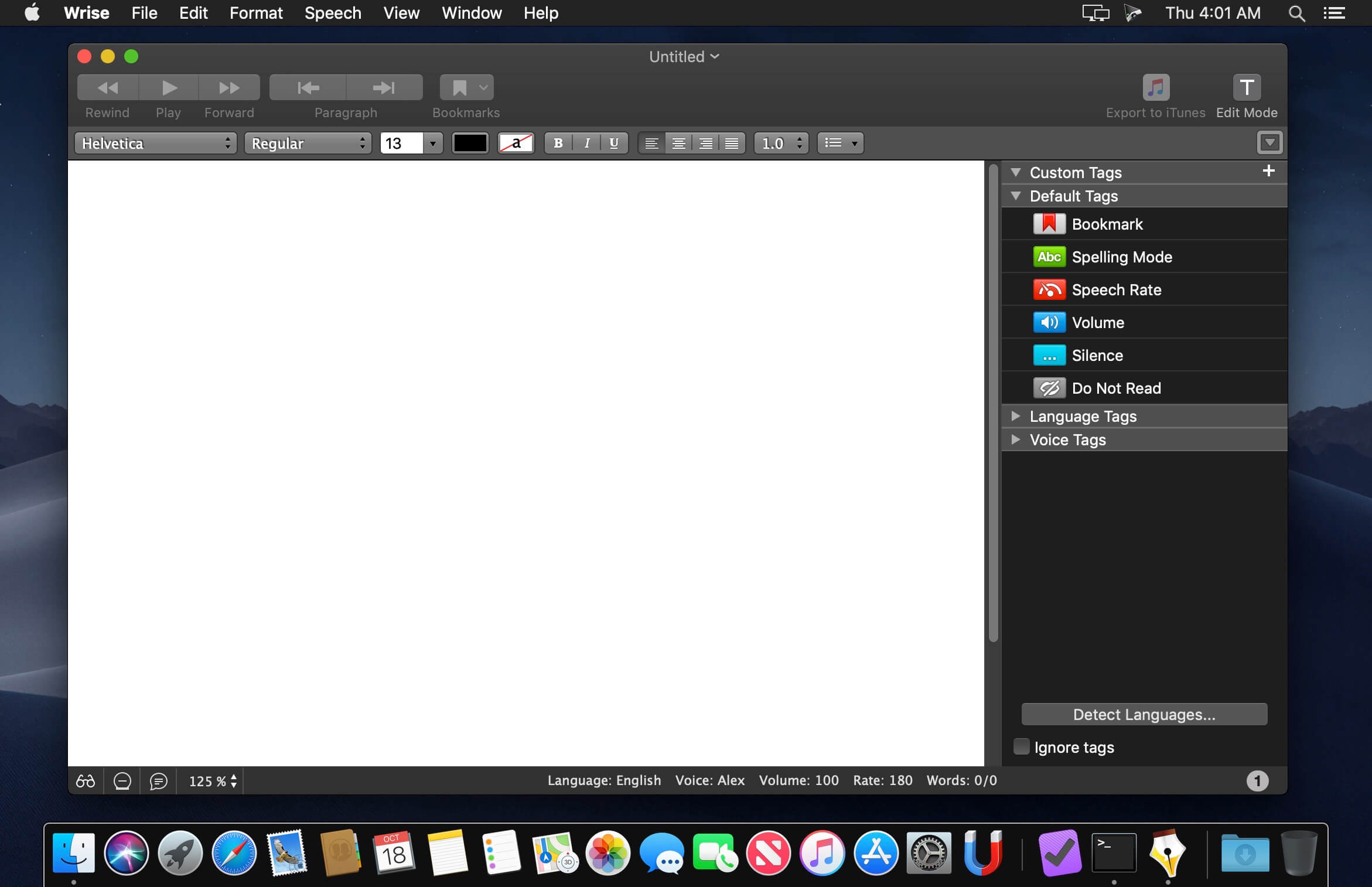
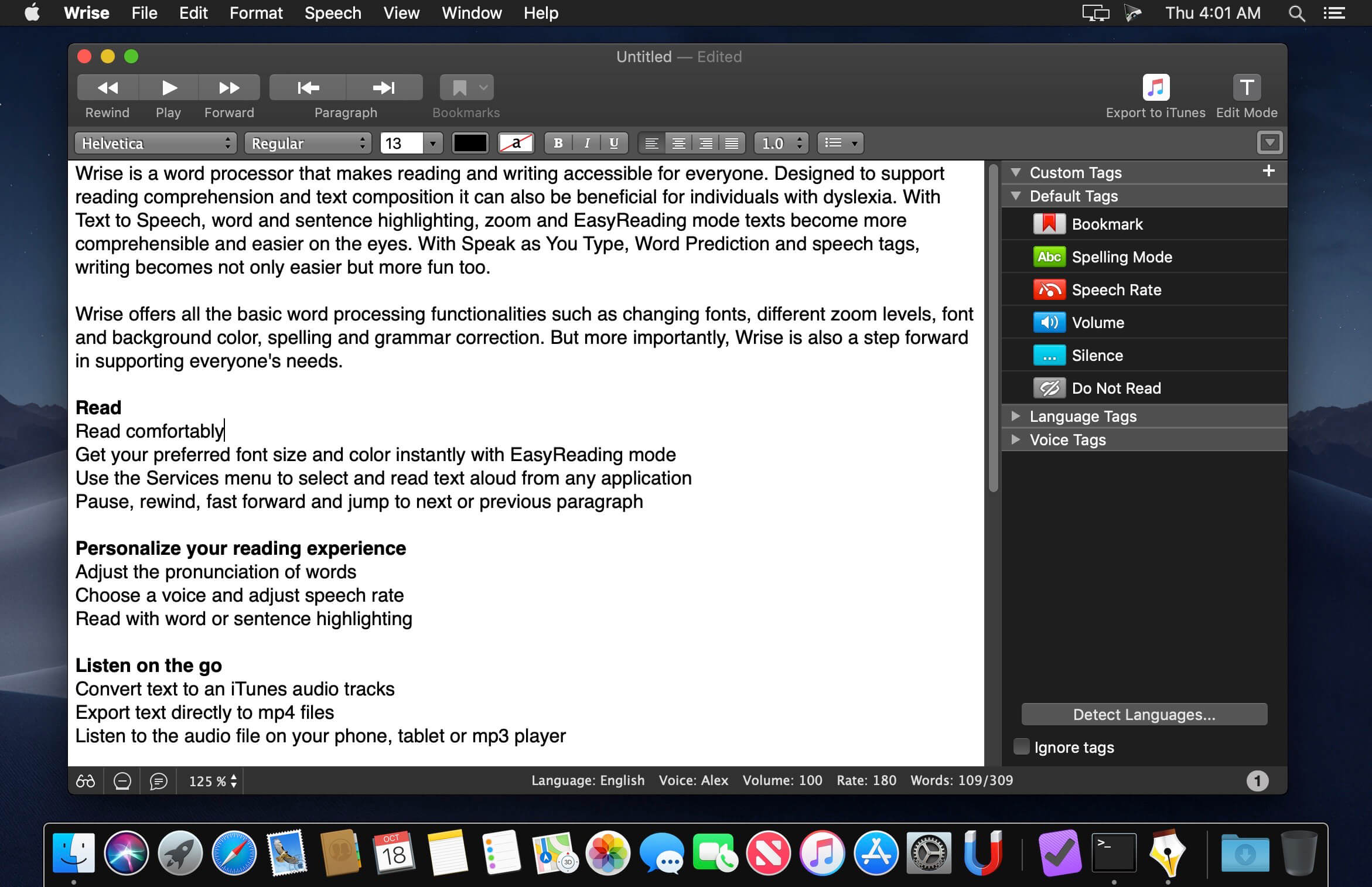

Wrise is a word processor that makes reading and writing accessible for everyone. Designed to support reading comprehension and text composition it can also be beneficial for individuals with dyslexia. With Text to Speech, word and sentence highlighting, zoom and EasyReading mode texts become more comprehensible and easier on the eyes. With Speak as You Type, Word Prediction and speech tags, writing becomes not only easier but more fun too.
Wrise offers all the basic word processing functionalities such as changing fonts, different zoom levels, font and background color, spelling and grammar correction. But more importantly, Wrise is also a step forward in supporting everyone's needs.
Read
Read comfortably
- Get your preferred font size and color instantly with EasyReading mode
- Use the Services menu to select and read text aloud from any application
- Pause, rewind, fast forward and jump to next or previous paragraph
Personalize your reading experience
- Adjust the pronunciation of words
- Choose a voice and adjust speech rate
- Read with word or sentence highlighting
Listen on the go
- Convert text to an iTunes audio tracks
- Export text directly to mp4 files
- Listen to the audio file on your phone, tablet or mp3 player
Write
Effortlessly create texts
- Import PDF, Word (doc/docx), plain text and RTF documents
- Listen as you type using Speak As You Type
- Type text with over 45% less effort with PolyPredix multi-word prediction
Multilingual support
- Write using one of the fifteen included prediction dictionaries
- Read multilingual texts with automatic language detection
- Use with any Mac voice, including the natural-sounding Infovox iVox voices
Take control with tags
- Use tags to define reading speed, voice, language and volume
- Define your own custom tags to create "characters"
- Create personal and educational podcasts
- Password protect your preferences
- Restrict access to text formatting
- Use read-only mode to prevent accidental editing
Version 1.5:
- Wrise offers macOS Big Sur compatibility and is now optimized for the new Mac computers with Apple silicon.
Frequently asked questions
How do I install the app?
Mount the image, drag the app into the "Applications" folder and launch it. If the system blocks the launch, allow it in "System Settings → Privacy & Security".
The app is damaged or won't launch
Reinstalling from a fresh image usually helps. Make sure your macOS version matches the one listed in the compatibility specs.
How do I update?
Download the new version from the site and install it over the current one — your settings will be preserved.
The download link doesn't work
Try a mirror or a download manager. For large files the browser often drops the connection.
How do I completely remove the app?
Use an uninstaller utility — it cleans up the service files that remain after moving the app to the trash.
VersionWrise 1.5
DeveloperAssistiveWare
CompatibilityOS X 10.9 or later
LanguageEnglish
IncludesK'ed by TNT





Information
Visitors in the group Guests cannot leave comments on this publication.
Choose a download source
Wrise 1.5 · 92.33 MB