MailTags 5.1.6

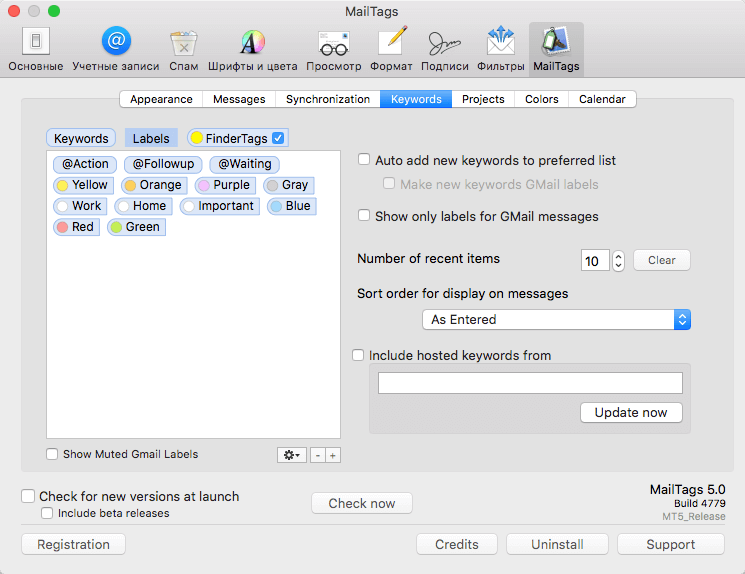
MailTags lets you add comments, due dates, project notes and priority rankings to your messages, all without leaving your Inbox!
MailTags is a feature-packed companion to Apple Mail:
- Integrated interface - Add tagged keywords, project notes, and priority rankings through a convenient side panel.
- iCal supportCreate synchronized ToDos and Events in iCal directly from Mail.
- IMAP support - Sync your tags with your IMAP server for access across multiple computers.
- Helpful list display - Display your tags in extra columns in your message list so you can track due dates as they approach.
- Customize Mail rules - Create smart rules for automatic tagging of new messages.
- Mail search integration - Search your tags from Mail's search field. Narrow the search by keywords, projects or notes.
- Smart Mailbox integration - Build smart mailboxes for searching your messages by keywords, projects, and due dates.
- Applescript compatible - Construct Applescript work flows for accessing your MailTags data for use them in other applications.
Version 5.1.6:
New
New
- Registering MailTags with a SmallCubed suite code will now register other SmallCubed suite products
- Tip Jar access added to MailTags product menu and registration sheet.
- Project color swatch is now displayed as a circle to improve layout and provide greater distinction from other tags.
- Display of tags in classic view now respects font selection in preferences.
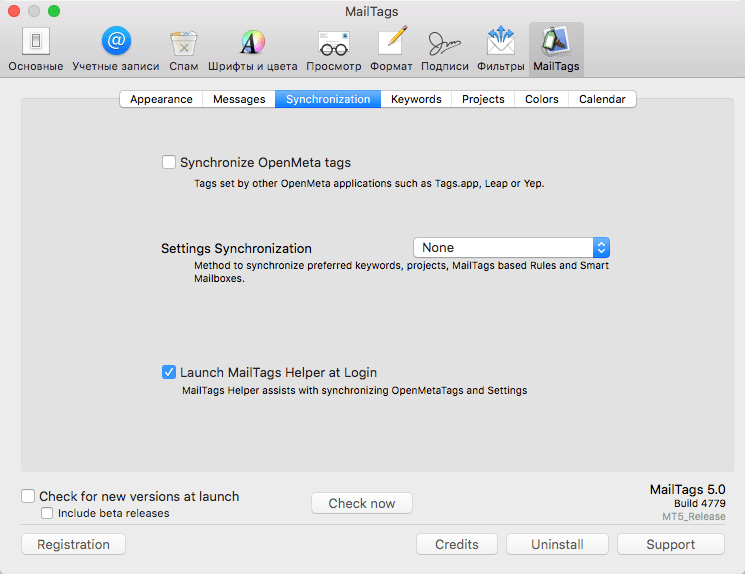
- For performance reasons, OpenMeta tags are no longer indexed unless "Synchronize OpenMeta Tags" open is selected in preferences .
- Potential stability issues related to closing message viewers.
- Potential stability issue when attributes change on messages.
- Potential hang issue at launch related to updating message from events and reminders database.
- Smart Mailbox Criteria combining Account and MailTags criteria not working.
- Performance issues related to updating messages.
- Problems with optimizing mailTags database.
- Sparkle Helper not running properly in some circumstances.
- Performance issues when displaying messages in classic view.
Frequently asked questions
How do I install the app?
Mount the image, drag the app into the "Applications" folder and launch it. If the system blocks the launch, allow it in "System Settings → Privacy & Security".
The app is damaged or won't launch
Reinstalling from a fresh image usually helps. Make sure your macOS version matches the one listed in the compatibility specs.
How do I update?
Download the new version from the site and install it over the current one — your settings will be preserved.
The download link doesn't work
Try a mirror or a download manager. For large files the browser often drops the connection.
How do I completely remove the app?
Use an uninstaller utility — it cleans up the service files that remain after moving the app to the trash.
VersionMailTags 5.1.6
Developerindev
CompatibilityOS X 10.11 or later, 64-bit processor
LanguageEnglish
IncludesK



Information
Visitors in the group Guests cannot leave comments on this publication.
Choose a download source
MailTags 5.1.6 · 11.83 MB