
Gemini: The Duplicate Finder 1.5.13
Gemini: The Duplicate Finder provides a totally new and compelling way to locate duplicates and eliminate them from your Mac!
Powerful
- Fast and accurate scanning algorithms
- Cleans iTunes, iPhoto, Aperture and Photo Booth libraries
- Works with external drives and network volumes
- Removes duplicate folders too!
Intelligent
- Auto Select all duplicates with one click
- Originals remain untouched
- An array of one-click, filter selection buttons
- Advanced contextual menu for power users
Gorgeous
- Beautifully crafted, Retina-compatible design
- Drag and drop files, folders, or entire drives
- Data chart shows you what needs cleaning
- Watch your duplicates technically shred to pieces
Flexible
- Sorting filters make scanning simple
- Control-click in Finder to select and scan
- Send duplicates to Trash or erase them completely
- Customizable select and ignore lists
- Built-in file preview mode makes selection easy
WHAT’S NEW
- Several minor bug fixes
Screenshots
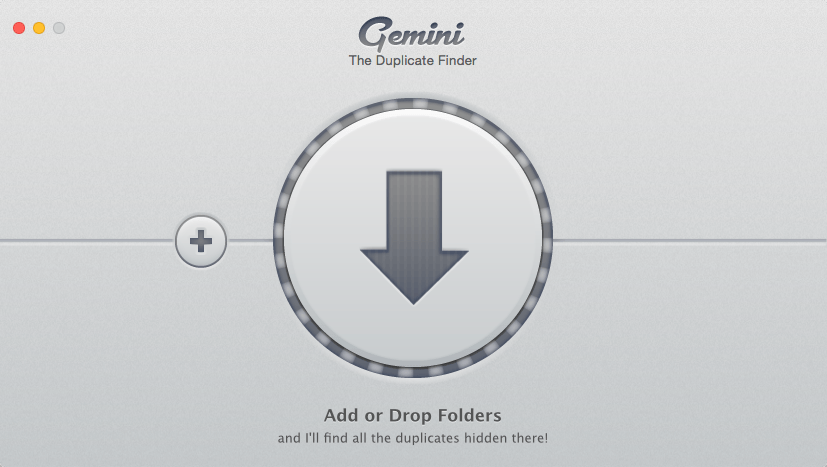
Frequently asked questions
How do I install the app?
Mount the image, drag the app into the "Applications" folder and launch it. If the system blocks the launch, allow it in "System Settings → Privacy & Security".
The app is damaged or won't launch
Reinstalling from a fresh image usually helps. Make sure your macOS version matches the one listed in the compatibility specs.
How do I update?
Download the new version from the site and install it over the current one — your settings will be preserved.
The download link doesn't work
Try a mirror or a download manager. For large files the browser often drops the connection.
How do I completely remove the app?
Use an uninstaller utility — it cleans up the service files that remain after moving the app to the trash.
VersionGemini
DeveloperMacPaw Inc
CompatibilityOS X 10.7 or later, 64-bit processor
LanguageEnglish, French, German, Italian, Russian, Spanish
IncludesPre-K'ed





Information
Visitors in the group Guests cannot leave comments on this publication.
Choose a download source
Gemini: The Duplicate Finder 1.5.13 · 18.19 MB