
VMware Fusion Pro 26H1
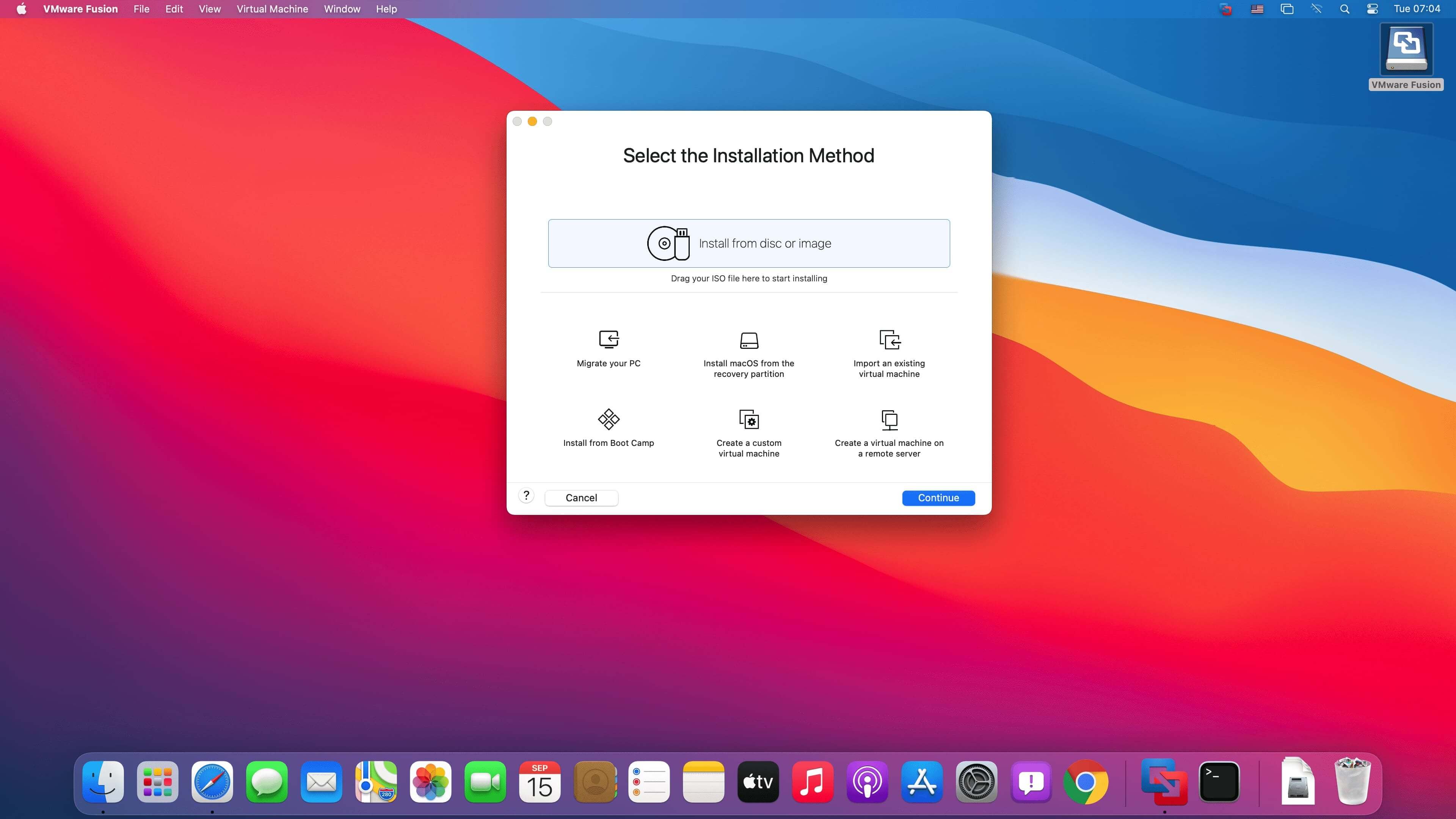
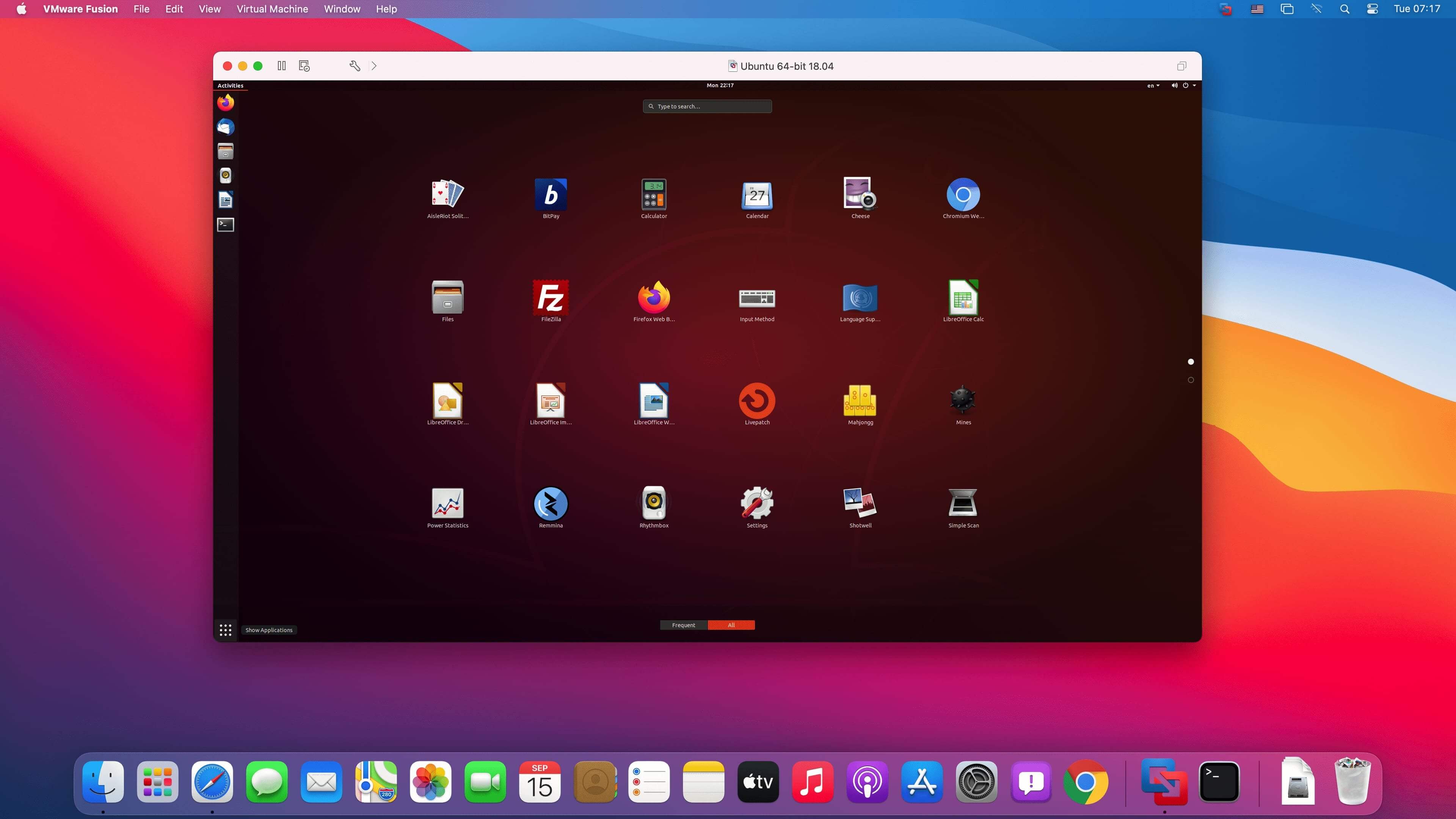
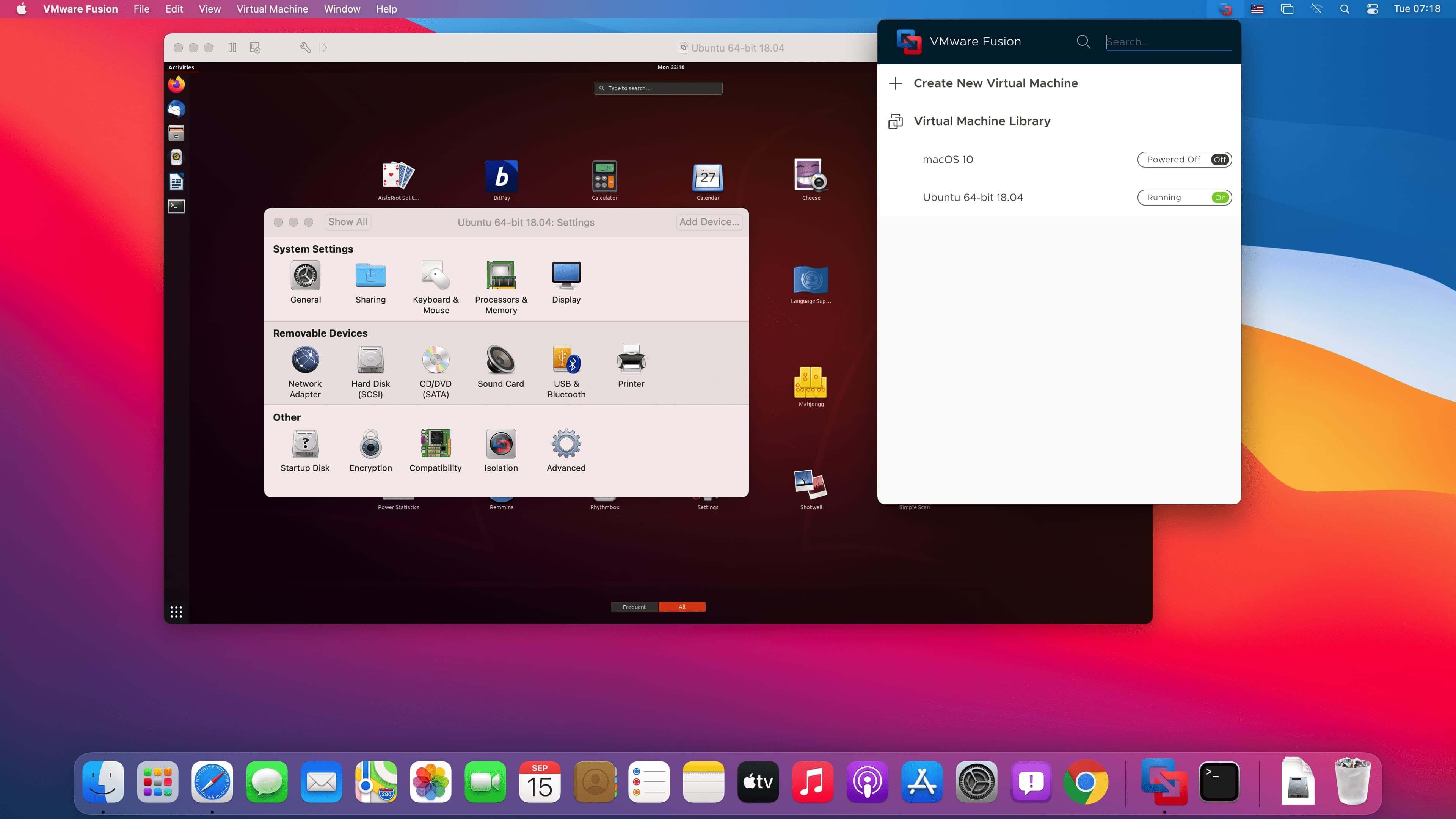
VMware Fusion gives Mac users the power to run Windows on Mac along with hundreds of other operating systems side by side with Mac applications, without rebooting. Fusion is simple enough for home users and powerful enough for IT professionals, developers and businesses.
Run Nearly Any Operating System on a Mac
Running Windows on Mac is only the beginning. VMware Fusion lets you choose from hundreds of supported operating systems, from lesser-known Linux distributions to the latest Windows 10 release.
Connect to VMware vSphere
Securely connect with vSphere, ESXi and Workstation servers to launch, control and manage both virtual machines (VMs) and physical hosts. Thanks to the common VMware platform, VMs can be easily transferred from the vSphere data center to the Mac desktop and then run in Fusion.
Develop and Test for Any Platform
Fusion makes it simple to test nearly any OS and app on a Mac. Build and test apps in a sandbox while securely sharing local source files and folders. Fusion Pro now includes a RESTful API to integrate with modern development tools like Docker, Vagrant, Ansible, Chef, and others to fit the power of VMware into today’s Agile and DevOps-oriented production pipelines.
Design and Demo Complex Solutions
With the ability to run an entire virtual cloud stack on a single Mac, solution architects can demonstrate their entire software solution in real time, with safe rollback points to return to known configurations. Fully express the story of your software journey by running all of its components on a single notebook to show the wor
Version 26H1
VMware Fusion Pro 26H1 contains security and bug fixes.
- Recording and reporting time stamps: You can easily identify virtual machines by creation and last powered-on time stamp.
- Added support for remote connections to ARM-based ESX hosts, enabling basic virtual machine operations.
- Added support for guest operating systems.
- Ubuntu 26.04 LTS
- Fedora 43
- Fedora 44
- SUSE Linux Enterprise 16
- openSUSE 16.0
- FreeBSD 15.0
- This release resolves CVE-2026-41702. For more information on this vulnerability and its impact on Broadcom products, see VMSA-2026-0003.
Frequently asked questions
How do I install the app?
Mount the image, drag the app into the "Applications" folder and launch it. If the system blocks the launch, allow it in "System Settings → Privacy & Security".
The app is damaged or won't launch
Reinstalling from a fresh image usually helps. Make sure your macOS version matches the one listed in the compatibility specs.
How do I update?
Download the new version from the site and install it over the current one — your settings will be preserved.
The download link doesn't work
Try a mirror or a download manager. For large files the browser often drops the connection.
How do I completely remove the app?
Use an uninstaller utility — it cleans up the service files that remain after moving the app to the trash.

Choose a download source
VMware Fusion Pro 26H1 · 478.4 MB
Previous versions
VMware Fusion Pro 26H1
Previous versions are available to registered users.