
Miya Translate 1.1
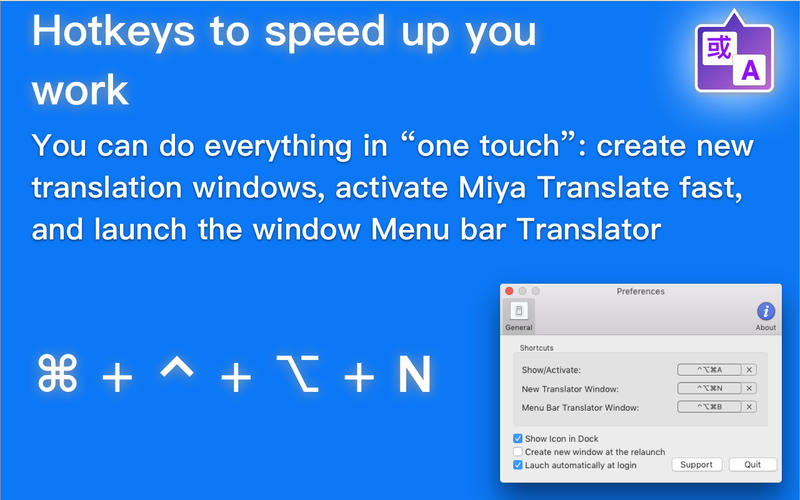
It is a fast and convenient multiple-window translator. If you often employ Google Translate, you are sure to appreciate Miya Translate option to make translations in multiple windows. The hot keys to speed up your work are: activate a translator’s window, create new windows, and launch Menu bar Translator – you can do it all with hot keys!
Main features:
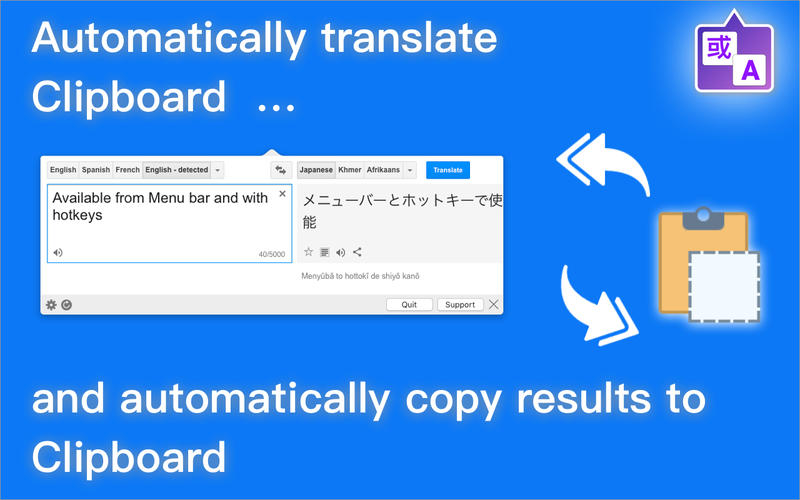
- automatically translate Clipboard
- automatically copy results to Clipboard
- translation using 103 languages of the world
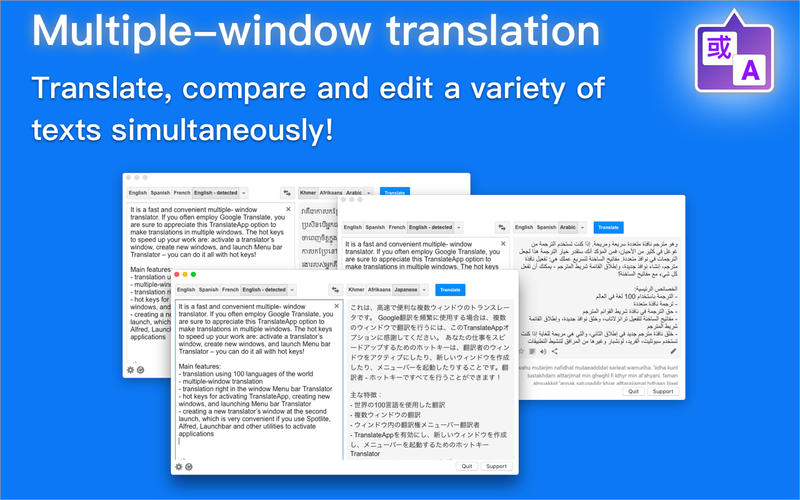
- multiple-window translation
- translation right in the Menu bar Translator Window
- hotkeys for activating Miya Translate, creating new windows, and launching Menu bar Translator
- creating a new translator’s window at relaunch, which is very convenient if you use Spotlight, Alfred, Launchbar and other utilities to activate applications
Notes:
You need an Internet connection to access the Miya Translate for Google Translate
You need an Internet connection to access the Miya Translate for Google Translate
WHAT’S NEW
Version 1.1
- several bug fixes
- improved icon
SCREENSHOTS
Frequently asked questions
How do I install the app?
Mount the image, drag the app into the "Applications" folder and launch it. If the system blocks the launch, allow it in "System Settings → Privacy & Security".
The app is damaged or won't launch
Reinstalling from a fresh image usually helps. Make sure your macOS version matches the one listed in the compatibility specs.
How do I update?
Download the new version from the site and install it over the current one — your settings will be preserved.
The download link doesn't work
Try a mirror or a download manager. For large files the browser often drops the connection.
How do I completely remove the app?
Use an uninstaller utility — it cleans up the service files that remain after moving the app to the trash.
VersionMiya Translate 1.1
DeveloperSergii Gerasimenko © MacPlus Software
CompatibilityOS X 10.10 or later, 64-bit processor
LanguageEnglish
IncludesPre-K'ed





Information
Visitors in the group Guests cannot leave comments on this publication.
Choose a download source
Miya Translate 1.1 · 3.11 MB