
Movavi Media Player 2.0
The number of natively supported formats on OS X is quite small, so users often need to install special software to open media files in other formats. Instead, try Movavi Media Player – a handy lightweight program that will serve as the perfect WMV, AVI, and MKV player for Mac and let you forget about format incompatibility issues forever. With Movavi Media Player, you can enjoy your favorite films and songs in more than 50 formats and watch high quality video without system crashes and annoying slowdowns.
Play Any Video on Your Mac
Movavi Media Player will make unsupported formats a thing of the past. The software lets you play not only popular formats like MP4 or MOV but also many less common ones. Use it as an AVI player for Mac or a viewer for Windows Media Video (WMV) and dozens of other file types, including HTML5 video (WebM, OGV), RM, MTS, H.264 video, and more.
Enjoy Music in Your Preferred Format
MP3, AAC, OGG, FLAC, WMA, WAV, M4A, and more – whatever your audio format, Movavi Media Player probably supports it. Enjoy your favorite music without the loss in quality often associated with conversion. Add music files and play them in Shuffle or Repeat mode. Finally, your ultimate Mac music player!
Watch Smooth HD Video
HD movies have really spoiled us in terms of video playback quality expectations. However, many video players can barely cope with large Matroska (MKV) or WMV files, causing time lags and slowdowns. Unlike many other movie players for Mac, Movavi Media Player provides the perfect HD experience, with smooth video and no bugs or other unexpected effects.
Adjust Playback Settings in a Flash
Manage subtitles with just a couple of clicks: choose the track, set the position of the text, and synchronize it with the audio. Choose which audio or video tracks you want to play back if there are multiple tracks in your file. Jump to a specific point in the video. Adjust the colors and the aspect ratio of the clip.
SCREENSHOTS
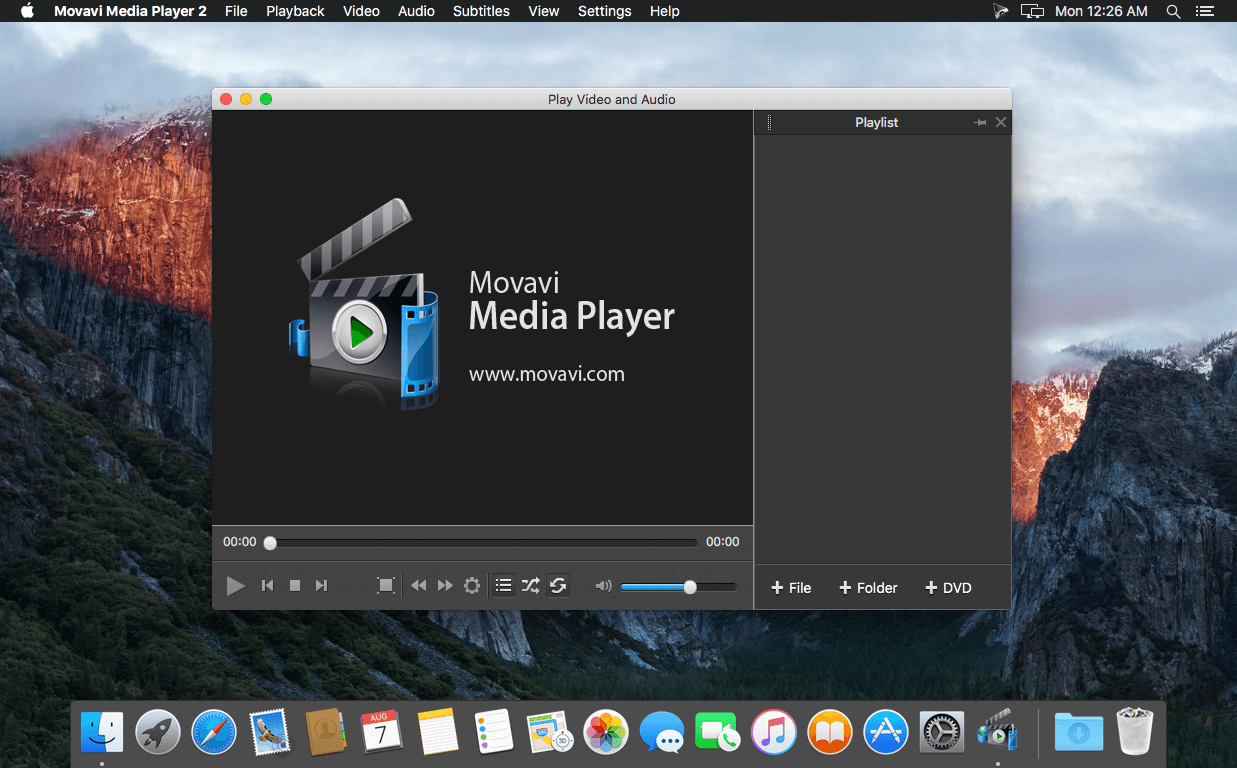
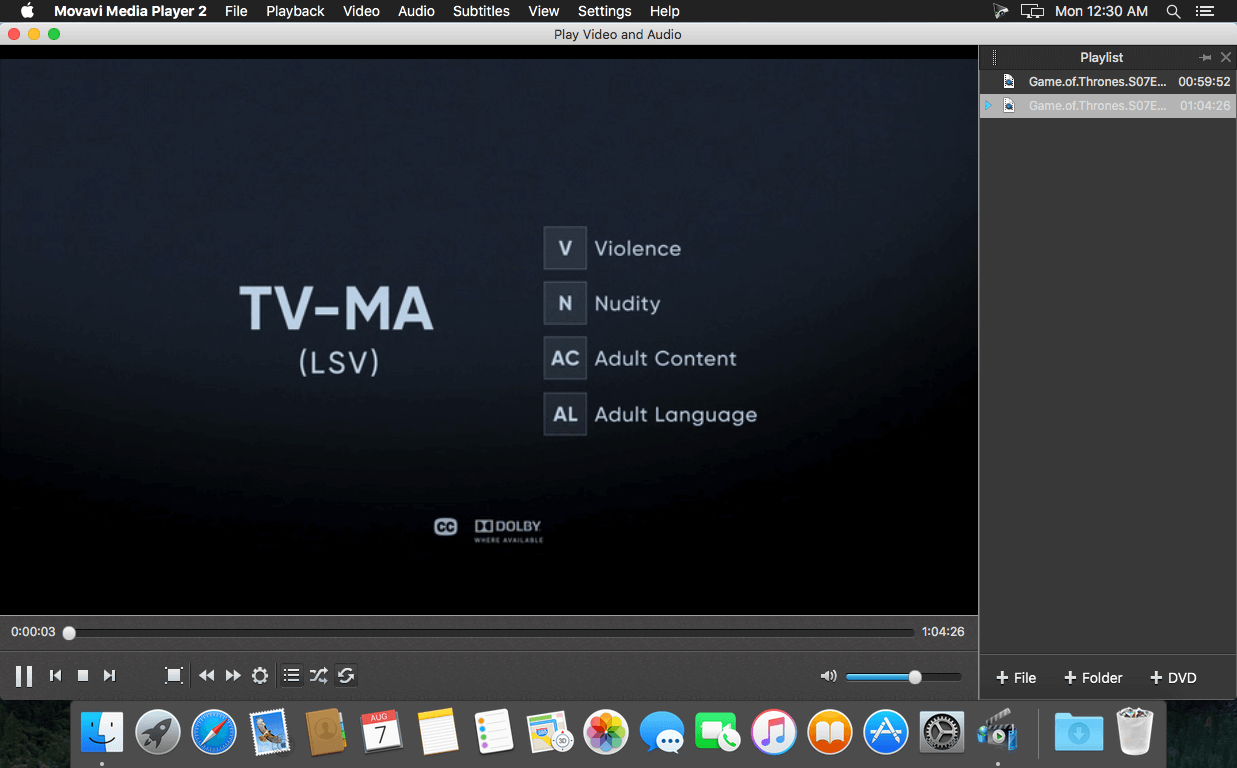
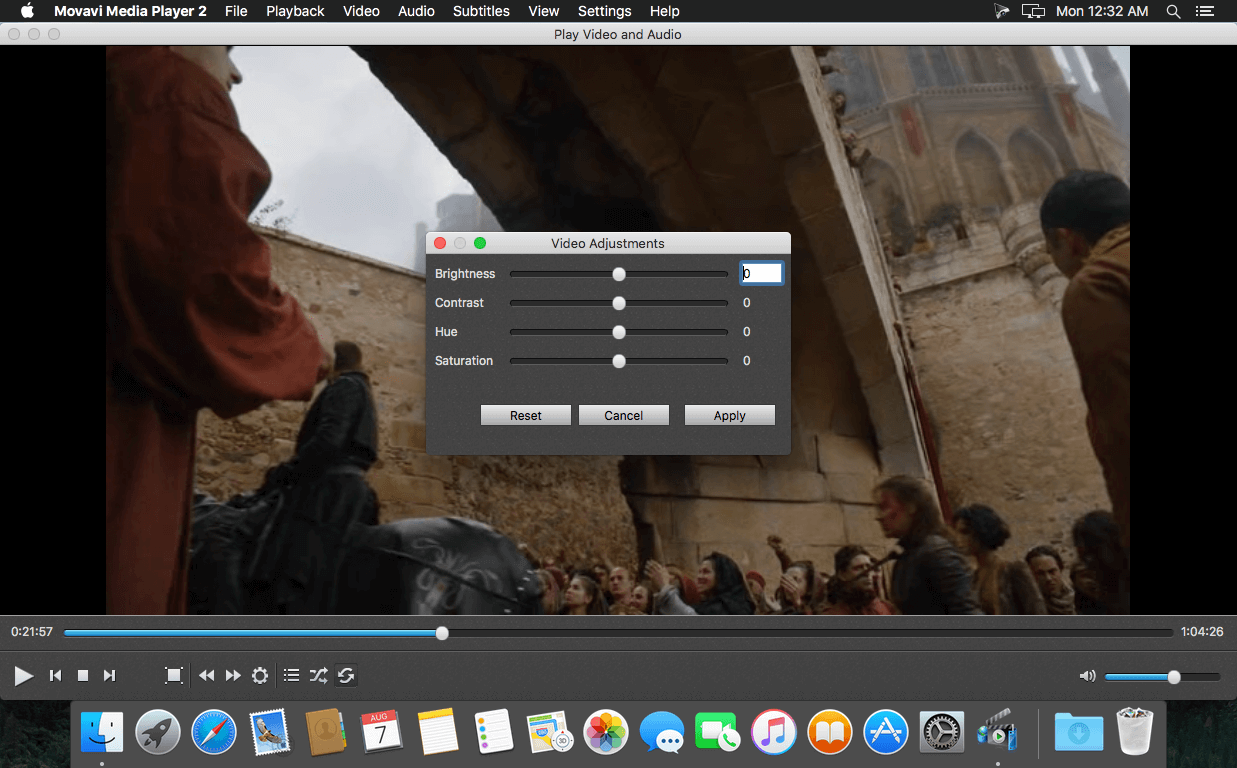
Frequently asked questions
How do I install the app?
Mount the image, drag the app into the "Applications" folder and launch it. If the system blocks the launch, allow it in "System Settings → Privacy & Security".
The app is damaged or won't launch
Reinstalling from a fresh image usually helps. Make sure your macOS version matches the one listed in the compatibility specs.
How do I update?
Download the new version from the site and install it over the current one — your settings will be preserved.
The download link doesn't work
Try a mirror or a download manager. For large files the browser often drops the connection.
How do I completely remove the app?
Use an uninstaller utility — it cleans up the service files that remain after moving the app to the trash.
VersionMovavi Media Player 2.0
DeveloperMovavi
CompatibilityOS X 10.6.8 or later 64-bit
LanguageMultilingual
IncludesK'ed by TNT





Information
Visitors in the group Guests cannot leave comments on this publication.
Choose a download source
Movavi Media Player 2.0 · 42.74 MB