
Mail ActOn 4.1.2
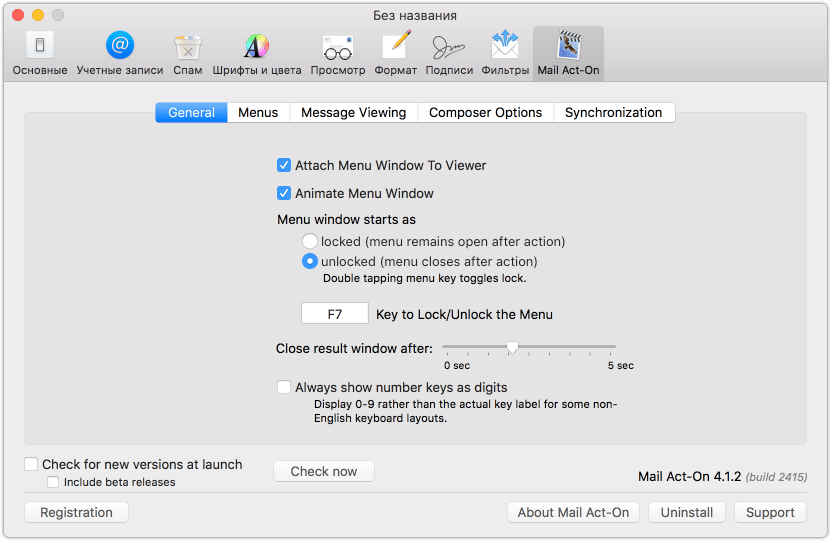
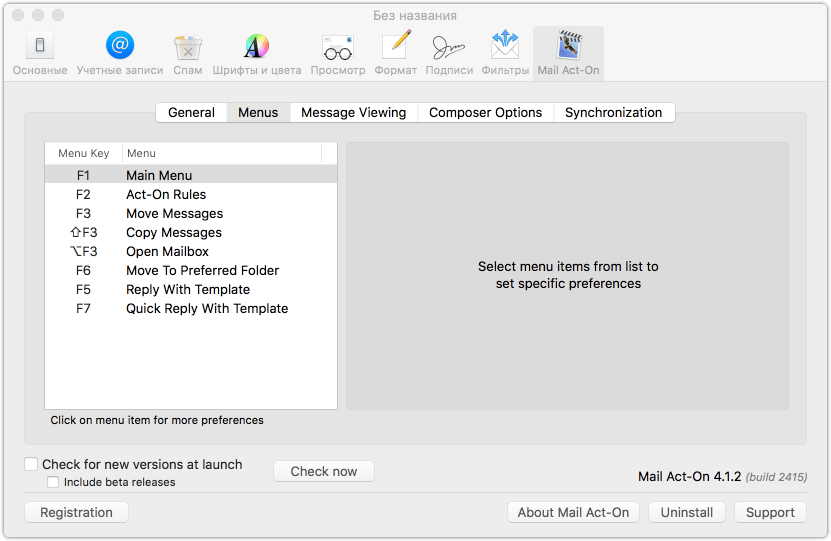
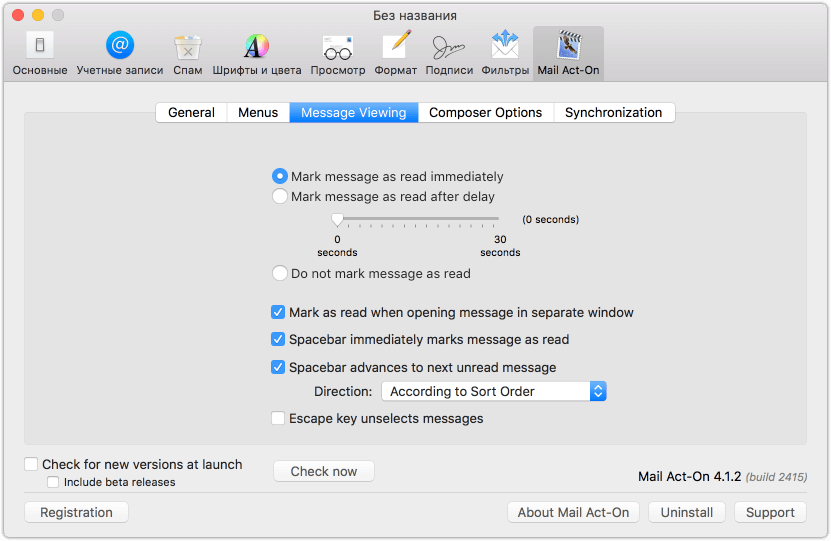
Mail Act-On is the powerful enhancement to Apple's Mail Application that puts organization at your fingertips. Use Mail Act-On to create rules to perform action on messages by responding to simple keystrokes. Create Outbox rules to automatically add headers and set the archive mailboxes of sent mail. Mail Act-On is the indispensable tool for anyone who needs to manage their mail more efficiently.
Version 4.1.2:
- New: Cancel delivery outbox rule action becomes confirm delivery rule action with option to send or cancel delivery.New Show MailTags Keyword and Project mailboxes in Open Mailbox. Fixes potential crash when opening MAO window for applying Rules to messages.Fixed
- Fixes potential issue where MAO rules may be lost at initial sync when updating.
- Fixed: Addresses issue where MAO may hang at launch if sync settings is turned on.
- Fixed: Crash when sending messages on OS X 10.11.
- Fixed: Crash when selecting Edit templates... in template menus
- Fixed: Choosing open Mail Act-On preferences from File menu does nothing.
- Fixed: Intermittent stability issues when opening Mail Act-On Rule Menu window.
- Fixed Fixes logic error when displaying High Sierra welcome window. Welcome window may show a second time for some users.
- Fixed: Issue with delayed delivery time not displaying in classic mode.
- Fixed: Interface issues when reediting delivery time for delayed messages.
- Fixed: Outbox rules after-delivery actions not performing for delayed messages
- Fixed: Issue with rules losing their destination mailboxes when rules are synchronized between machines (especially for exchange mailboxes)
Frequently asked questions
How do I install the app?
Mount the image, drag the app into the "Applications" folder and launch it. If the system blocks the launch, allow it in "System Settings → Privacy & Security".
The app is damaged or won't launch
Reinstalling from a fresh image usually helps. Make sure your macOS version matches the one listed in the compatibility specs.
How do I update?
Download the new version from the site and install it over the current one — your settings will be preserved.
The download link doesn't work
Try a mirror or a download manager. For large files the browser often drops the connection.
How do I completely remove the app?
Use an uninstaller utility — it cleans up the service files that remain after moving the app to the trash.
VersionMail ActOn 4.0.4
DeveloperSmallCubed
CompatibilityOS X 10.11.6 or later
LanguageEnglish
IncludesSerial





Information
Visitors in the group Guests cannot leave comments on this publication.
Choose a download source
Mail ActOn 4.1.2 · 9.05 MB