Fotor Photo Editor Pro 3.5.1
If you're looking for an easy to use photo editor with lots of editing options and effects, look no further than Fotor.
Portraits Touch Up
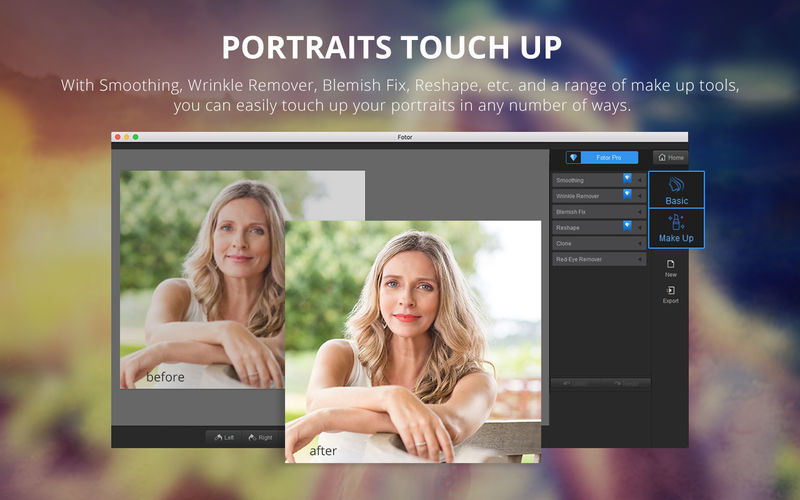
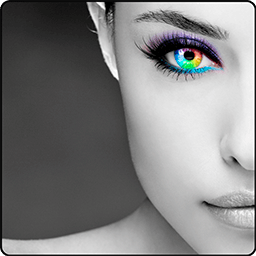
No matter whether you want smooth skin, to reshape your face, or make the way you look in portraits more lifelike, the touch up function helps you with all of that—deftly, and in double quick time. With basic tools such as: Smoothing, Wrinkle Remover, Blemish Fix, Reshape, Clone and Red-Eye Remover, you can touch up portraits with a single click. With make up tools such as: Eye Tint, Eye Shadow, Eye Liner, Mascara, Eyebrow Pencil, Blush, Lip Tint, and Teeth Whitening you can have a whole range of makeup at your fingertips.
Batch
Quickly process dozens of photos to save time and efforts. Batch processing can help apply Scenes, Effects, and Borders with one click, and can also quickly complete Batch resizing, renaming, and file format conversion.
Collage
Versatile collage feature gives you a ton of flexibility to create and customize! Select from over 80 templates up to 9 photos at a time, or use Free Style to move photos around whatever you want with 26 unique backgrounds to choose from. Finish off your masterpiece with the border color that catches your eye, or select from 10 border designs. Even adjust border width, add a shadow effect or round off the corners.
Photo Editing
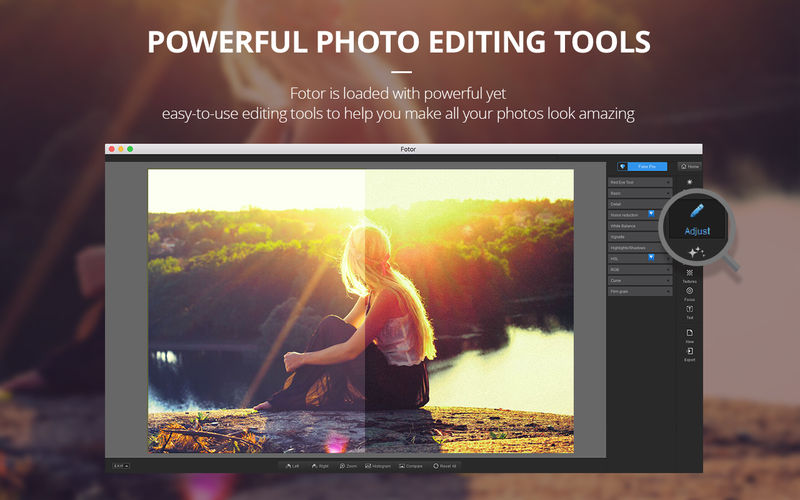
Fotor's state-of-the-art photo processing engine makes it easy to process high quality photos quickly. Adjust exposure, brightness, contrast, white balance, and saturation, sharpen/blur, highlights/shadows, HSL, add a vignette or film grain, remove red eye, reduce image noise, or crop, straighten, rotate, fix image distortion or correct lens distortion.
Flexible Text Editing Tool
Got something to say? You can now add text to any photo. Lots of options to adjust the font, size and color of your text till it looks perfect!
Sophisticated Photo Enhancement
Most photos aren’t taken in a controlled environment and often there isn’t time to adjust the settings on your camera. Enter the magic of Fotor. “Scenes” offers 15 1-tap-enhance options that have been configured for various photo capture conditions. Click now, adjust later.
Effects & Borders
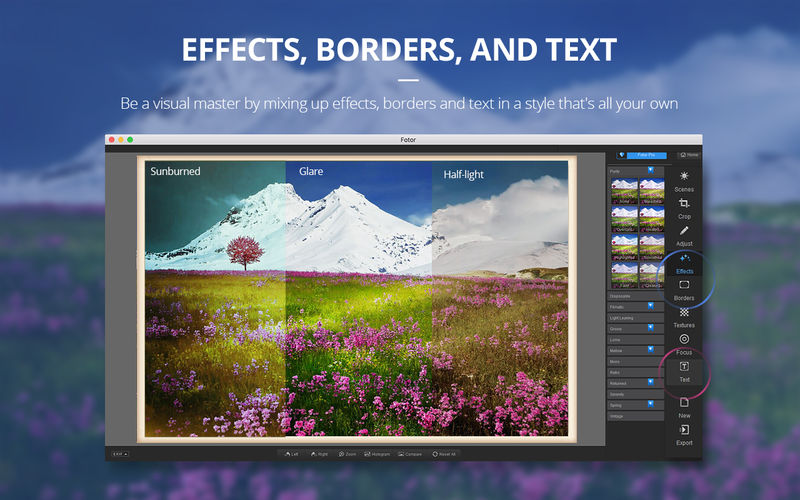
Fotor comes loaded with over 150 effects, including Classic, Retro, Lomo, B&W, and new popular packs of Cinematic, Disposable, Mono, Filmatic, Lighting Leaking, Groovy, Mellow, Spring, Warm Winter, Solar and Serenity. Over 60 styles of frames, including Simple lines, Borders, Artico, Styled, Floral, Old School, Holiday, Lovers, Gallery and Stamp.
Textures
You can now apply different textures (up to 26) on images under variable shooting scenes just by a click.
Focus
Unleash your creative inspiration by using a mix of clear focus and selective blurring. Fotor’s Focus editor gives your images the depth-of-field normally seen only on professional-grade DSLR cameras.
Version 3.5.1
- Optimization of performance, increasing speed, stability and compatibility to some device.
Frequently asked questions
How do I install the app?
Mount the image, drag the app into the "Applications" folder and launch it. If the system blocks the launch, allow it in "System Settings → Privacy & Security".
The app is damaged or won't launch
Reinstalling from a fresh image usually helps. Make sure your macOS version matches the one listed in the compatibility specs.
How do I update?
Download the new version from the site and install it over the current one — your settings will be preserved.
The download link doesn't work
Try a mirror or a download manager. For large files the browser often drops the connection.
How do I completely remove the app?
Use an uninstaller utility — it cleans up the service files that remain after moving the app to the trash.
VersionFotor Photo Editor Pro 3.5.1
DeveloperChengdu Everimaging Science
CompatibilityOS X 10.9 or later, 64-bit processor
LanguageEnglish
IncludesK'ed by TNT

Information
Visitors in the group Guests cannot leave comments on this publication.
Choose a download source
Fotor Photo Editor Pro 3.5.1 · 170.32 MB